/Lawcode%20Logo%20(White).svg)
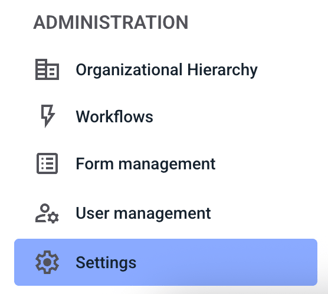
To edit a process step, click Settings under Administration.
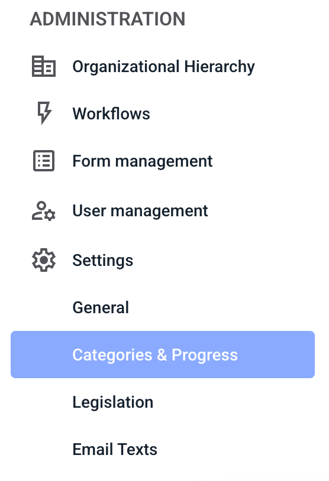
Then click on Categories & Progress.
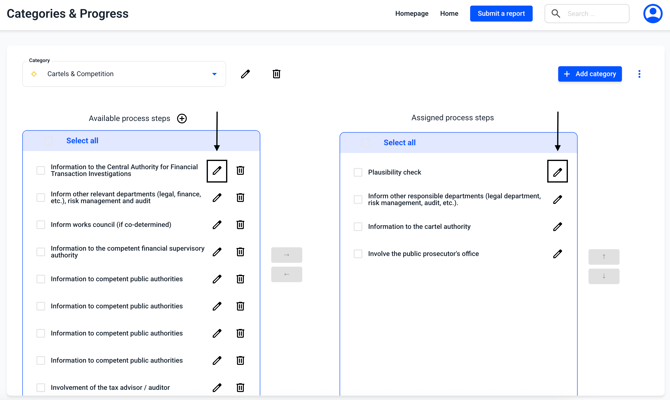
A process step can be edited by clicking on the edit pencil.
IMPORTANT: Process steps are unspecific and changes to process steps are carried out in all categories.
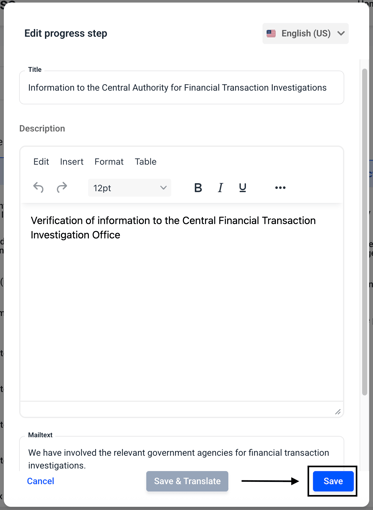
Within the editing overview, you can now make changes to the title, description, or email text. Change the content as desired and confirm by clicking Save.
Enclosed you will also find instructions on how to perform a manual or automatic translation.