/Lawcode%20Logo%20(White).svg)
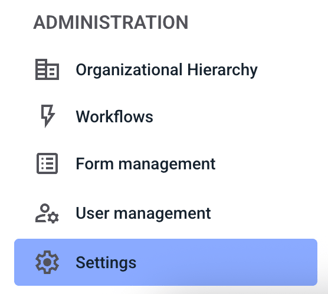
To automatically translate a process step, first click on Settings in the Administration.
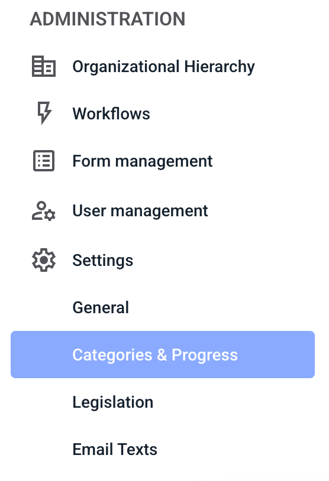
Then click on Categories & Progress.
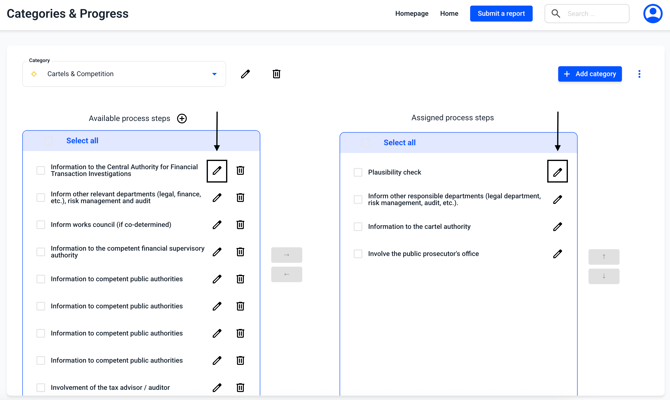
A process step can be edited by clicking on the edit pencil.
IMPORTANT: Process steps are unspecific and changes to process steps are carried out in all categories.
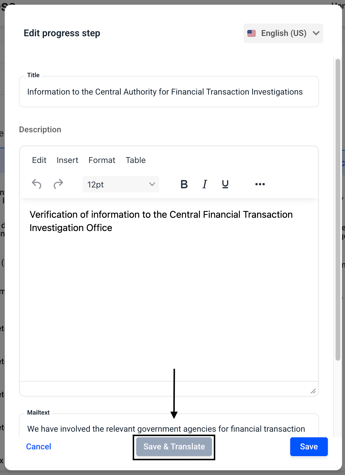
The process step window opens. Click Save & Translate there.
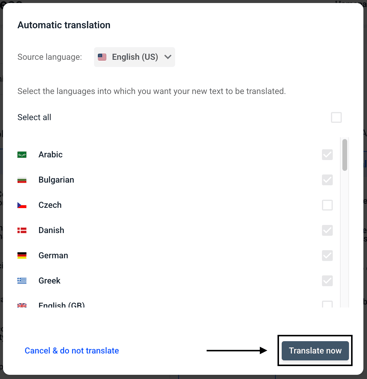
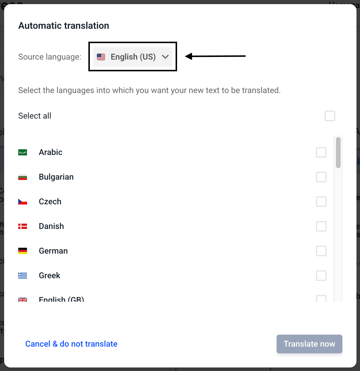
An overview opens in which you can first select the source language. This is automatically the language in whose text field you were before the translation.
Then you can select the languages into which the category should be translated.
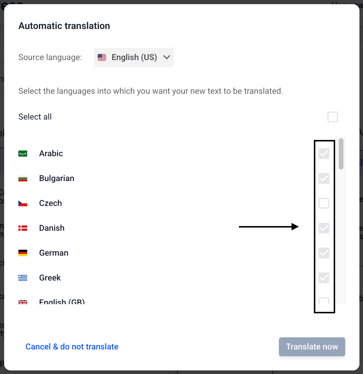
By clicking Translate now, the translation into the selected questions will be performed.