/Lawcode%20Logo%20(White).svg)
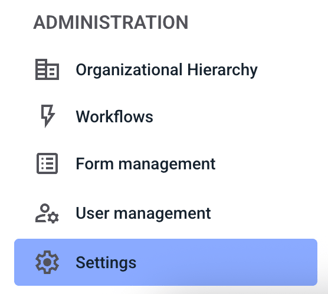
To translate a process step manually, first click on Settings in the Administration.
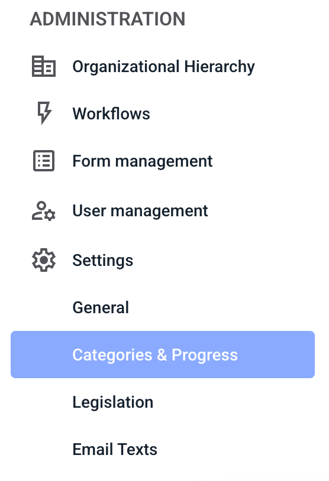
Then click on Categories & Progress.
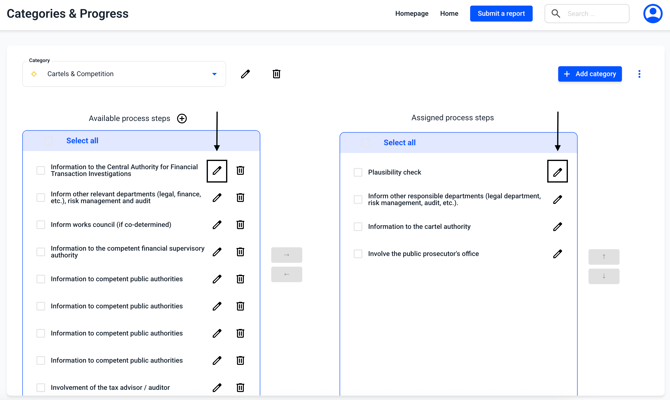
A process step can be edited by clicking on the edit pencil.
IMPORTANT: Process steps are unspecific and changes to process steps are carried out in all categories.
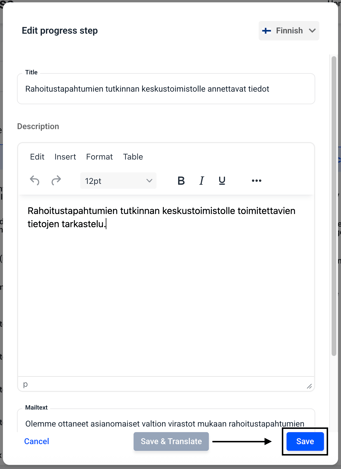
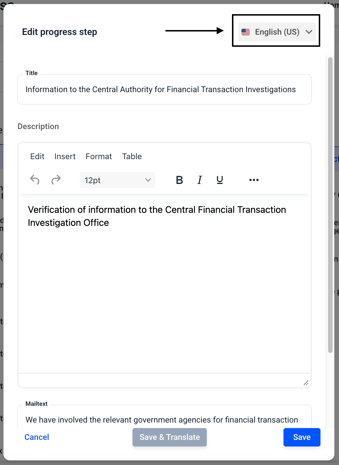
The process step window opens. Click on Languages in the top right corner.
Now select the desired language in which you want to perform the translation manually.
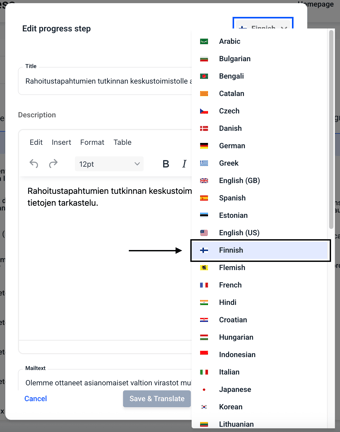
Now manually add the translations of your choice and then click Save.