/Lawcode%20Logo%20(White).svg)
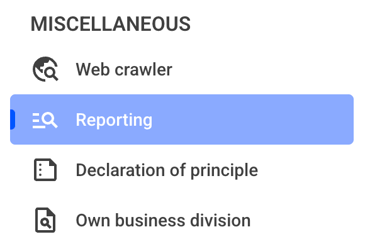
Click on the Reporting.
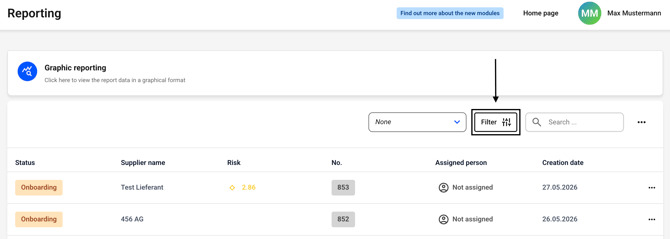
Now click the filter button. Alternatively, you can first select a filter to the left of the button and then click the filter button.
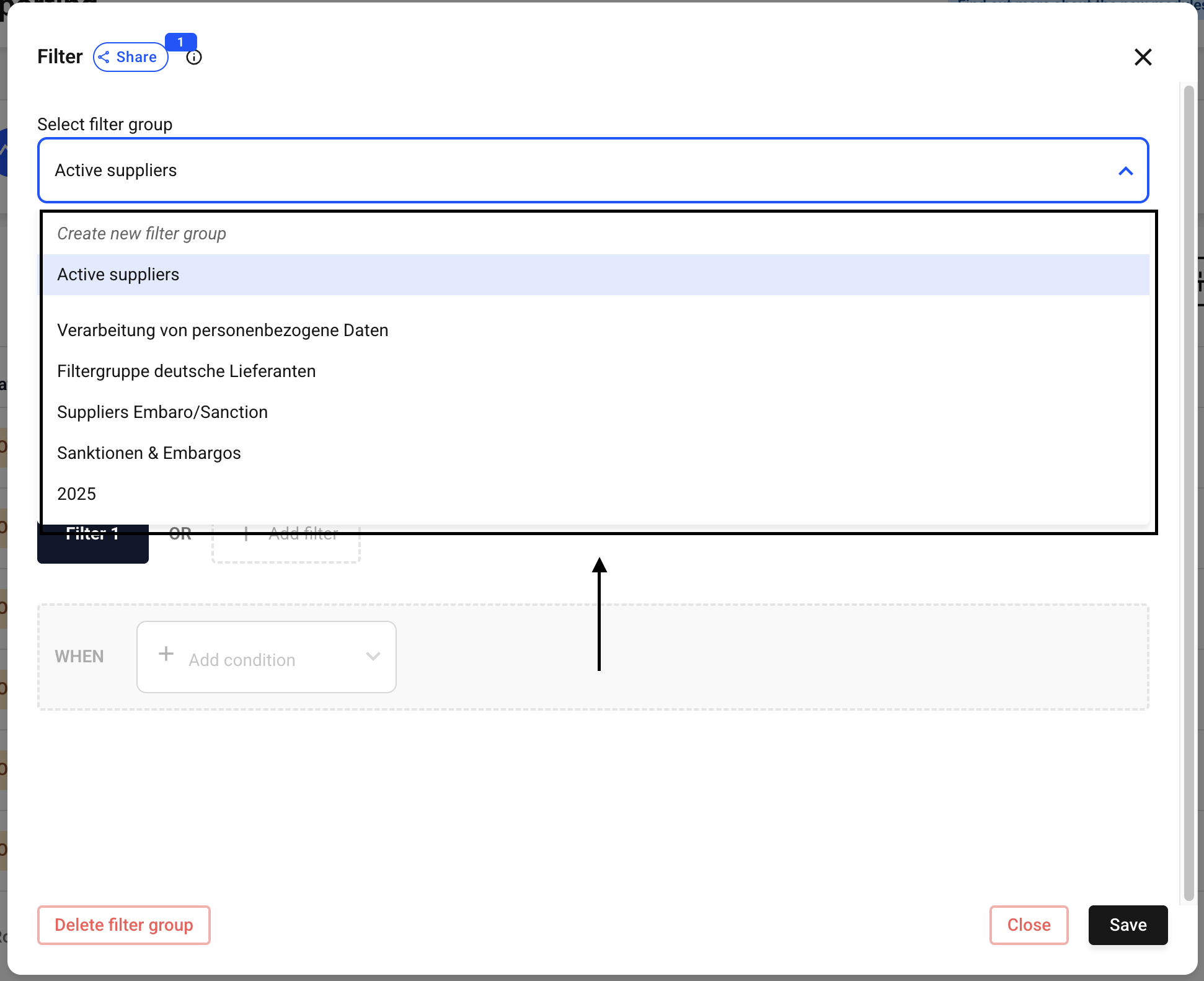
Now select the filter group for which you want to adjust the permissions. To do so, click the drop-down menu next to Select filter group.
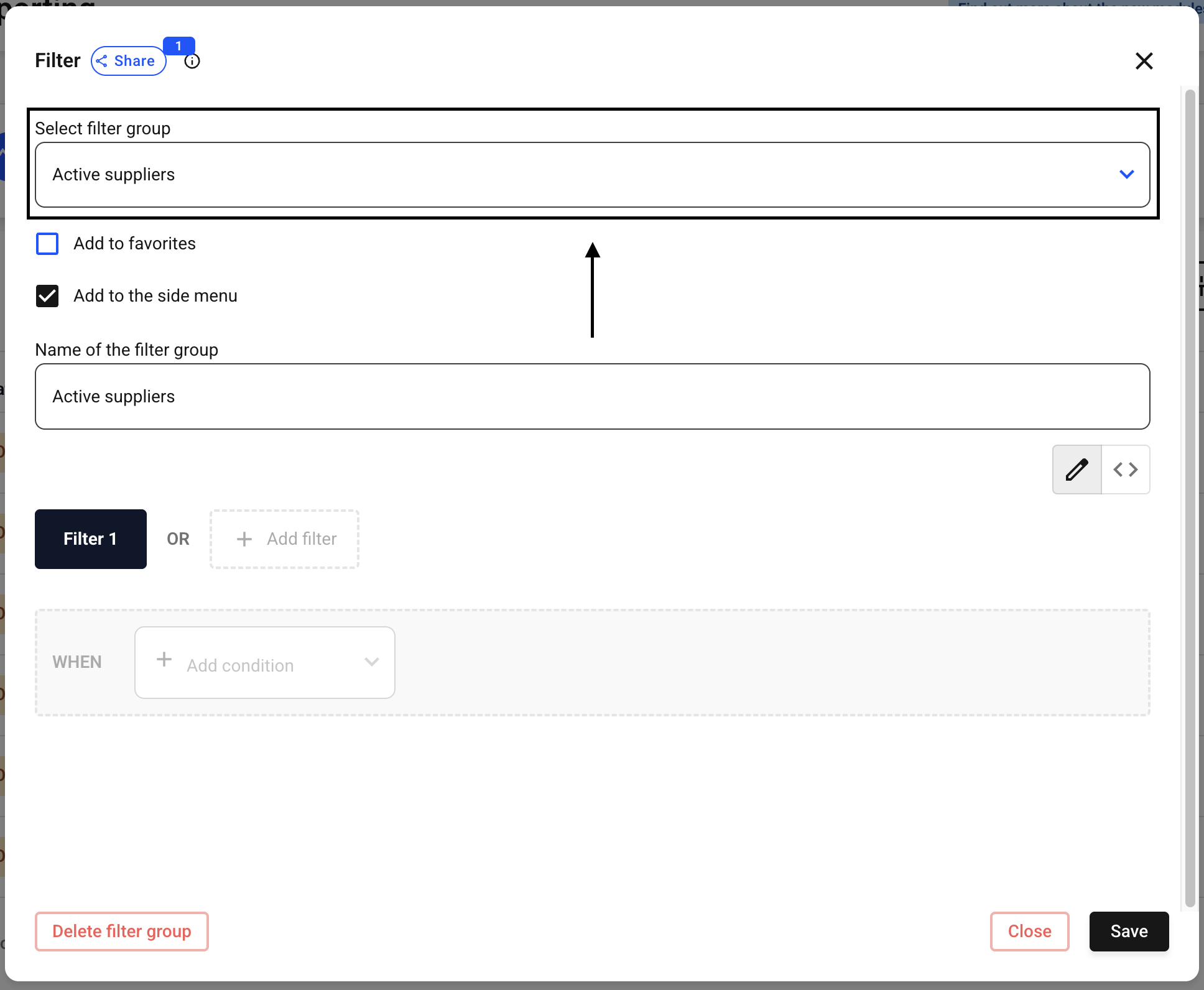
Now select the filter of your choice.
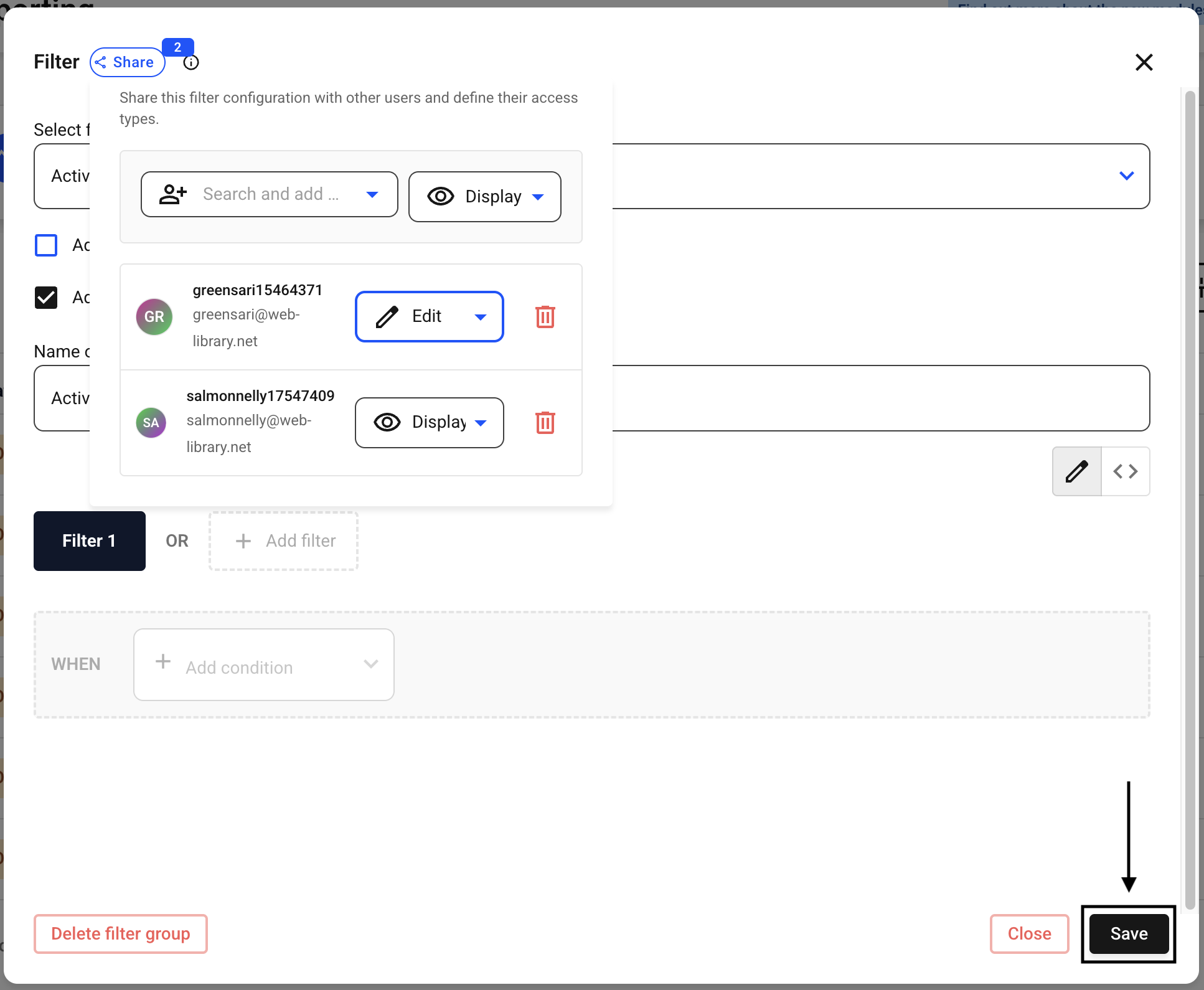
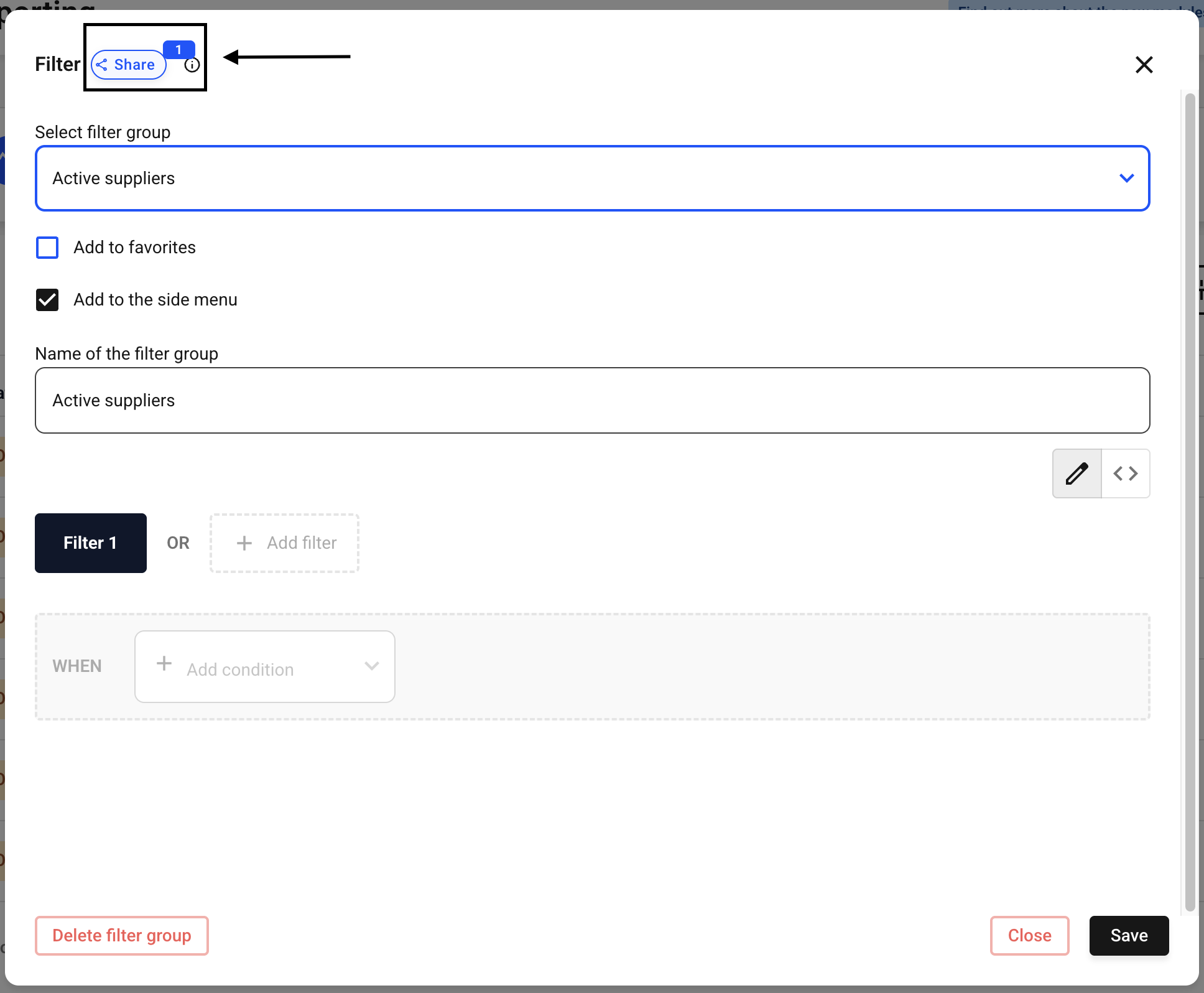
Now click Share.
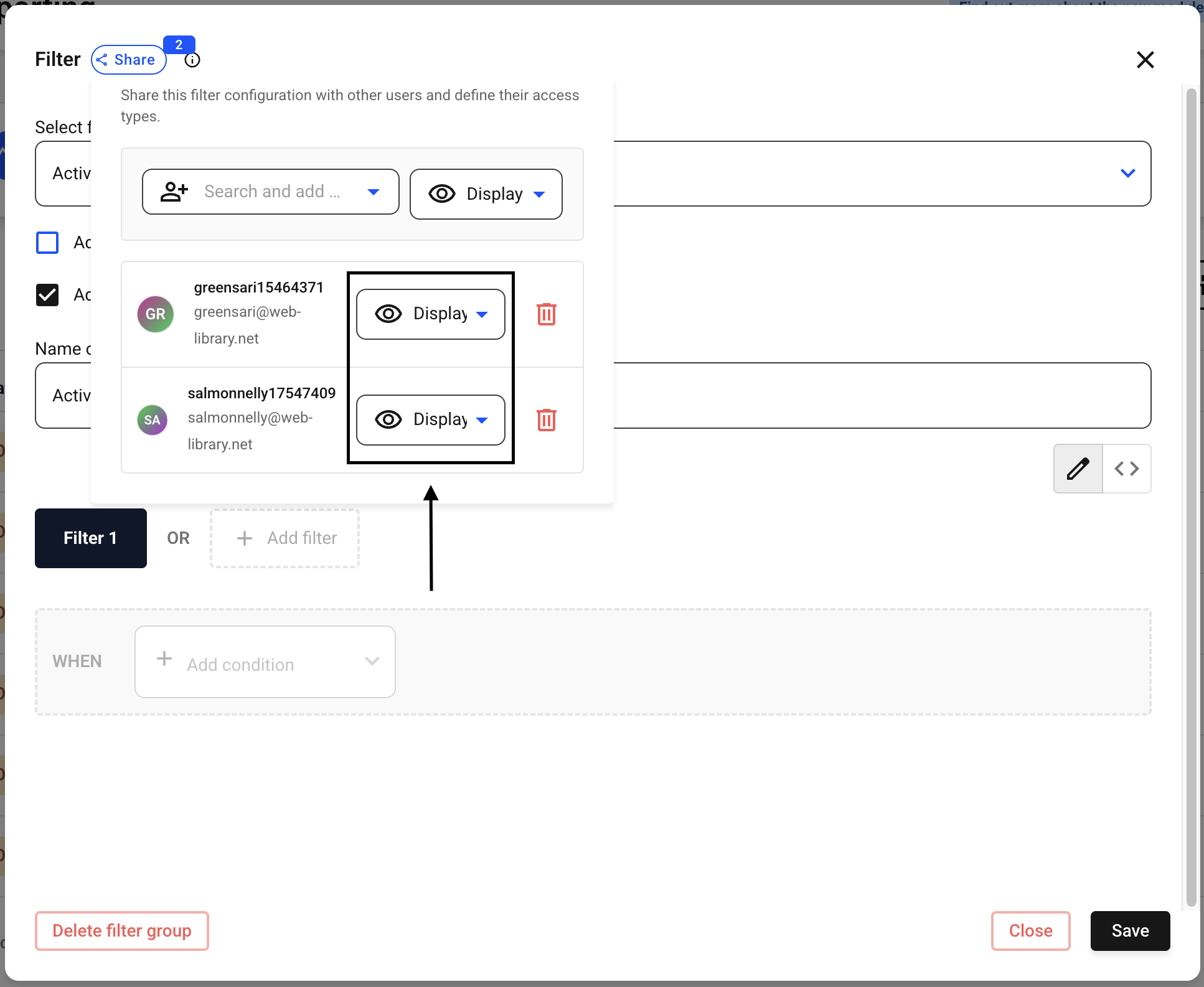
You can adjust permissions for each user at a later time. To do so, click the drop-down menu next to the person whose permissions you want to change.
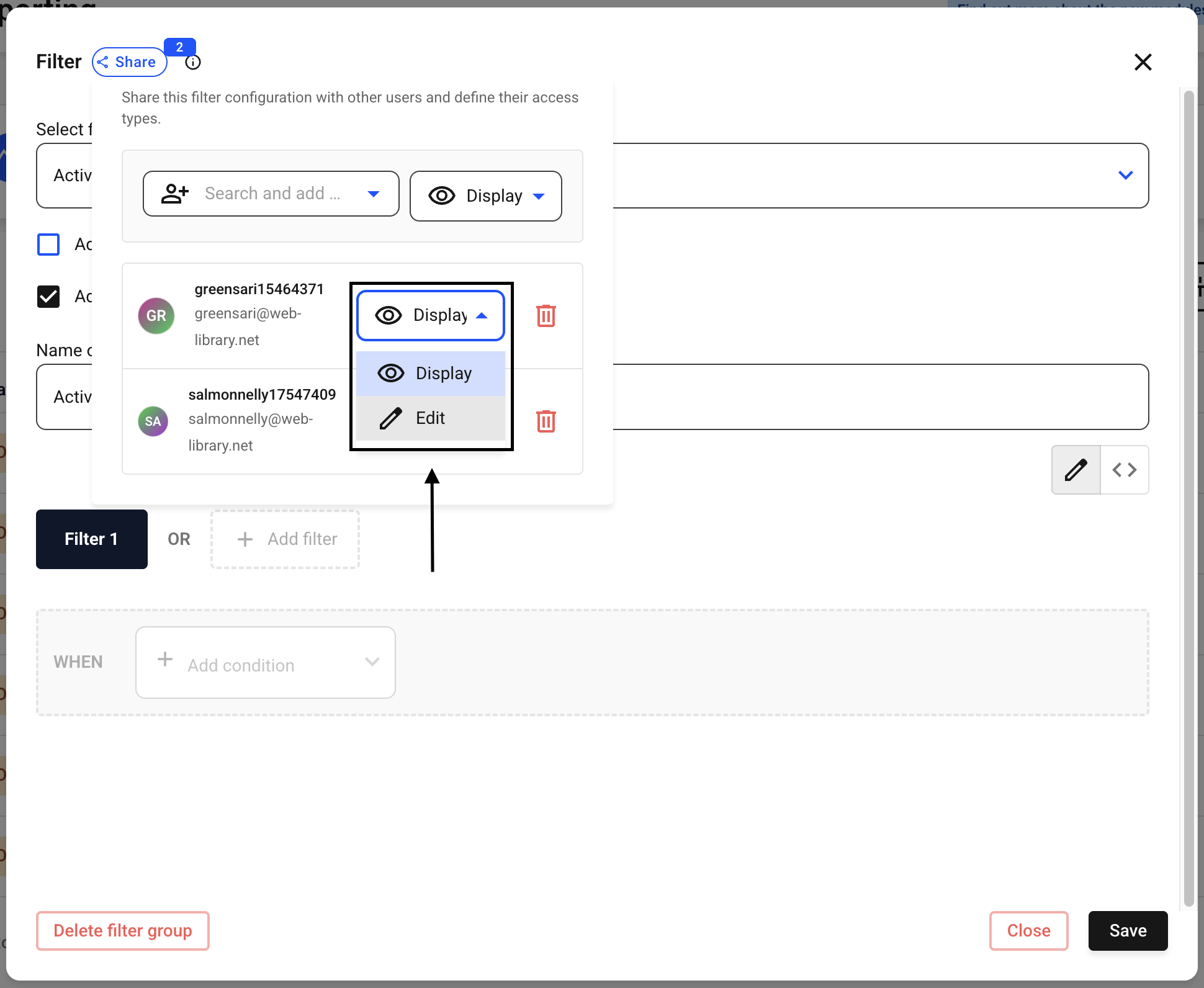
Now select the setting you want.
Confirm the change by clicking Save.