/Lawcode%20Logo%20(White).svg)
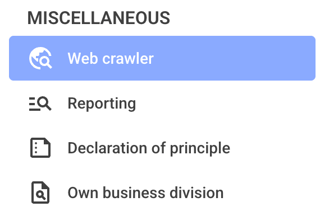
First, click on the Web crawler in the navigation overview.
You can view the saved moods in the upper section.
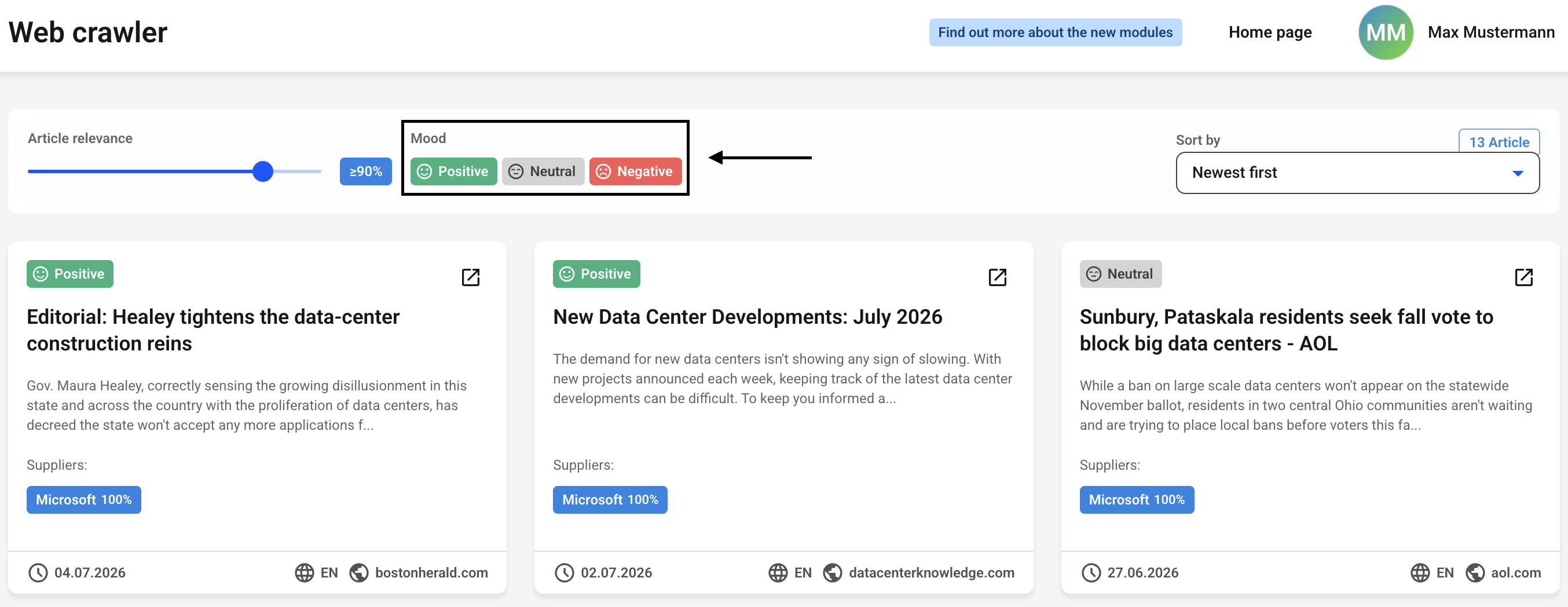
By default, all moods are enabled.
You can disable a mood in the product overview by clicking on it. It will then be displayed in gray. You can deactivate up to 2 moods at the same time, leaving only one mood active.
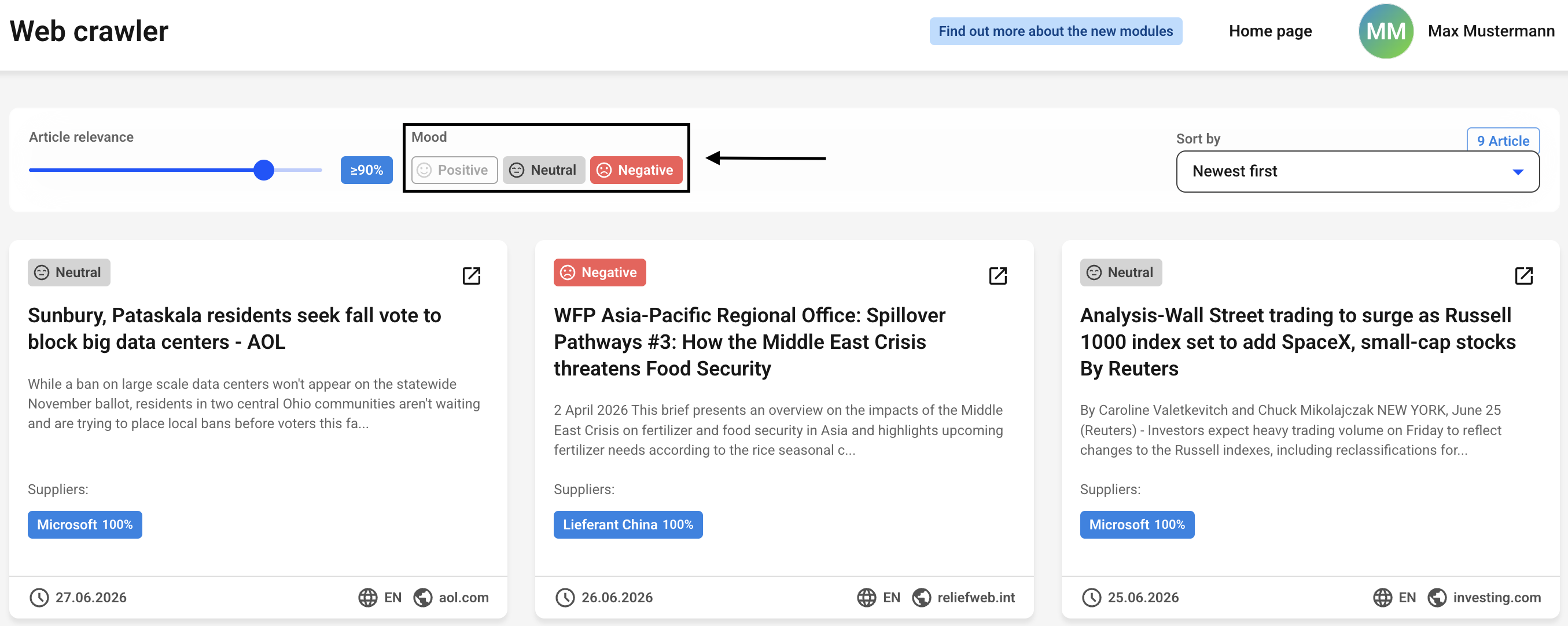
The items below will update immediately if you've disabled a mood.