/Lawcode%20Logo%20(White).svg)
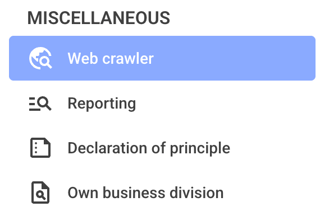
First, click on the Web crawler in the navigation overview.
You can now see the Relevance slider in the upper-left corner. The higher this value is set, the more rigorously the searches are checked for supplier match accuracy.

You can now see the Relevance slider in the upper-left corner. The higher this value is set, the more rigorously the searches are checked for supplier match accuracy.