/Lawcode%20Logo%20(White).svg)
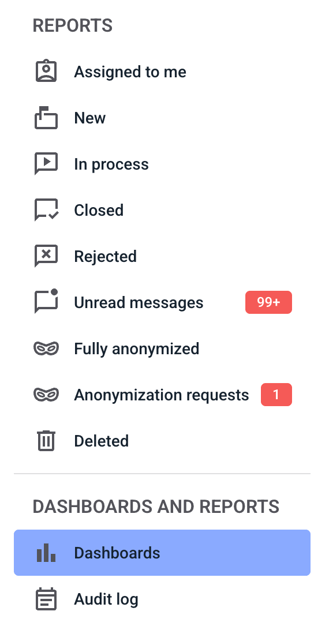
To customize the view of the columns in the dashboards, first click on dashboards.
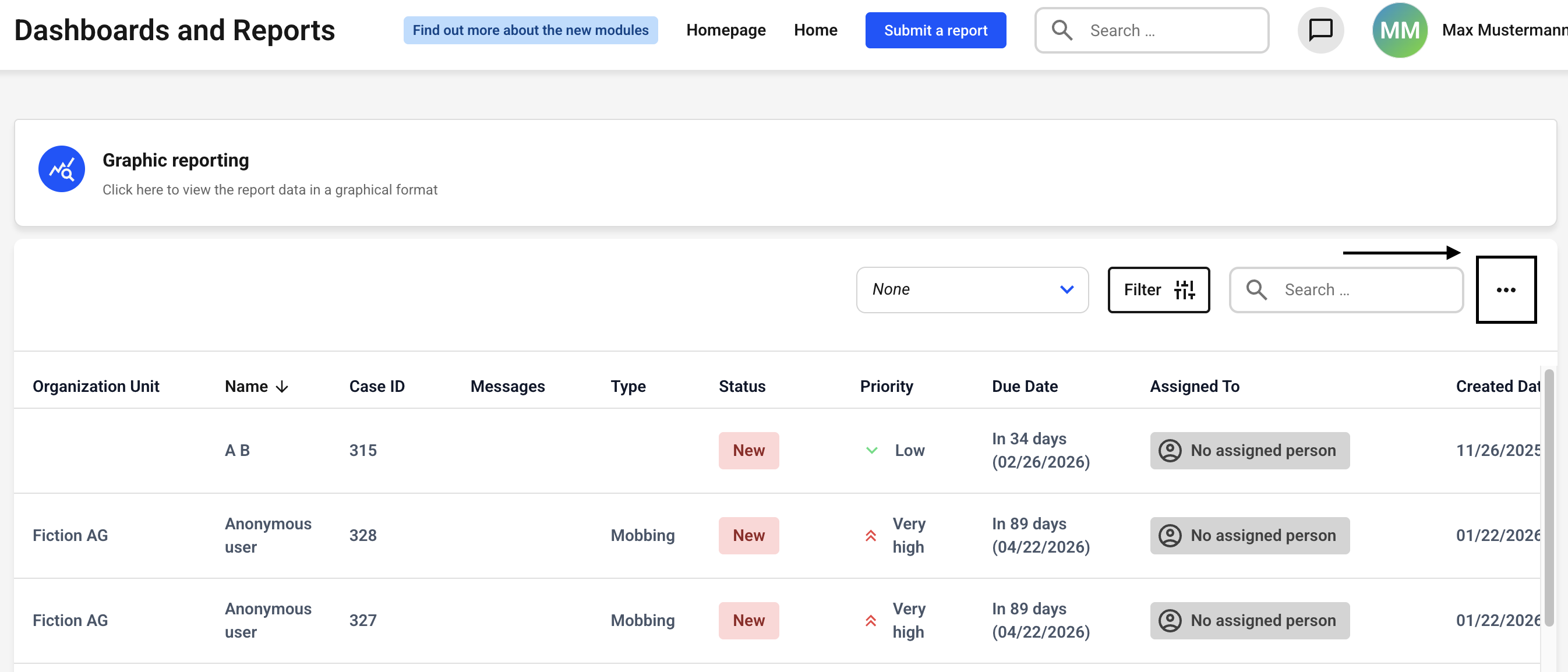
Now click on the three dots in the upper right corner.
A new window opens with the column selection.
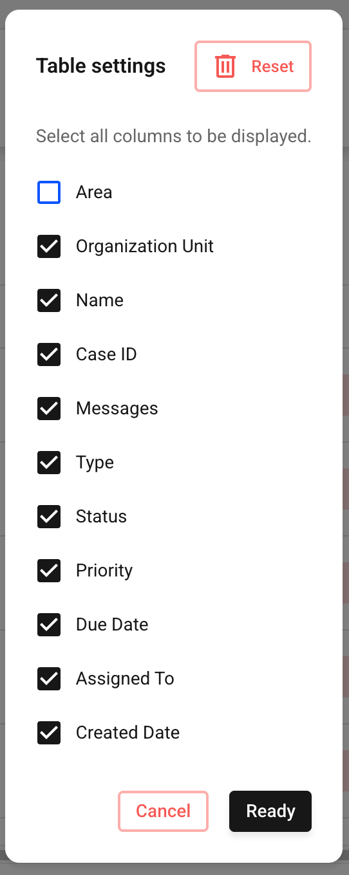
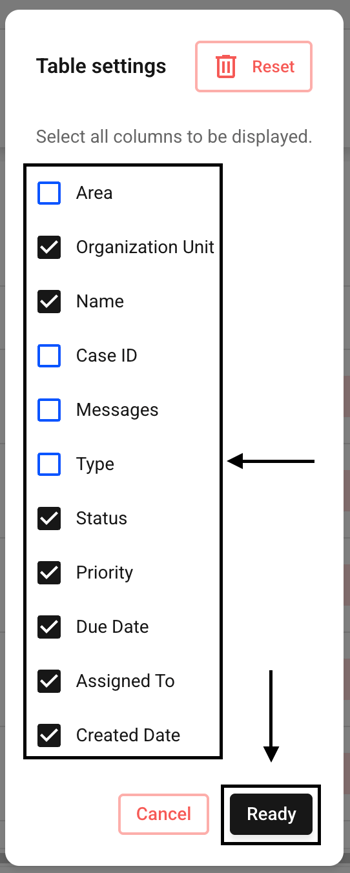
You can now activate a column by checking the checkbox and deactivate it by unchecking the box.
Then confirm your entry by clicking the Ready button.