/Lawcode%20Logo%20(White).svg)
To export a report as a PDF in a different language, first open the report of your choice.
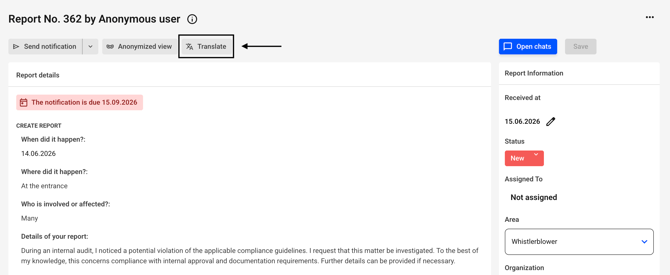
First, you need to translate the report into the language you want to export it in. To do this, click Translate.
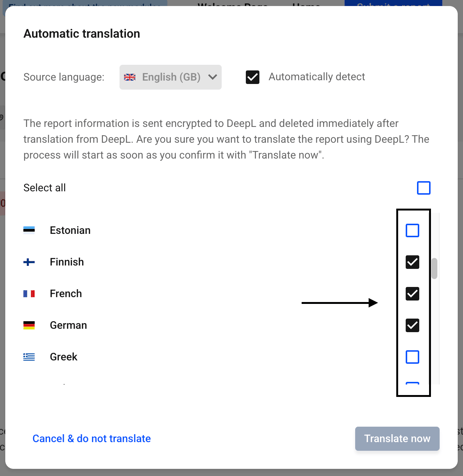
A new dialog box will open. Check the boxes next to the languages of your choice.
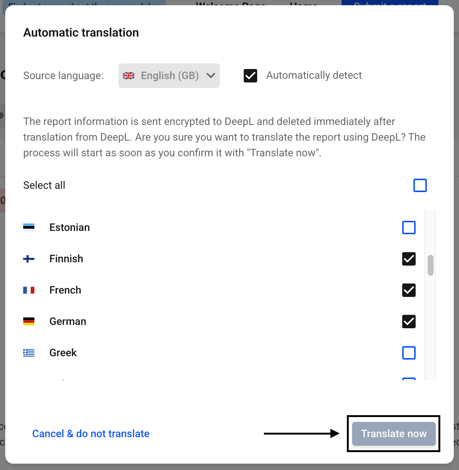
Click Translate now.
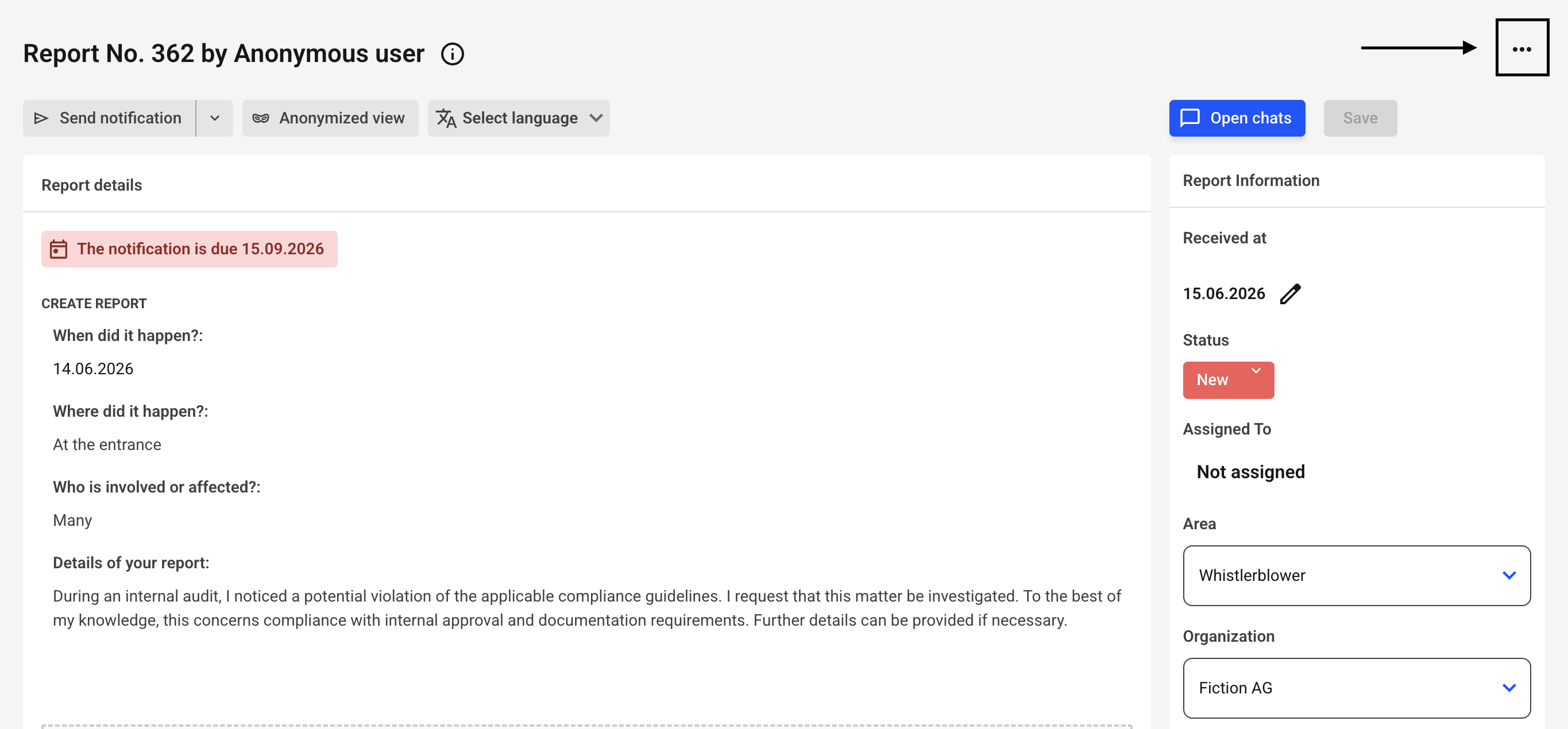
Now click the three dots in the upper-right corner of the report.
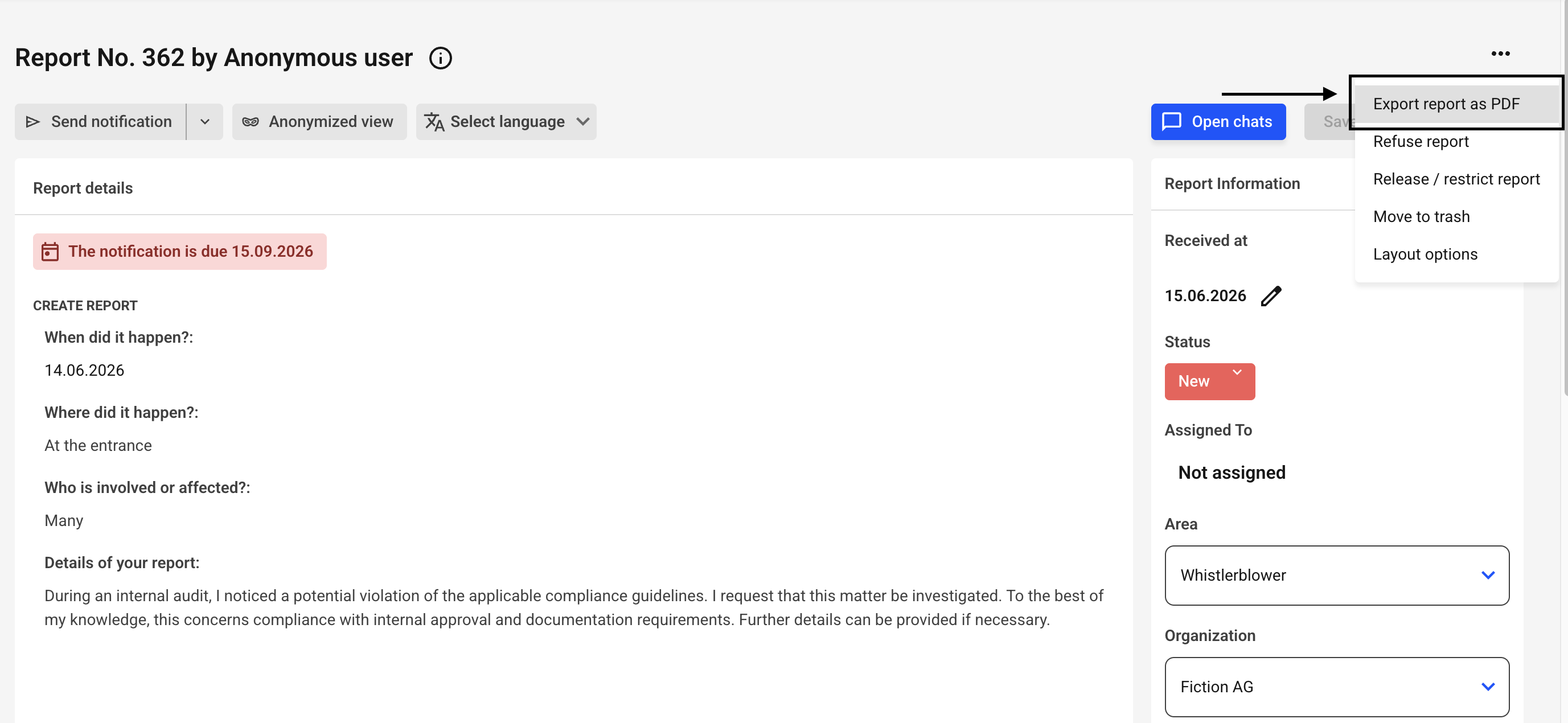
Now click on Export report as PDF.
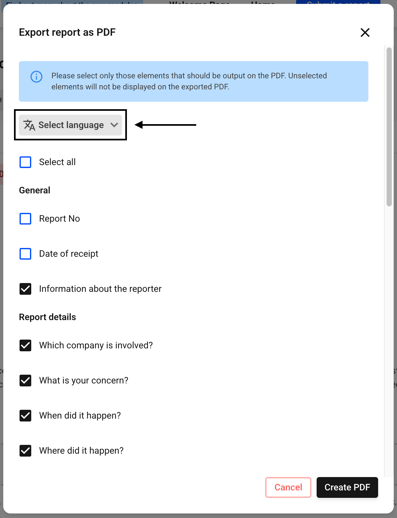
Click Select Language.
You will see the languages into which you have already translated the report.
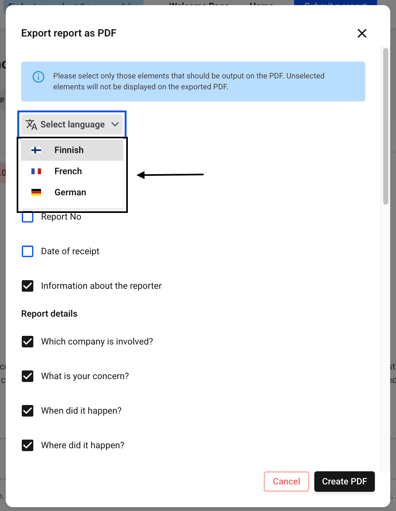
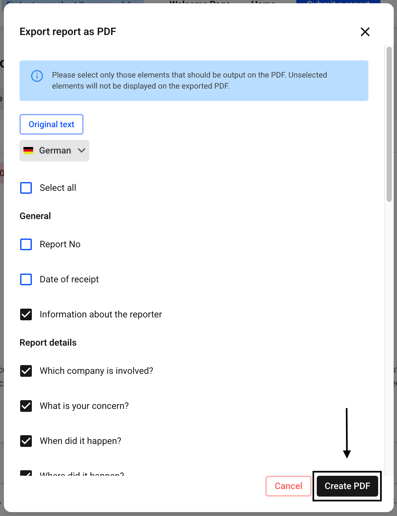
Select the language you want to export to and click Create PDF.