/Lawcode%20Logo%20(White).svg)
To permanently delete a report, it must first be moved to the trash. You can find out how to move a report to the trash here.
To permanently delete a note, click on Deleted.
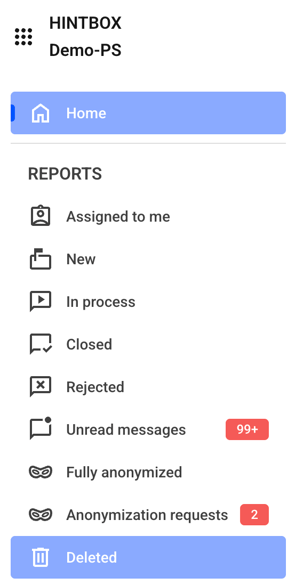
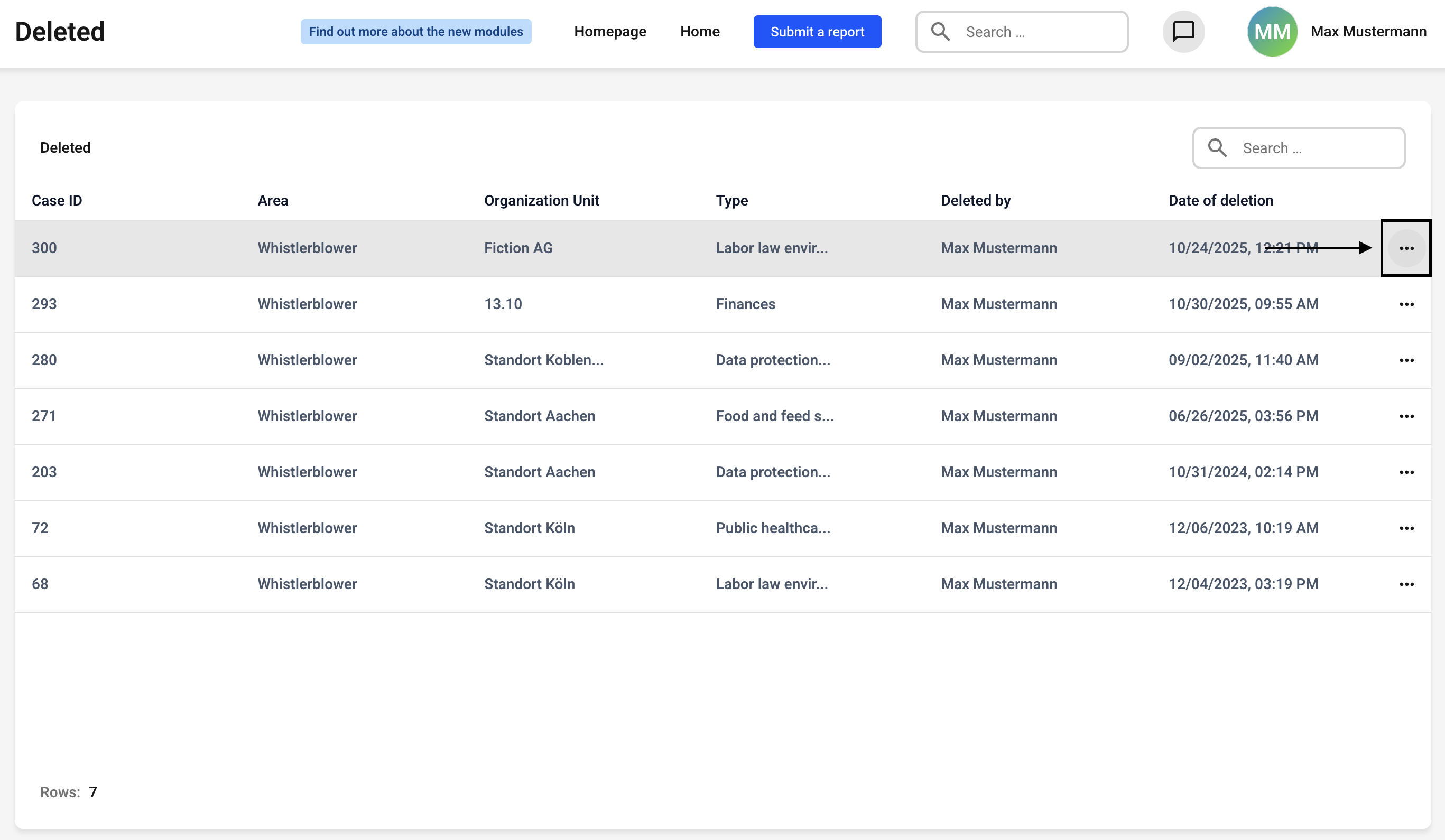
You will receive a detailed overview of the reports that have been moved to the trash.
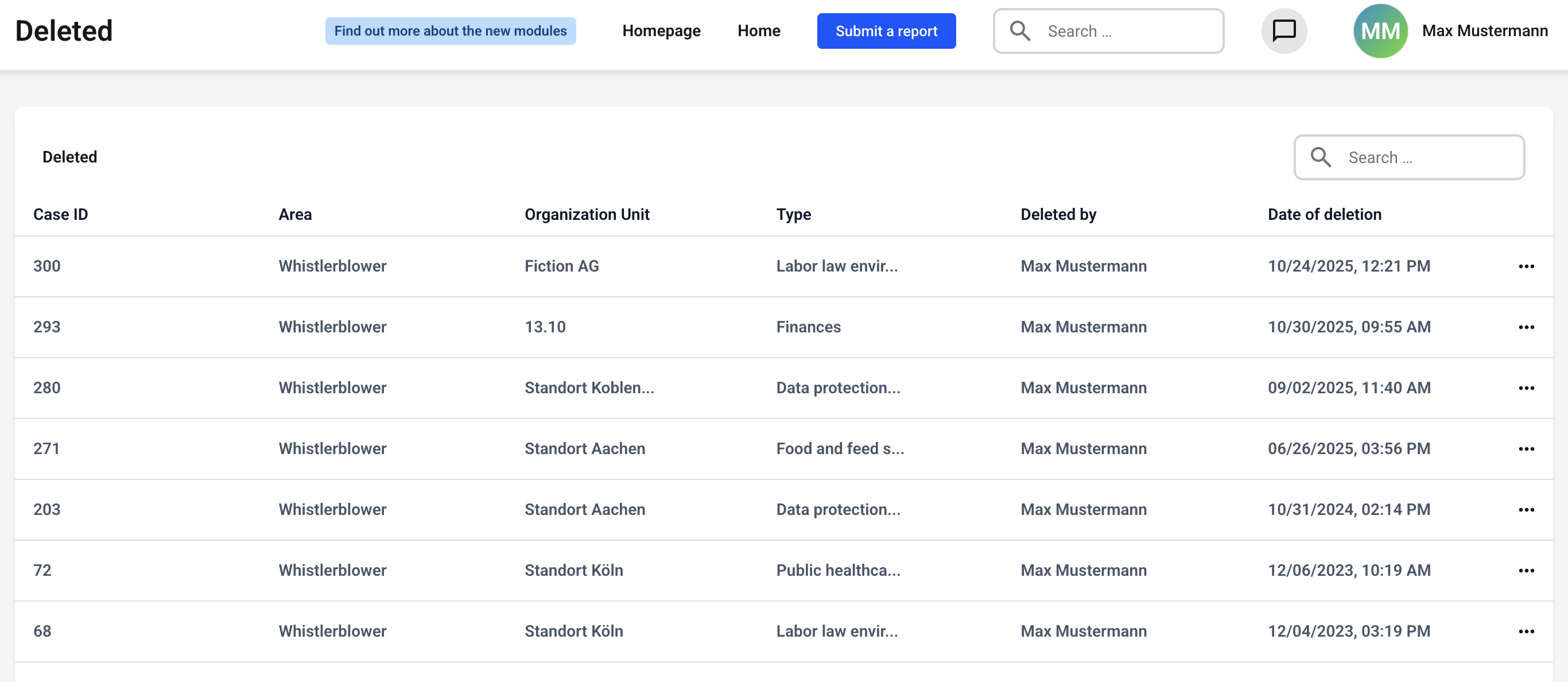
The Deleted by column is particularly important, as it allows you to see who submitted the deletion request.
Important:
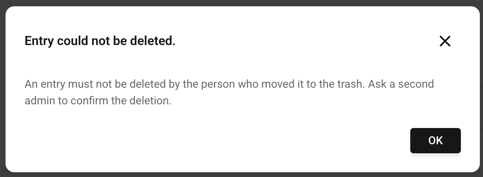
The person who submitted the deletion request cannot permanently delete the report. They will receive an error message.
Now click on the three dots on the right-hand side of the report you want to delete.
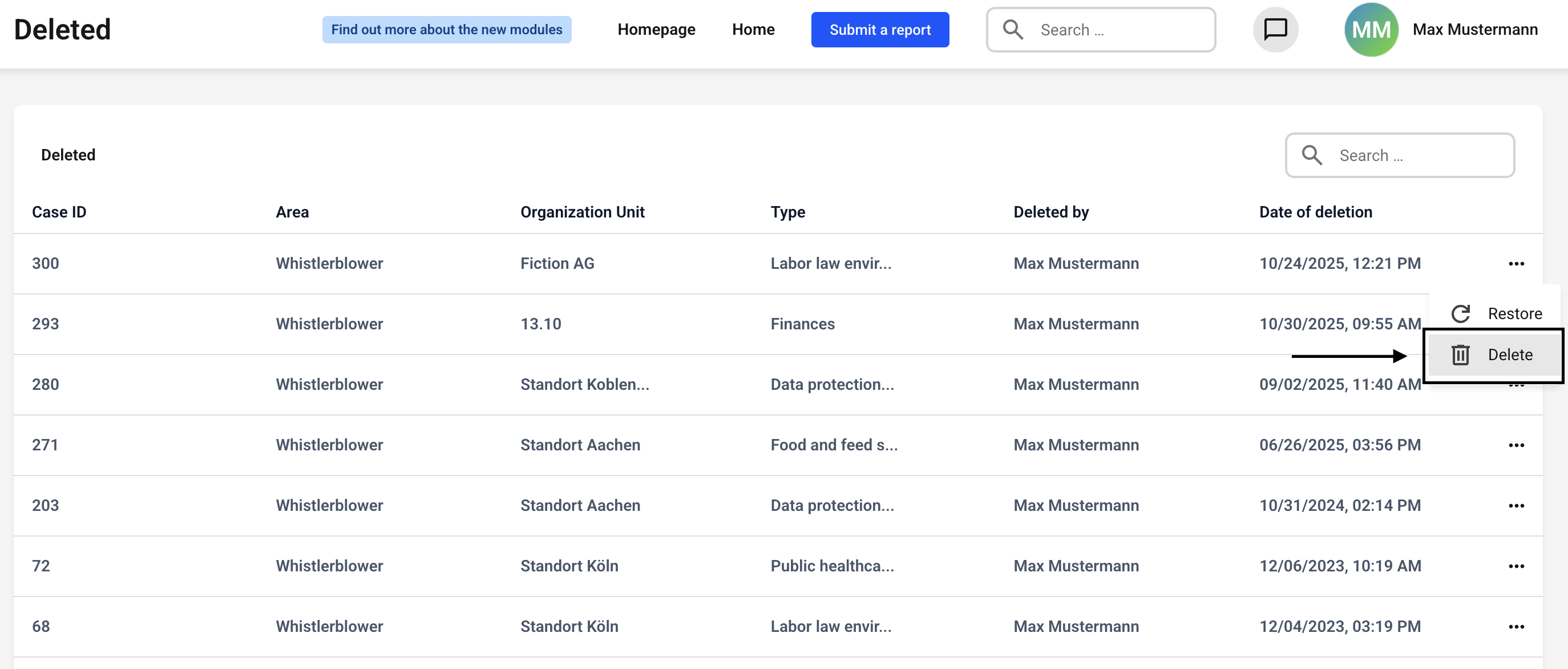
Click Delete.
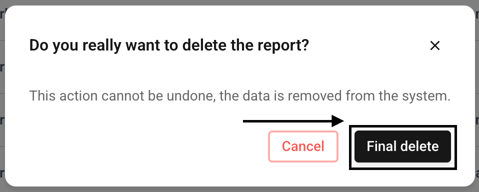
Confirm the deletion by clicking Final delete.