/Lawcode%20Logo%20(White).svg)
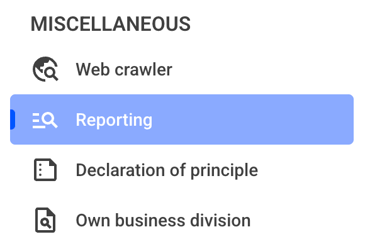
To share a filter with another person, click on the Reporting.
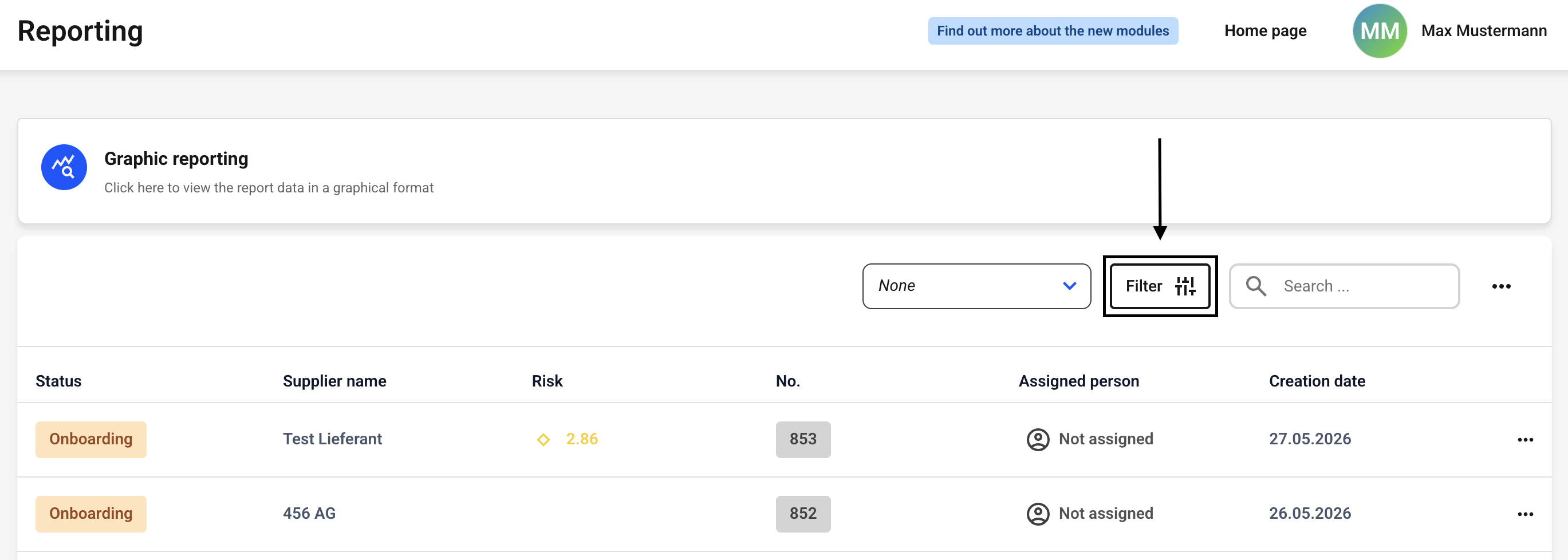
Now click the filter button. Alternatively, you can first select a filter to the left of the button and then click the filter button.
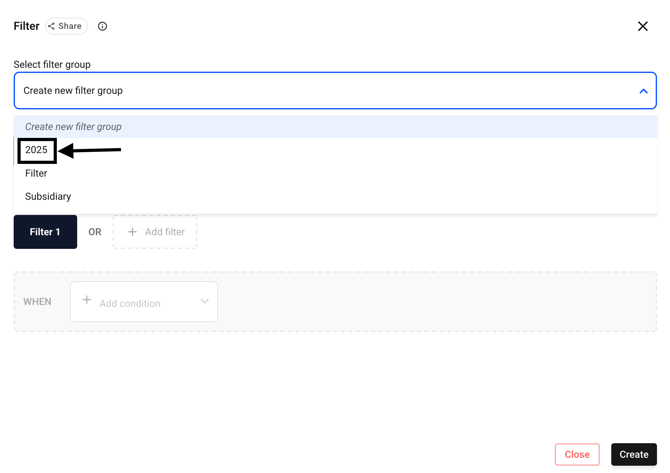
Now select the filter group you want to share with another person. To do this, click the drop-down menu next to Select Filter Group.
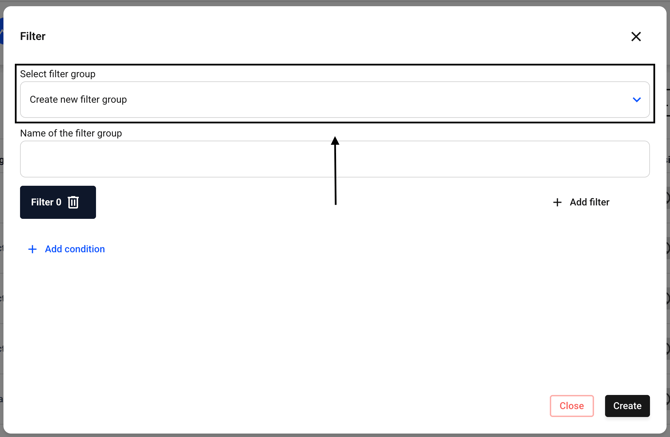
Now select the filter of your choice (or create a new one).
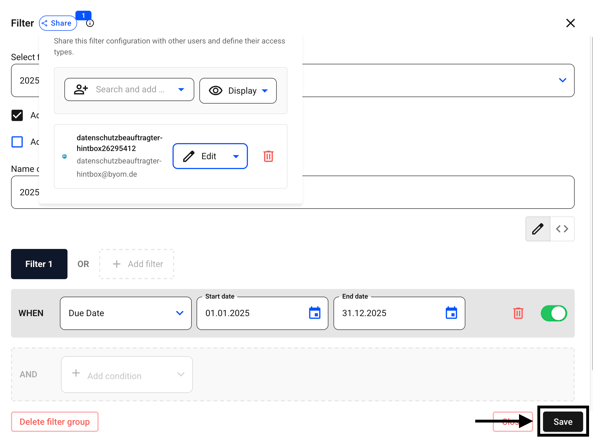
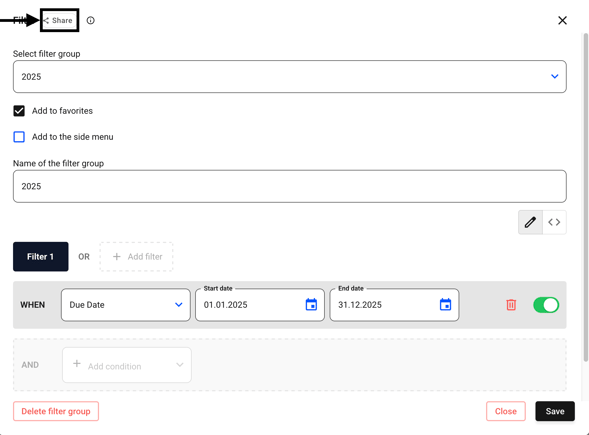
Click Share. There, you can share the selected filter configuration with other users and set their permissions.
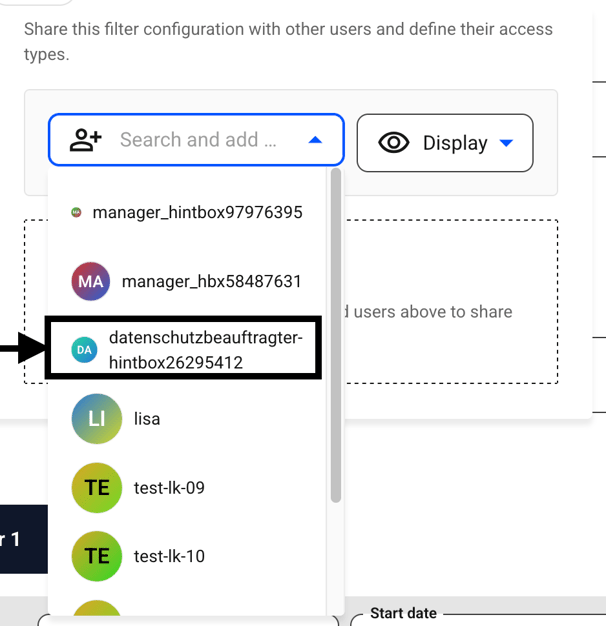
Click Search and add and select one or more users.
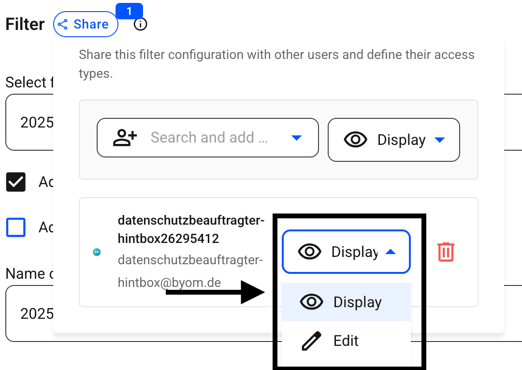
Then choose whether the user should be able to display the filter only or also edit it.
Confirm your changes by clicking Save.