/Lawcode%20Logo%20(White).svg)
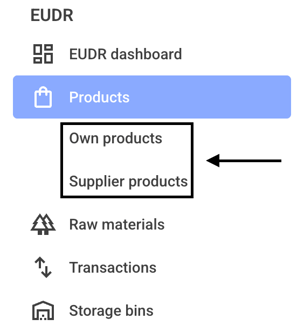
To assign a client to a product, first click on Own products or Supplier products.
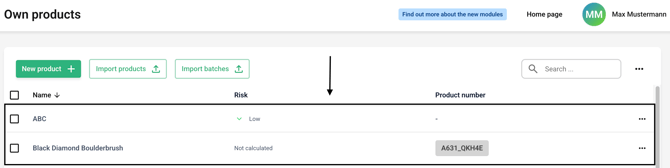
Now click on the row of the product to which you want to assign a client.
Now click on the client drop-down menu on the right-hand side.
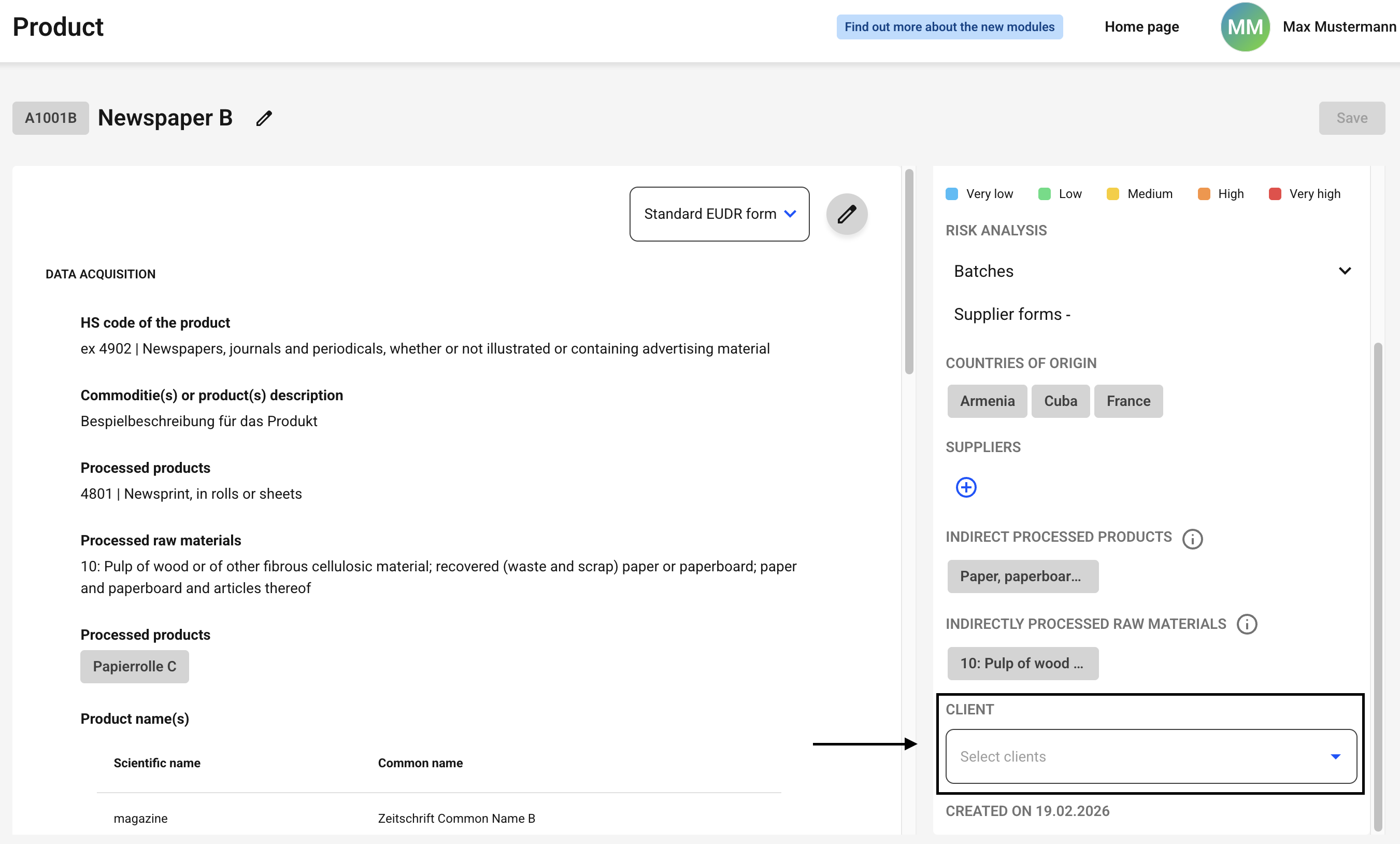
A list of all your clients stored in the system will appear.
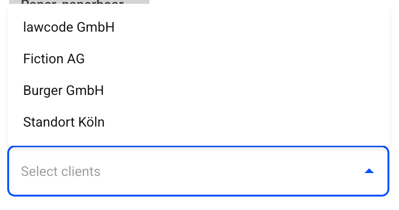
Now select the client of your choice for the product. Once you have added a client, you can add additional ones later.
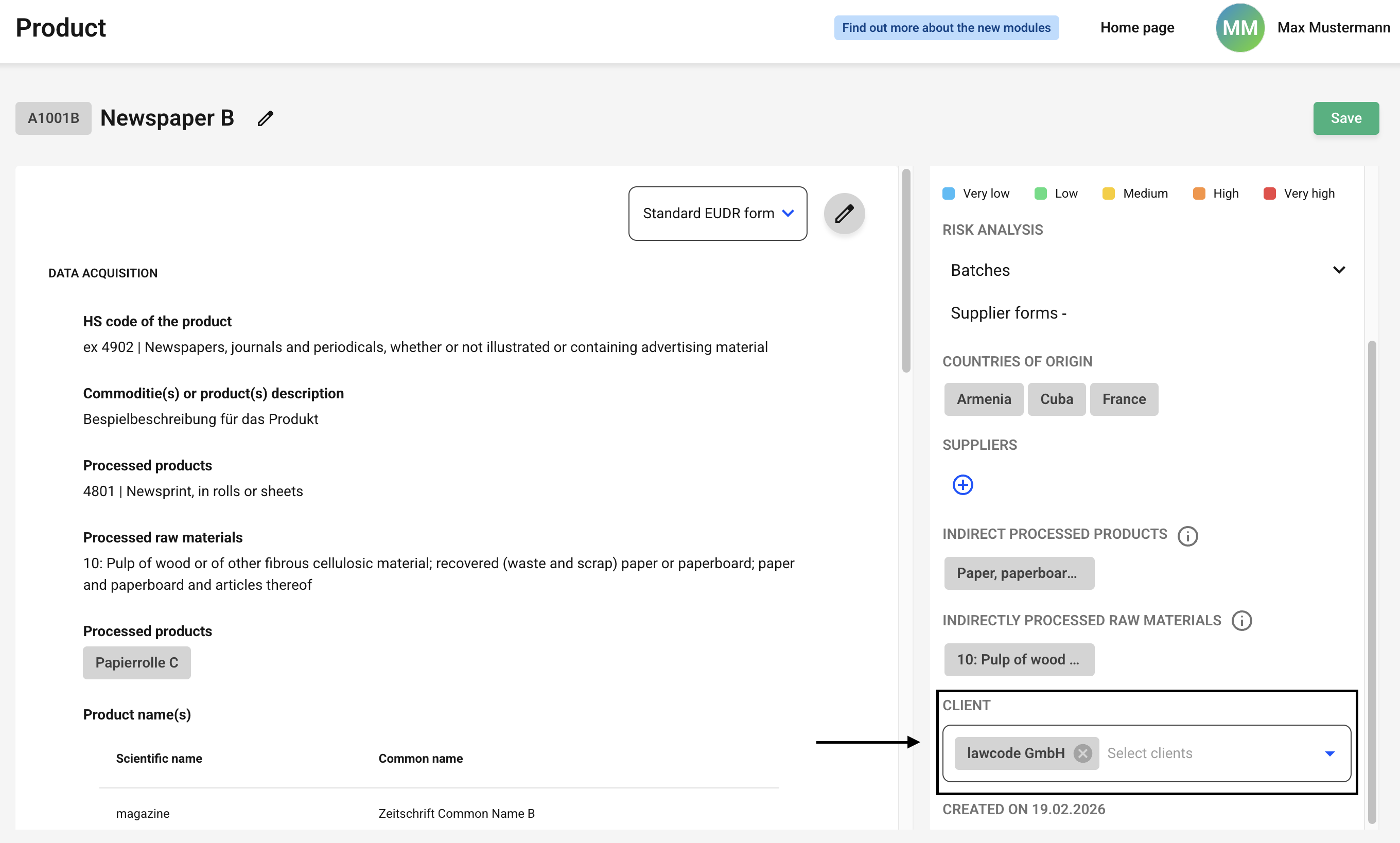
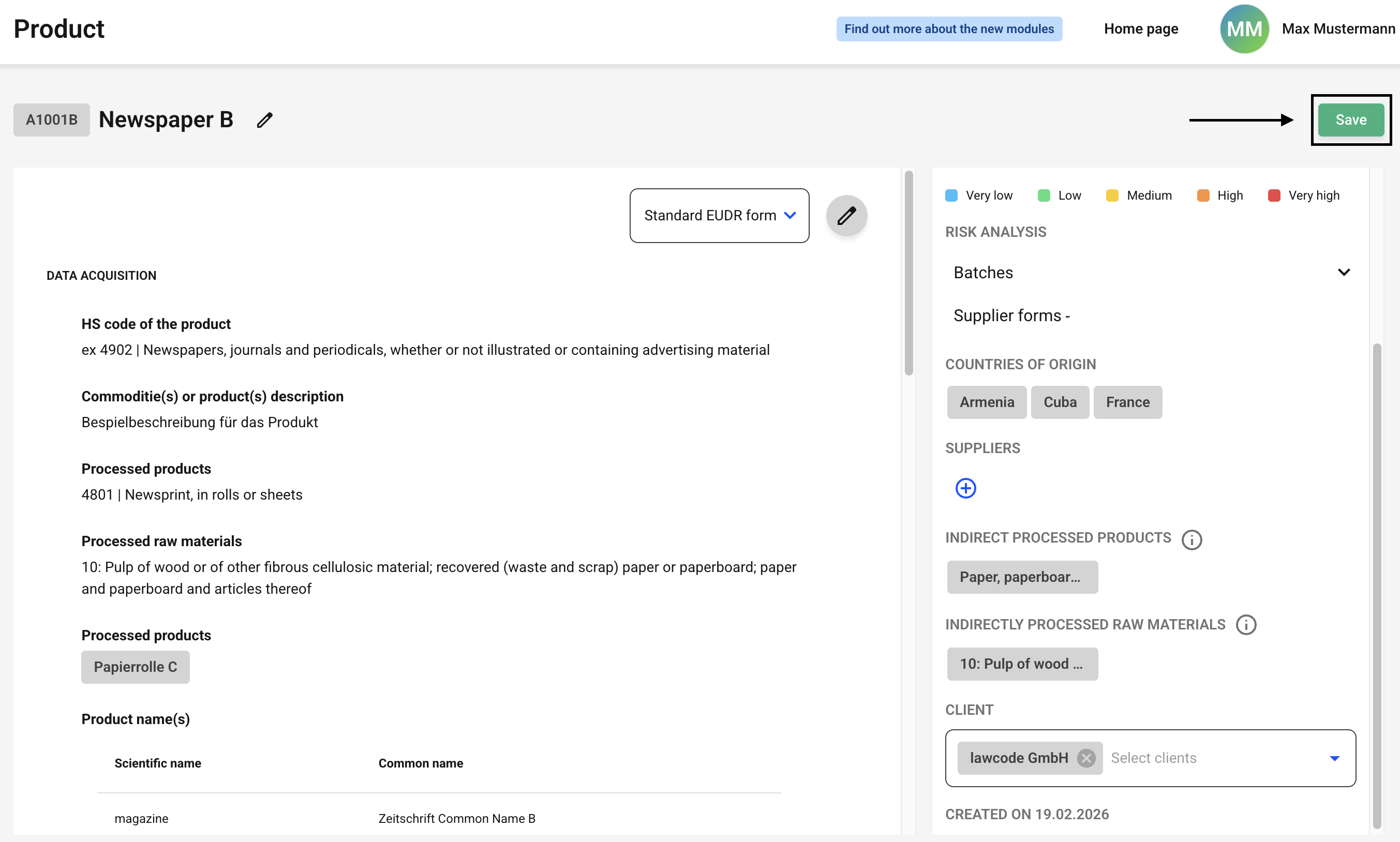
Click Save now to apply the changes.