/Lawcode%20Logo%20(White).svg)
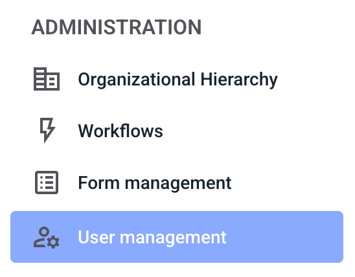
To resend the invitation email to an inactive user, first click on User management.
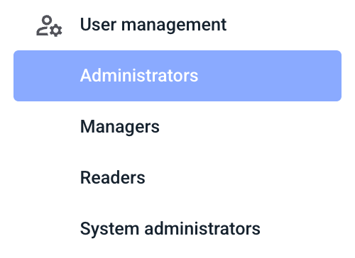
If the person who should receive the invitation again is an administrator, click on Administrators.
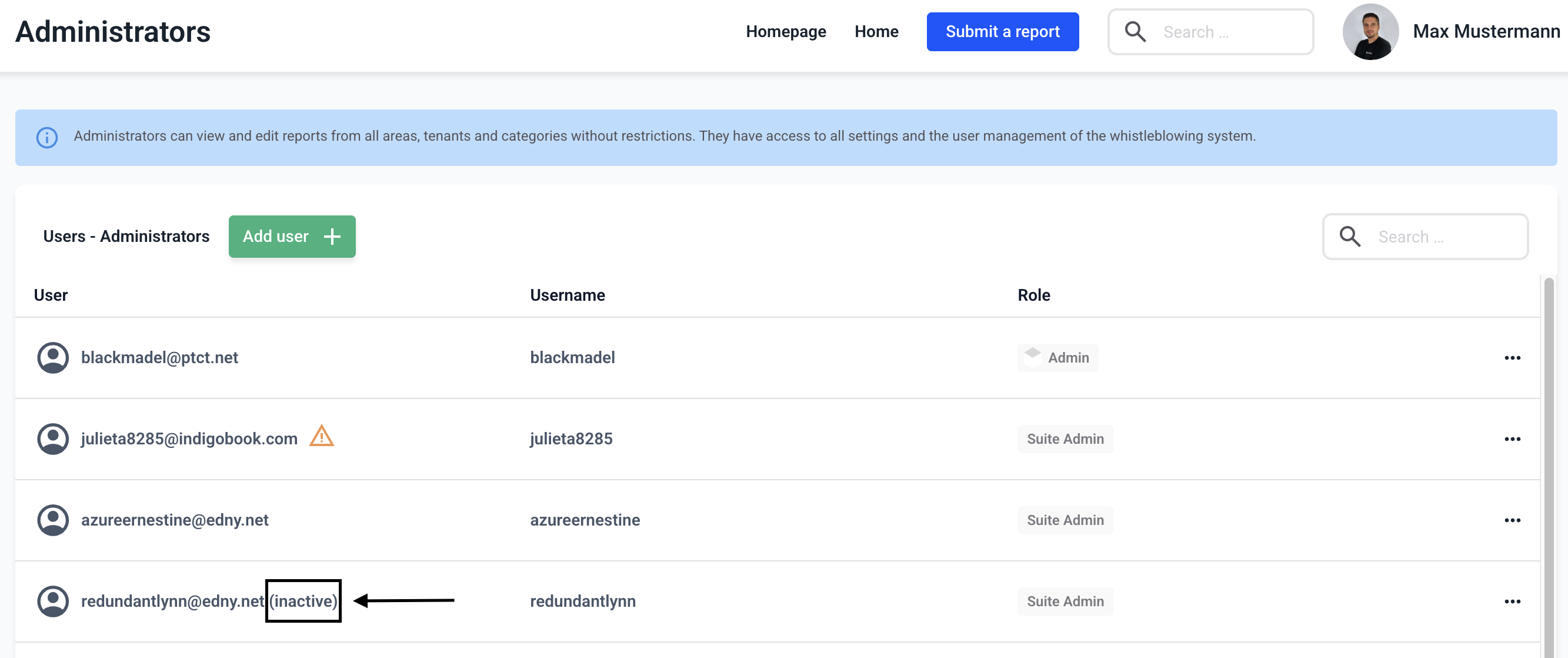
You will now see an overview of all administrators stored in the system. You can recognize inactive users immediately by the word (inactive) next to their user names.
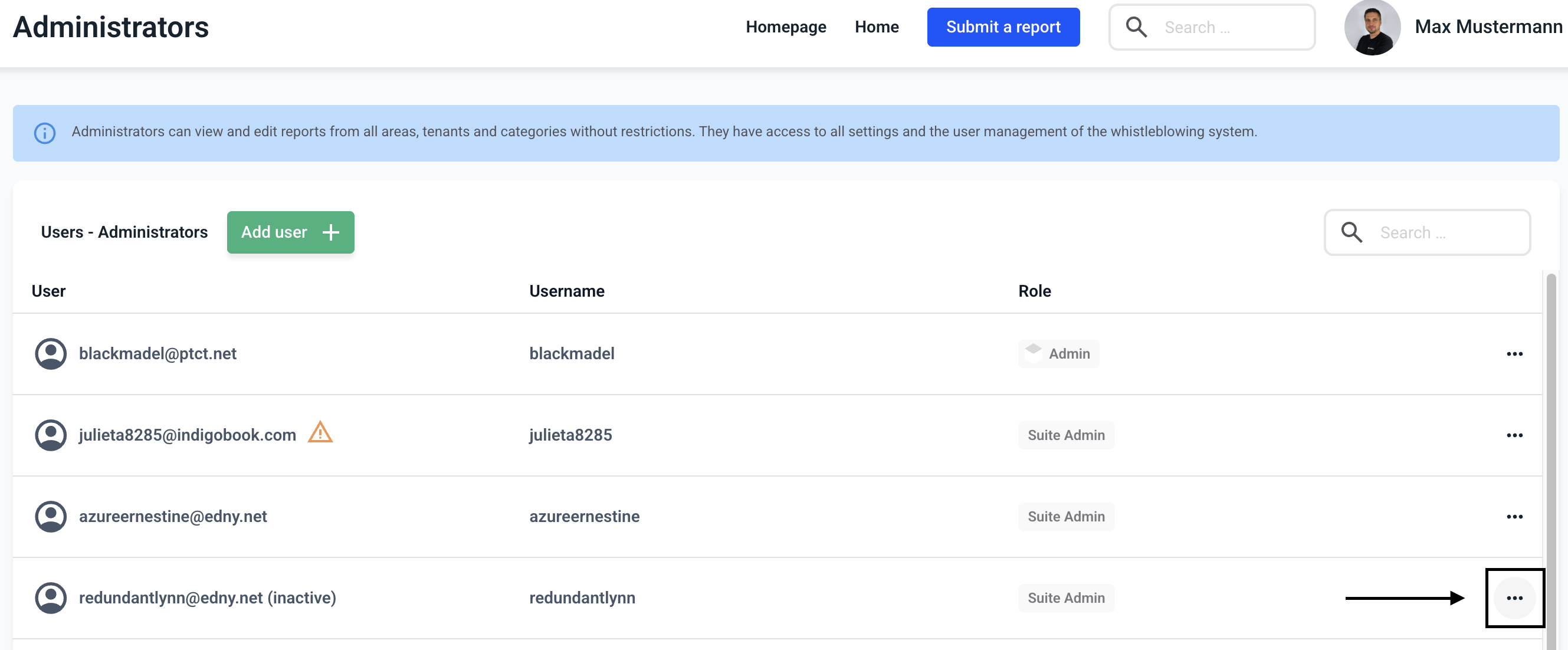
Now click on the three dots on the right-hand side of the user.
Now click on Send invitation mail again.

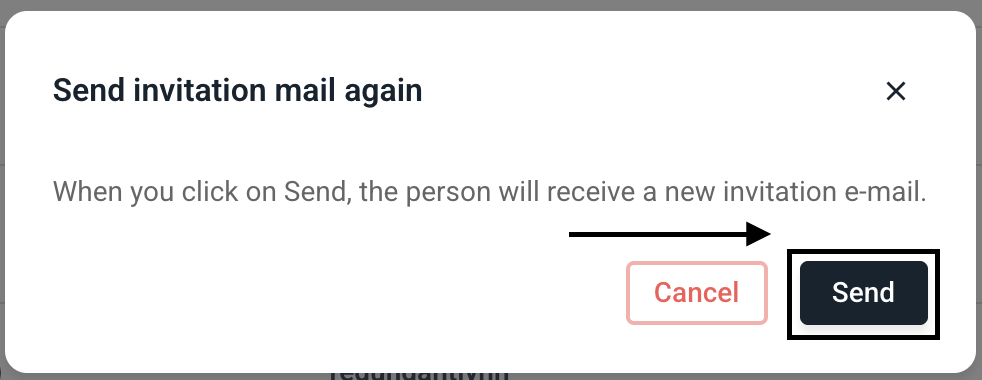
Before the email is sent, a new window will pop up asking you to confirm the process. Now click Send.
For security reasons, the link in the email is only valid for 24 hours. If the person does not log in within this period, a new link must be sent.