/Lawcode%20Logo%20(White).svg)
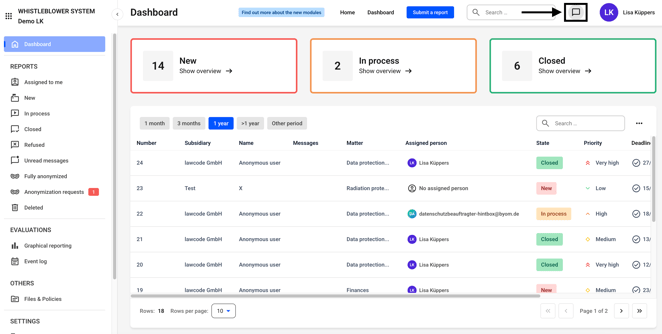
The chat function can be accessed from everywhere in the Hintbox. To do so, click on the marked icon.
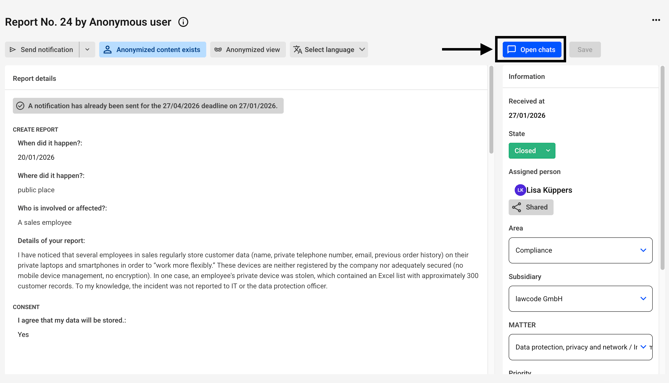
Alternatively, the chat can also be found on every report.
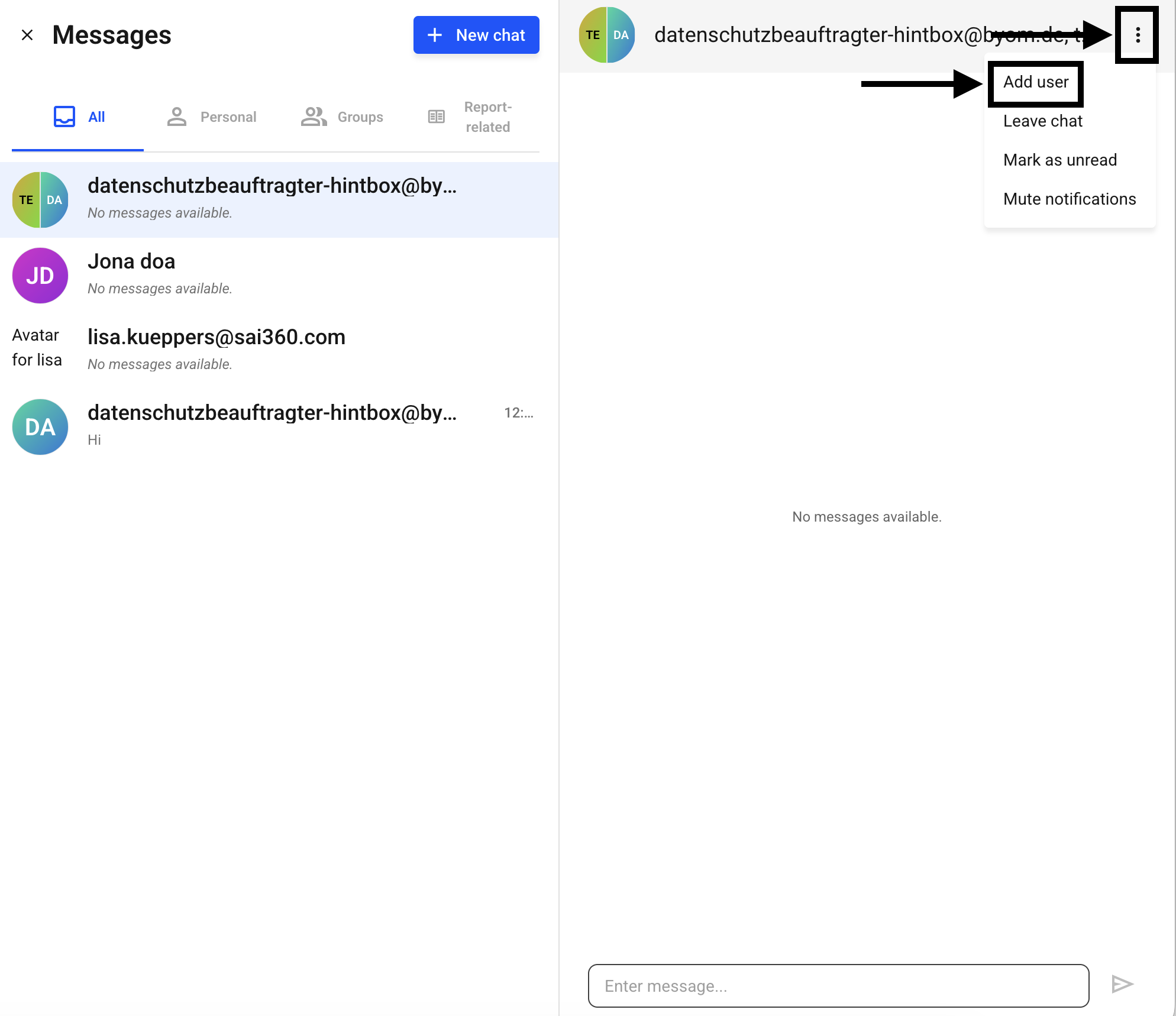
Select the appropriate chat from the selection.
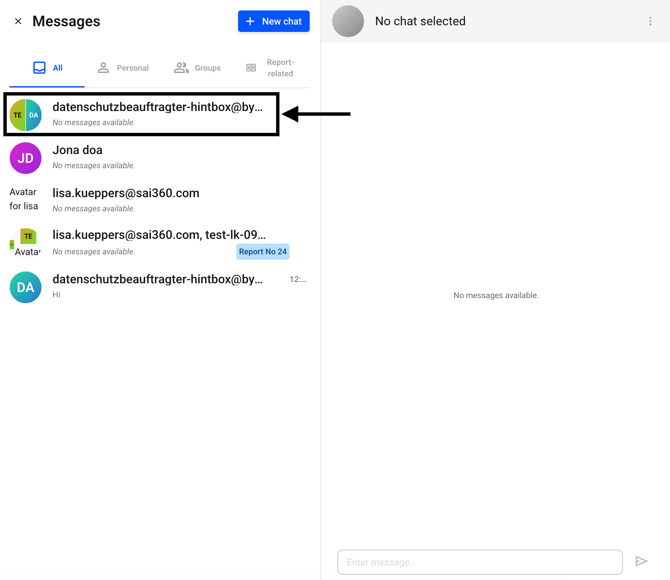
Click on the three dots and then on Add user.
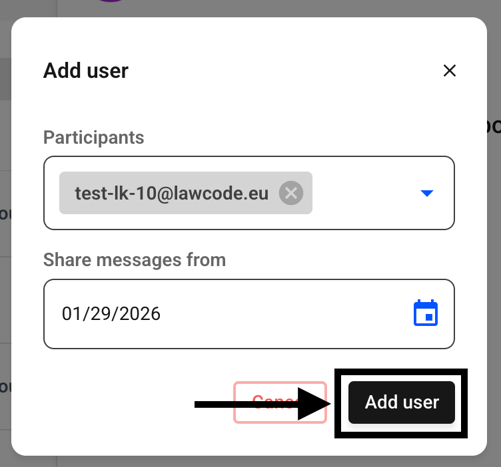
A dialog box will open. Here you can specify which participants you want to add and from which date you want to share the messages.
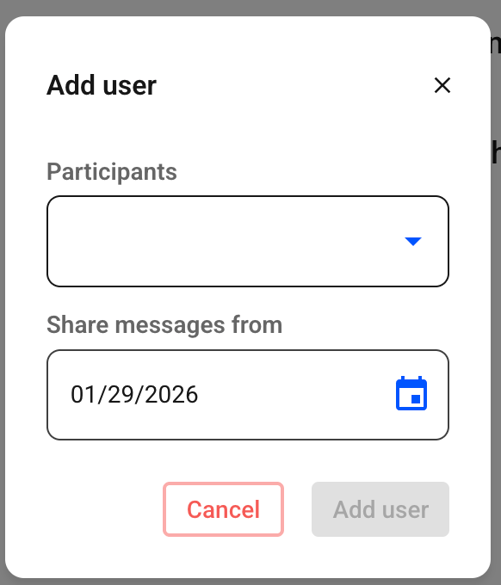
Click on Add User.