/Lawcode%20Logo%20(White).svg)
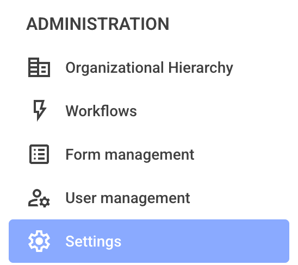
To create a template for the consent dialog, first click on Settings in the Administration.
You can also create the template directly within the consent dialogs. You'll find instructions on how to do this under the link.
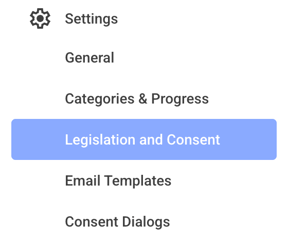
Click on Legislation and Consent now.
Now click on Create new content.

Enter a title of your choice now.
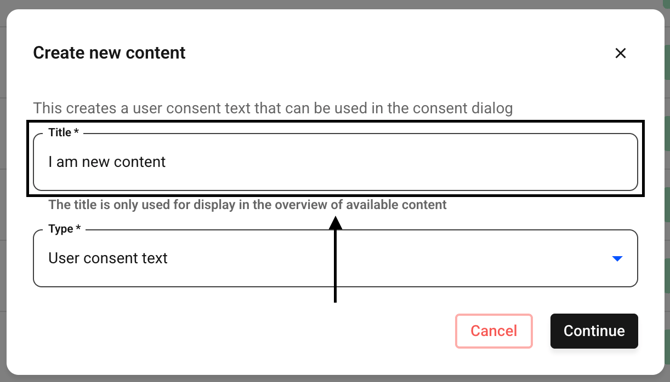
This option is already selected for you. Click Continue now.
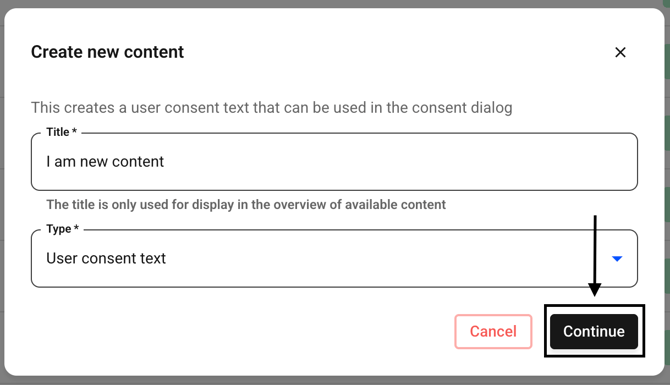
You can now enter the text you want to use for the confirmation dialog.
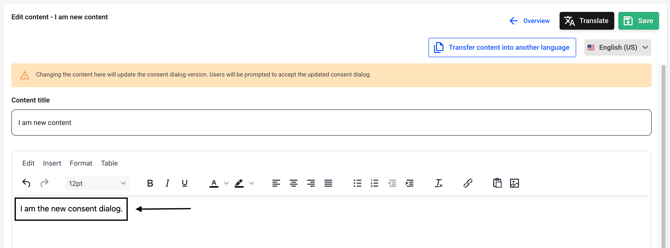
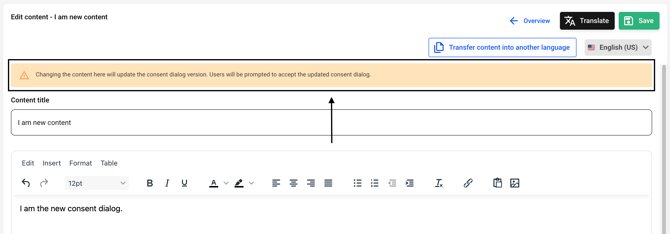
You will also receive a warning that changes require users to reconfirm.
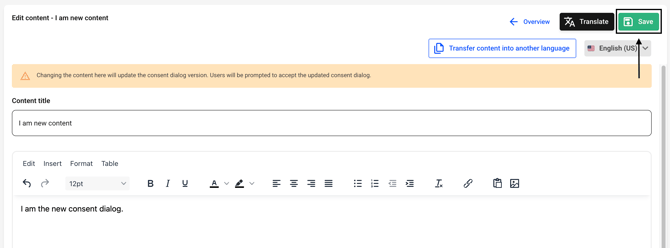
You can now translate the text as usual. When you're done, click Save to confirm the changes.
Now click on Overview.
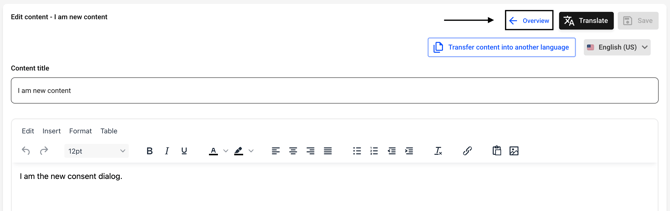
The template has been created.