/Lawcode%20Logo%20(White).svg)
Field dependencies allow you to add a dependency to any field in your form. This feature can be very useful, as it allows you to design a questionnaire that displays different answer options/questions depending on the respondent's selection.
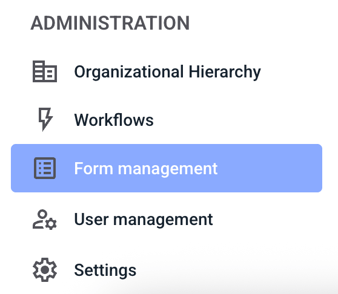
To add a dependency for a field in your form, click on Form Management.
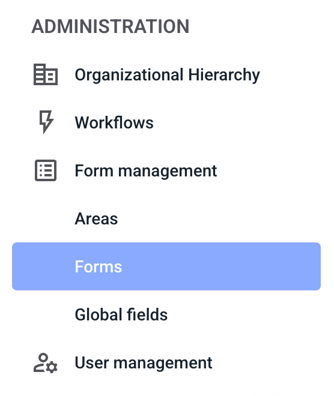
Now click on Forms.
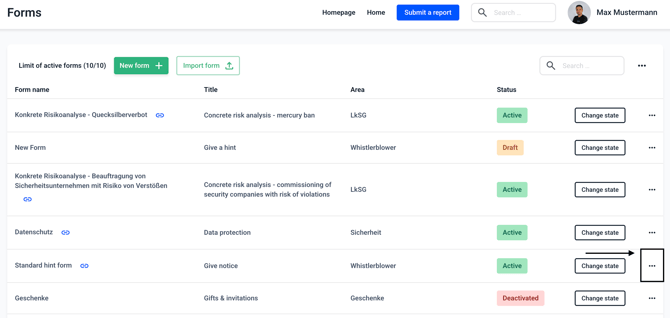
Now click on the three dots on the right-hand side of the form of your choice.
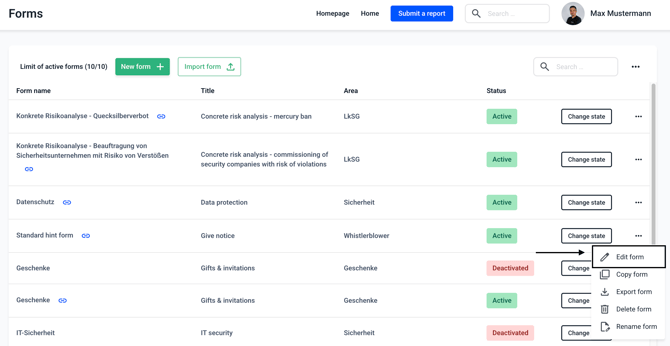
Click on Edit form.
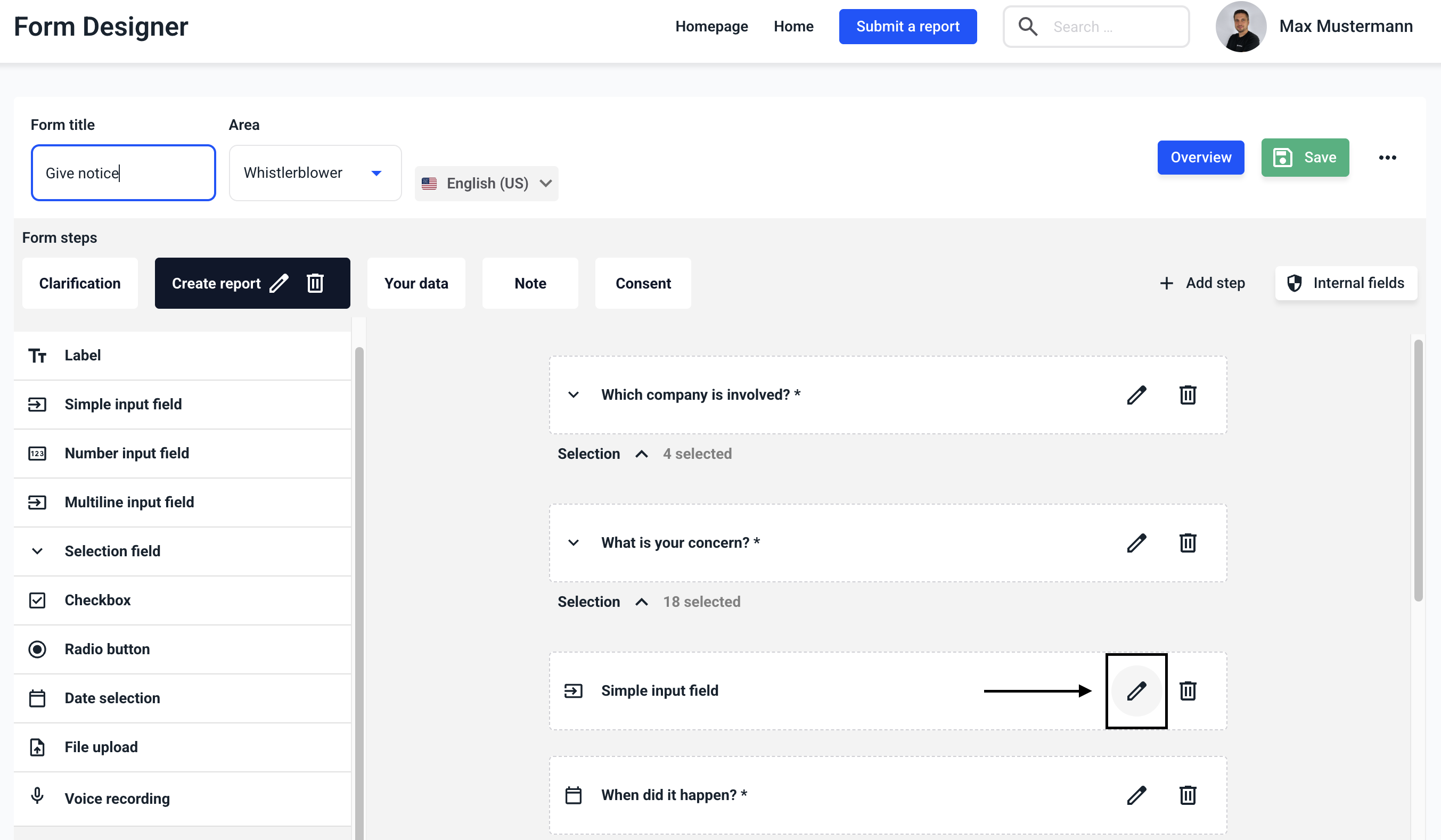
Select the field to which you want to add a dependency and click on the edit pencil.
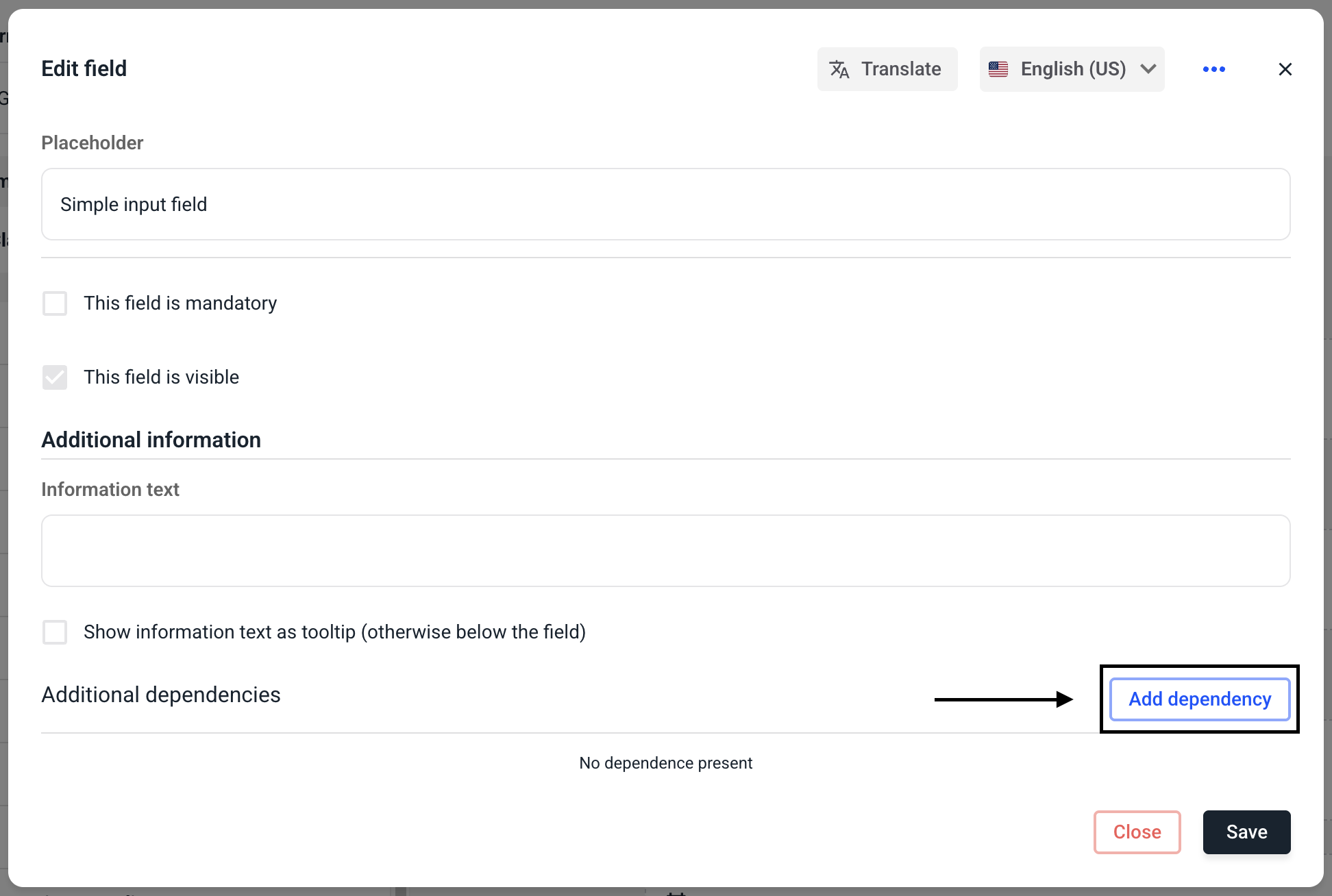
Click Add Dependency.
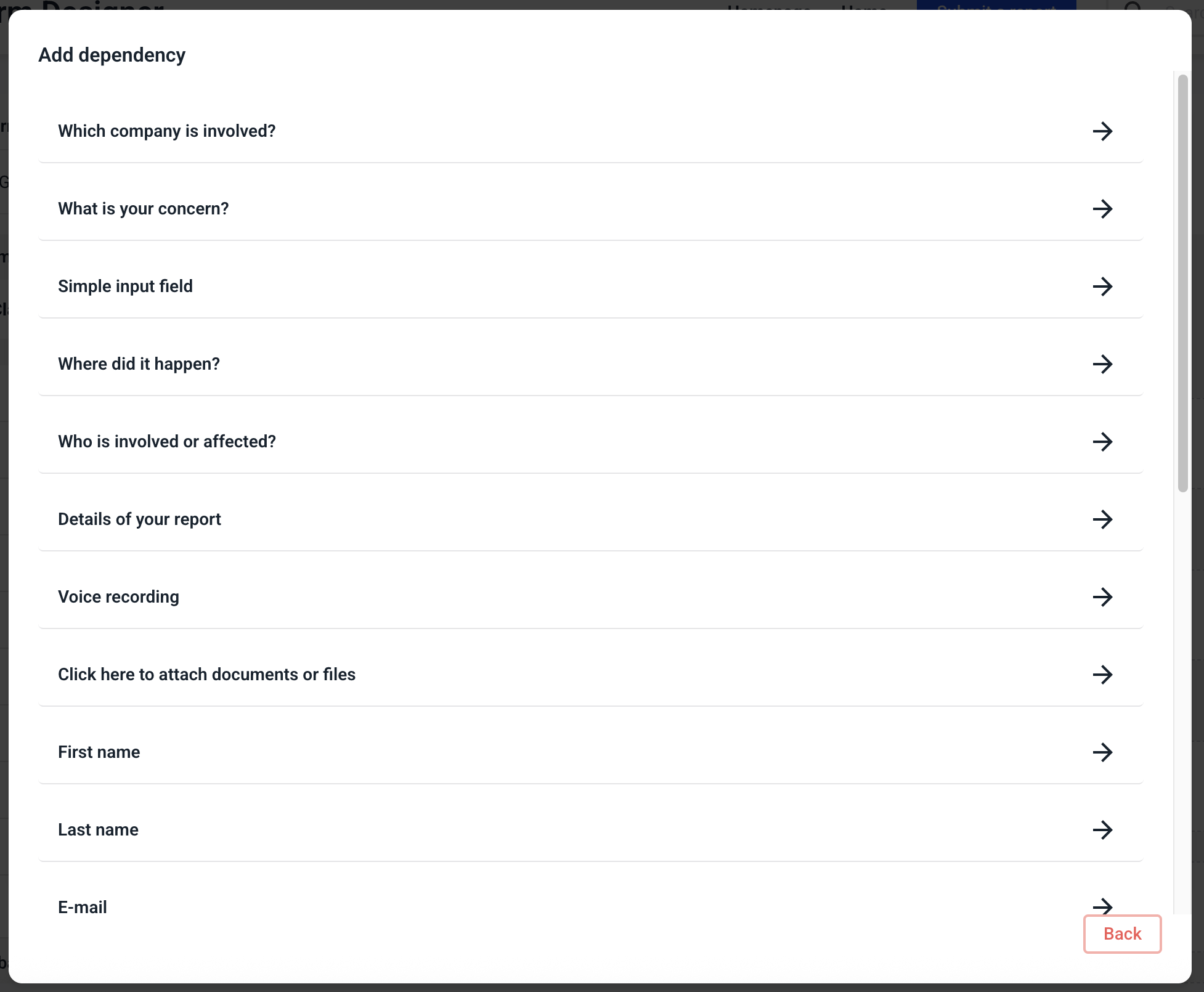
Now select a field to which this dependency should refer.
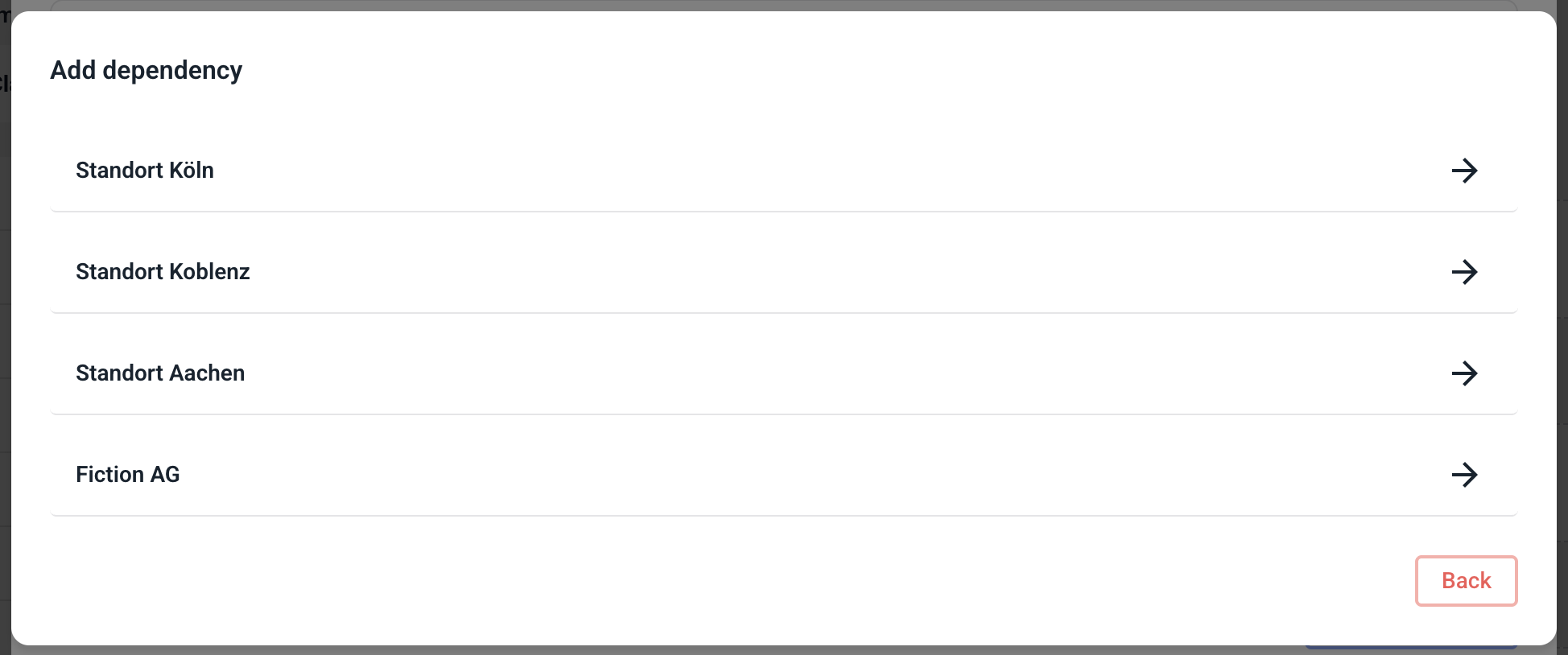
Now define a precise parameter at which the dependency should be triggered.
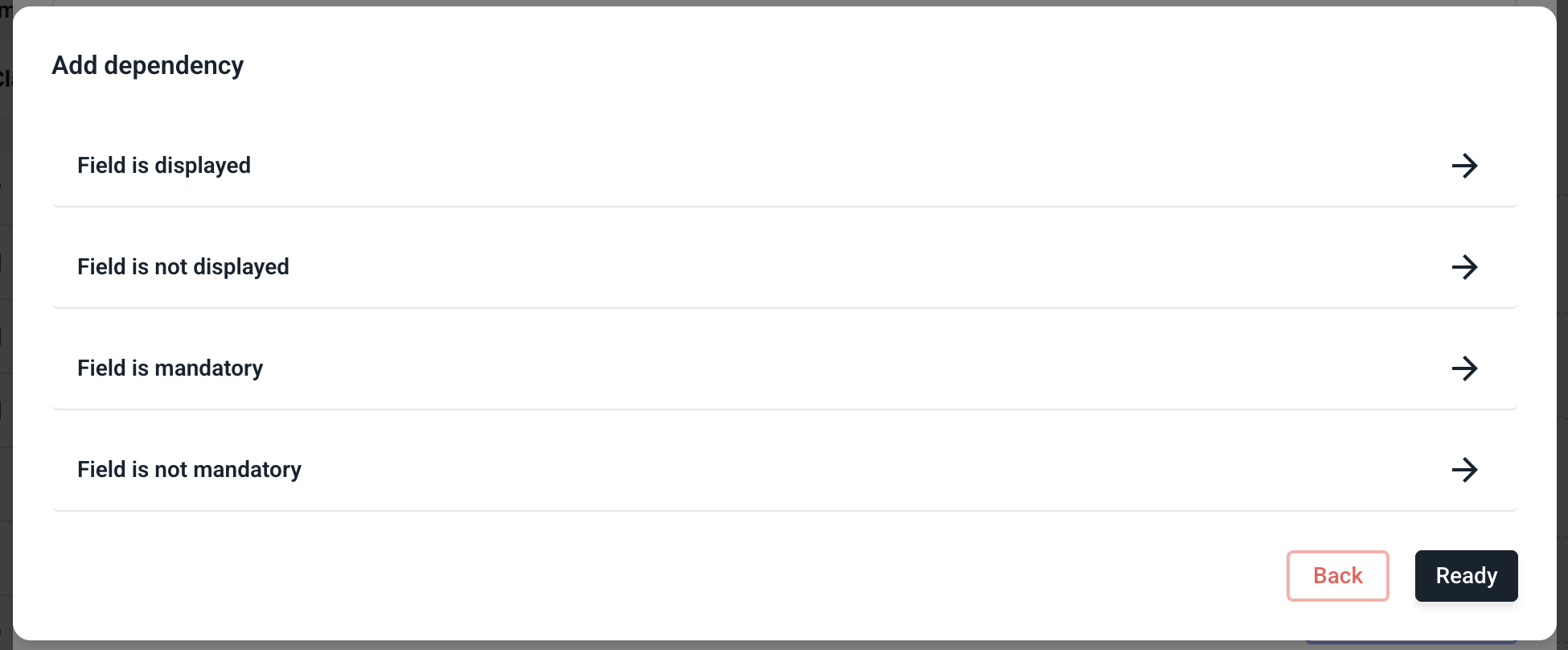
Now determine what should happen to the selected field when the selected criterion applies.
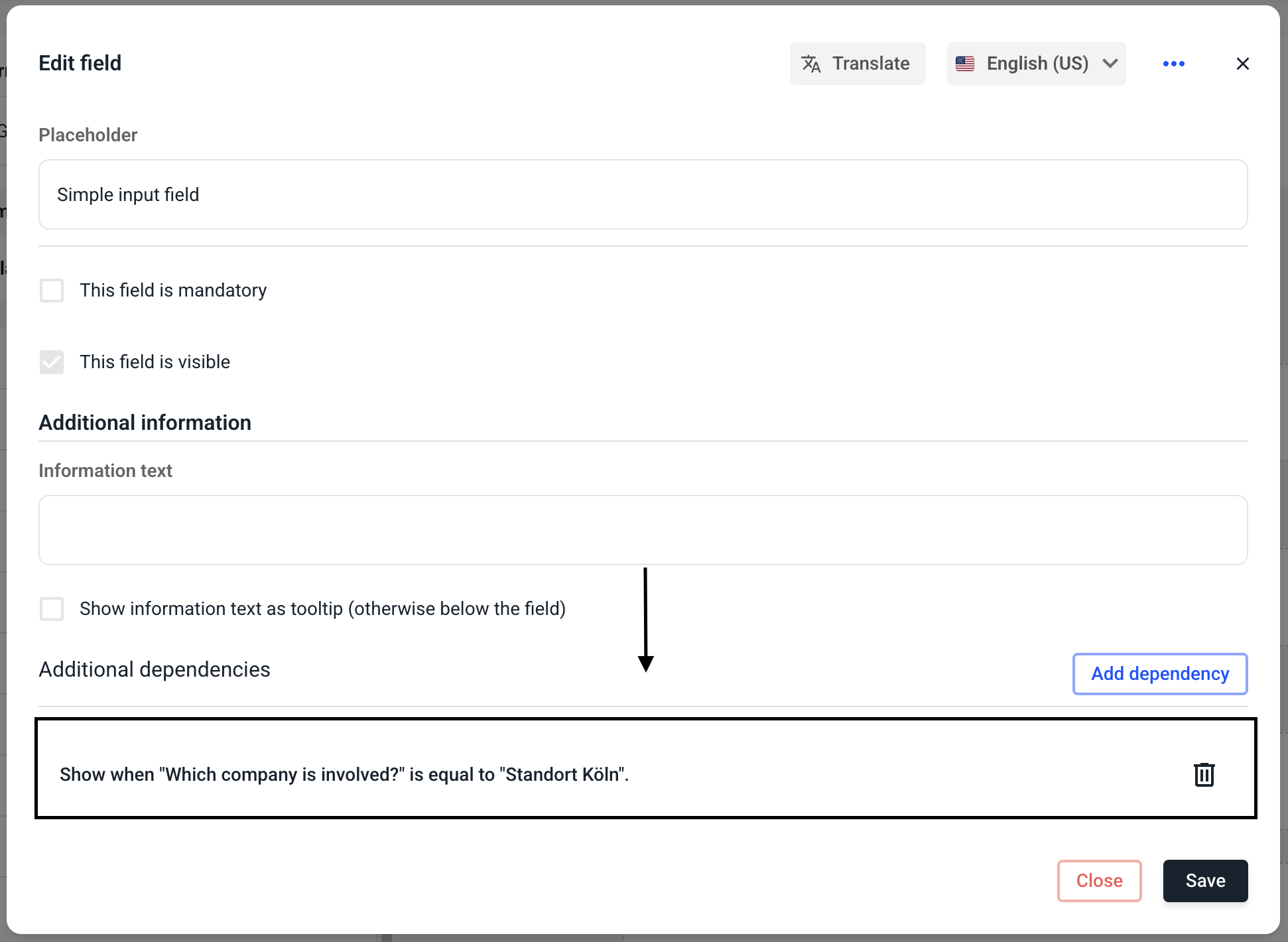
You can now see your stored dependency along with an explanation.
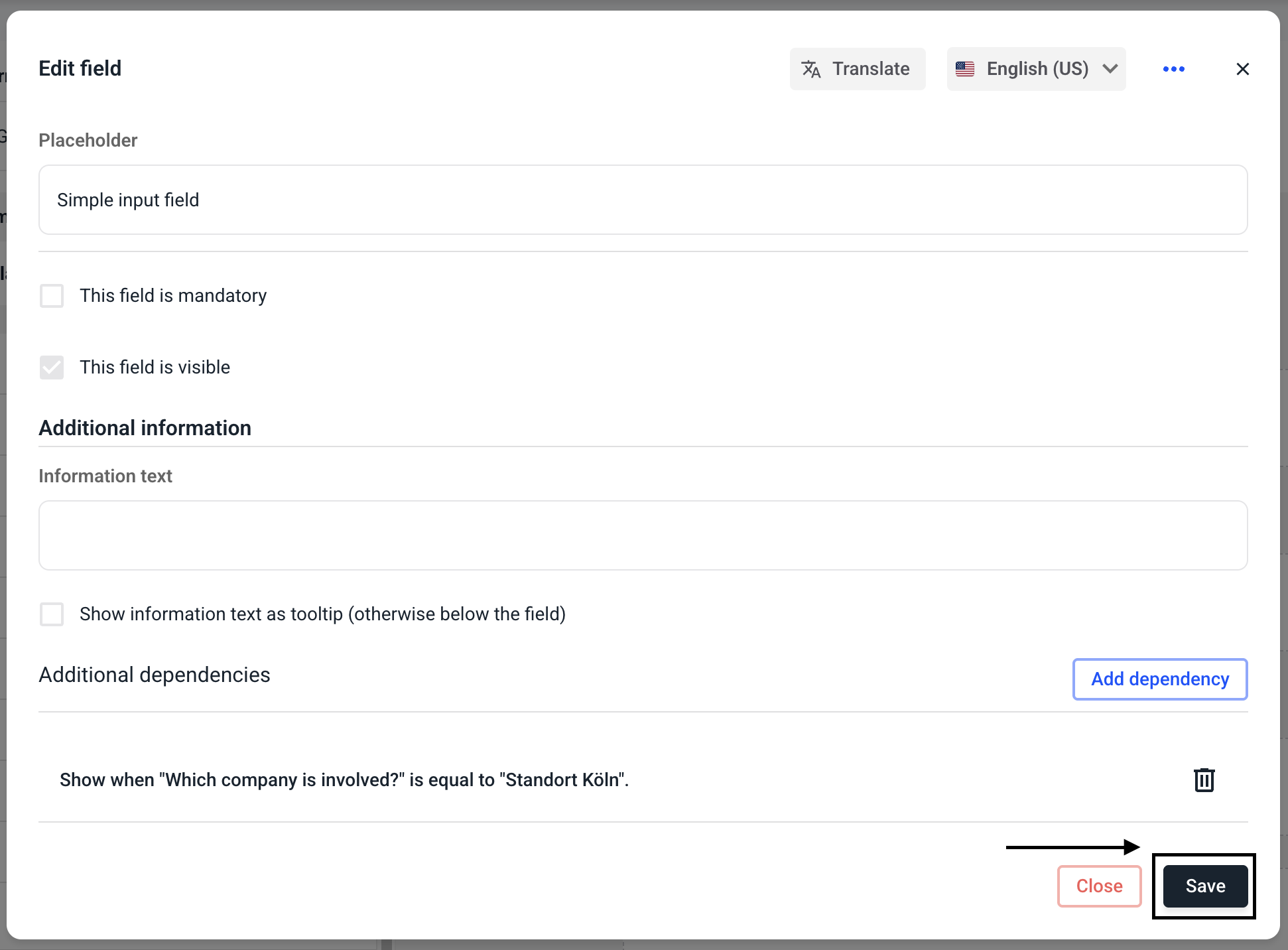
Click on Save.
For the changes to take effect, you must save the entire form.
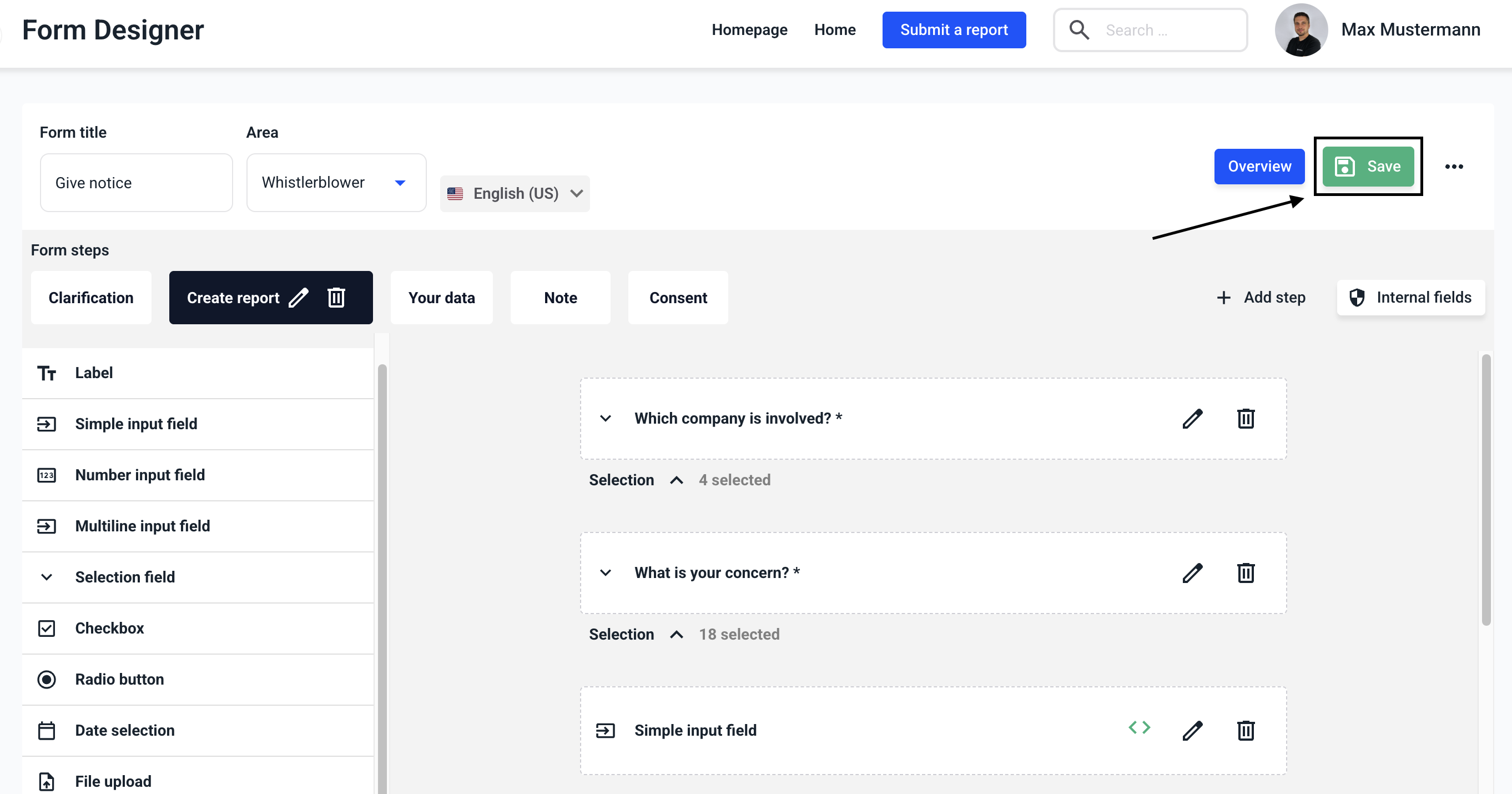
You can recognize fields with a dependency by the following symbol.
