/Lawcode%20Logo%20(White).svg)
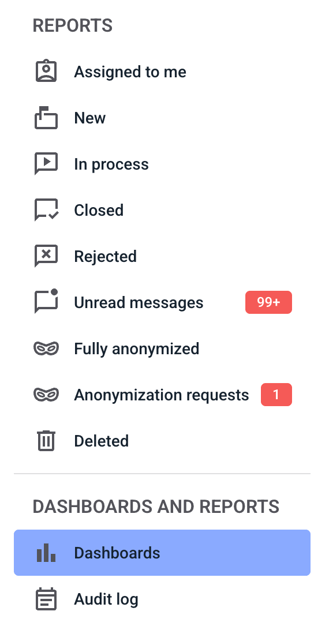
First, click on Dashboards in the navigation menu.
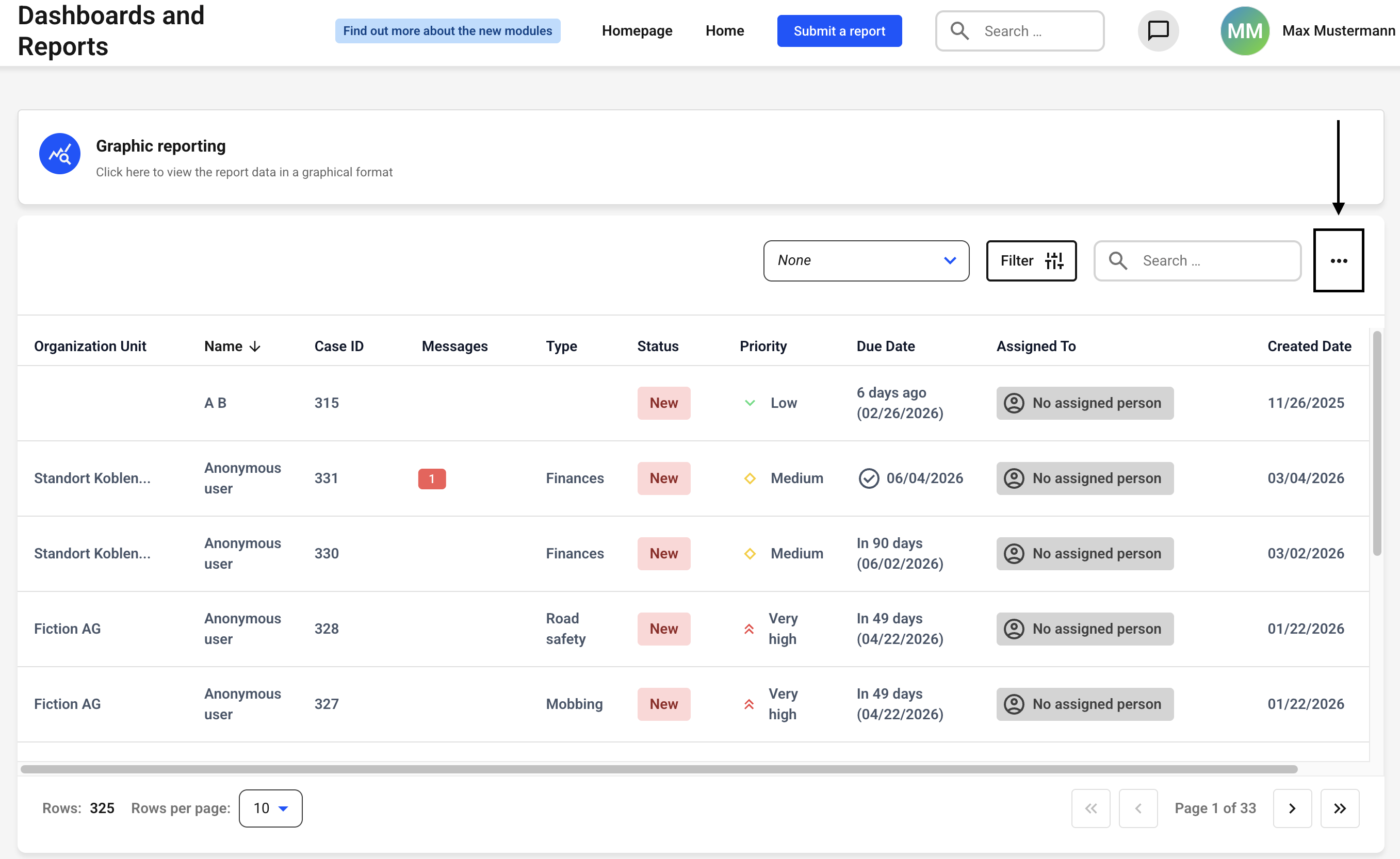
Now click on the three dots on the right-hand side.
Now click Export.
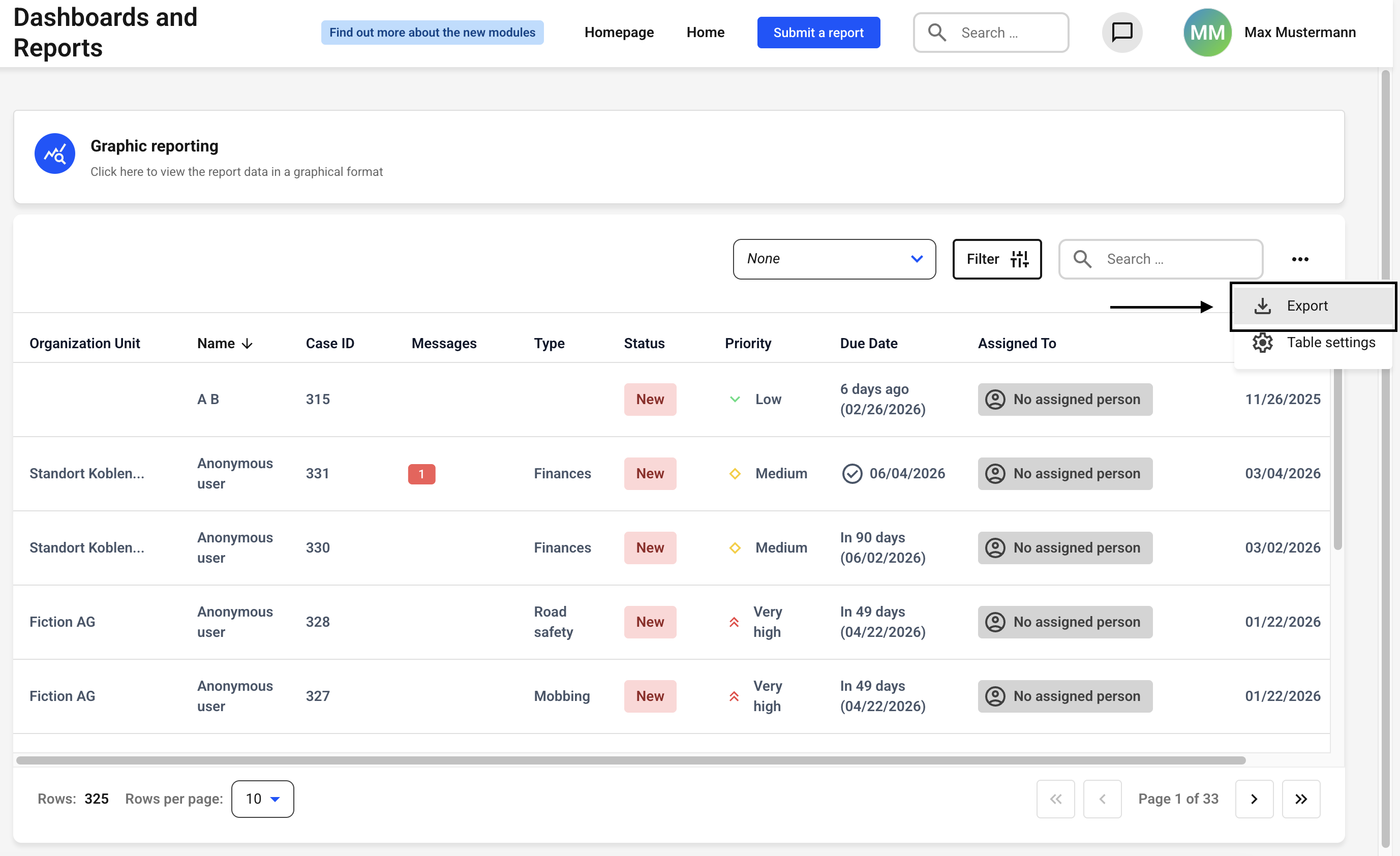
The download of the .xlsx file will start immediately.
Important:
Only the data currently displayed by the stored filter will be exported. If no filter is stored, all notes will be displayed in the overview. You can find out how to set a filter in the following chapter: How can i create a new filter?