/Lawcode%20Logo%20(White).svg)
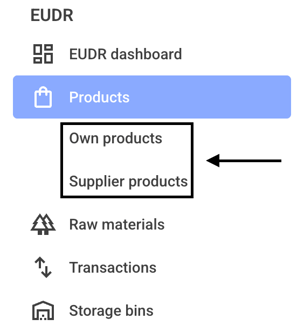
To enable or disable the comparison view on the map, first click on Own products or Supplier products.
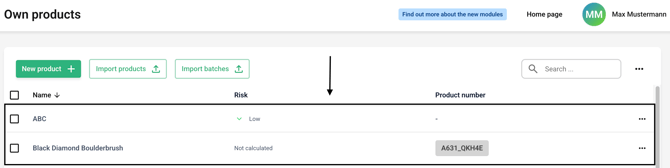
Now click on the line of the desired product.
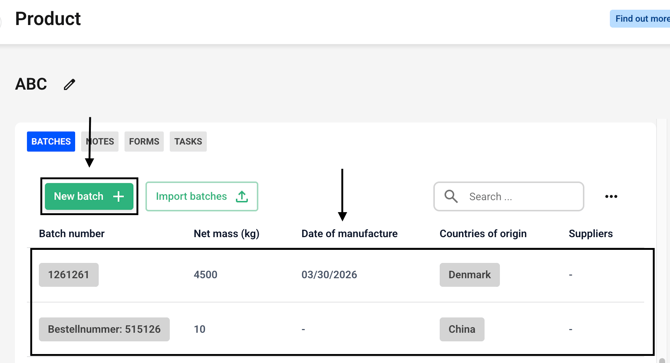
Create a new batch or select an existing batch.
Click on the Add production site button or choose an existing production site.

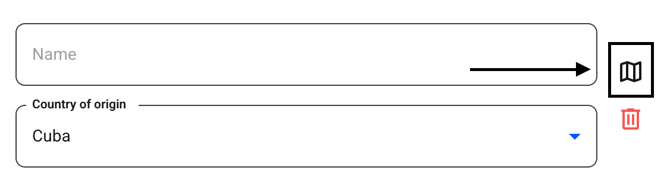
Now click on the small map symbol.
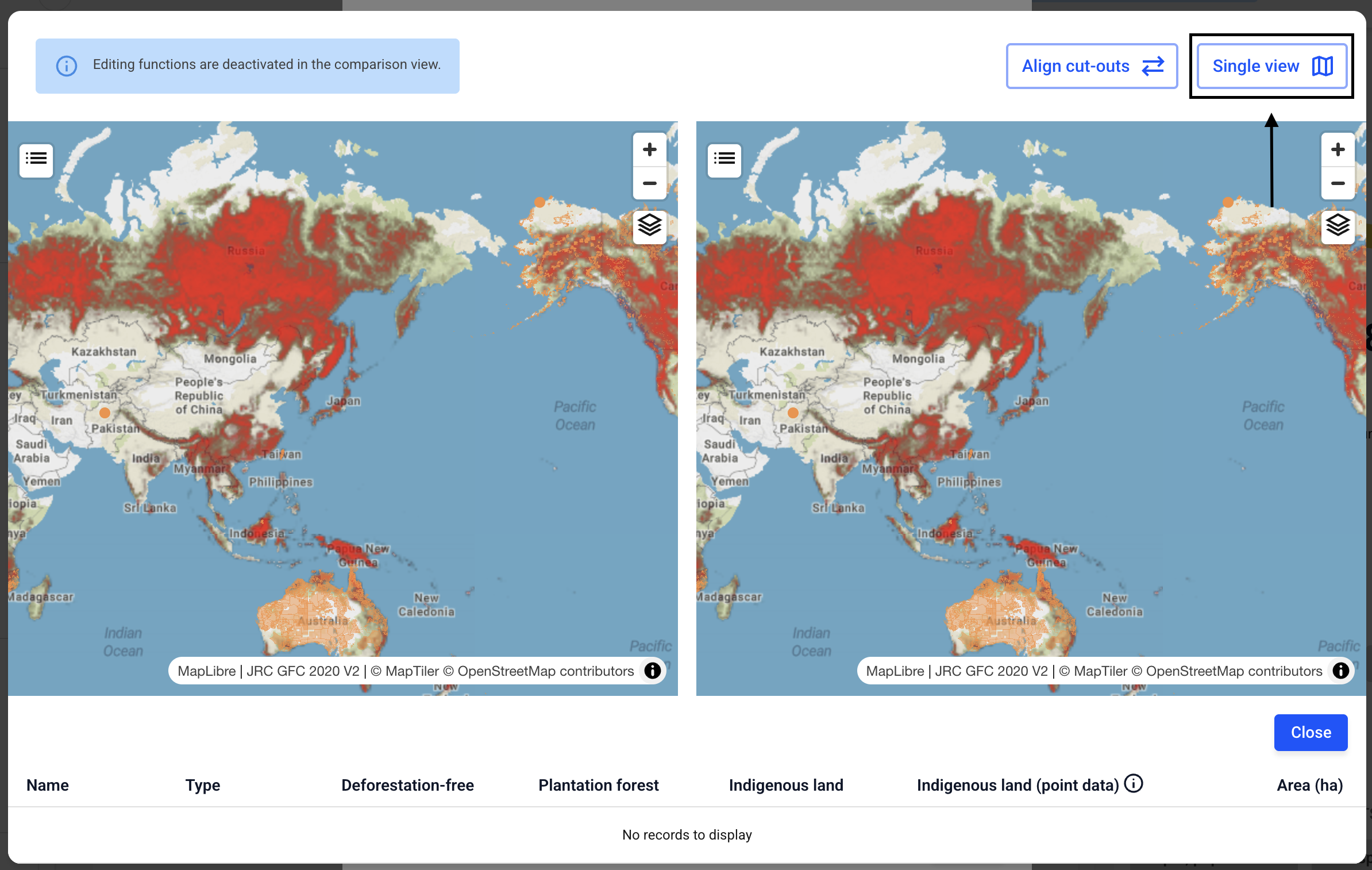
Click on the comparison view in the upper right corner to activate it.
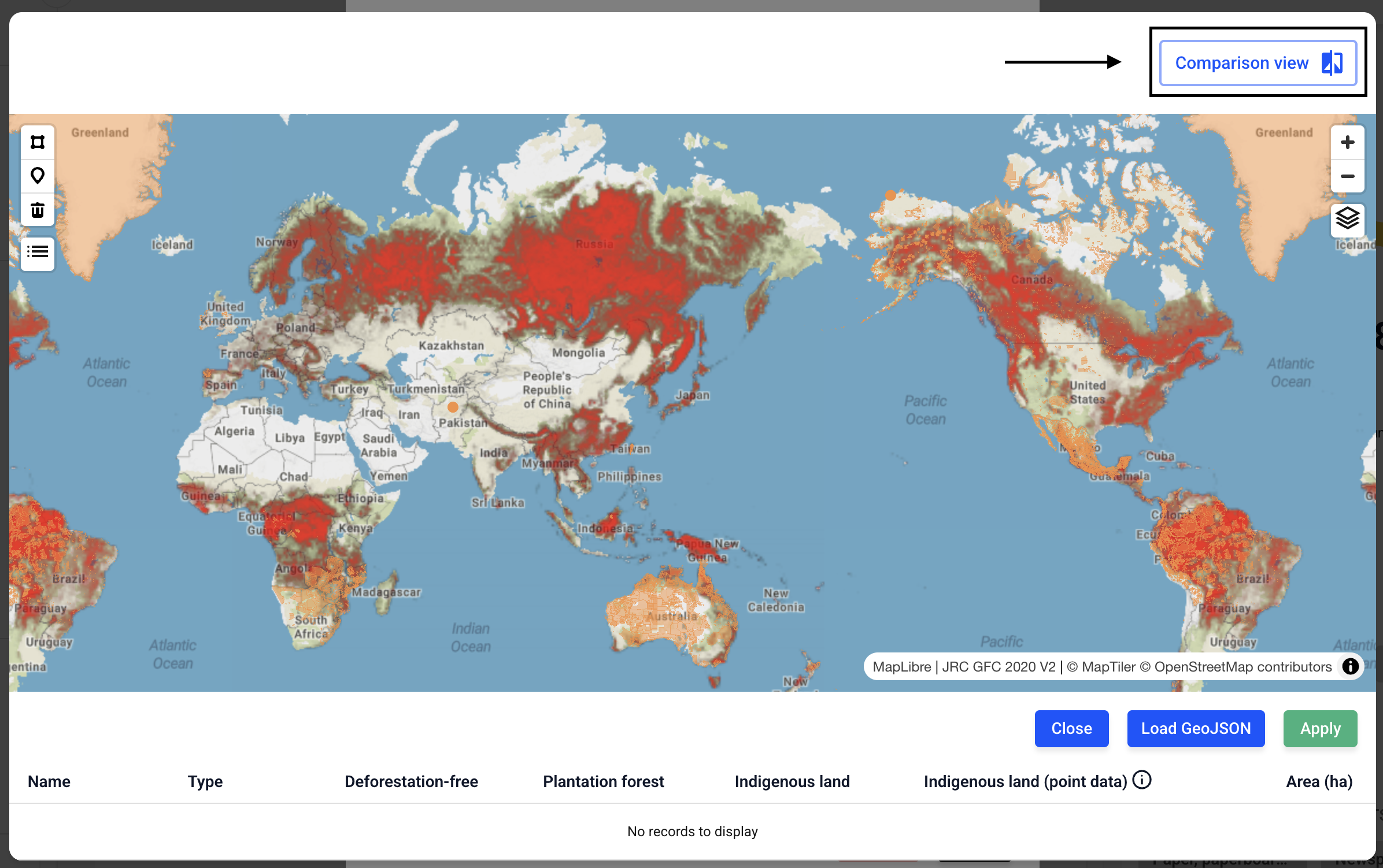
To turn the view off again, click Single view.