/Lawcode%20Logo%20(White).svg)
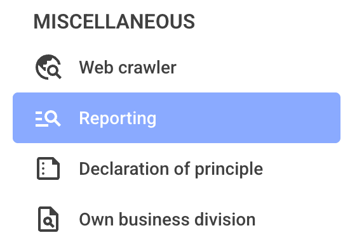
To analyze sanctions and embargoes in the reports, first click on Reporting.
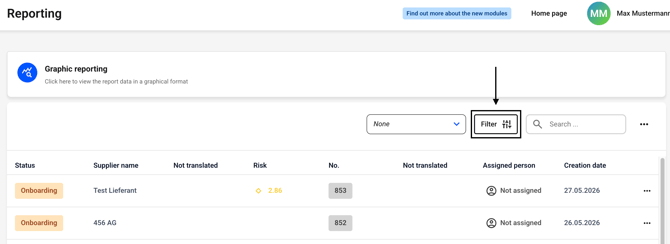
Now click the filter button. Alternatively, you can first select an existing filter to the left of the button and then click the filter button.
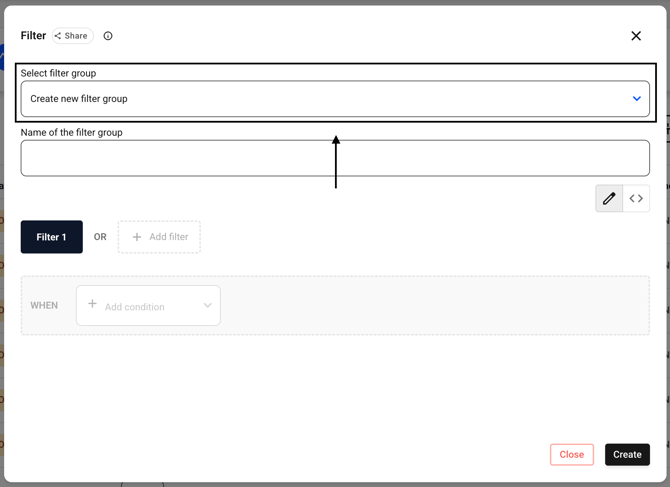
Now select Create new filter group (it is preselected).
Now enter a name of your choice for the filter in the Name of the filter group field.
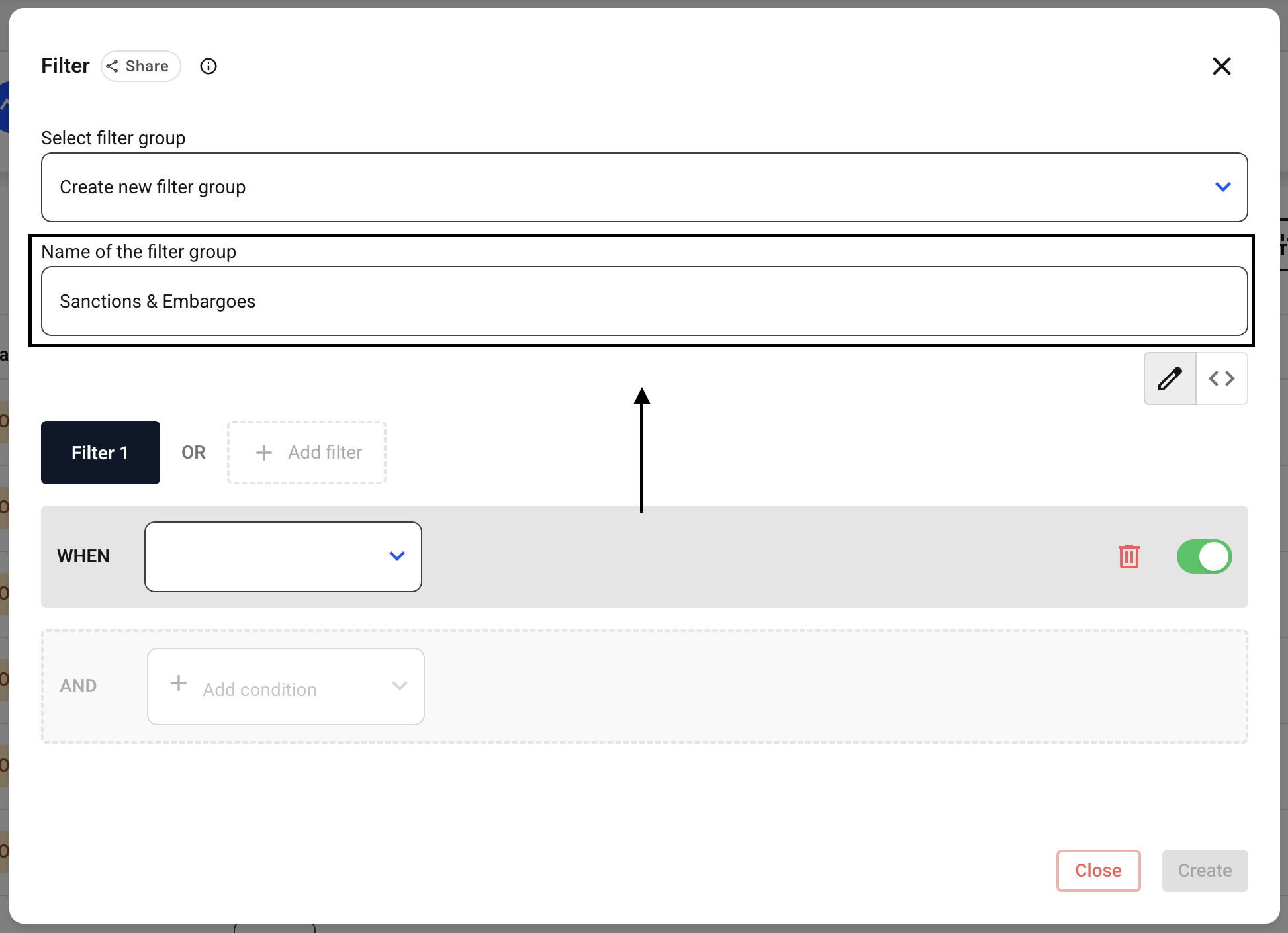
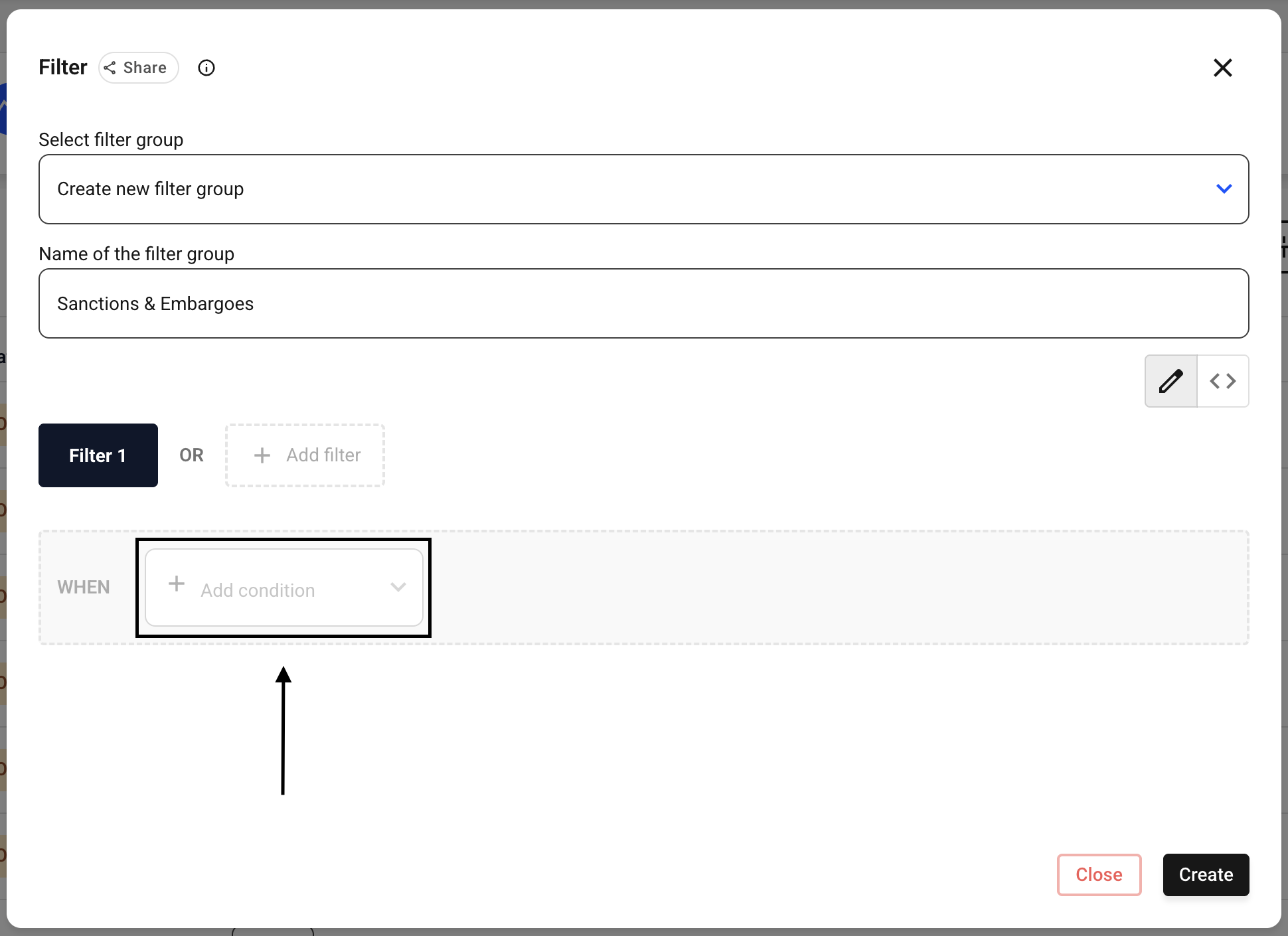
Now click Add condition in the when row.
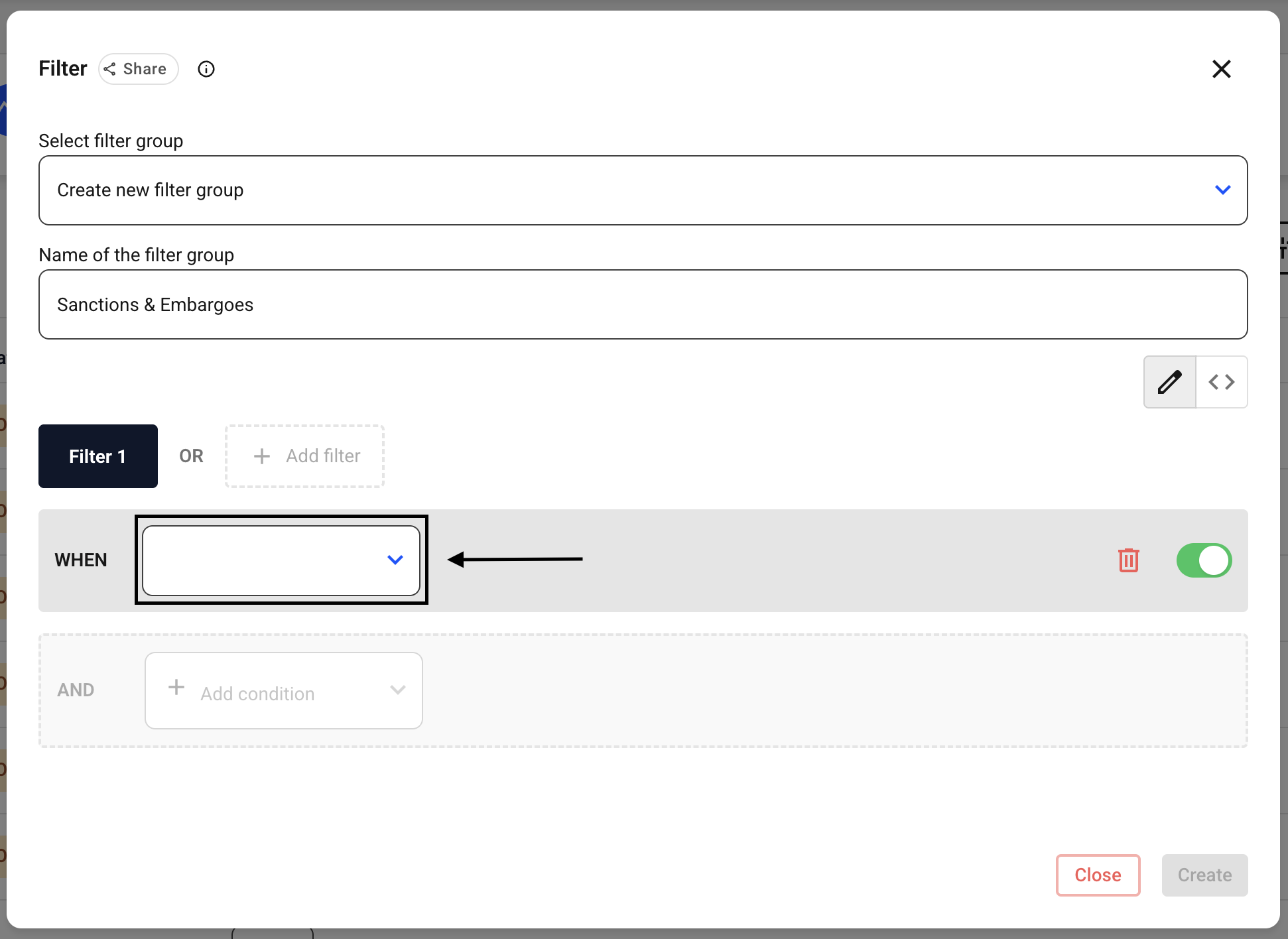
Now click on the drop-down menu that has appeared.
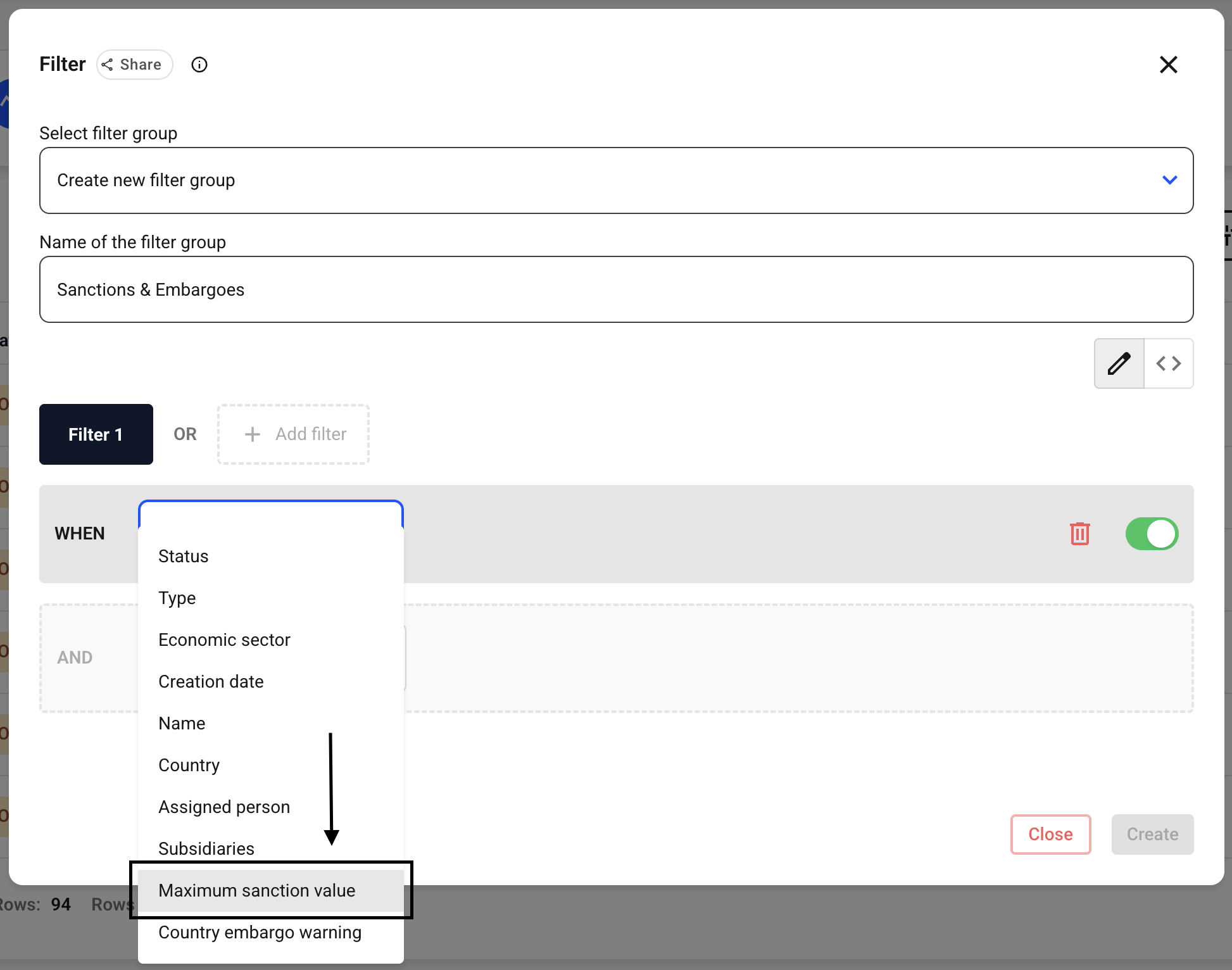
Now select the Maximum sanction value option.
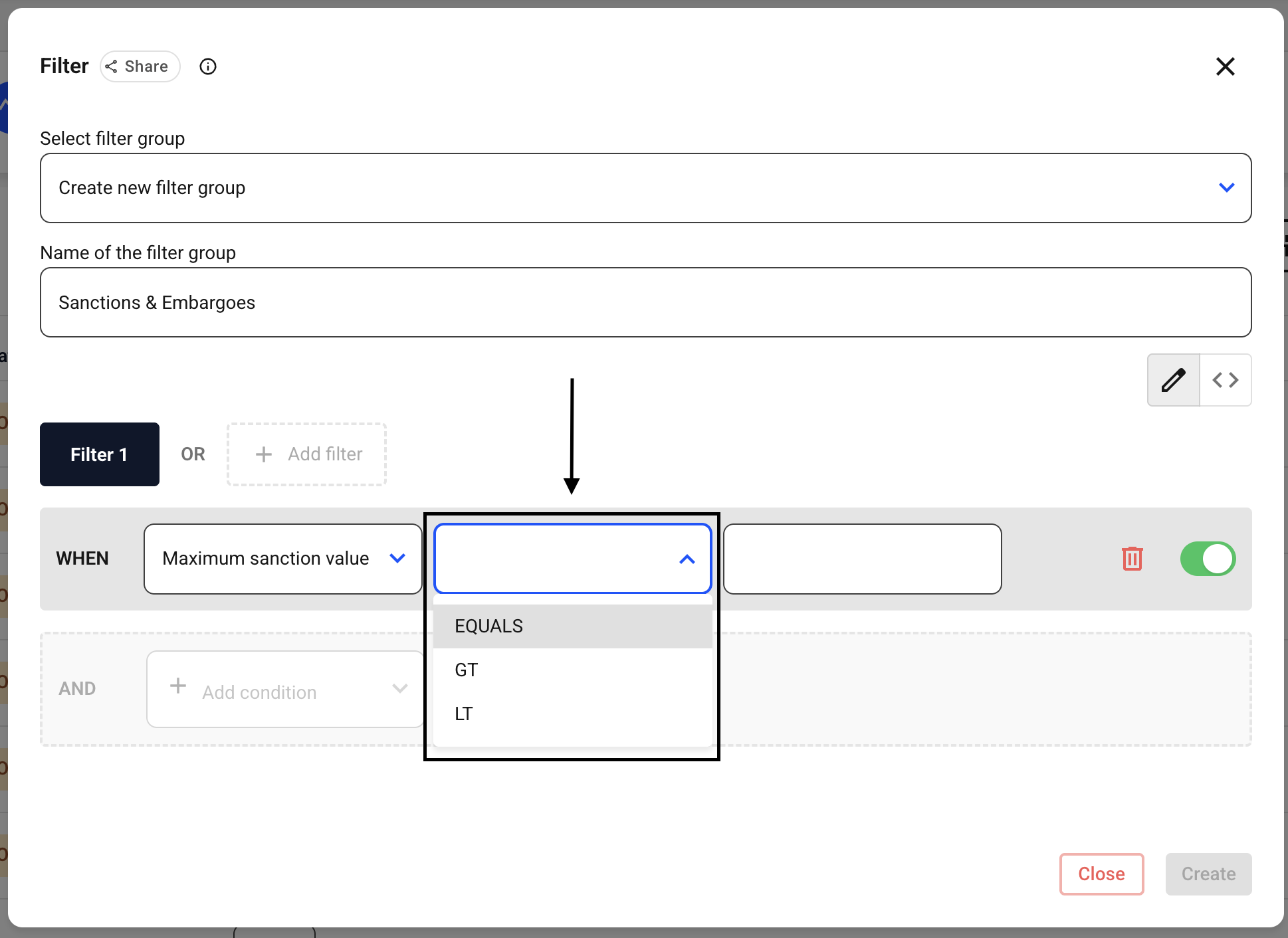
Now click the button that has appeared in the middle.
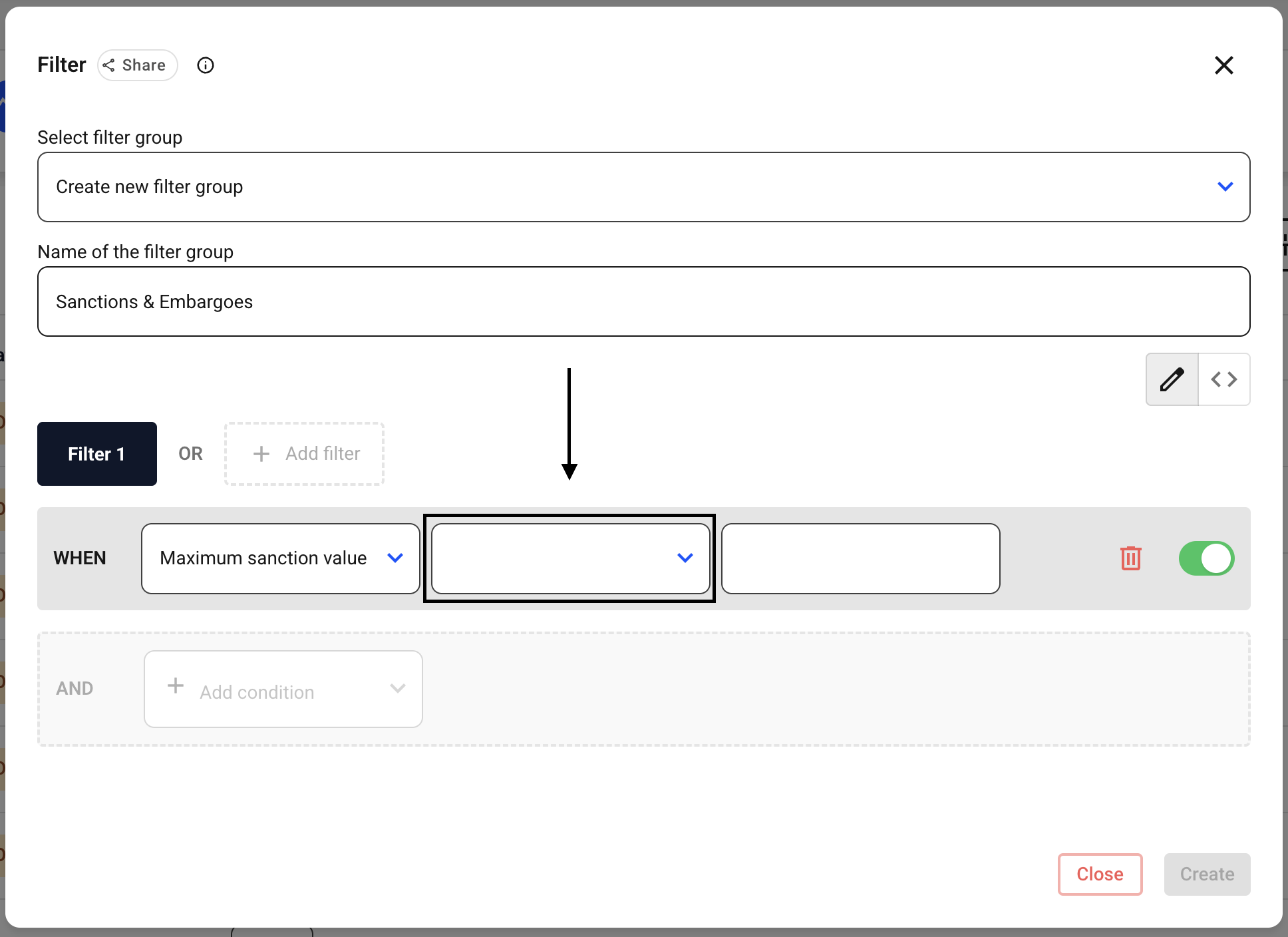
Now select whether the value should match the following entry exactly, or whether the system should display only values greater than or less than the number entered here.
Equals means “equal to.”
GT stands for “Greater Than.”
LT stands for “Lower Than.”
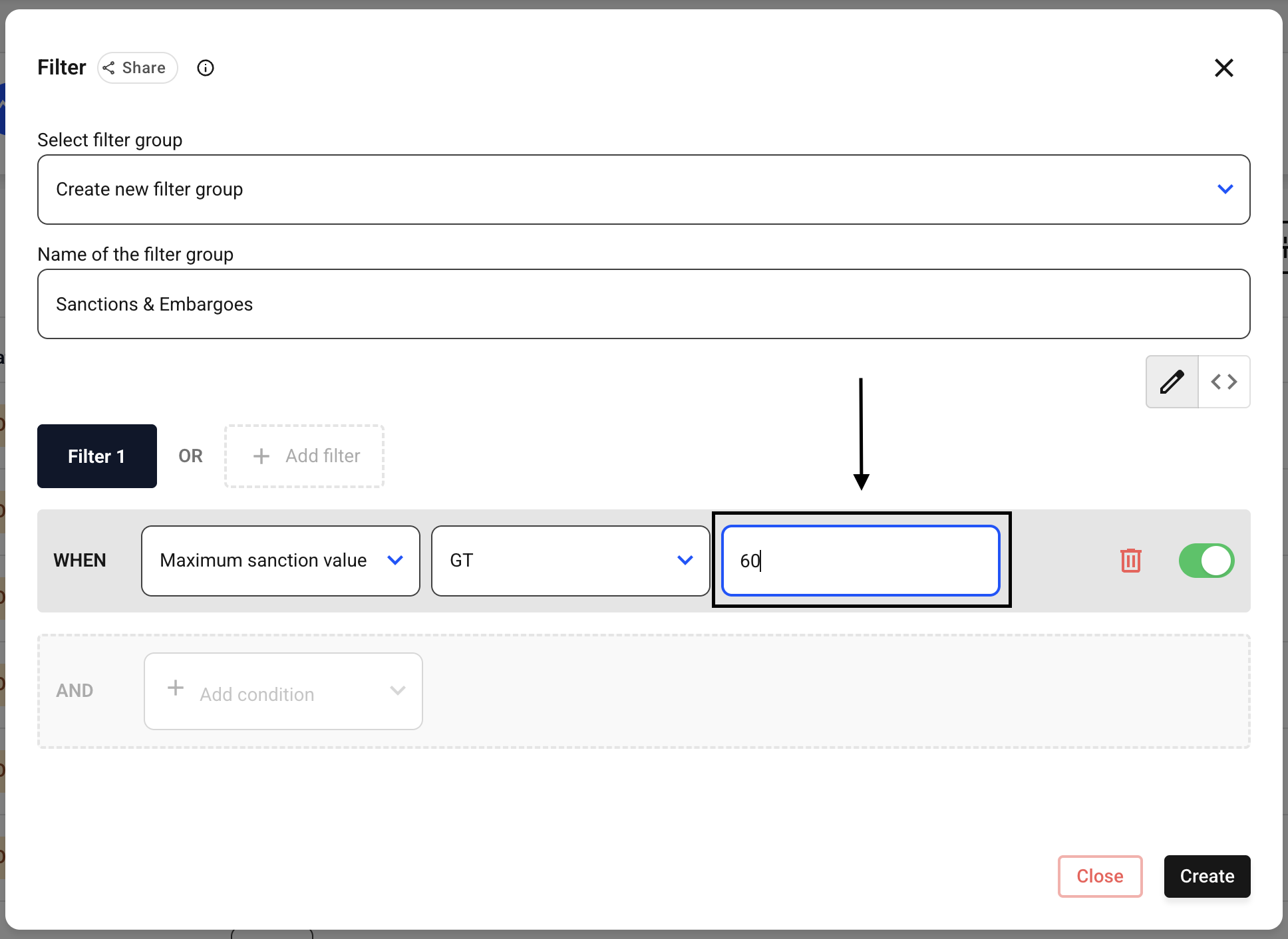
Now enter the number in the selection field on the right to which the previous specification “Equals, GT, LT” should refer.
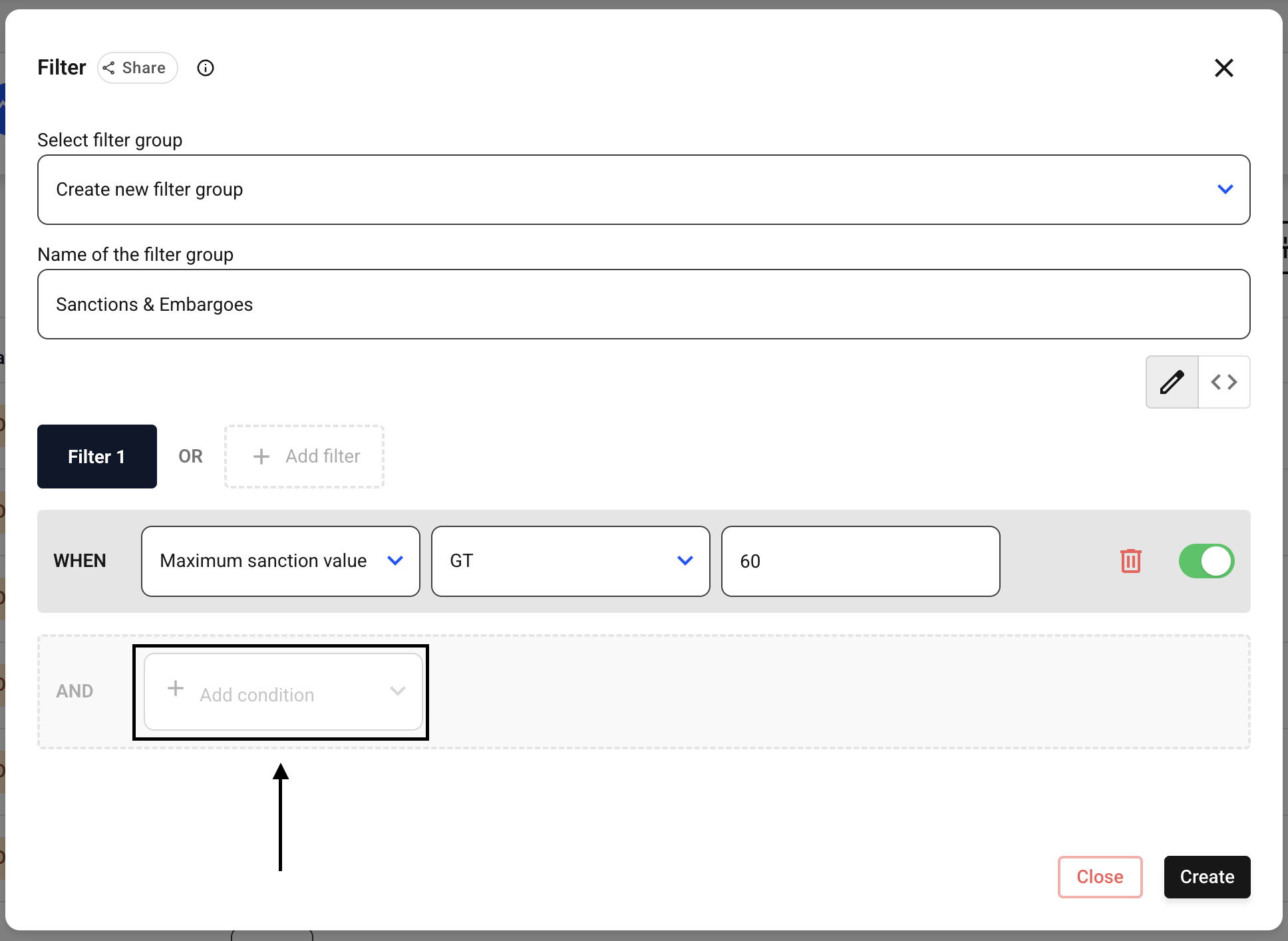
Now click Add Condition next to the AND condition.
Now click on the drop-down menu that appears.
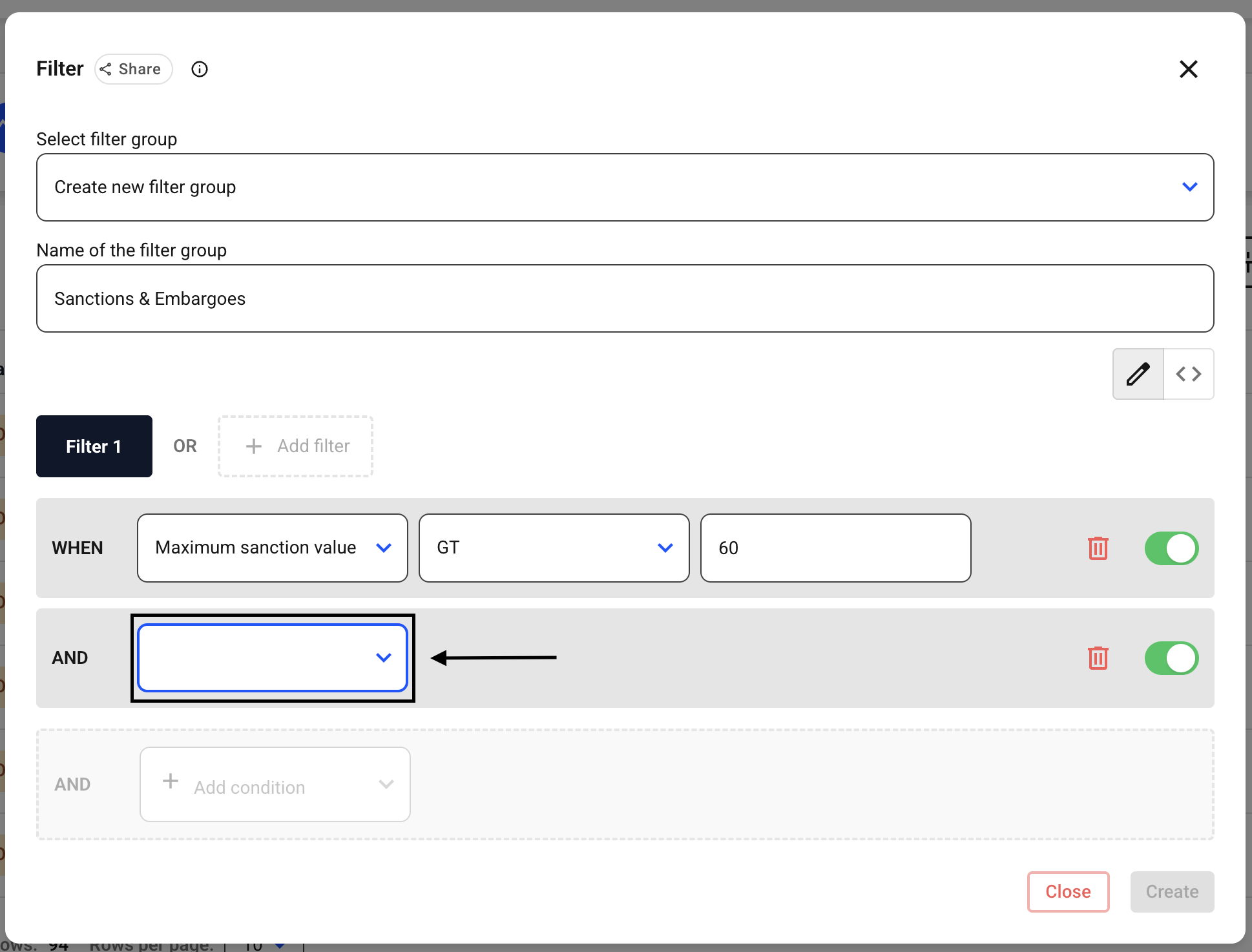
Now select the Country embargo warning.
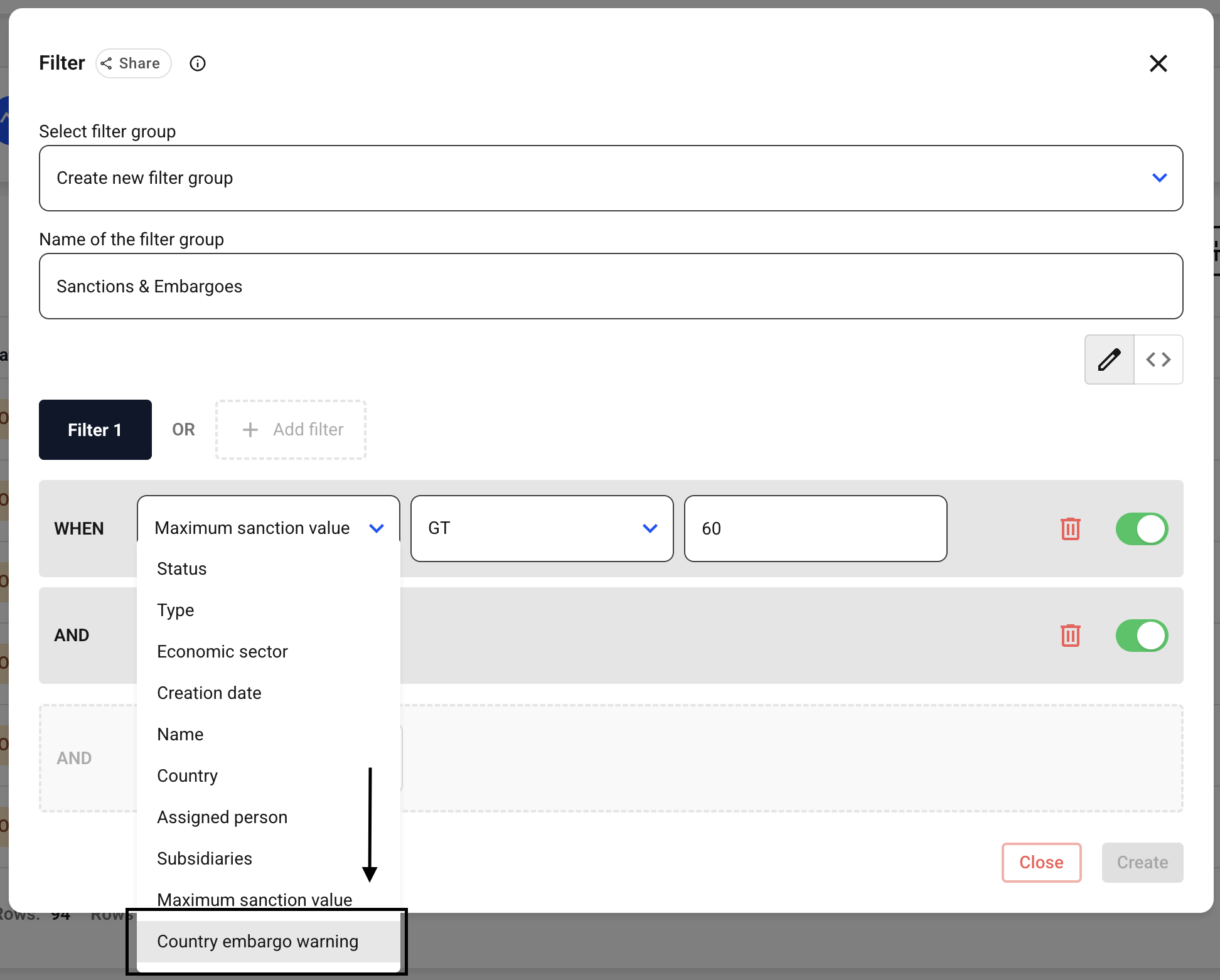
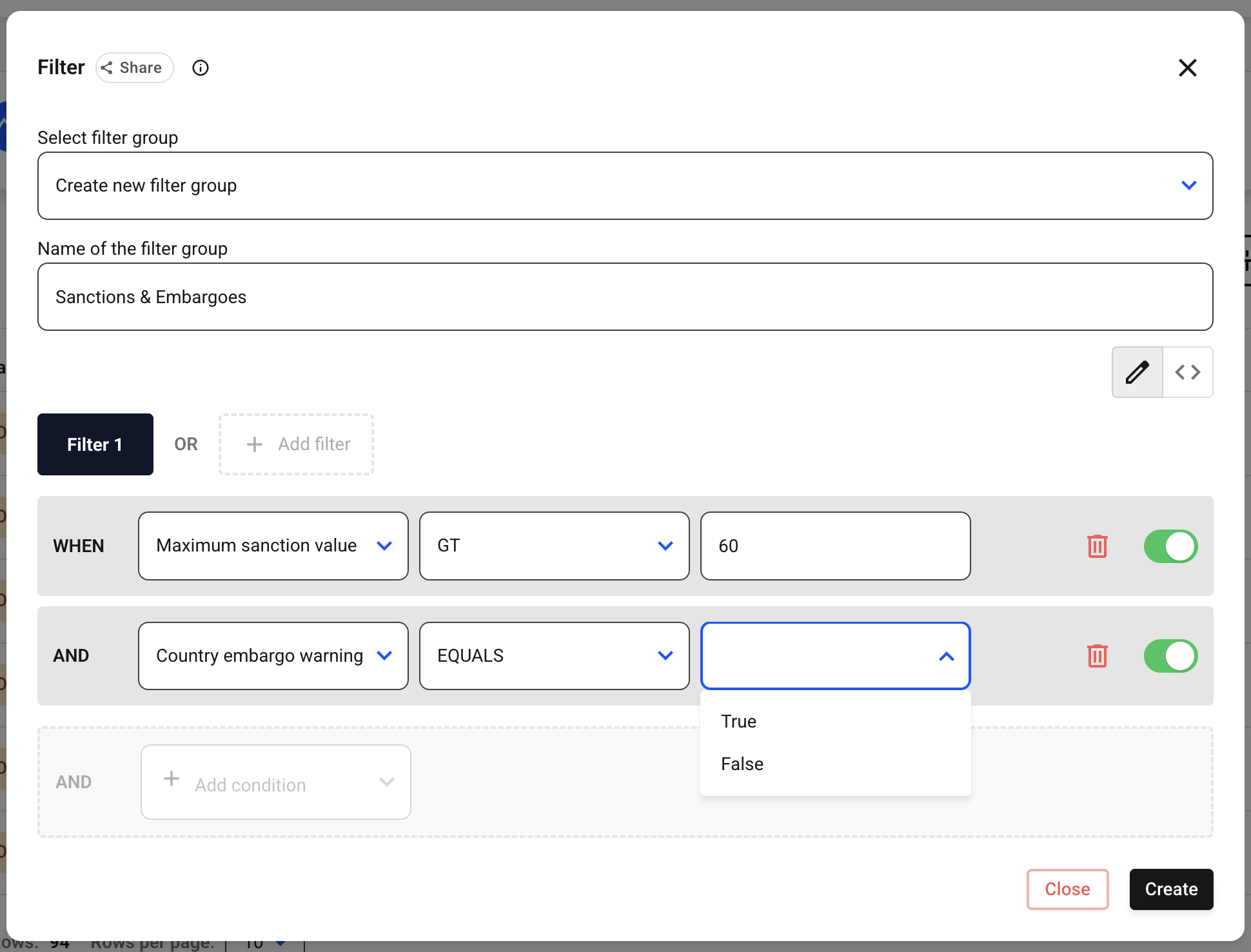
The middle field fills in automatically this time. Now use the drop-down menu on the right to select whether or not to display embargo warnings for the countries.
If you want to include these in the filter, click True; if not, click False.
Now click Create for the filter.
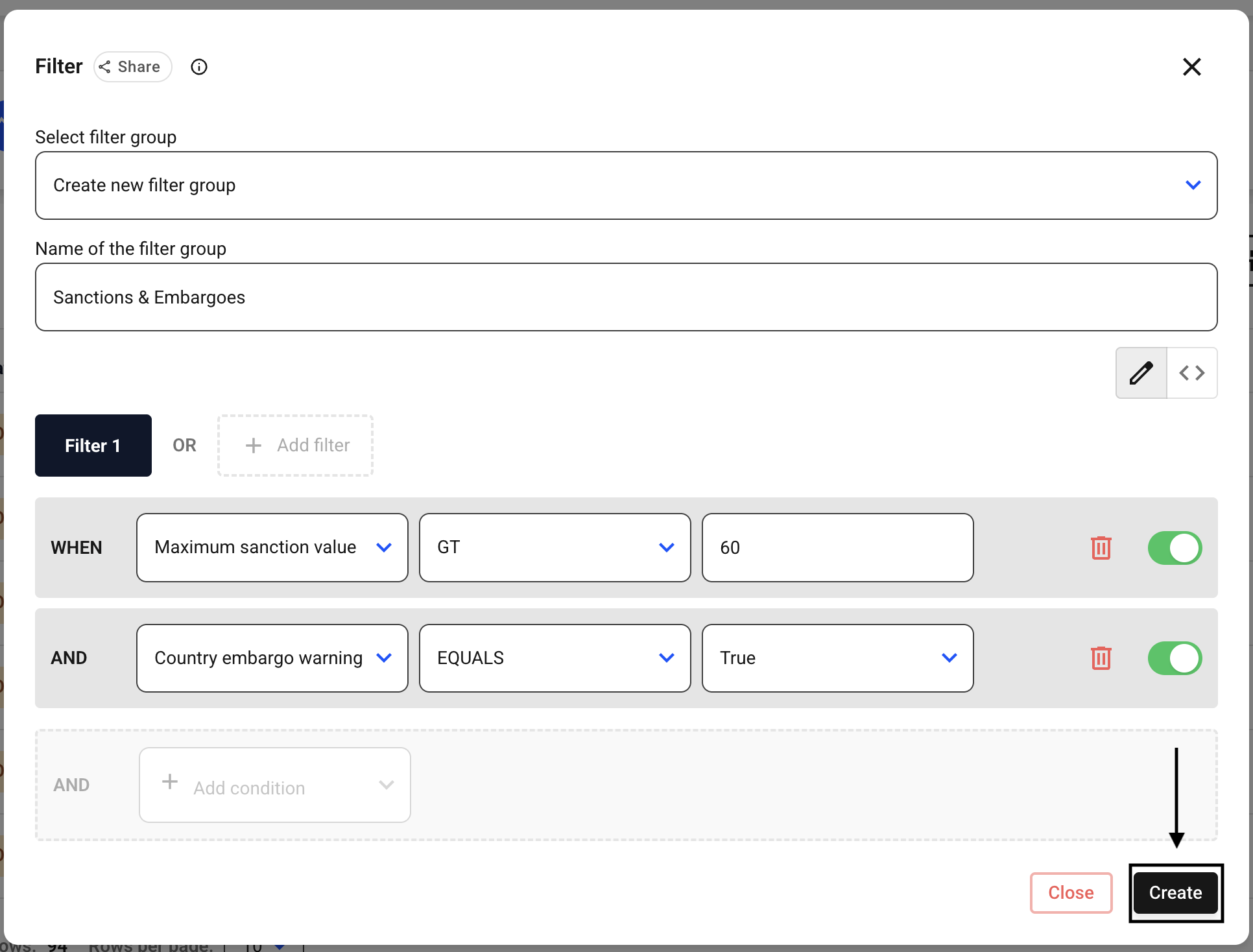
In this scenario, you will only see suppliers who have a sanction value greater than 60 AND are subject to a country embargo.