/Lawcode%20Logo%20(White).svg)
There are two different ways to activate or deactivate the anonymization buttons.
On the one hand, you can permanently deactivate this function in the system settings, and on the other hand, you can activate and deactivate the function individually within the reports.
Method 1: Permanent activation/deactivation in the system settings
Click on Settings in the administration area.
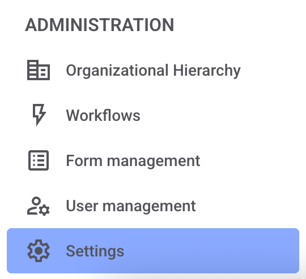
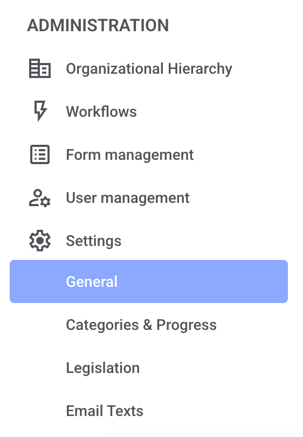
Now click on General.
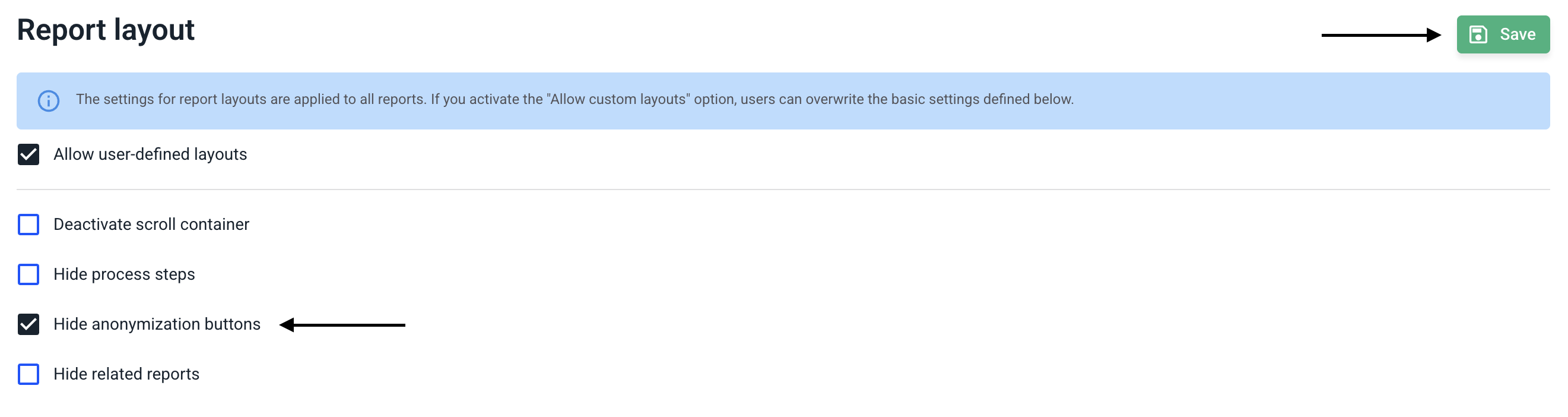
Scroll down until you reach the Report layout.
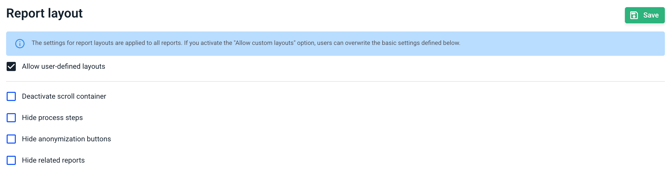
To permanently disable the anonymization buttons, check the box next to hide anonymization buttons. The anonymization buttons are enabled by default. Then click Save to apply the changes.
Method 2: Activating/deactivating within the report
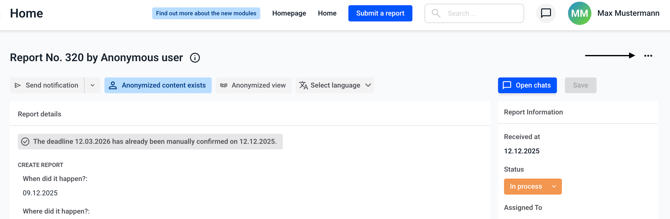
Open a report and click on the three dots in the top right corner.
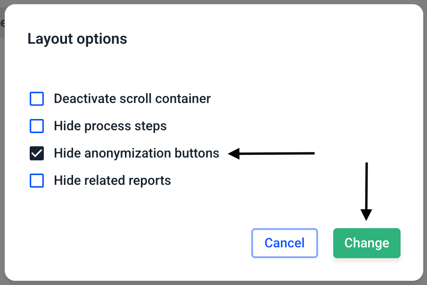
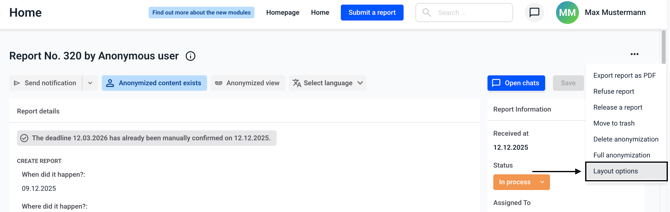
Select the layout options from the menu.
If you want to hide the anonymization buttons, check the box next to hide anonymization buttons. If you want to show the anonymization buttons, uncheck the box. Then confirm your selection by clicking Change.