/Lawcode%20Logo%20(White).svg)
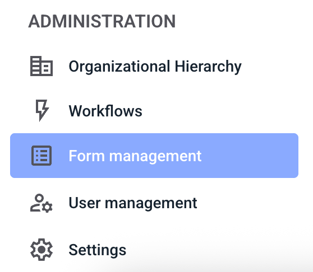
To deactivate the Continue button within the form, first click on Form management.
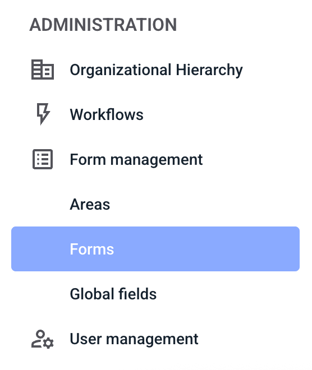
Now click on Forms.
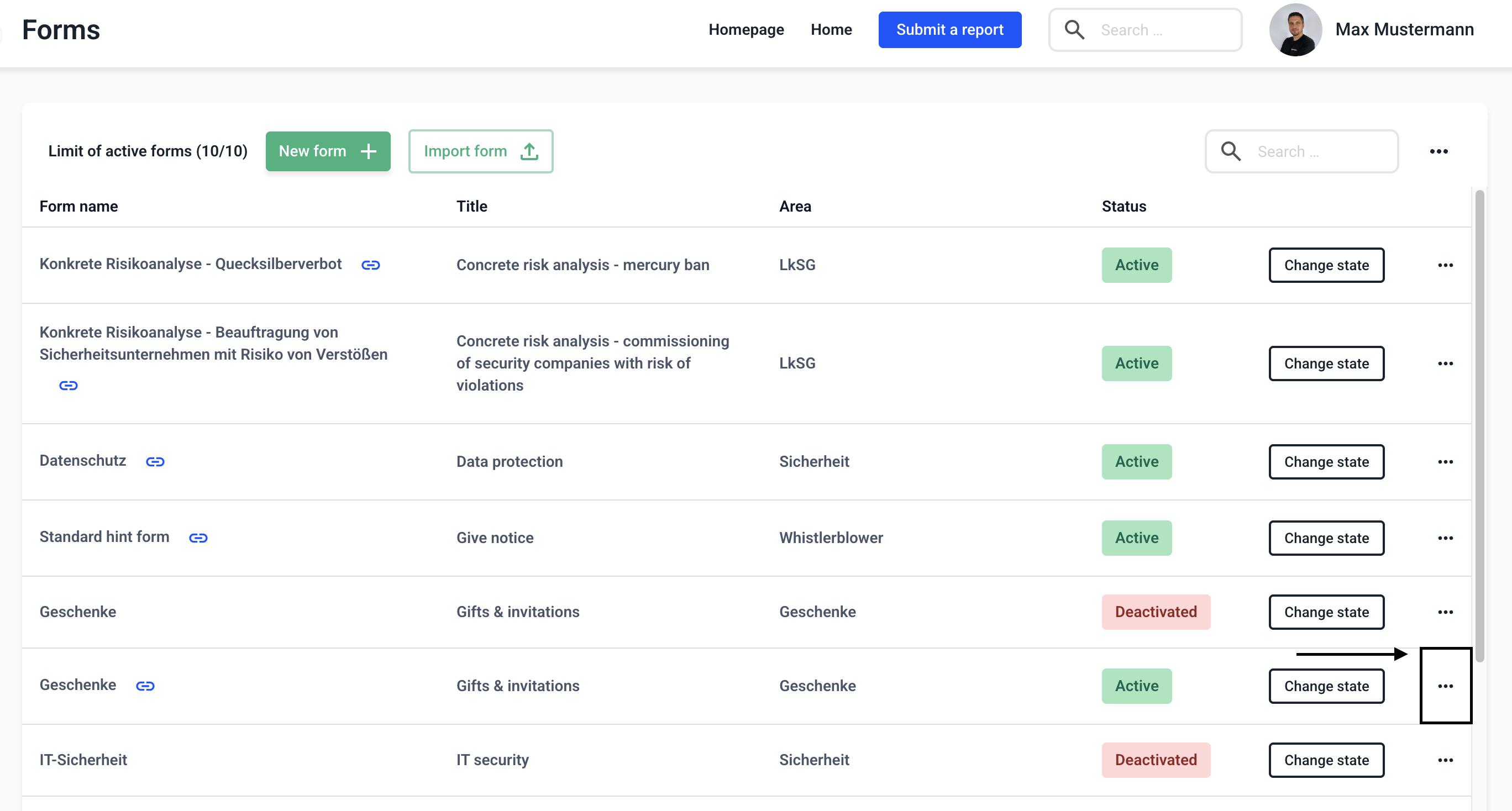
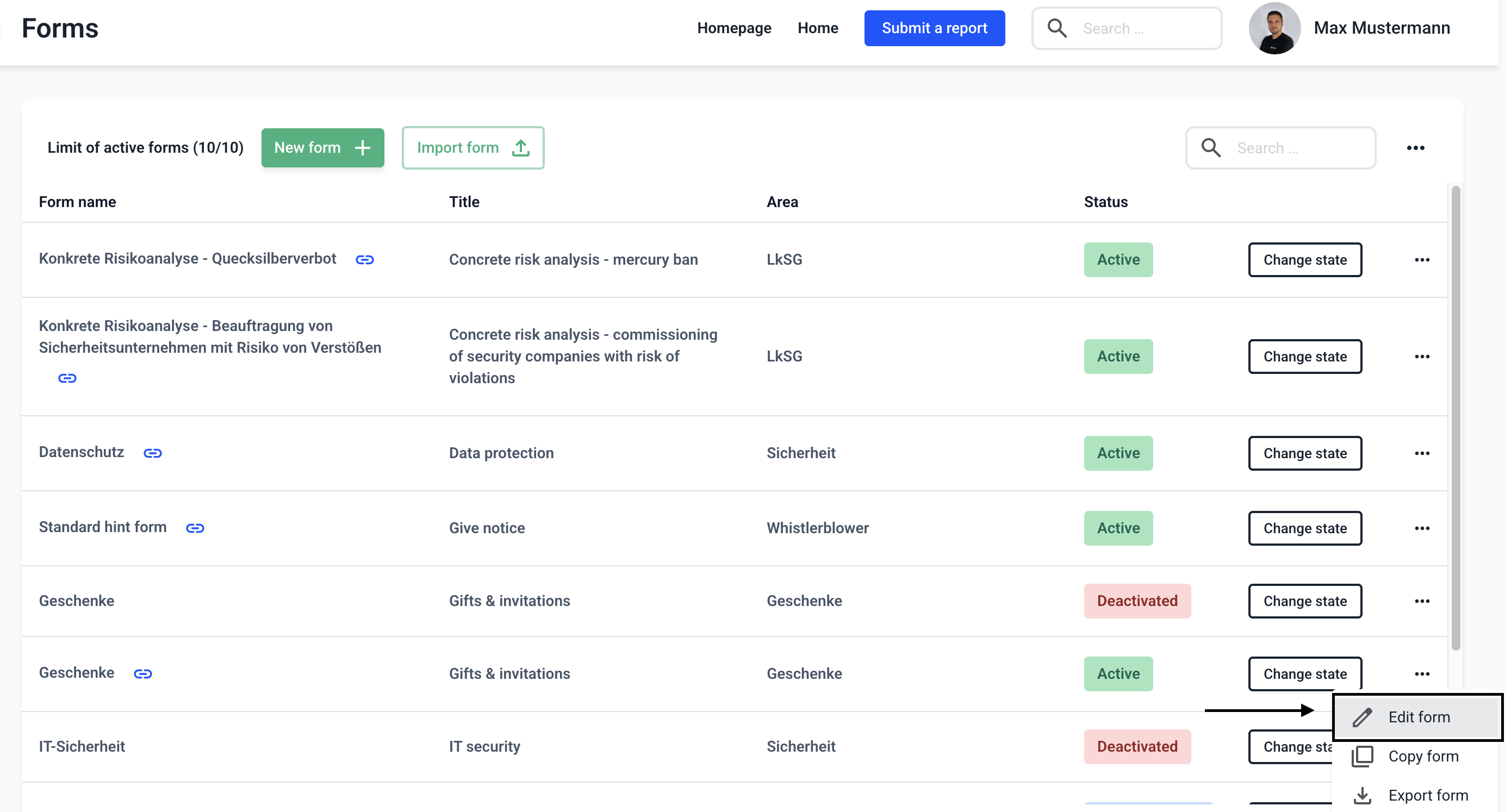
Now click on the three dots on the right-hand side of the form of your choice.
Click on Edit form.
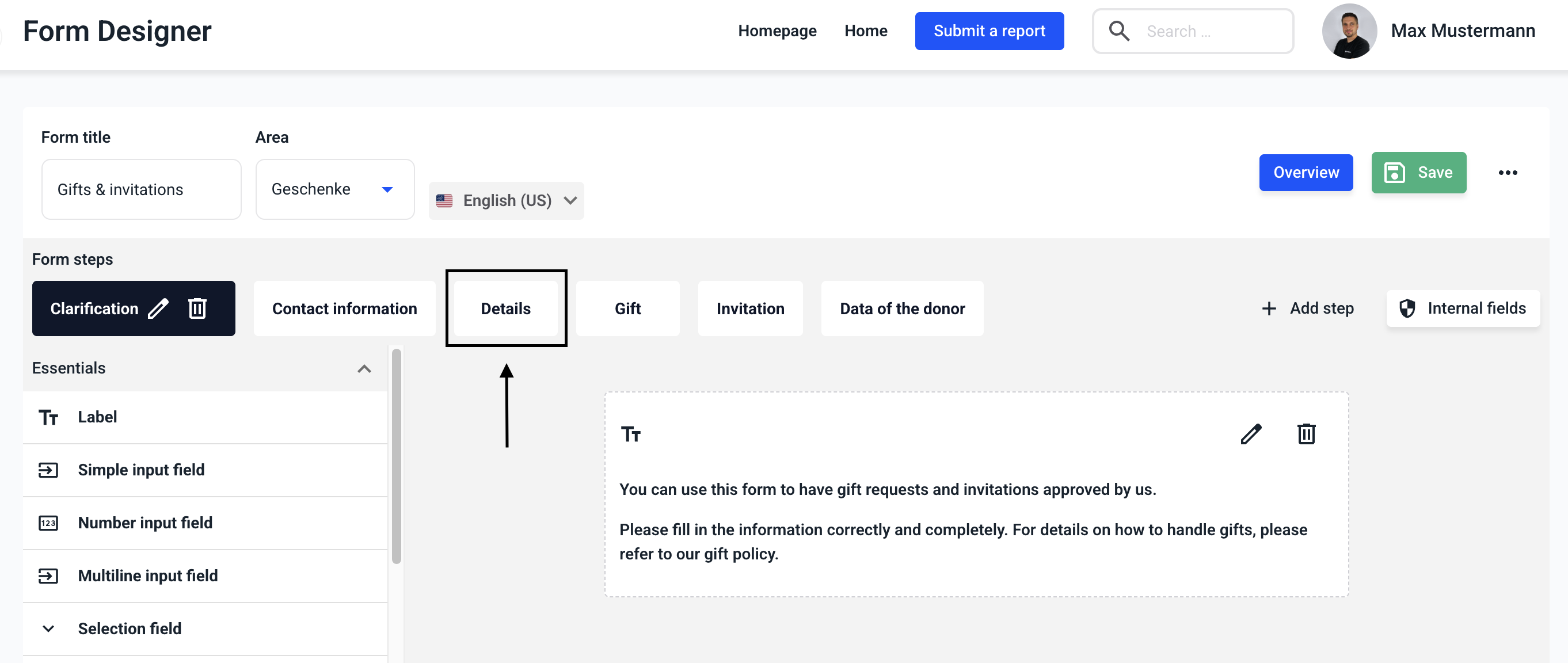
Now click on the step where you want to make the change.
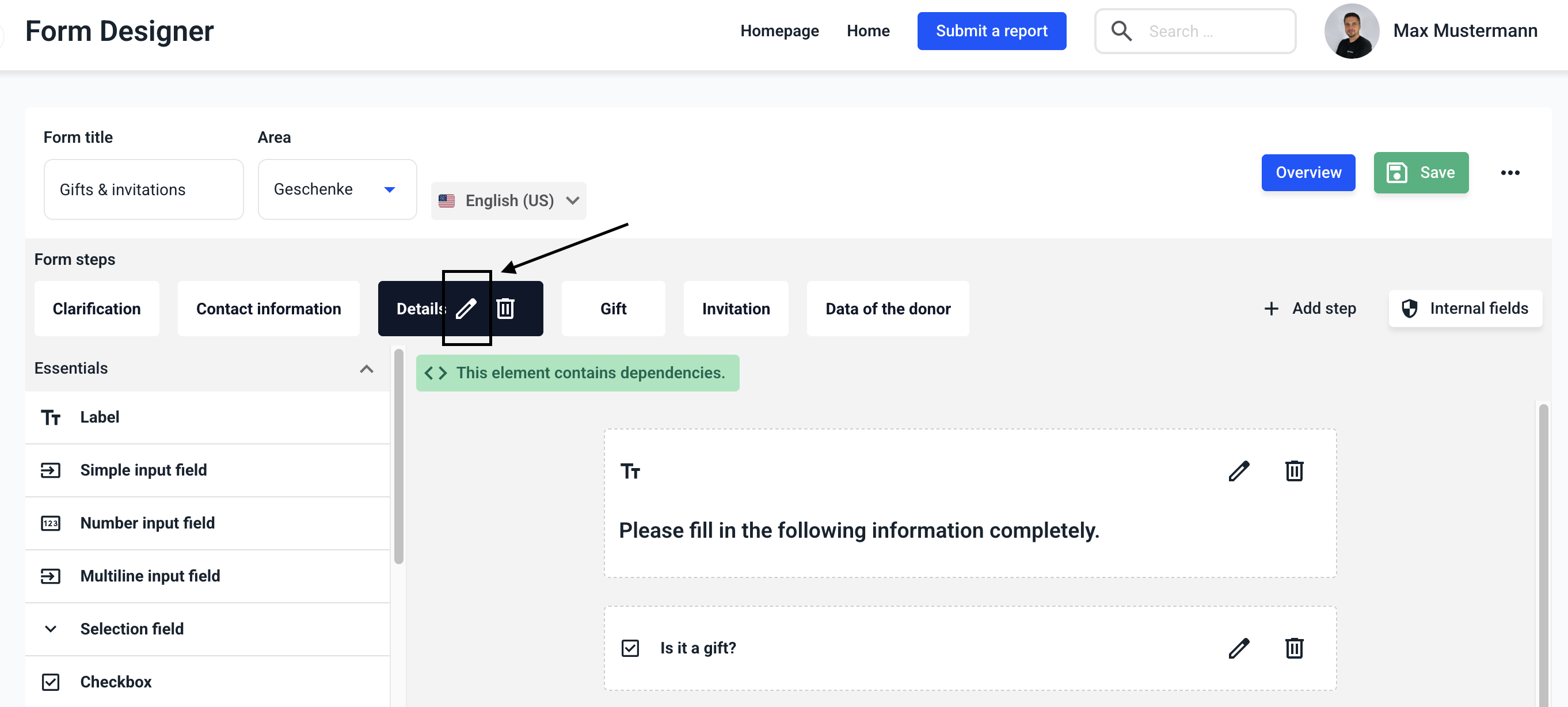
Click on the edit pencil for the step.
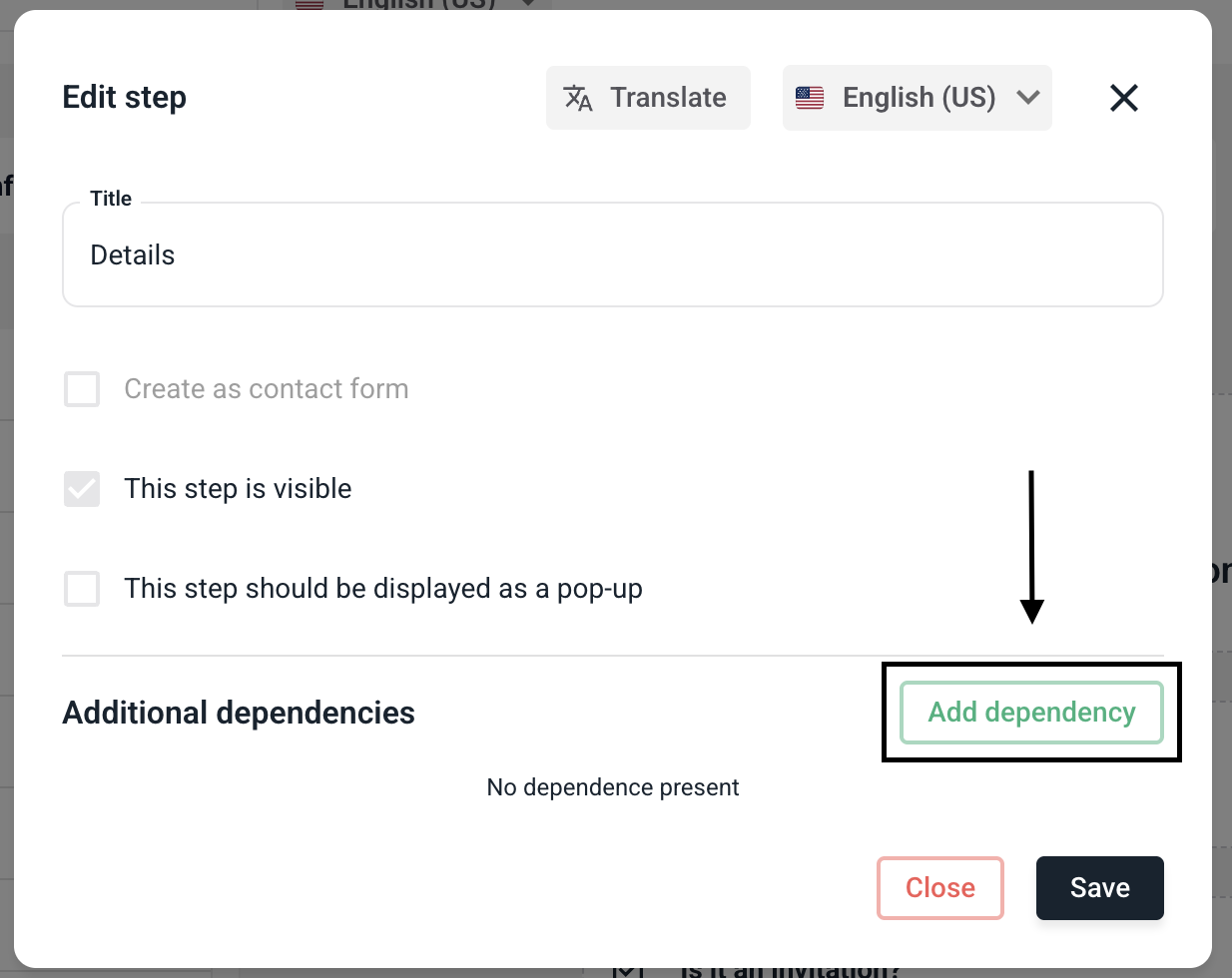
Now click Add dependency.
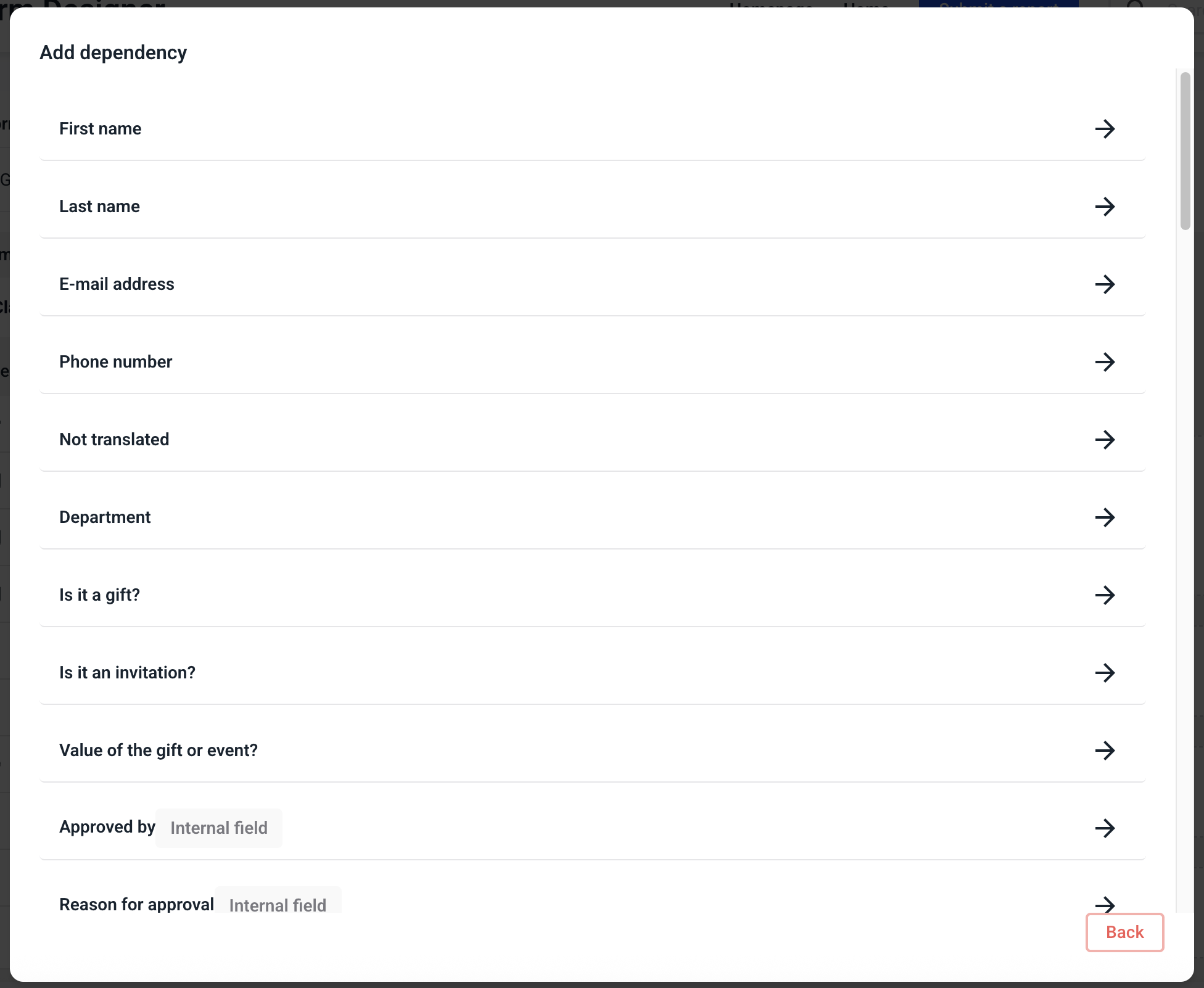
Now select a condition for which you want to define the dependency.
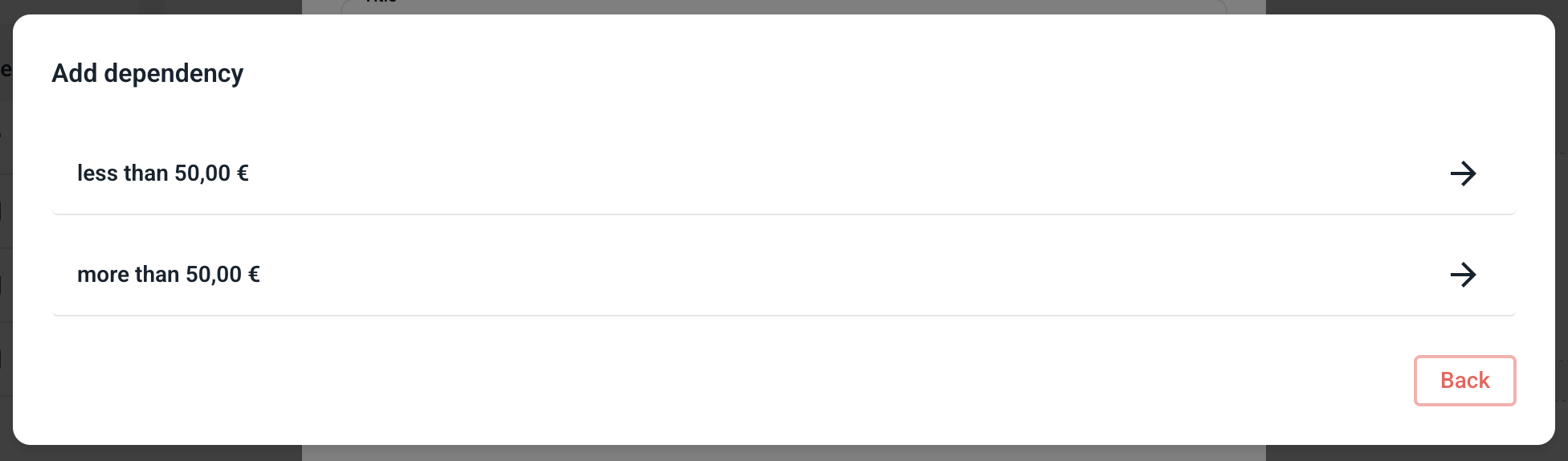
Determine the exact value to which the dependency should apply.
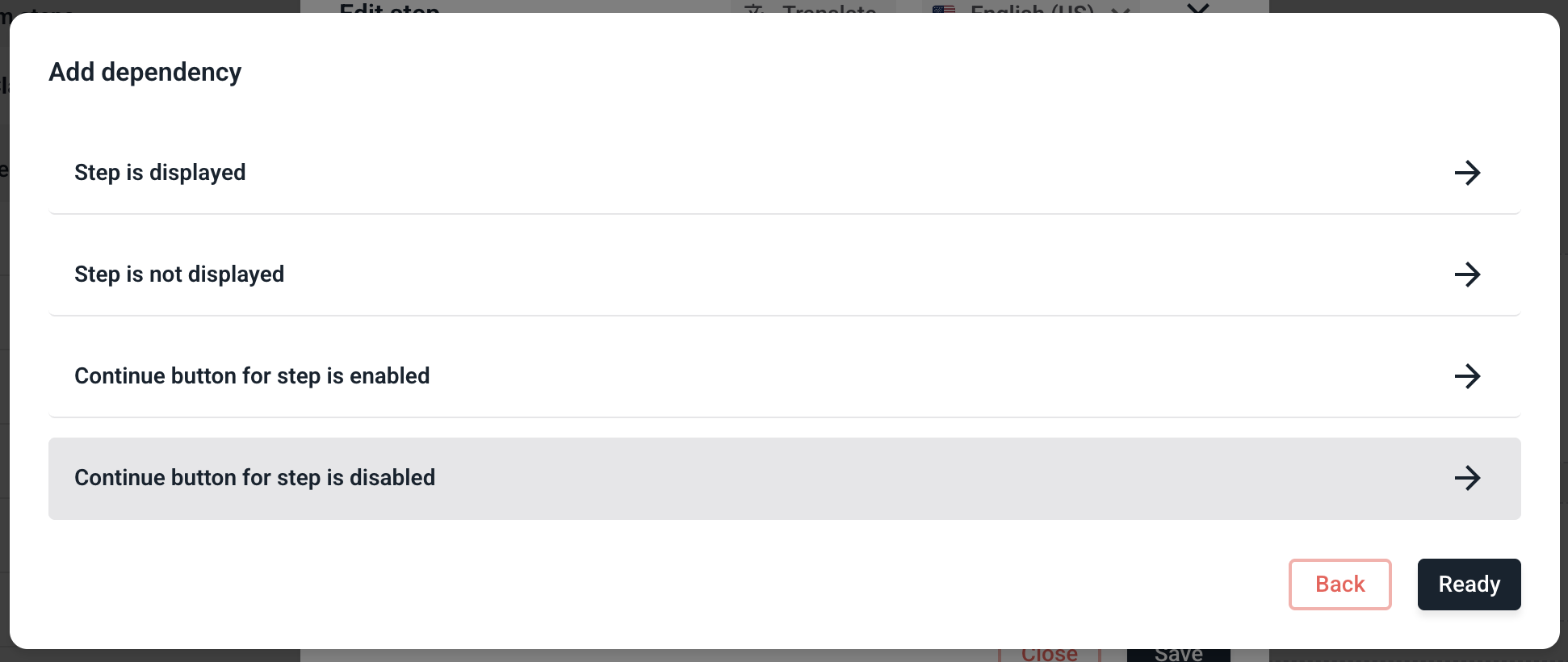
Now click on the Continue button for step is disabled.
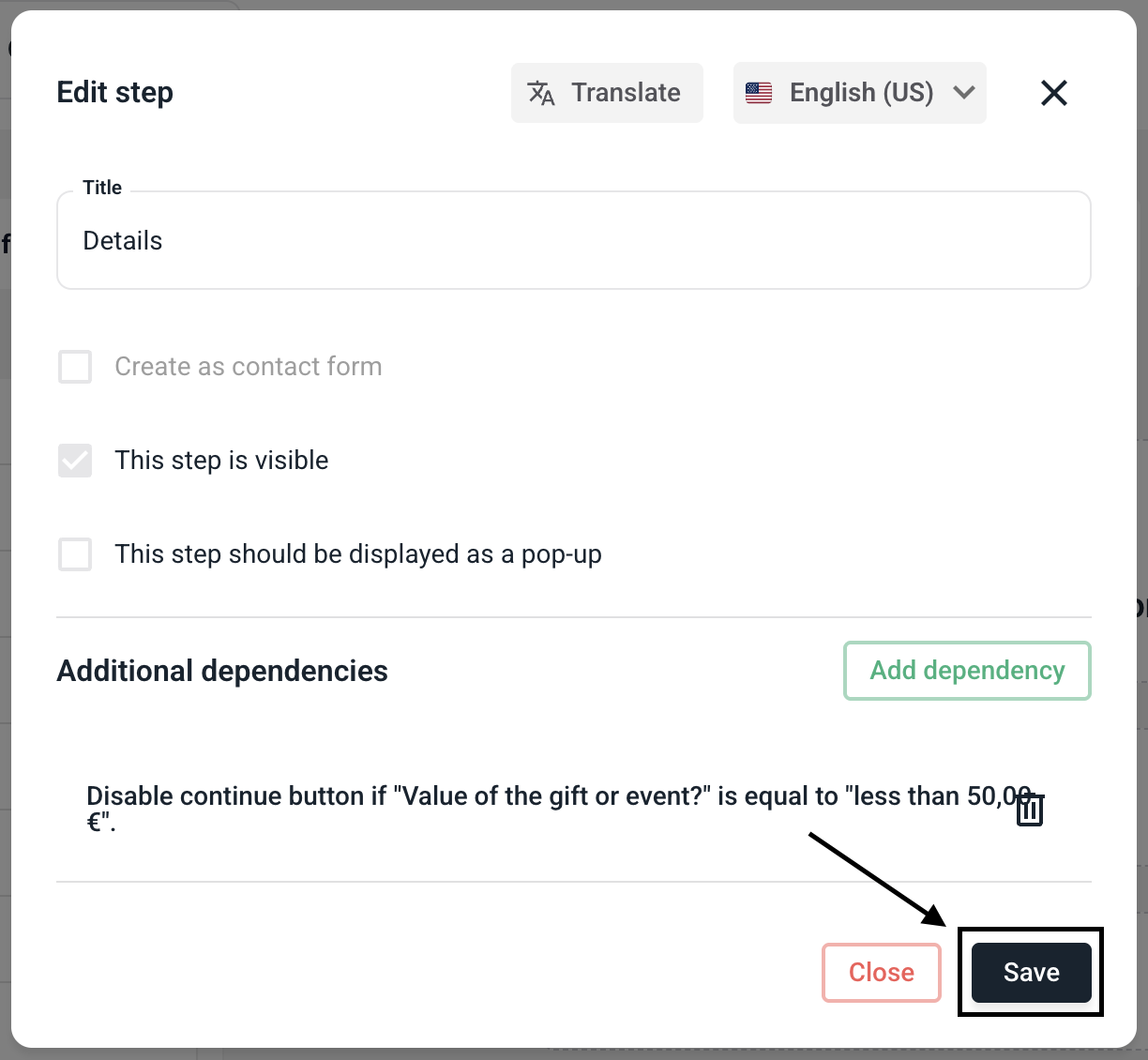
You can now see that the dependency has been successfully stored and at which event the dependency occurs.
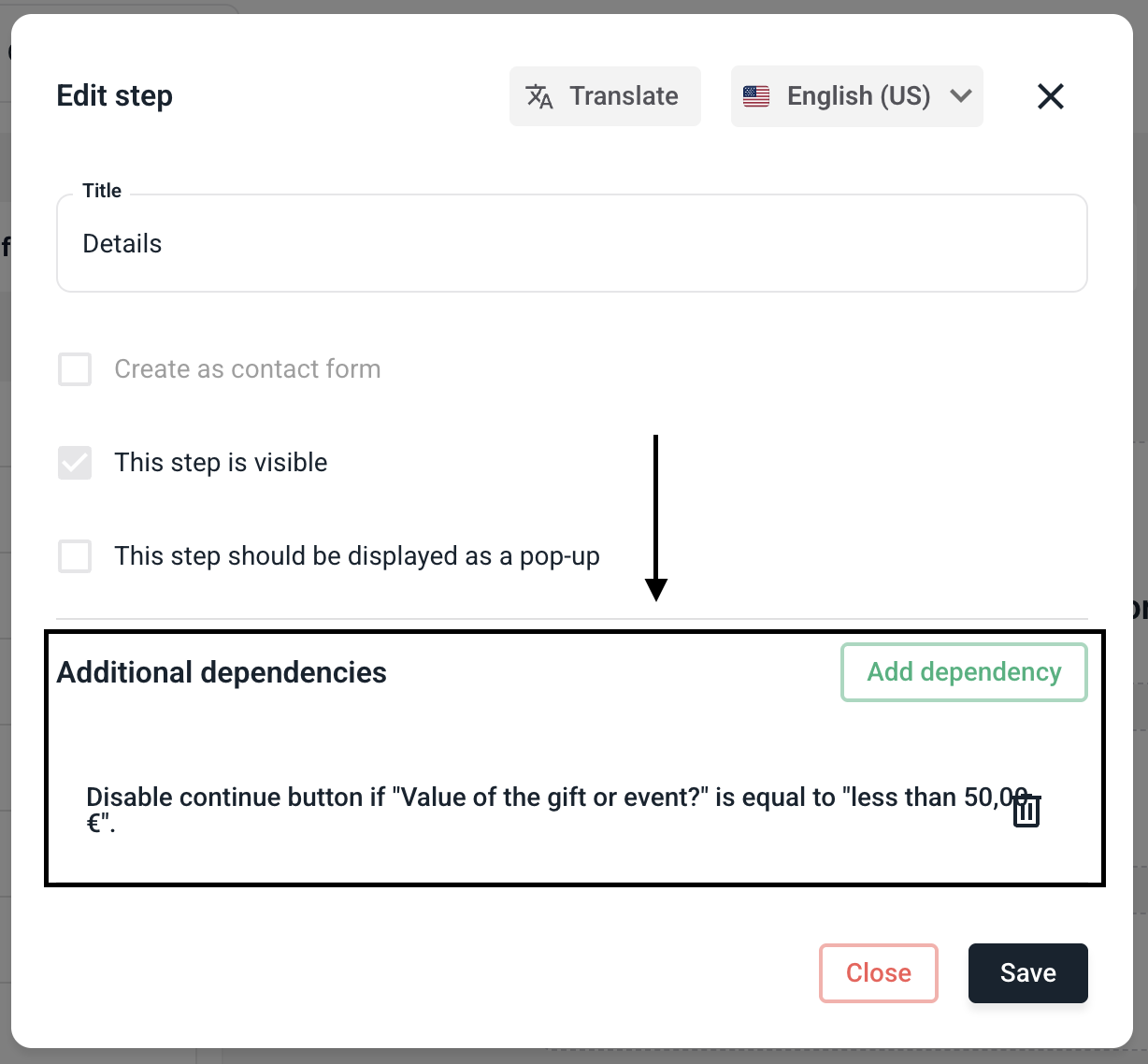
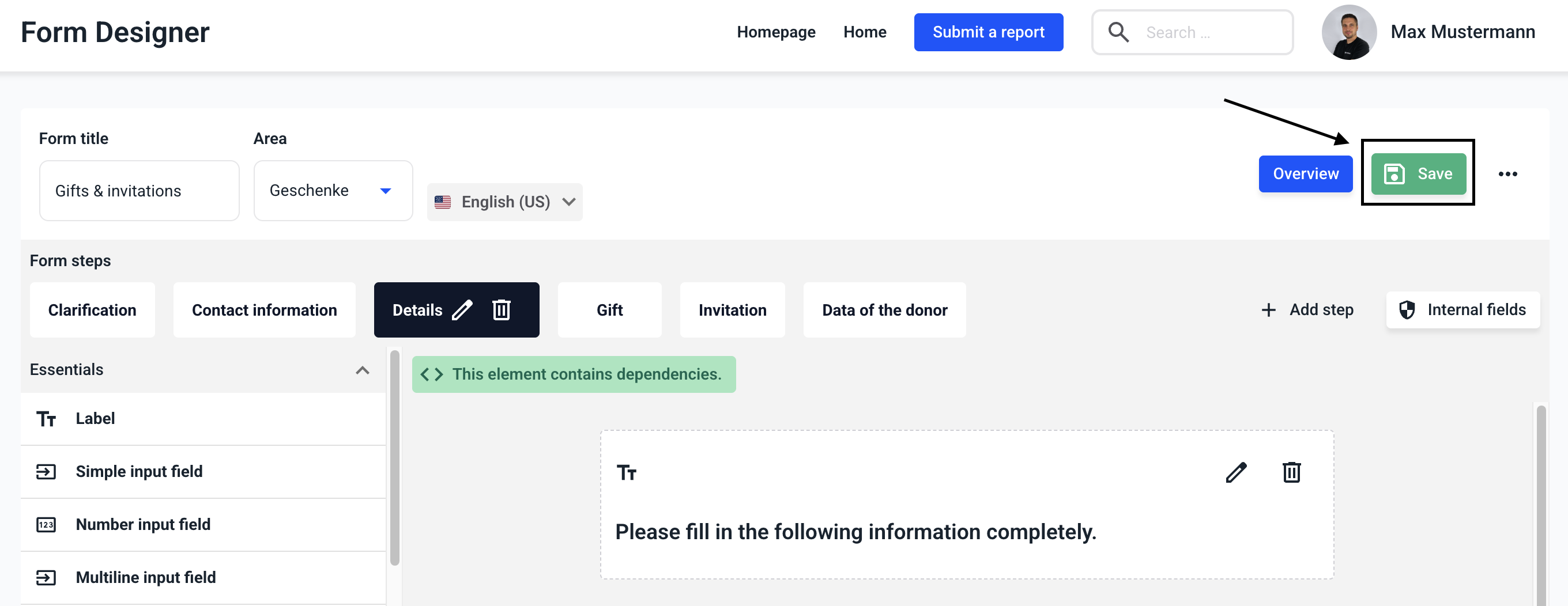
Click on Save.
Save the form now to apply the changes.