/Lawcode%20Logo%20(White).svg)
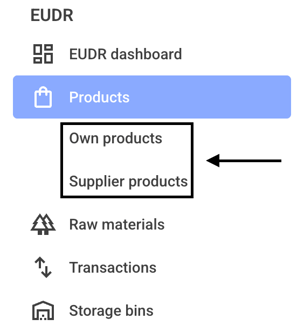
To overwrite a batch risk, first click on Own products or Supplier products.
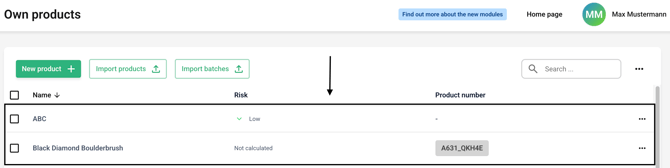
Now click on the line of the desired product.
Go to the product's batch overview.
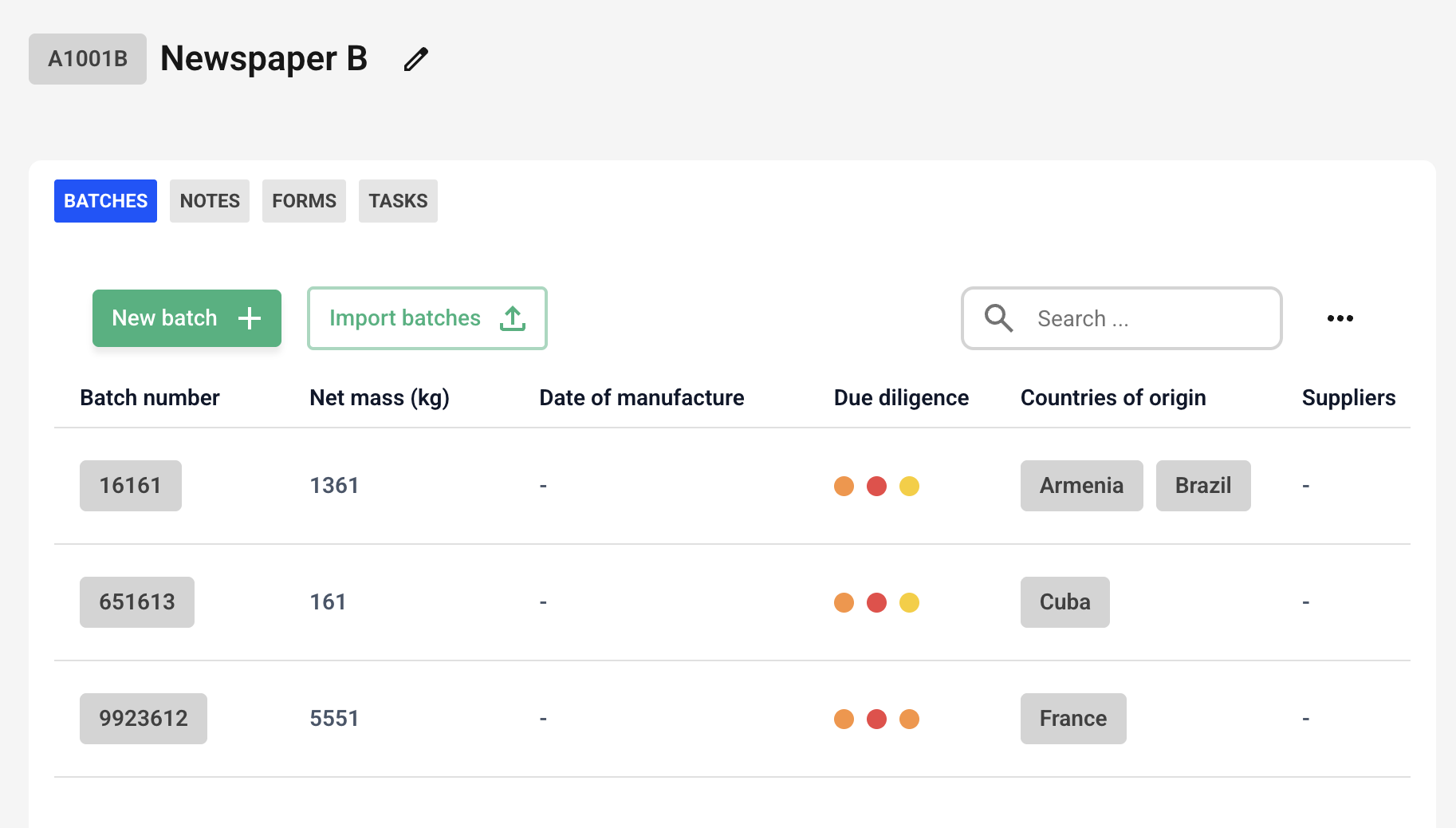
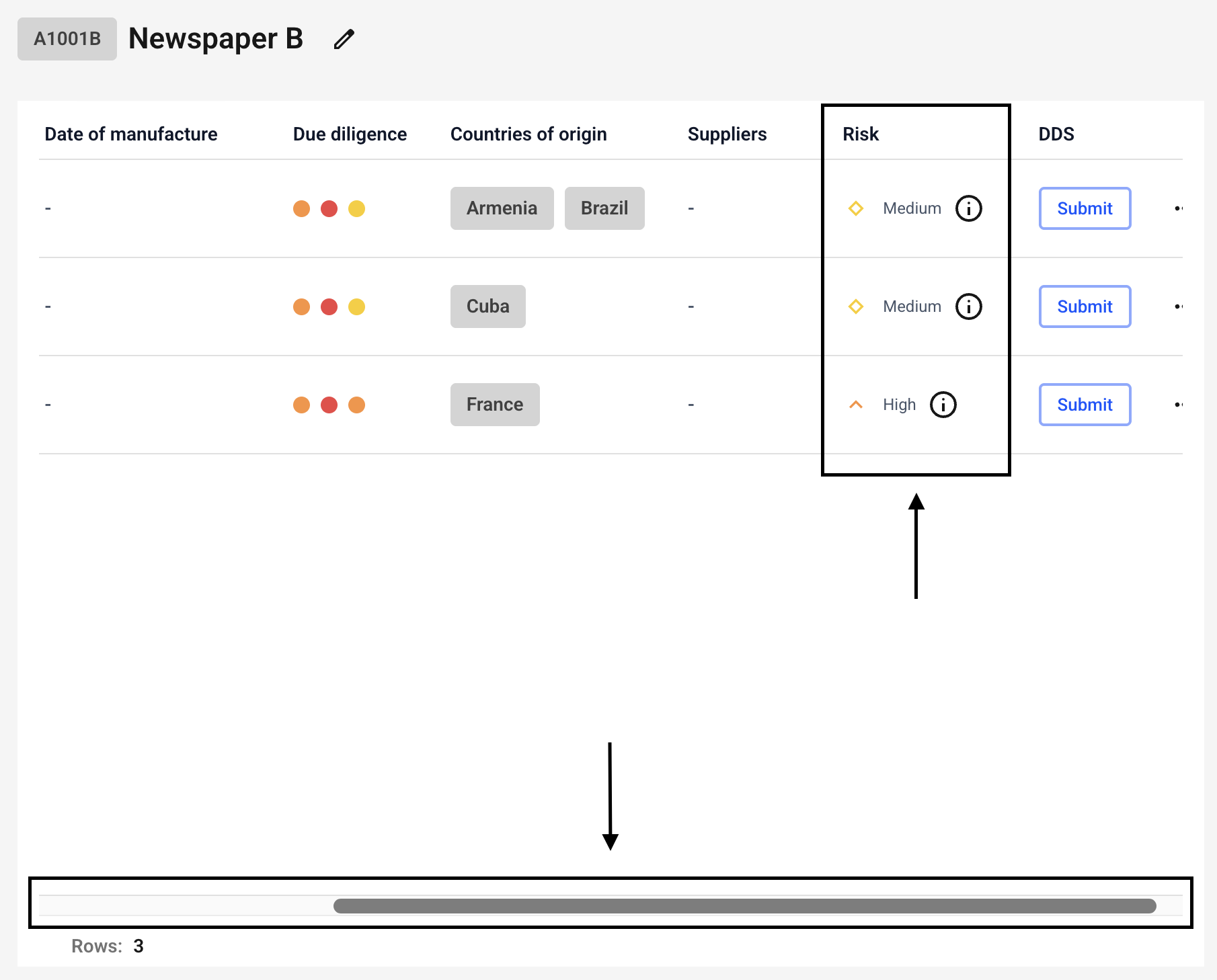
Now use the slider to scroll to the risk level.
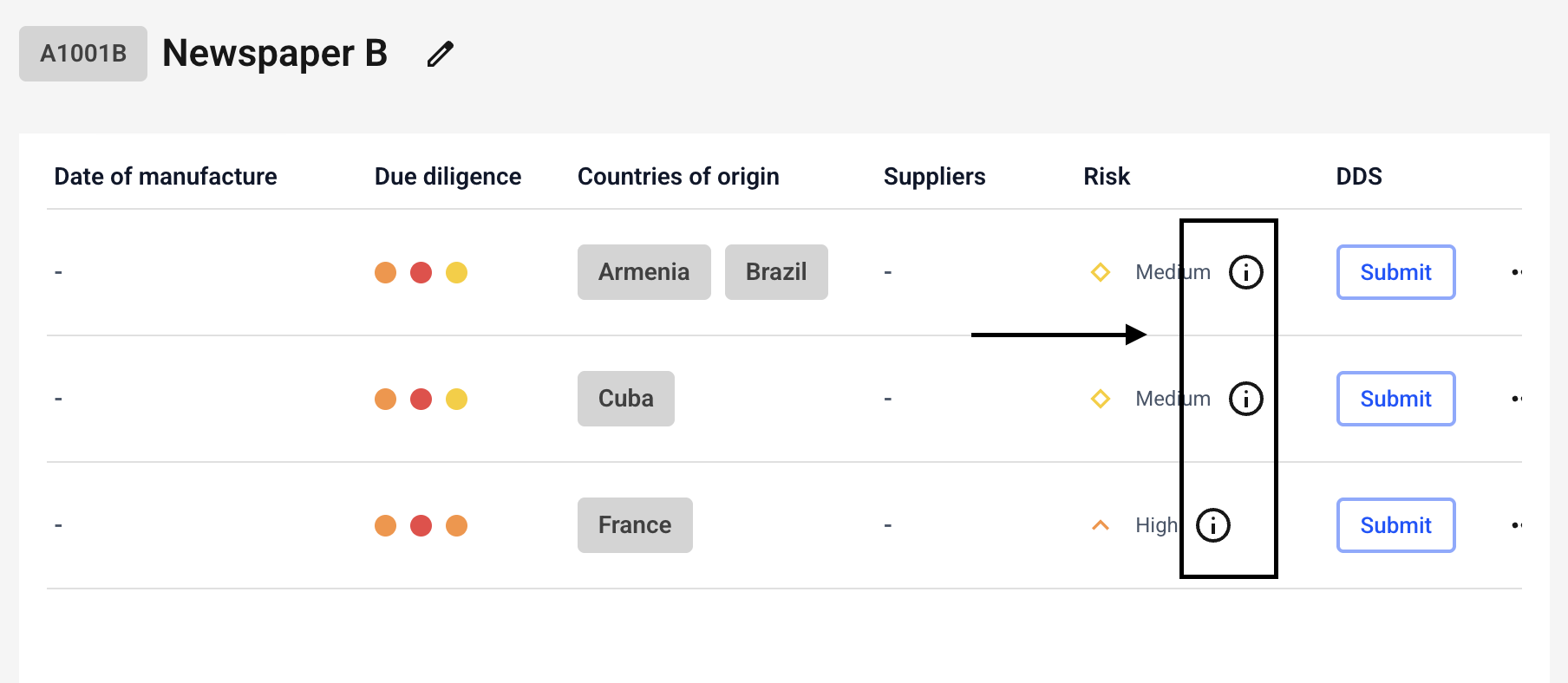
Now click on the small information icon next to the batch of your choice.
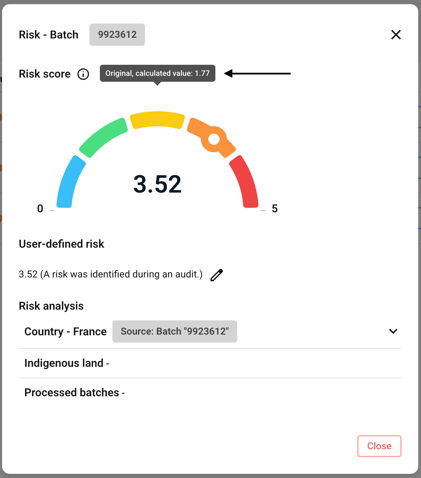
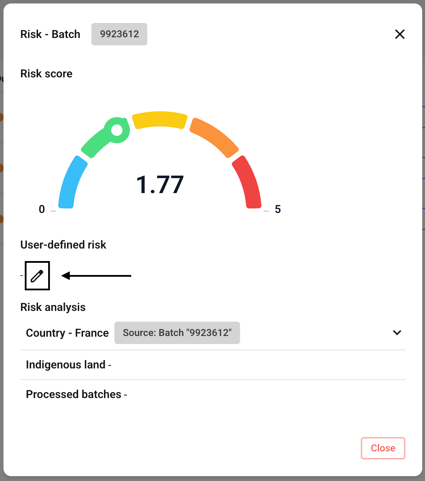
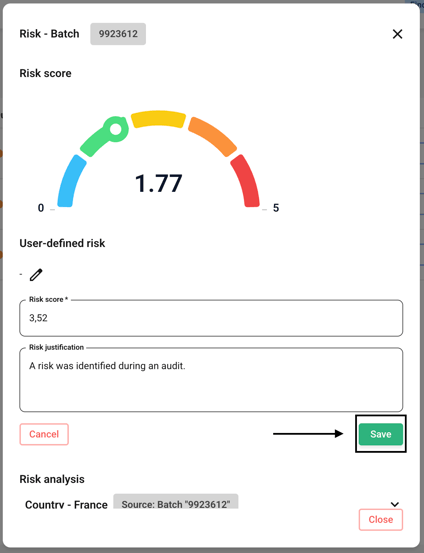
Now click the edit icon next to User-defined risk.
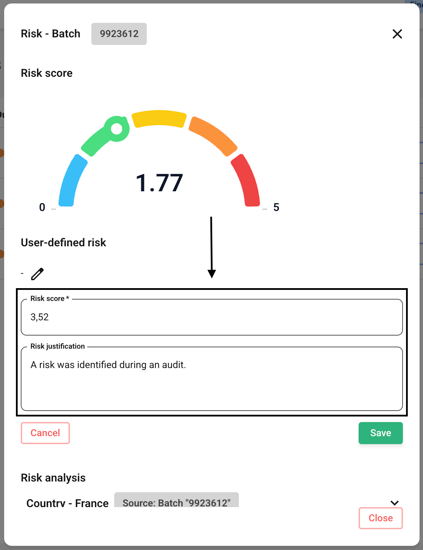
Please enter a number between 0 and 5 for the risk score. Decimal places are allowed. Please also provide an explanation.
Click Save now.
The risk has been adjusted as requested.
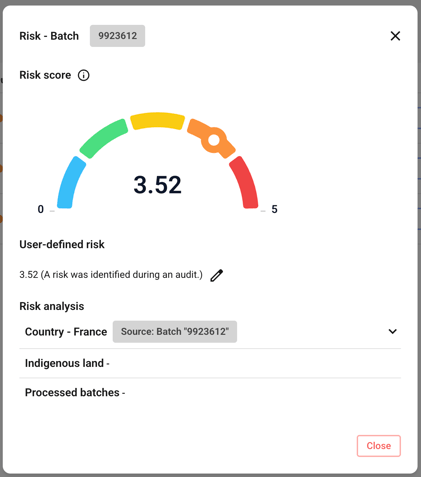
If you hover your mouse over the risk, you can see the original calculated value.