/Lawcode%20Logo%20(White).svg)
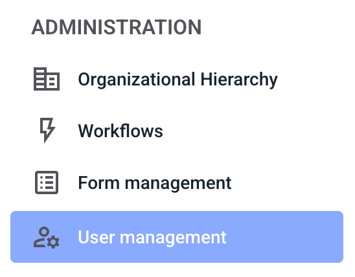
To reset a user's password, first click on User Management.
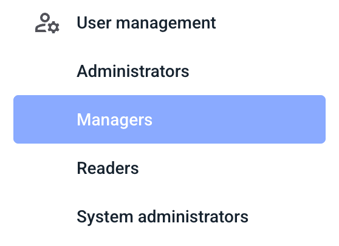
Now click on the user group for which you want to reset a user's password.
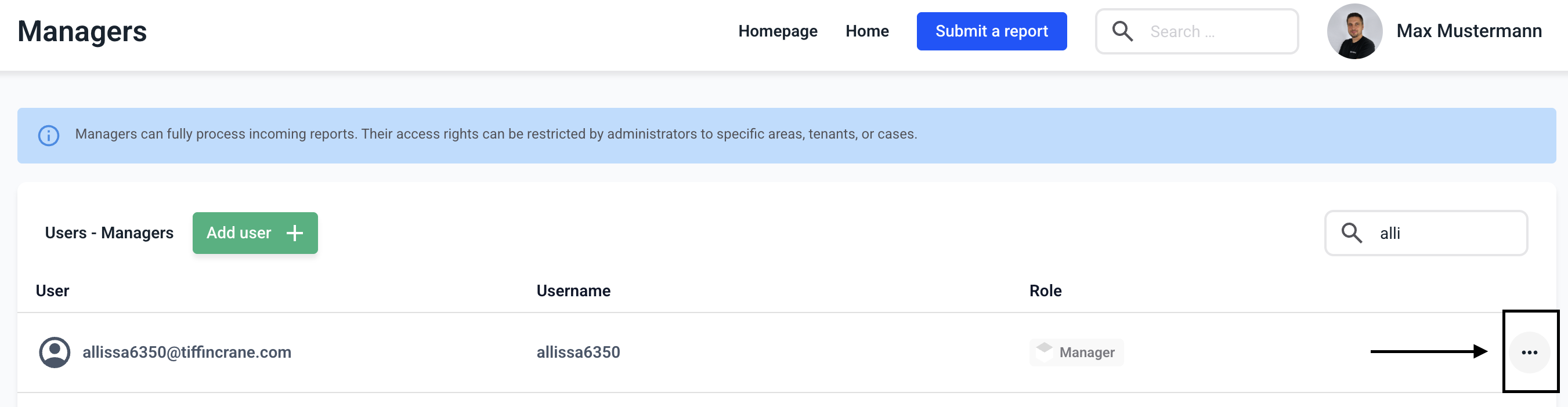
Click on the three dots on the right side of the user of your choice.
Now click on Reset Password.
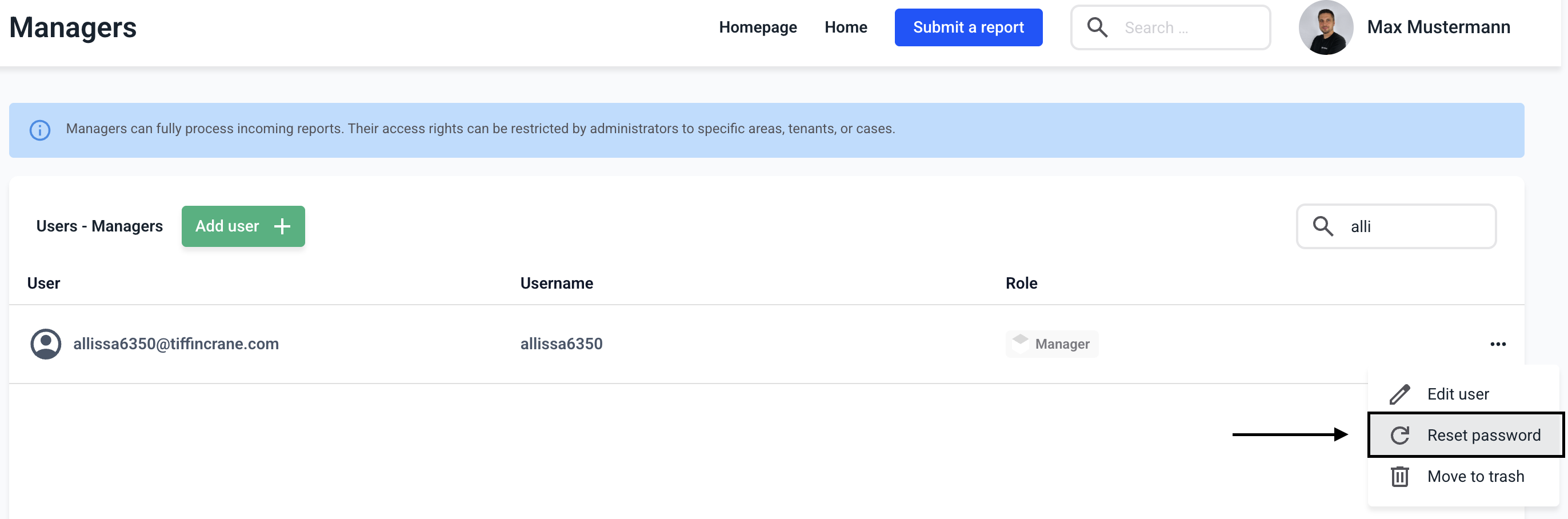
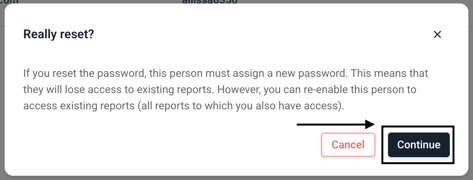
A new window will open where you must confirm the password reset. Now click Continue.
The password has been reset as requested. Once the person has set a new password, the user will be displayed with a warning triangle indicating that the person does not have access to the notes. You can find out how to configure a user here.