/Lawcode%20Logo%20(White).svg)
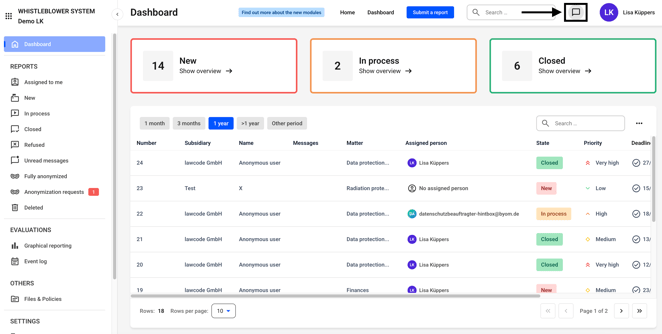
The chat function can be accessed from everywhere in the Hintbox. To do so, click on the marked icon.
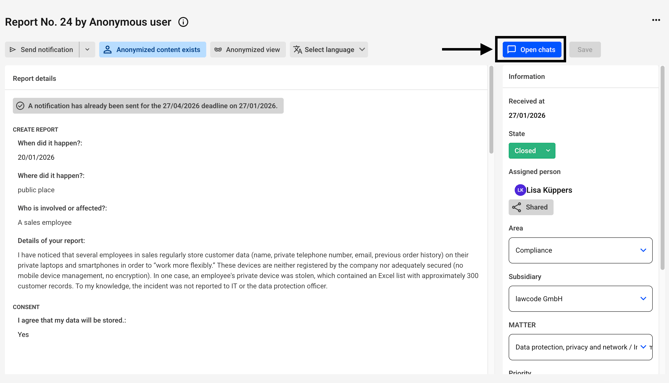
Alternatively, the chat can also be found on every report.
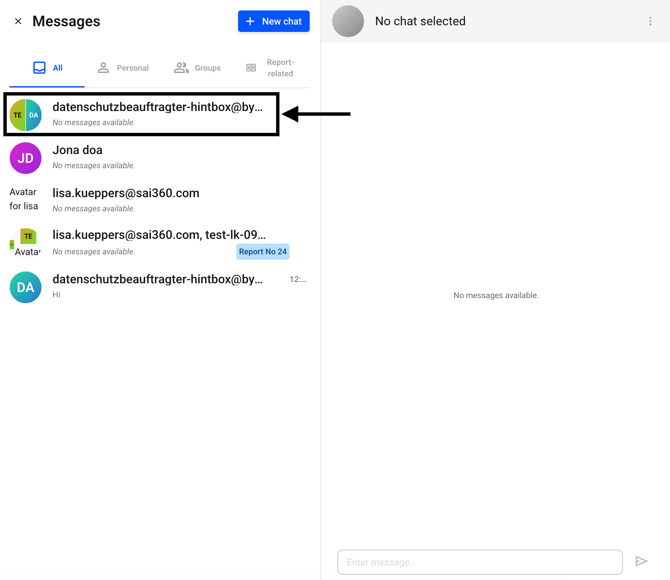
Select the appropriate chat from the selection.
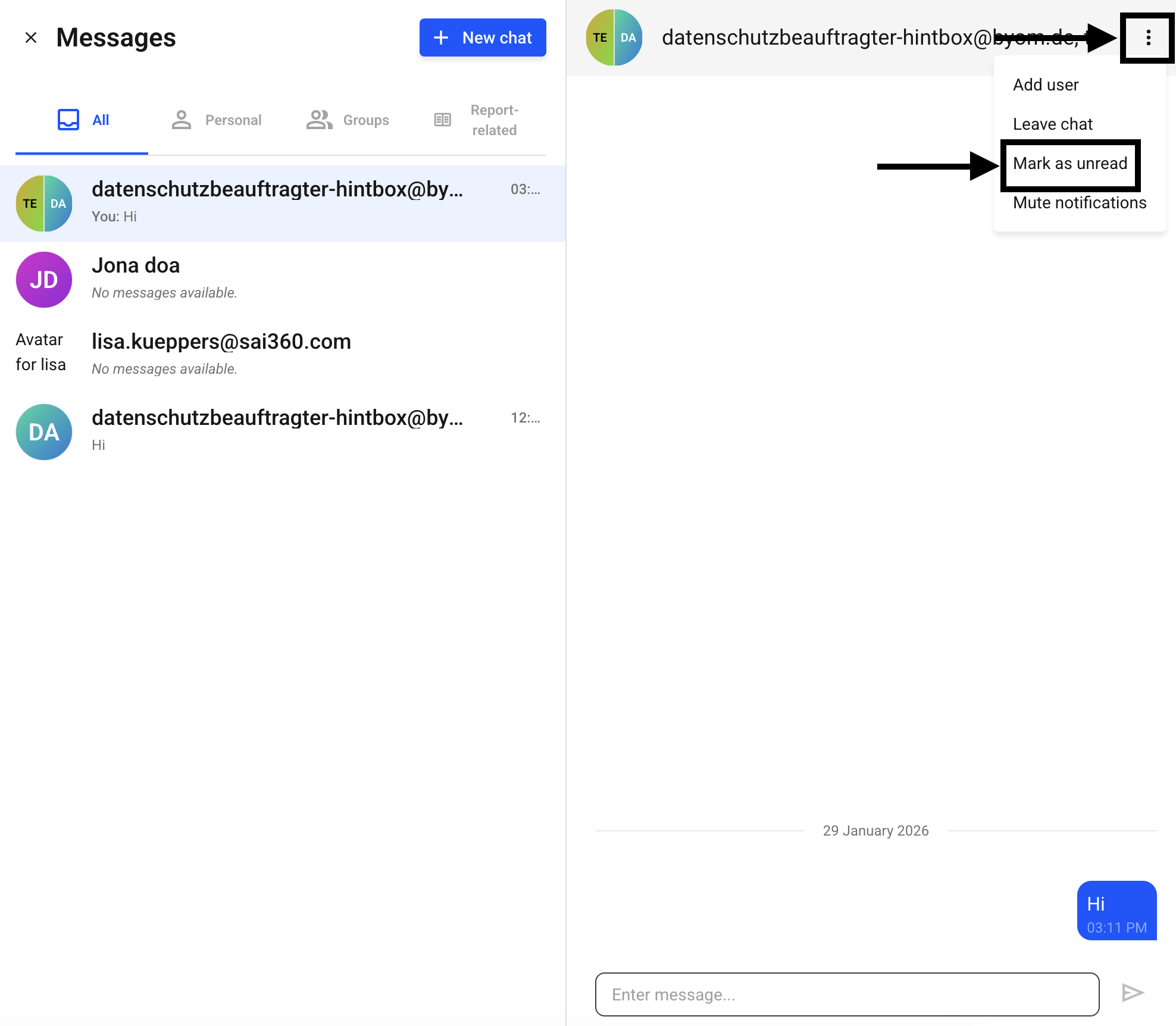
Click on the three dots and then on Mark as unread.
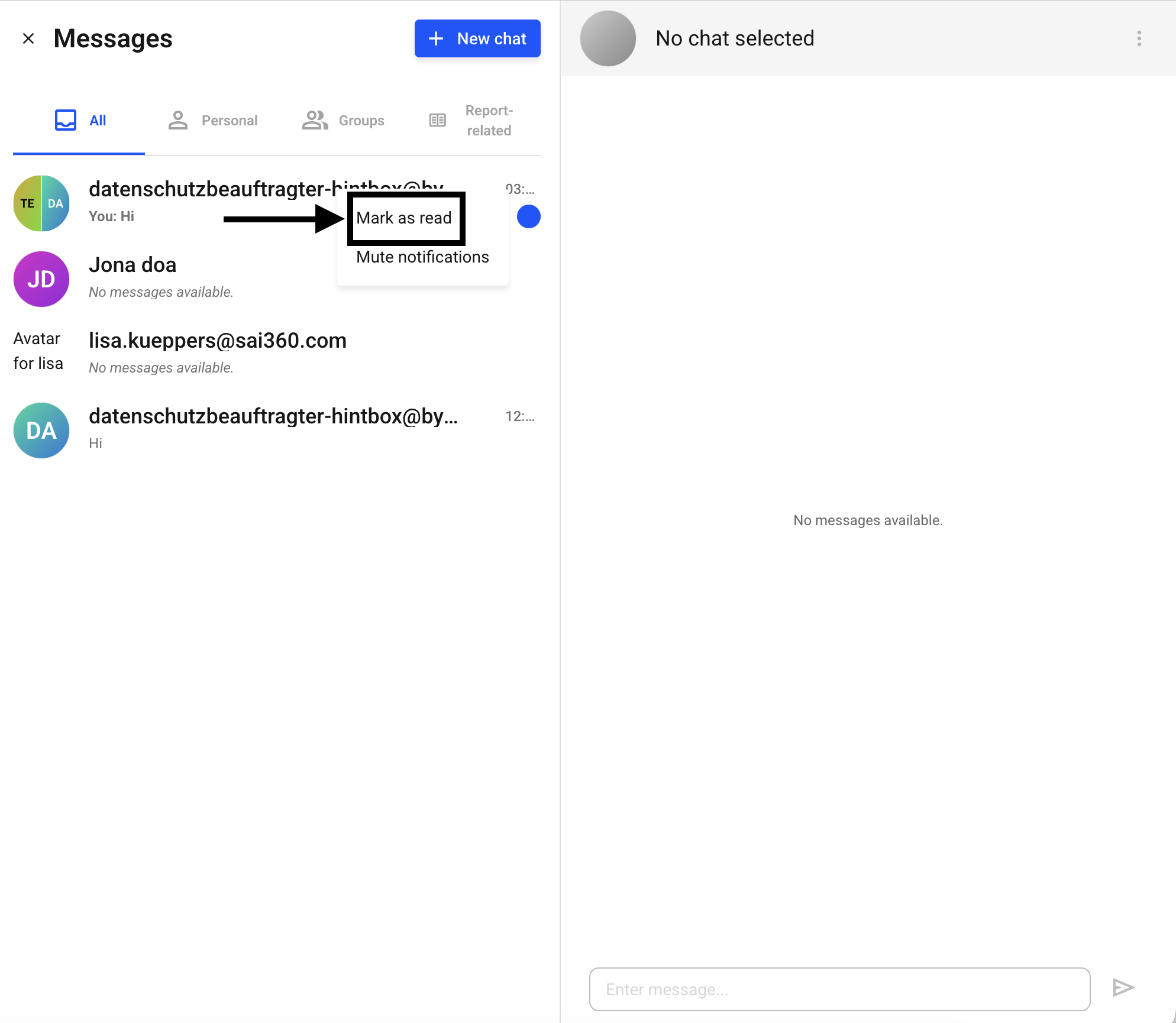
The chat will now be marked as unread. You can recognize this by the blue dot on the chat.
You can mark the notification for this chat as read at any time. To do so, right-click on the chat and select Mark as read.