/Lawcode%20Logo%20(White).svg)
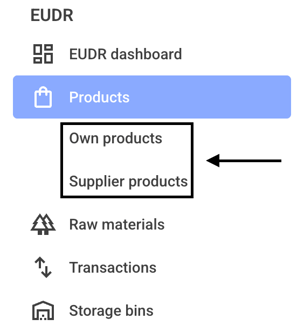
To automatically generate a DDS from a batch, first click on Own products or Supplier products.
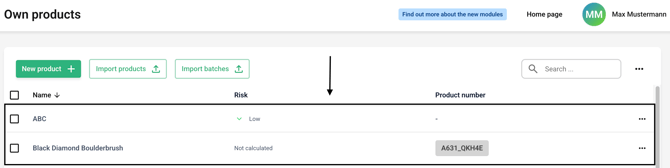
Now click on the line of the desired product.
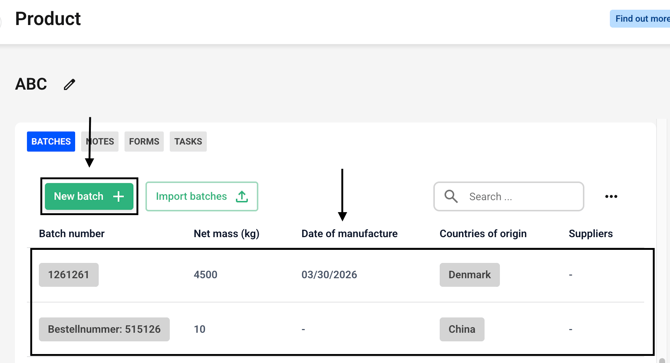
Create a new batch or select an existing batch.
Now fill in your batch with the desired information, and then click Show fields under Additional Information.
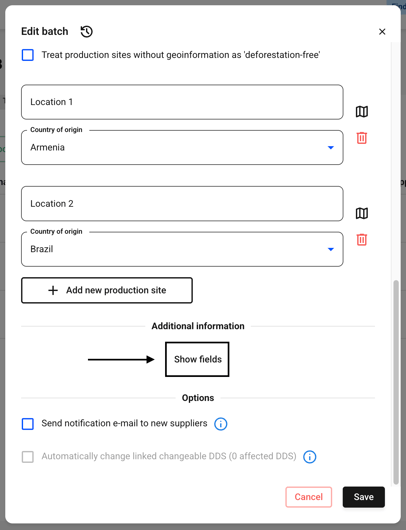
A new dialog box will open for you to fill out.
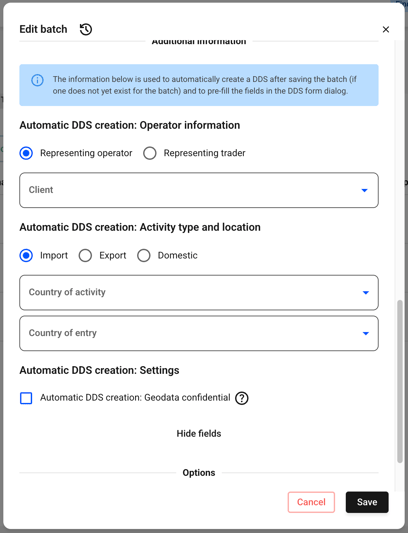
Now fill in all the information and then click Save.
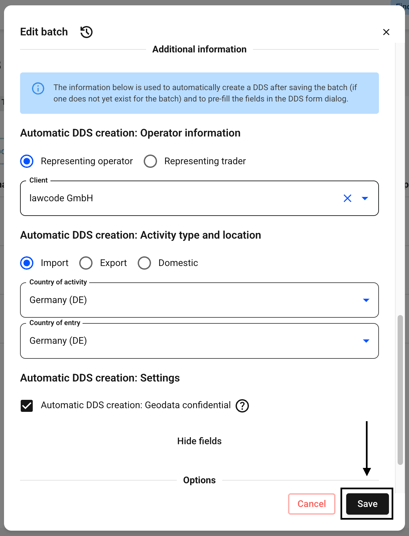
The DDS is generated automatically for you.