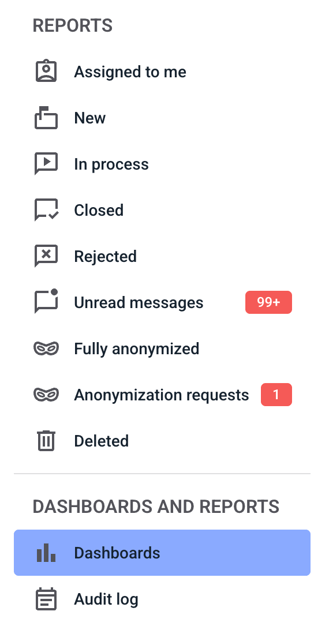
First, click on Dashboards.
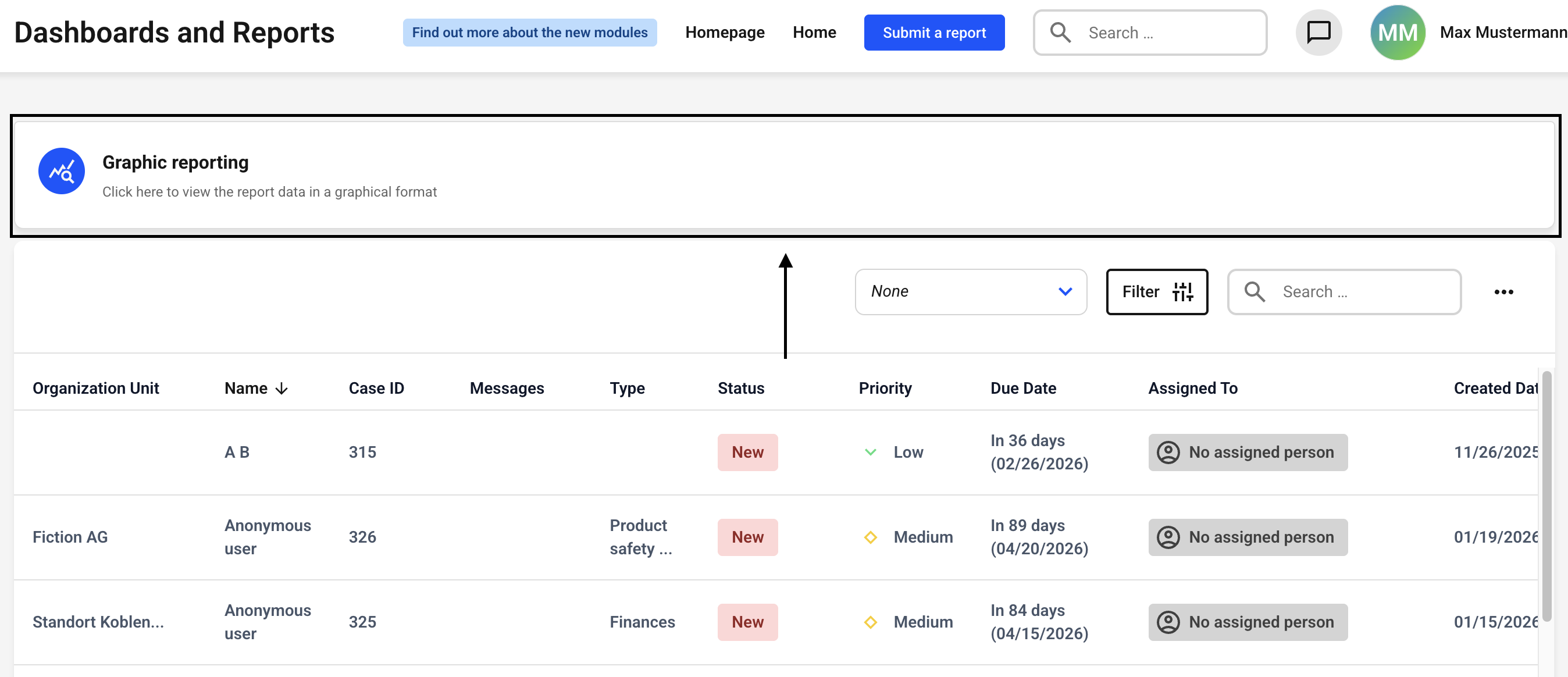
Now click on Graphic reporting.
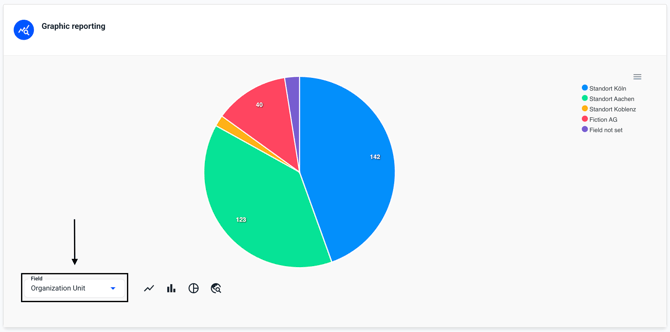
Now click on the Field.
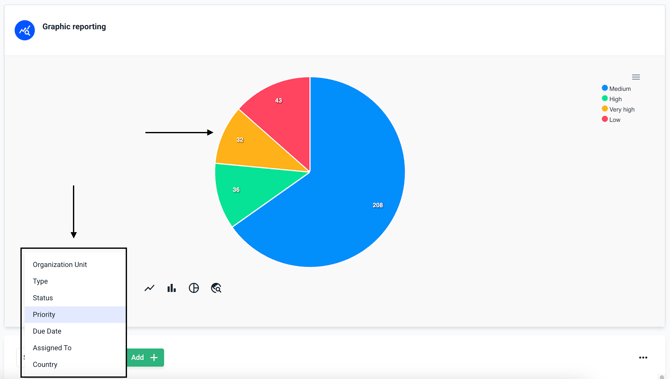
Now select the desired field. The displayed diagram changes immediately.
/Lawcode%20Logo%20(White).svg)
First, click on Dashboards.
Now click on Graphic reporting.
Now click on the Field.
Now select the desired field. The displayed diagram changes immediately.