/Lawcode%20Logo%20(White).svg)
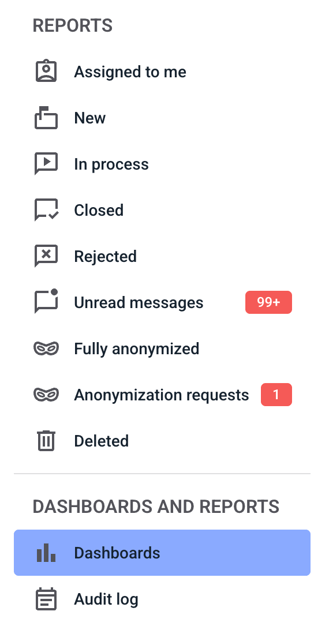
To output a chart, first click on the Dashboards tab.
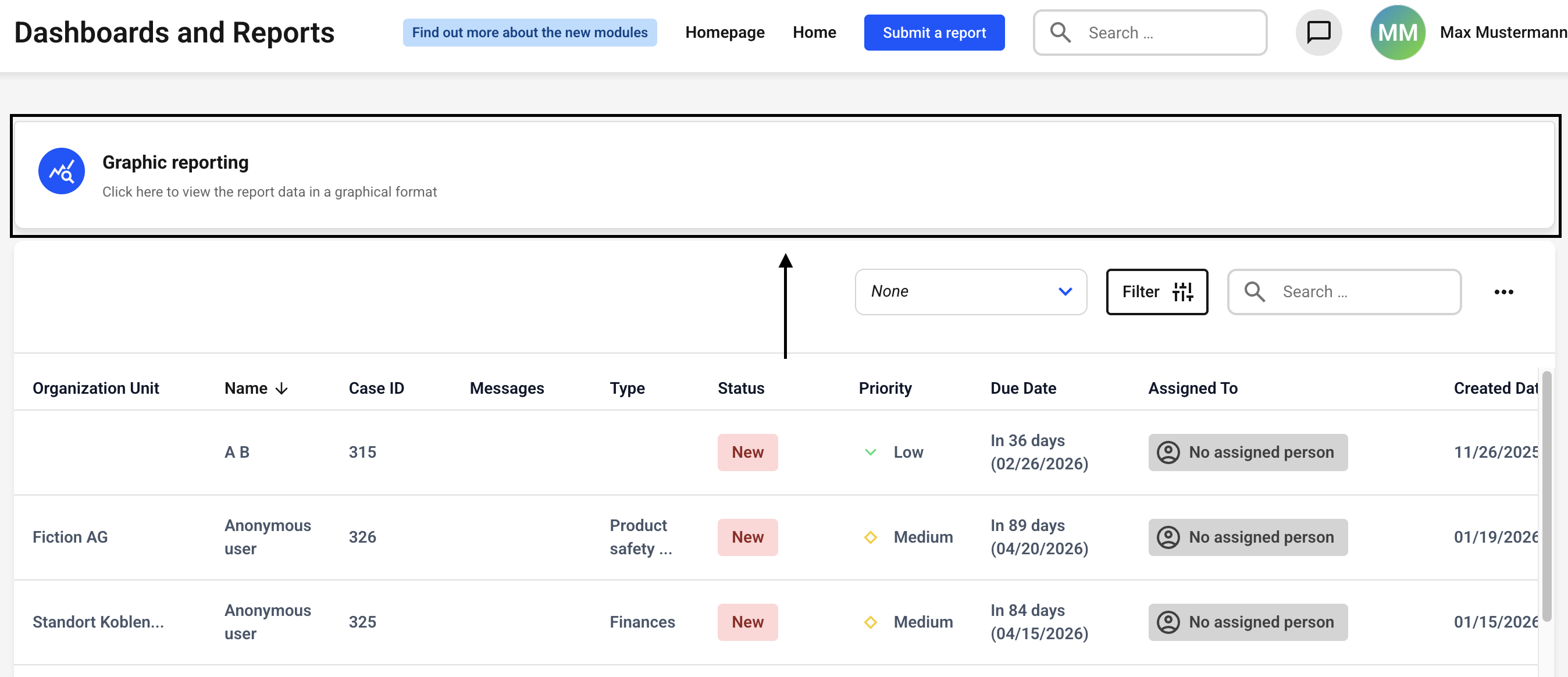
Now click on Graphic reporting.
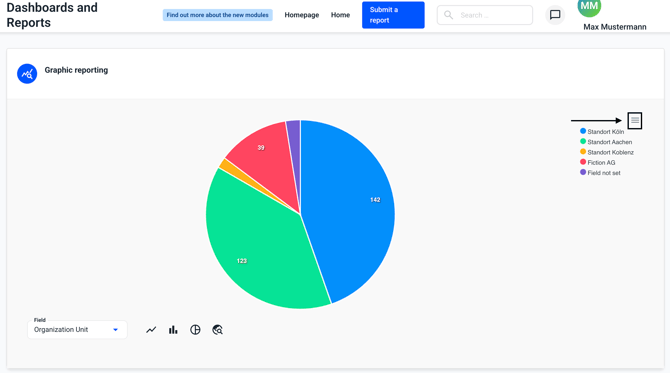
Click on the three lines in the upper right corner.
Select the format in which you want to export the graphic with a single click.
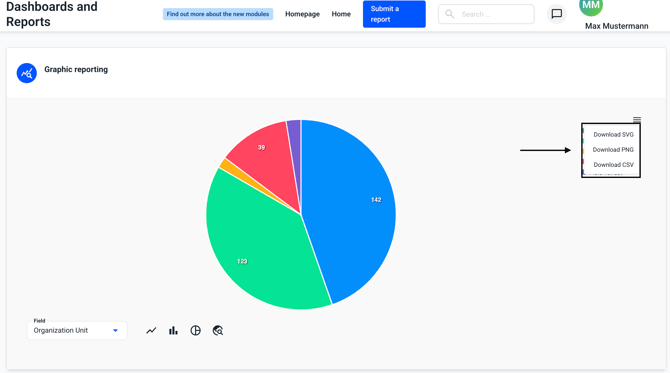
The image will be downloaded automatically.