/Lawcode%20Logo%20(White).svg)
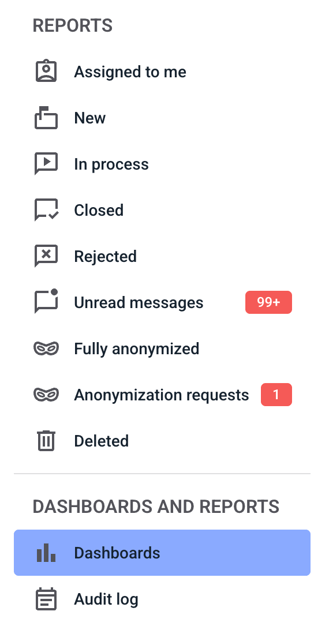
To select a filter group, first click on Dashboards.
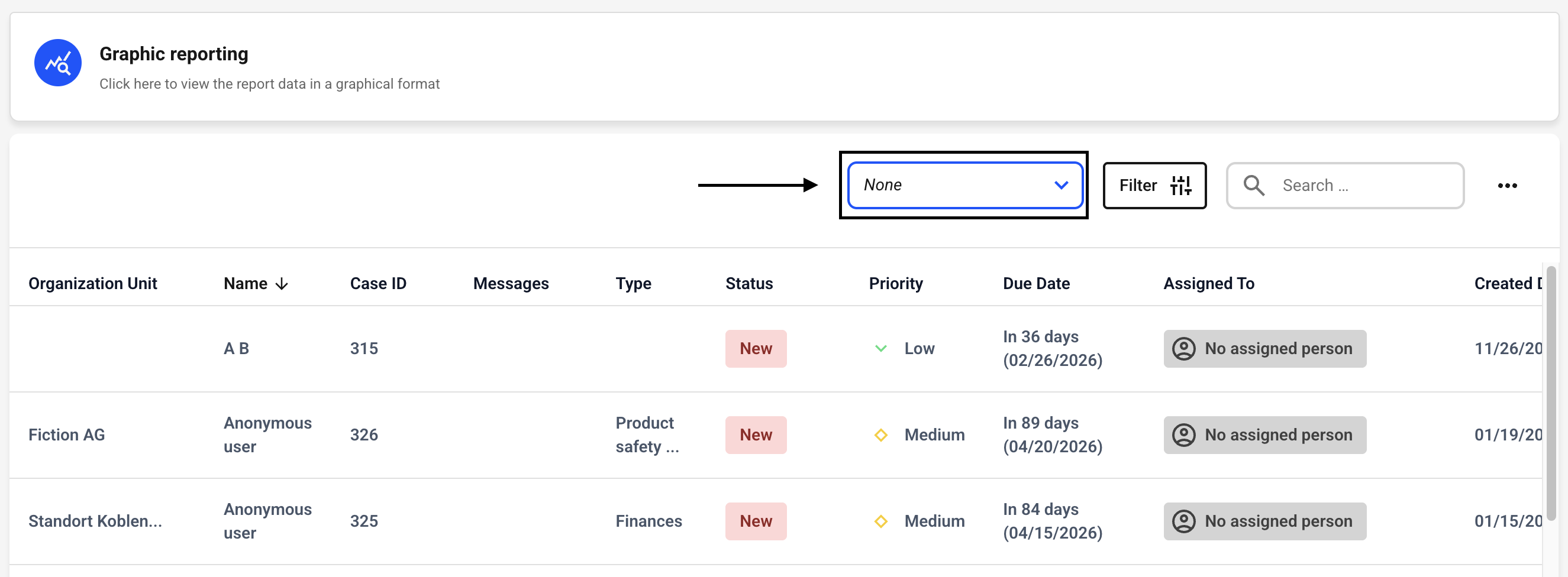
You can now select a filter that has already been created from the drop-down menu.
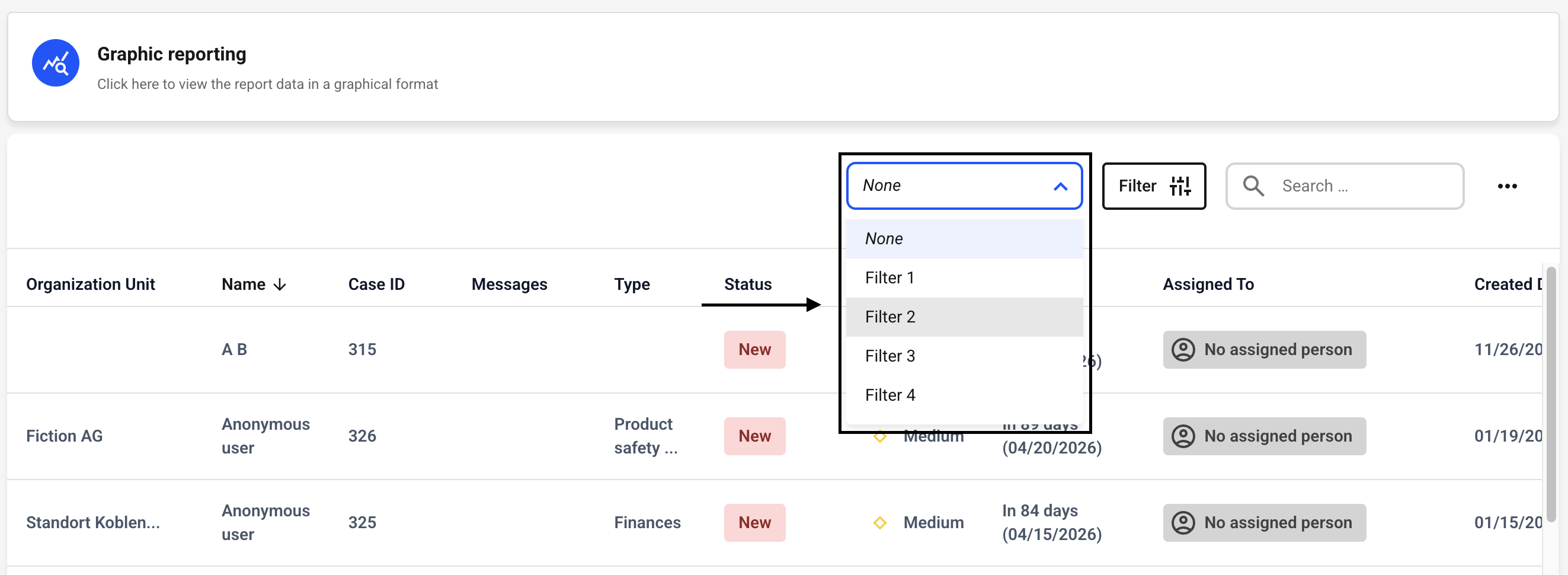
You will see an overview of all the filters you have created. Select one by left-clicking on it.
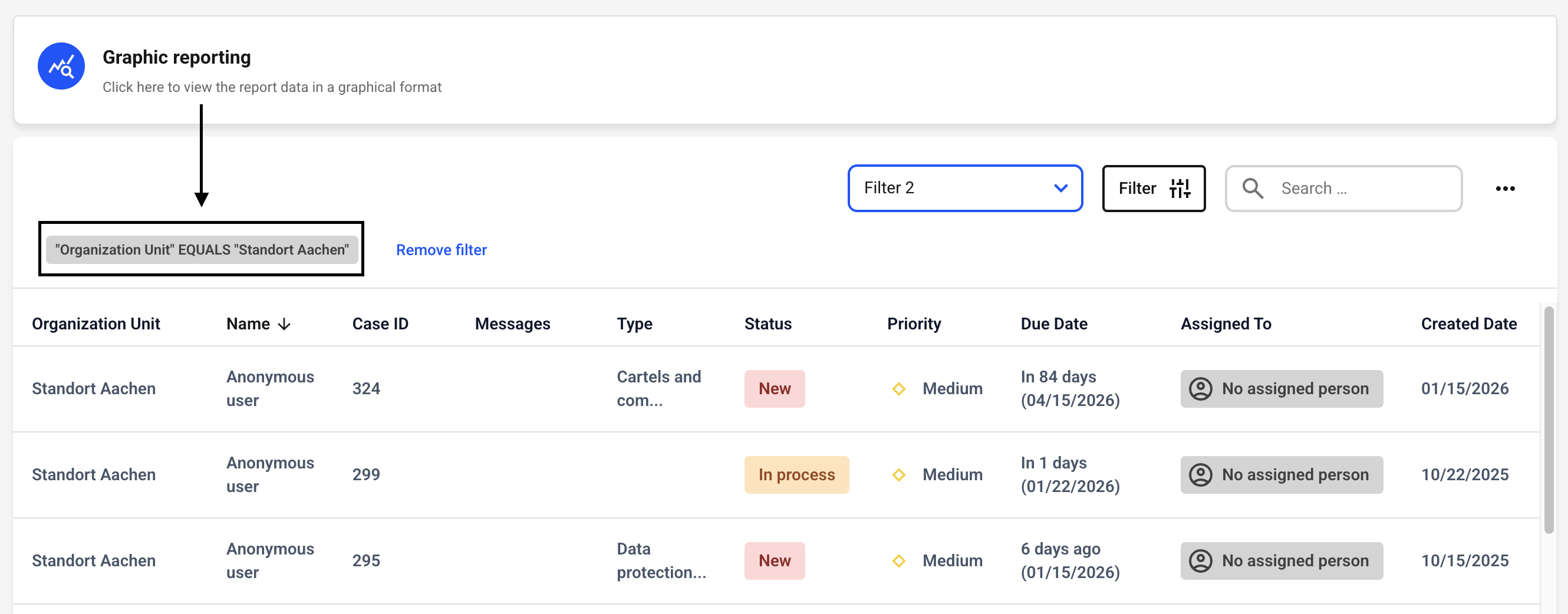
The filter has now been set. You can always view the filter conditions in the upper left corner.