/Lawcode%20Logo%20(White).svg)
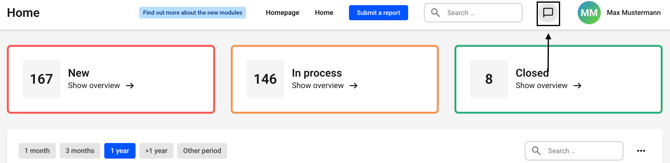
To upload a file during a chat, first click on the chat icon.
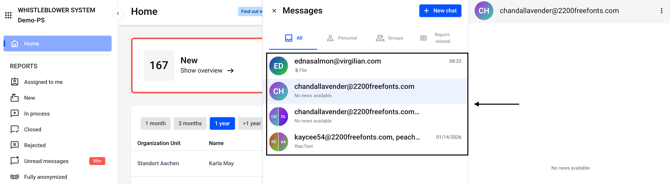
Now open a chat of your choice.
Now click on the bracket icon within the desired chat.
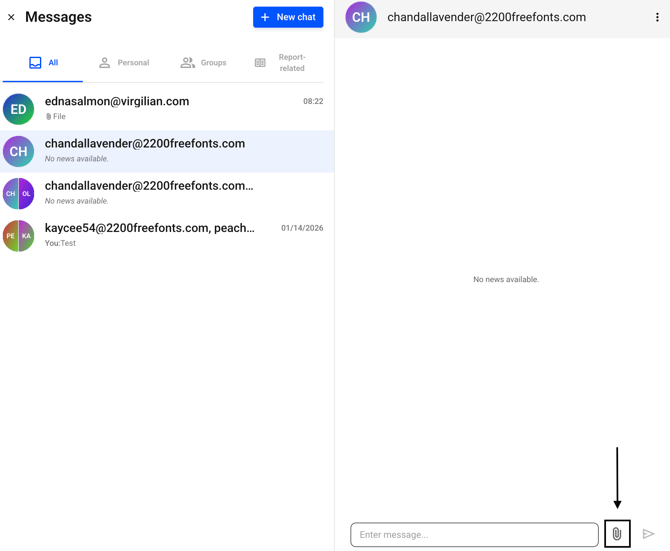
The file browser will open. Now select one or more files of your choice. Then click on Open to add the files to the chat.
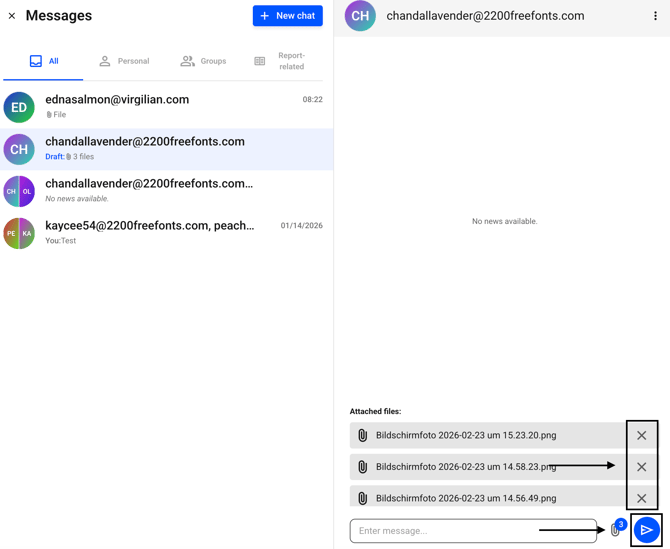
The selected files will now be displayed. You can remove an incorrectly selected file using the X or permanently assign the messages to this chat by clicking on the icon with the blue circle.
Important:
Once submitted, the file cannot be deleted.