/Lawcode%20Logo%20(White).svg)
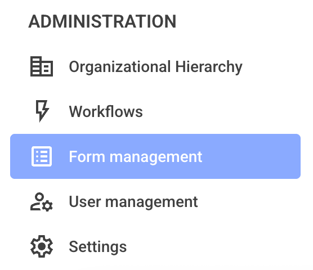
To change the button on the home page, first click on Form management.
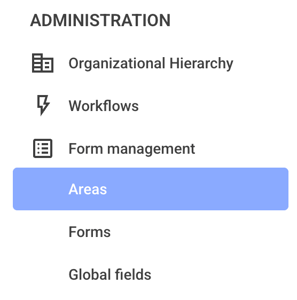
Click on the Areas now.
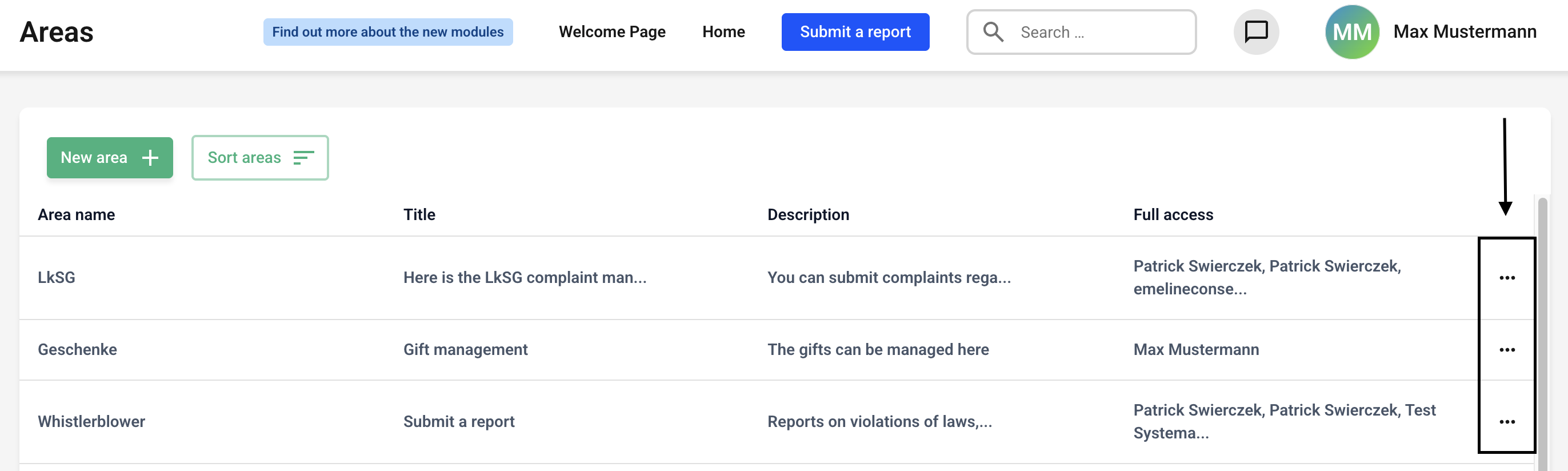
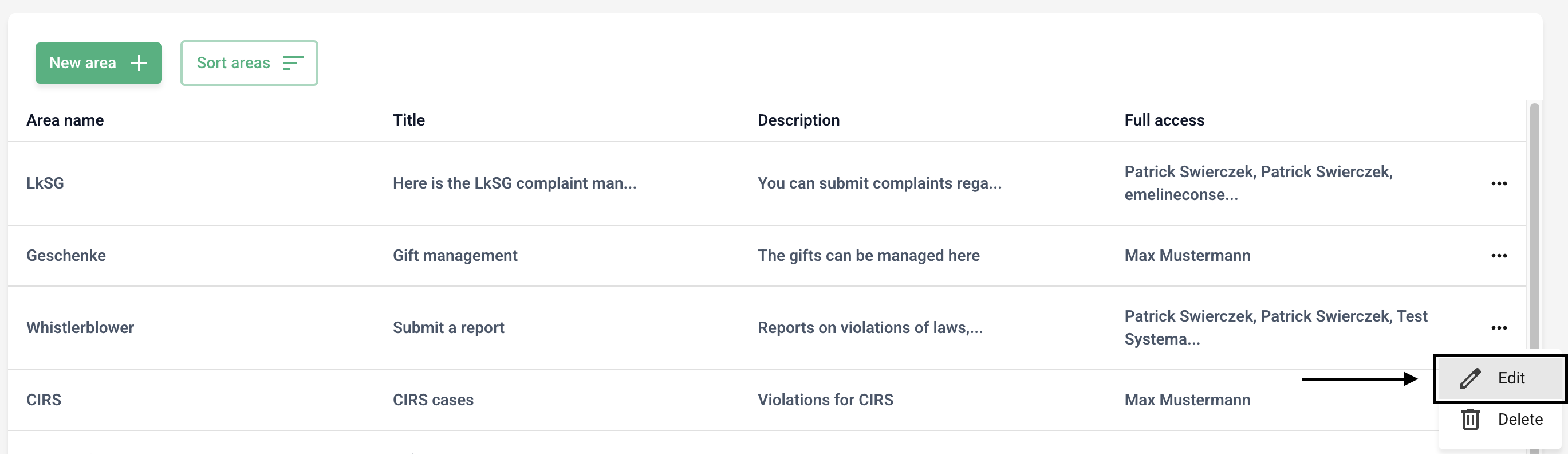
Click the three dots on the right side of the section (button) you want to edit.
Click Edit.
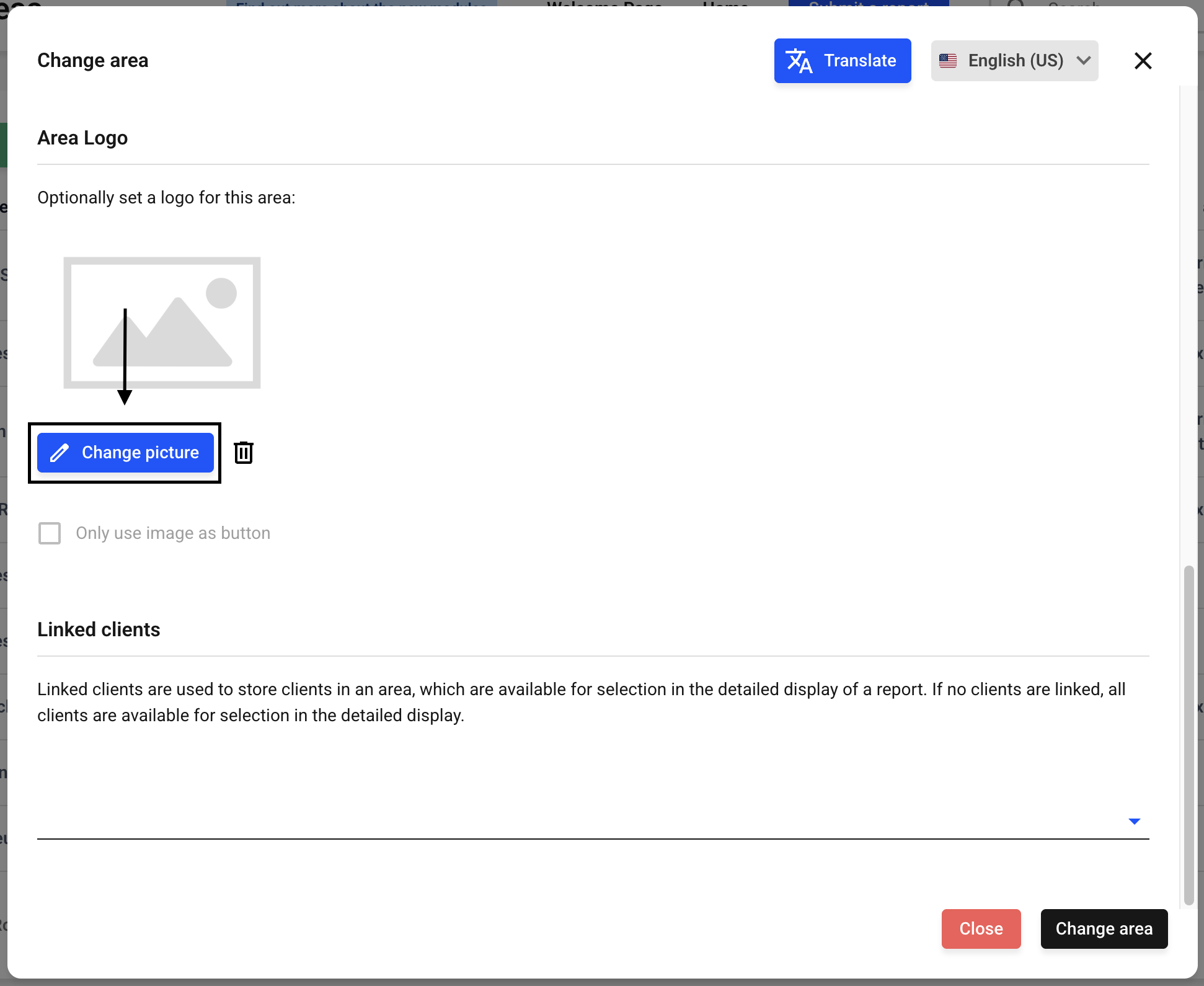
Now scroll down until you reach the Area logo. Click Change picture.
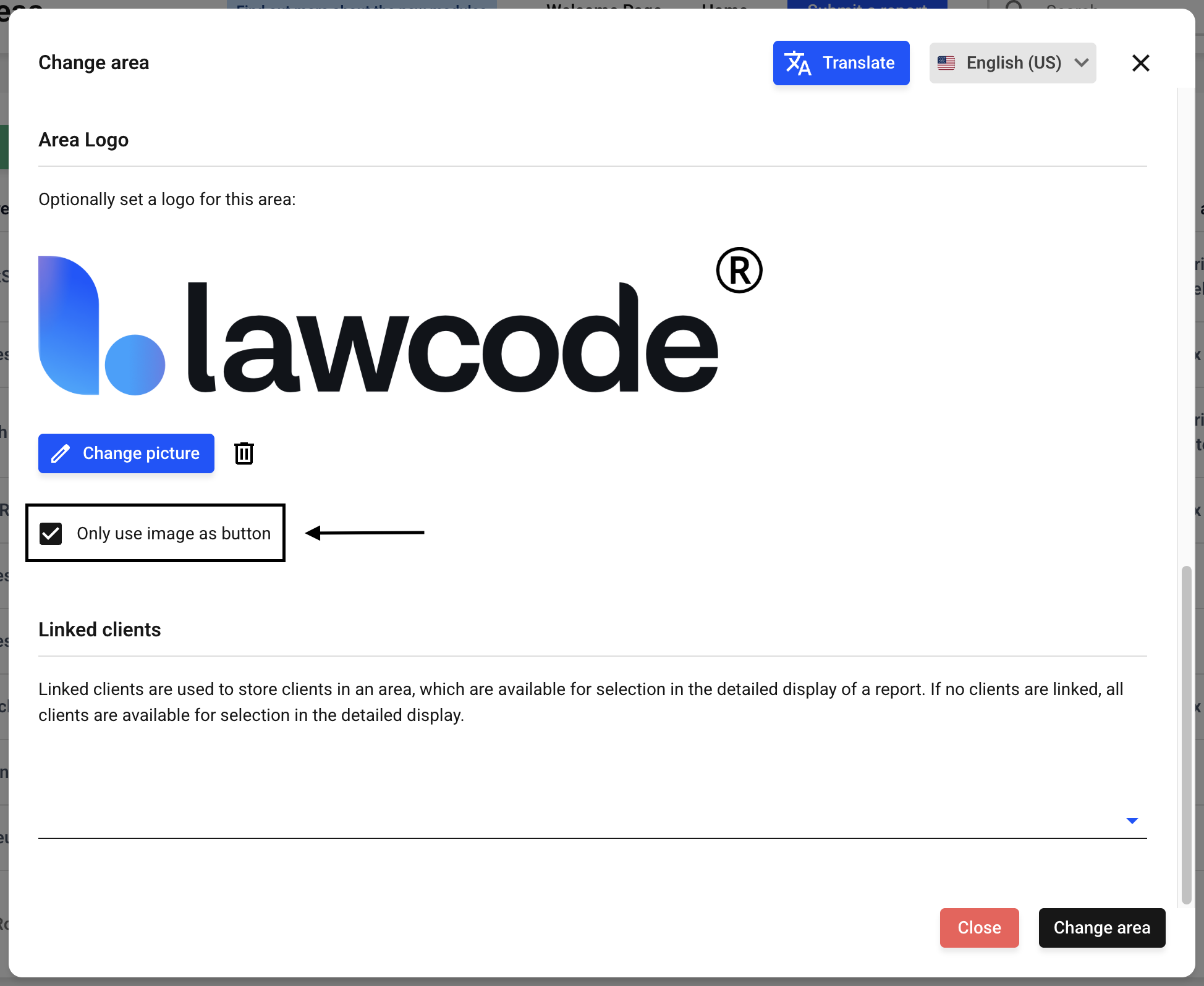
Select an image from the file browser. Now click the Only use image as button checkbox.
Now click Change area.
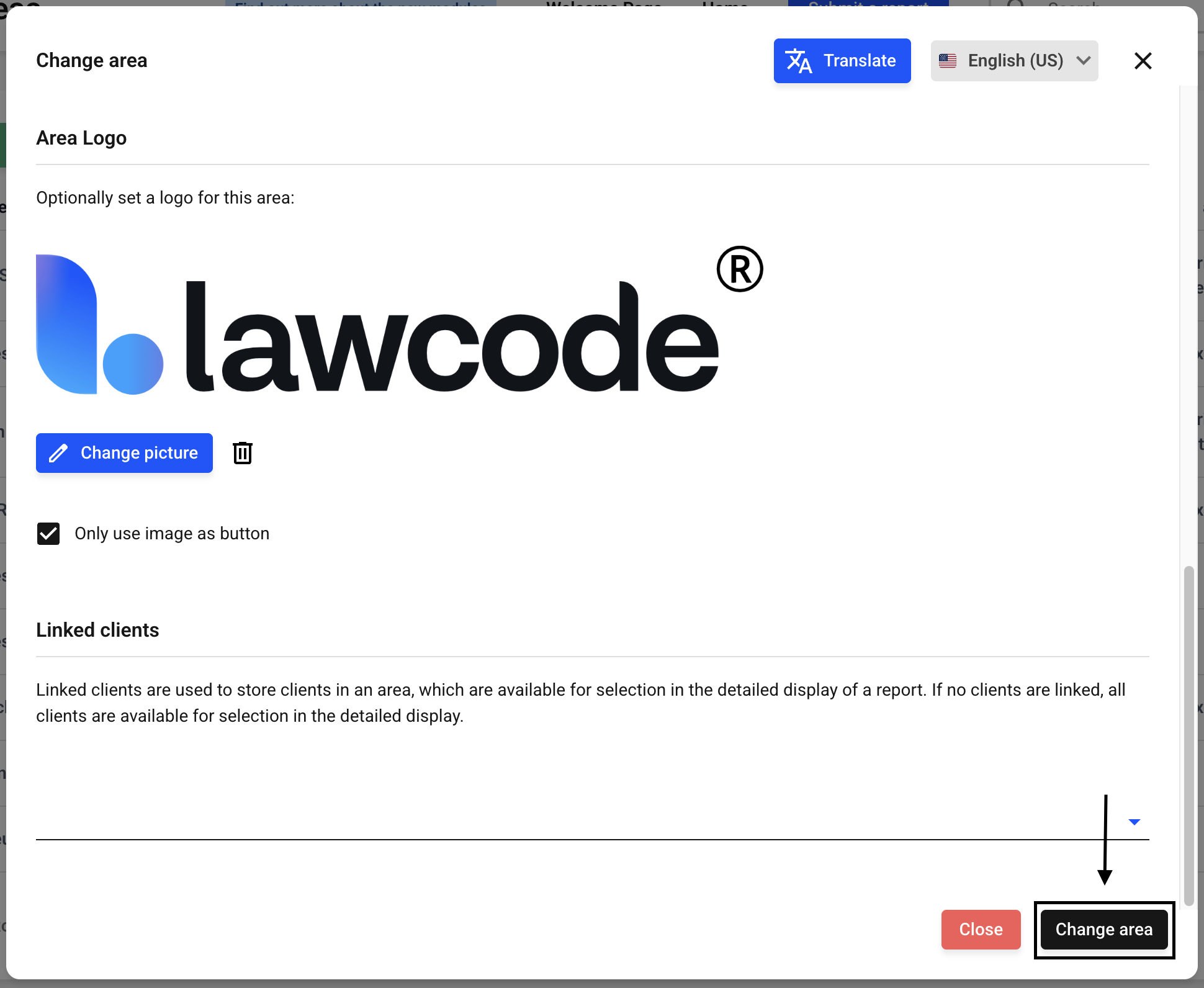
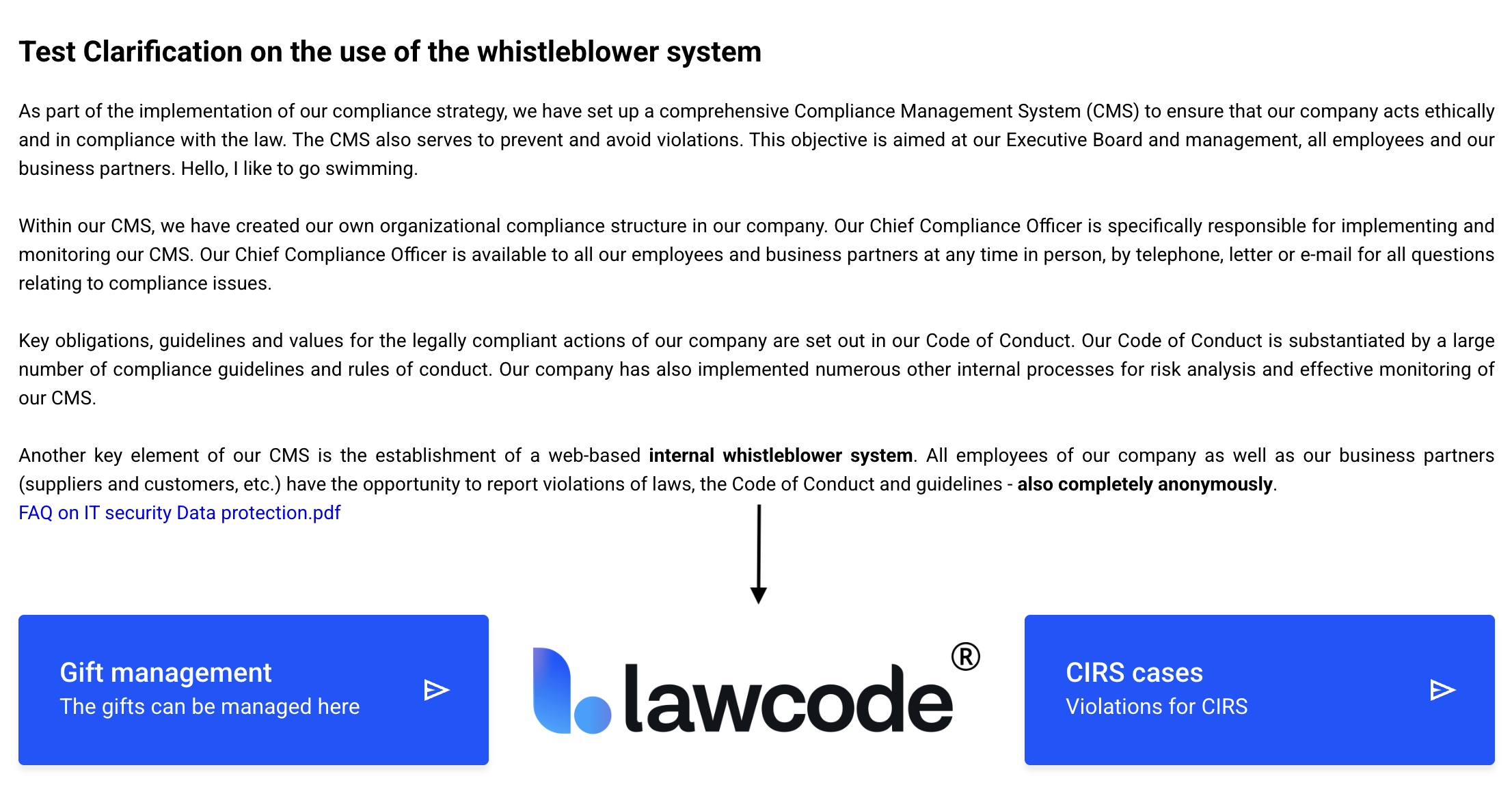
The button on the home page will be updated immediately.