/Lawcode%20Logo%20(White).svg)
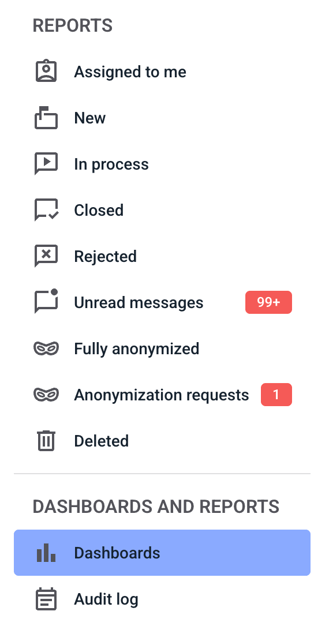
To mark a filter as a favorite, click on Dashboards.
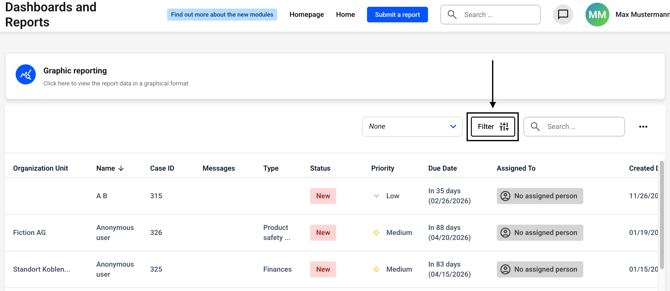
Now click on the filter button. Alternatively, you can first select a filter to the left of the button and then click on the filter button.
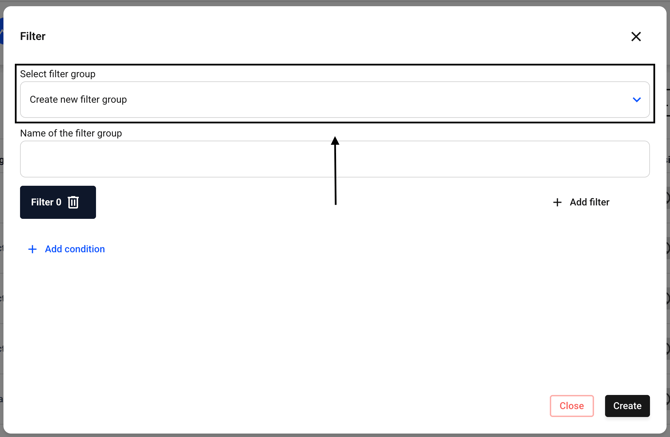
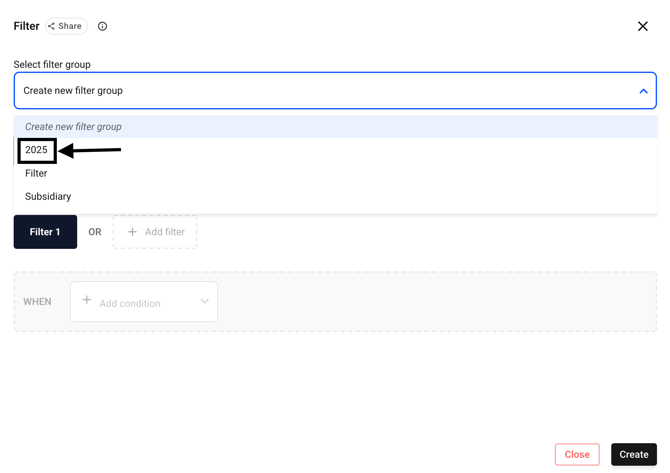
Now select the filter group you want to bookmark. To do this, click on the drop-down menu under Select filter group.
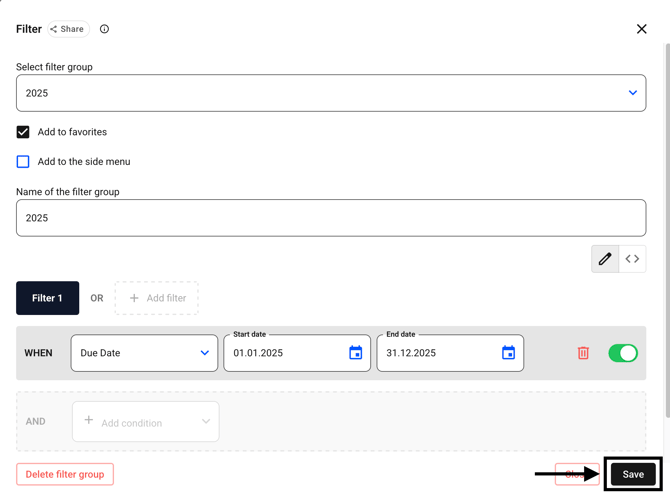
Now select the filter of your choice (or create a new one).
Select the Add to favorites checkbox.
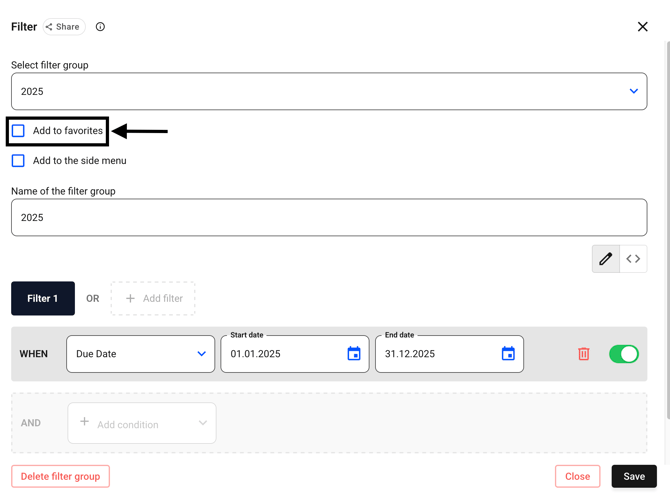
Confirm your changes by clicking Save.