/Lawcode%20Logo%20(White).svg)
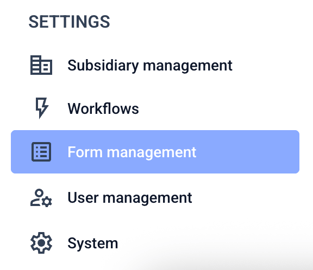
To enable the split view between editing and preview, click on the Form management.
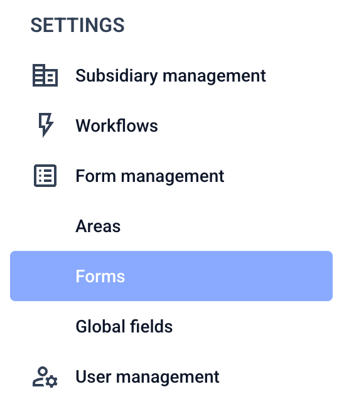
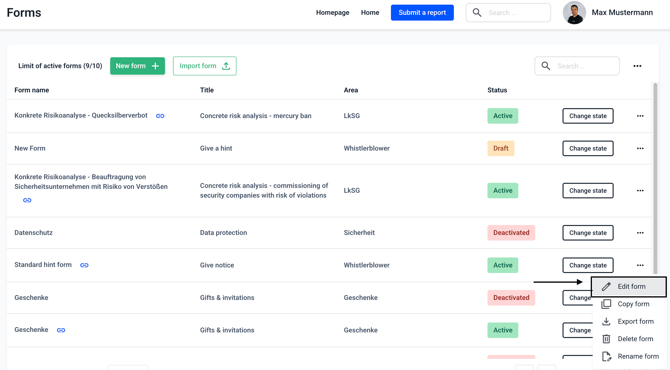
Click now on Forms.
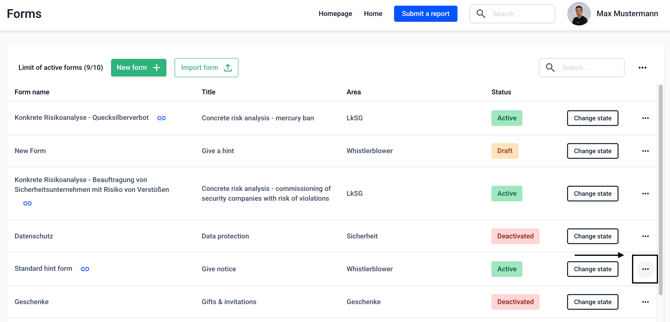
Click on the three dots on the right-hand side of the form of your choice.
Click now on Edit form.
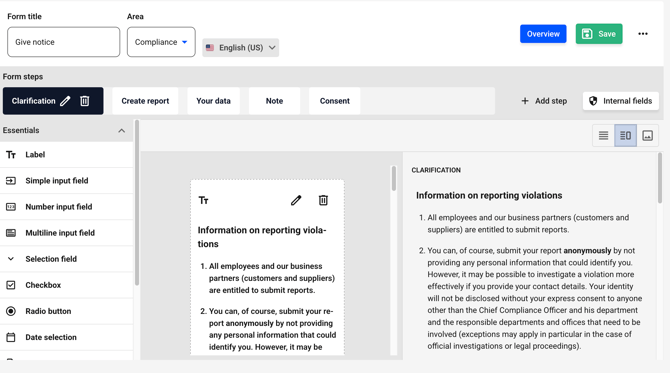
Click the graphic icon to view a preview of the current step.
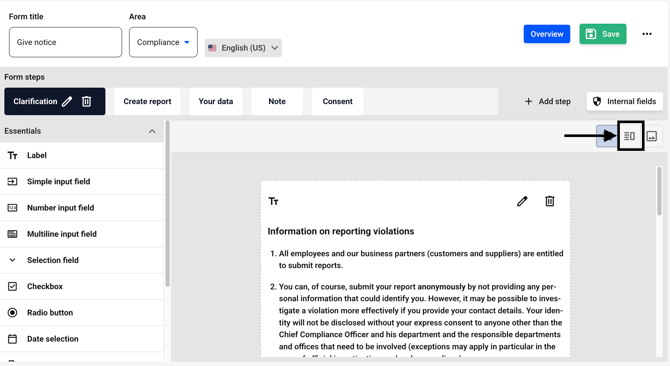
On the left side, you'll find the editing function, and on the right side, the preview function.