/Lawcode%20Logo%20(White).svg)
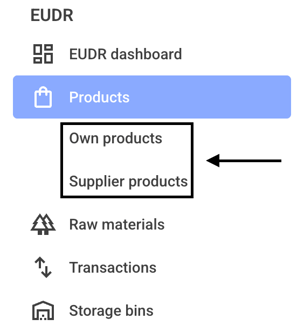
To determine a risk for a product, first click on Own products or Supplier products.
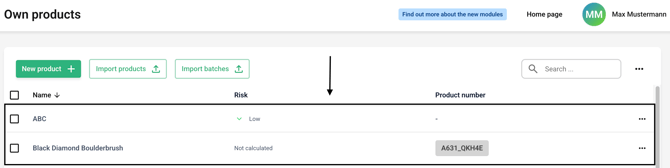
Now click on the line of the desired product for which you want to determine a risk.
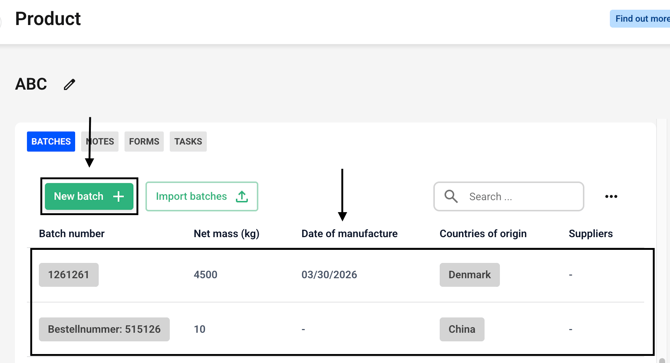
The risk is only determined once a batch with a country has been entered in a supplier. Now either click on New batch or select an existing batch from the list below.
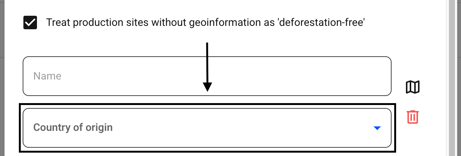
Click on Add new production site.

Now click on the country of origin and select the country of your choice from the drop-down menu.
Confirm the entry with the Save or Create button.
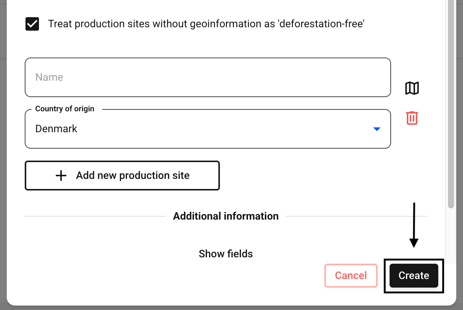
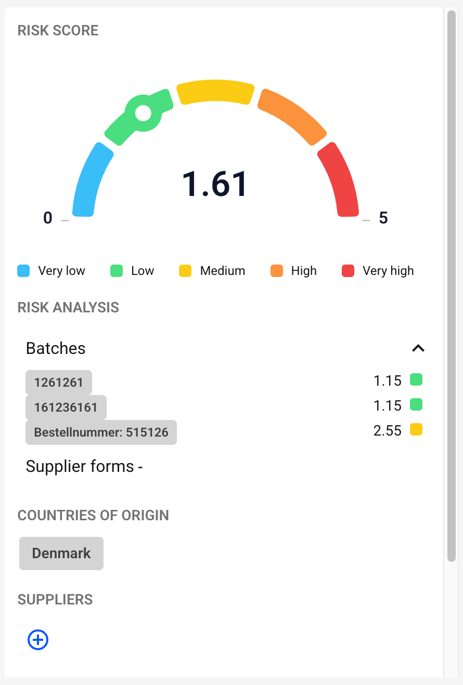
As desired, a risk was determined using the indices stored in the system.