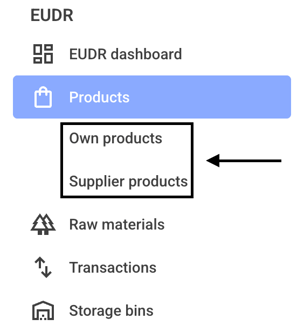
To delete a product, first click on Own products or Supplier products.
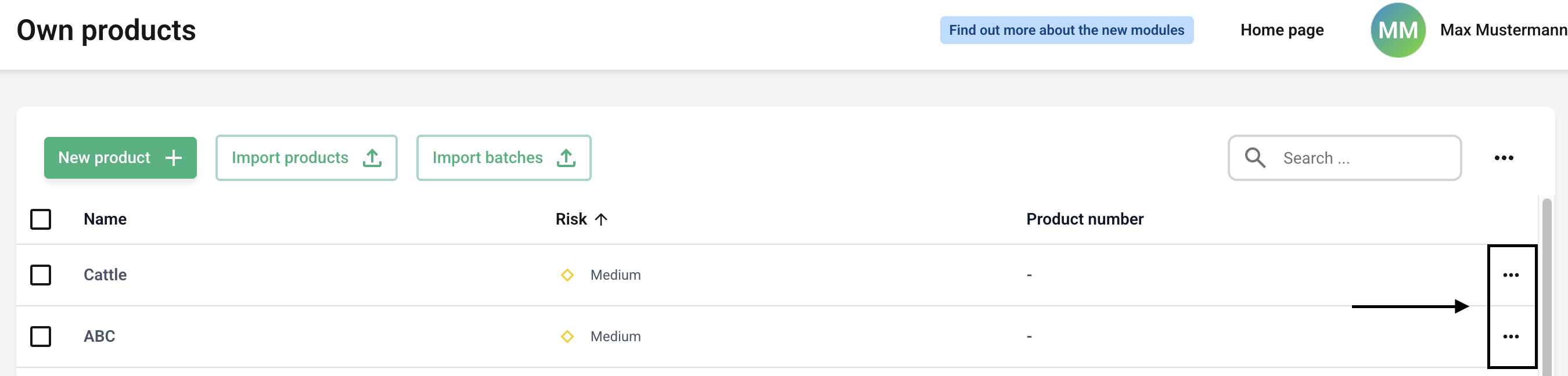
Now click the three dots next to the product you want to delete.
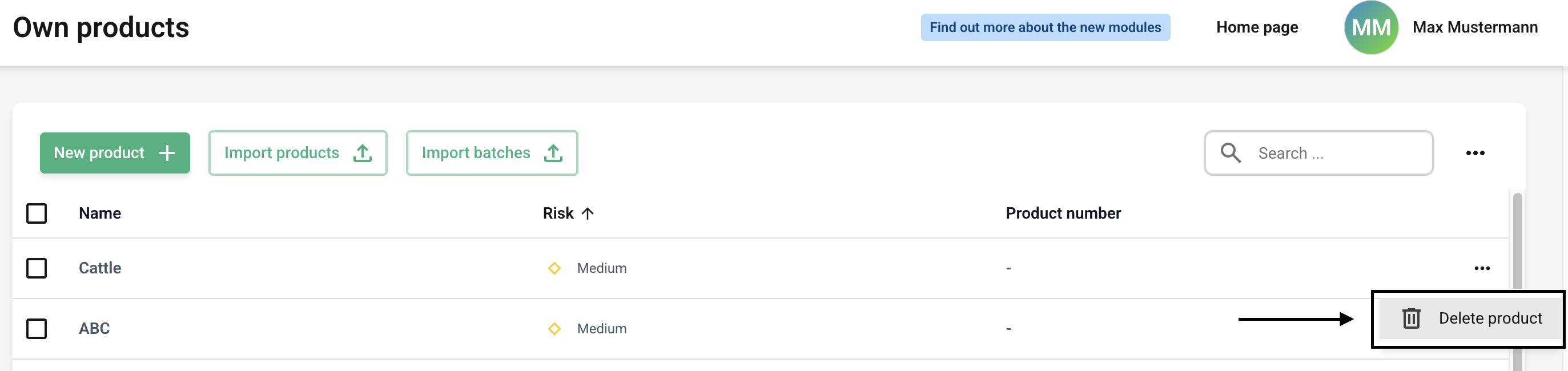
Click “Delete Product” now.
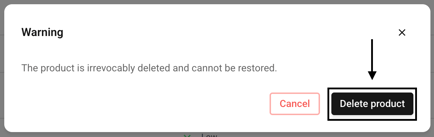
If you now click on the Delete product button, the product is finally deleted.
/Lawcode%20Logo%20(White).svg)
To delete a product, first click on Own products or Supplier products.
Now click the three dots next to the product you want to delete.
Click “Delete Product” now.
If you now click on the Delete product button, the product is finally deleted.