/Lawcode%20Logo%20(White).svg)
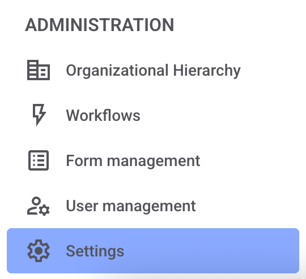
Click Settings in the administration area.
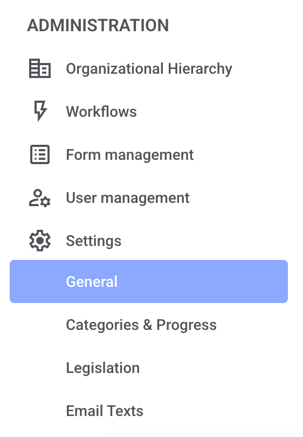
Now click on General.
Now scroll down until you reach the routes.
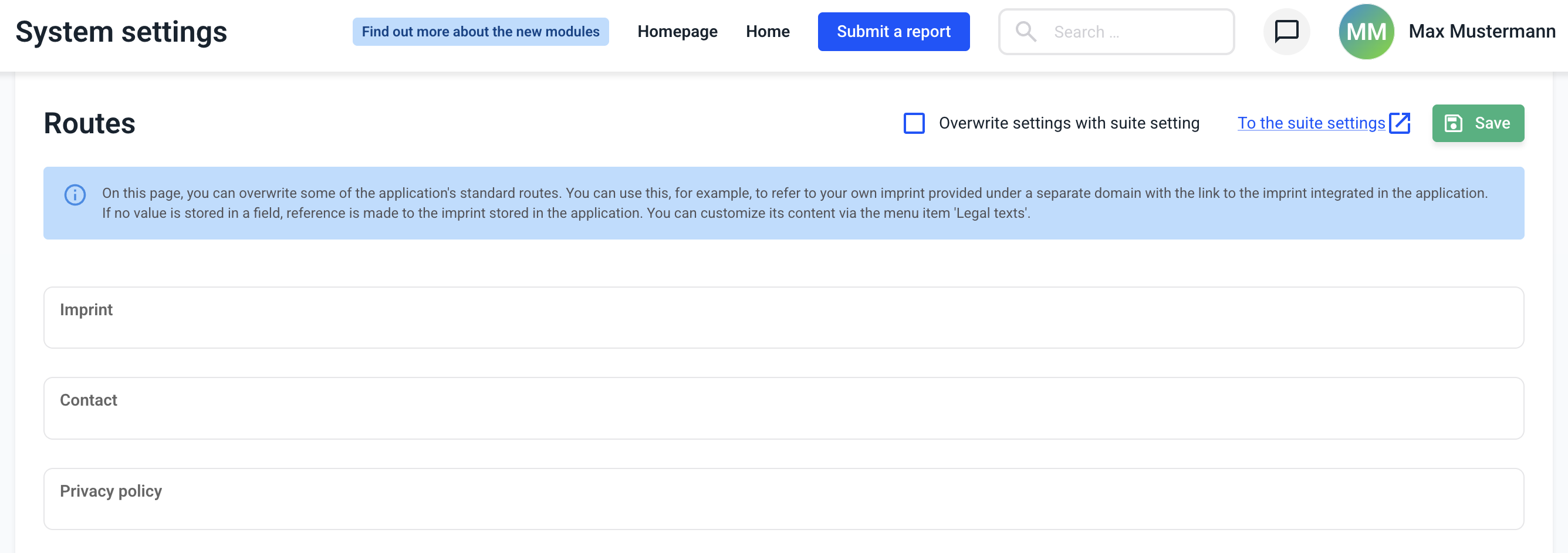
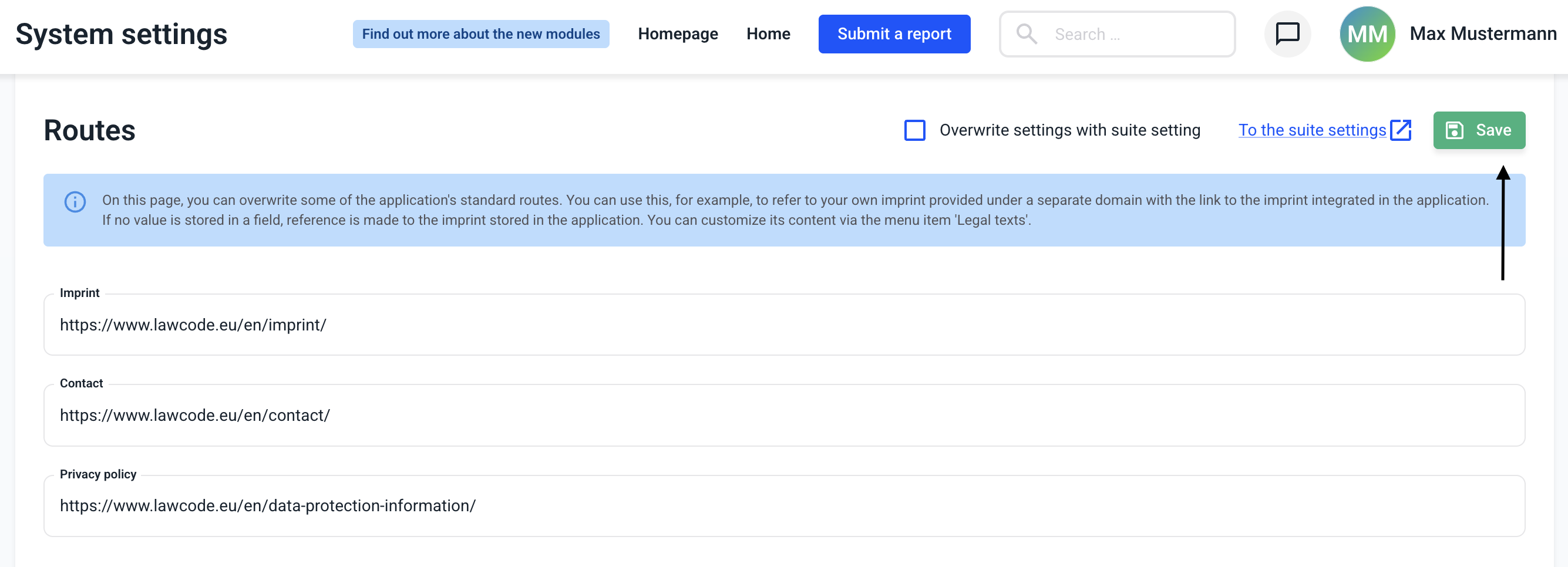
The setting can either be made granularly in the Hintbox or applied to all modules via the Suite Settings.
If you only want to apply the setting to the hintbox, uncheck the checkbox and click Save. If you want to apply the settings to the entire suite, check the checkbox below.
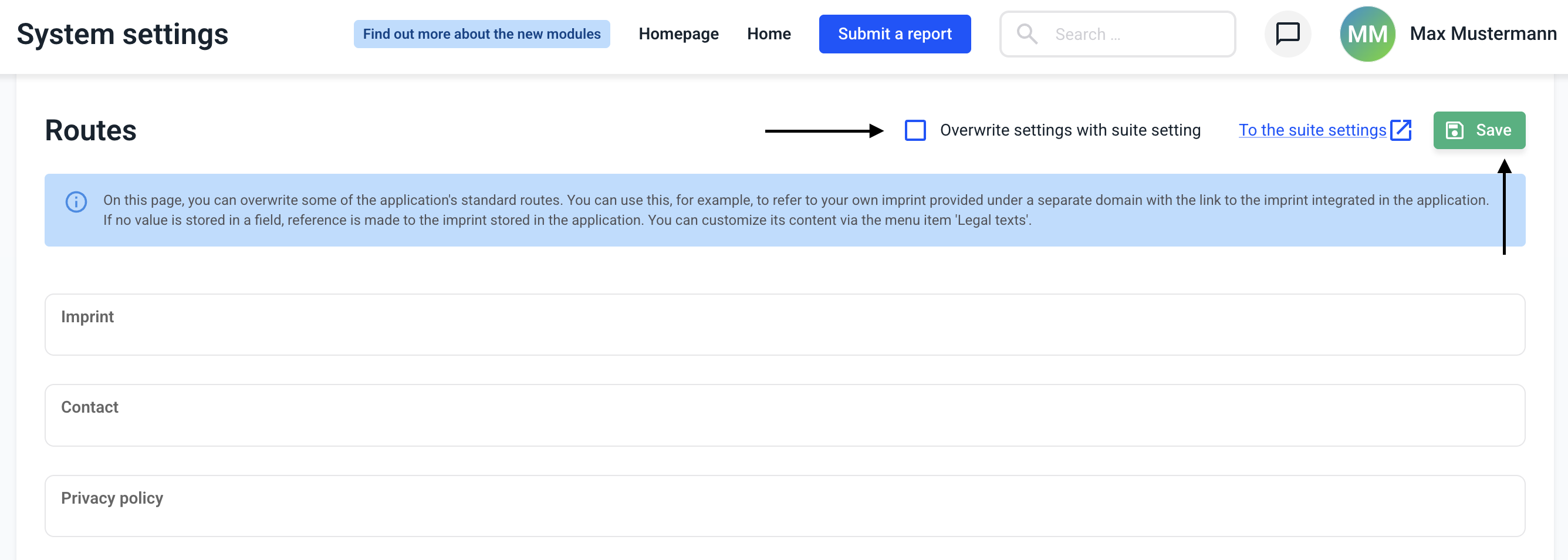
On this page you can overwrite some standard routes of the whistleblower system. You can use this, for example, to refer to your own imprint provided under a separate domain with the link to the imprint included in the whistleblower system.
If no value is entered in a field, a reference is made to the imprint stored in the whistleblower system. You can adjust its content via the menu item 'Legal texts'.
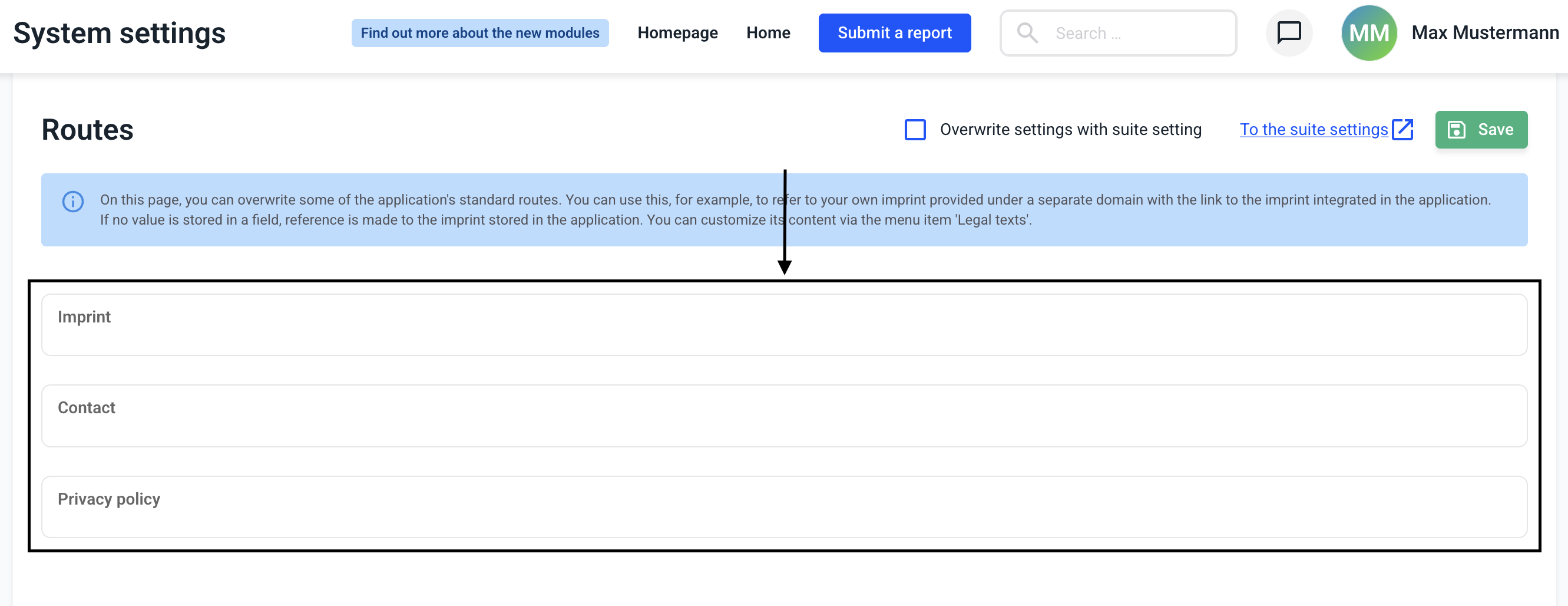 When the links are inserted, the change must be saved.