/Lawcode%20Logo%20(White).svg)
Only a user with administrator privileges can enforce two-factor authentication for editors.
Case 1: You have the suite (Multiple modules)
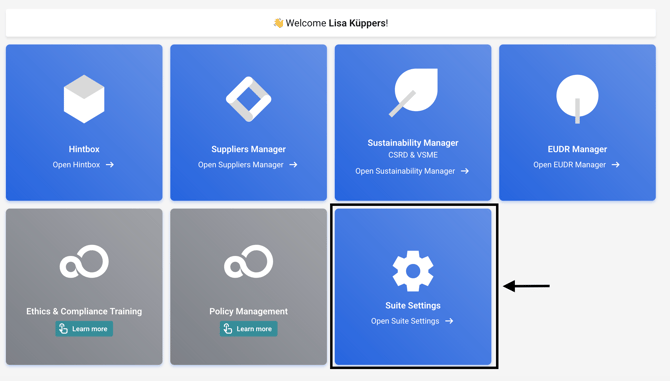
If you own the suite, the settings are located there.
Click on Suite Settings in the suite.
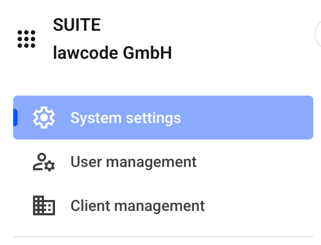
Stay within the System settings.
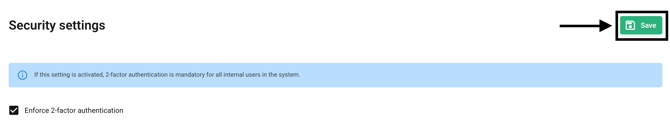
Navigate to Security Settings and click the checkbox there.

Confirm the change by clicking Save.
Case 2: You only have the Hintbox
Click on Settings.
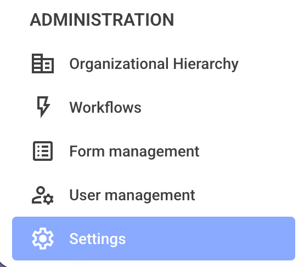
Click on General.
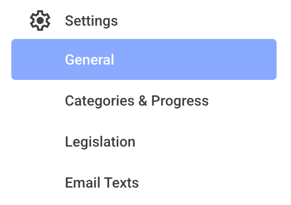
Navigate to Security Settings and click the checkbox there.
Confirm the change by clicking Save.