/Lawcode%20Logo%20(White).svg)
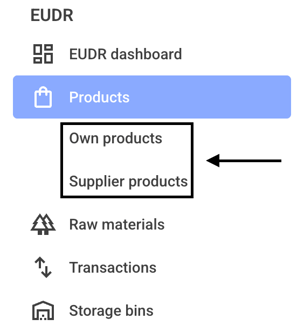
First click on Products and then on Own products or Supplier products.
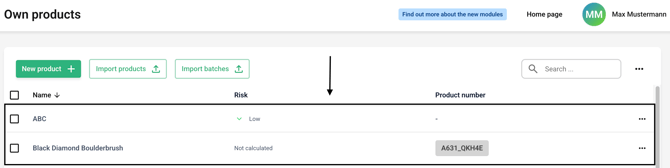
Now click on the line of the desired product.
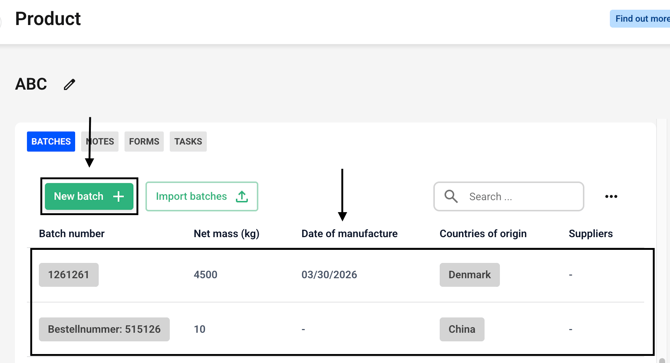
Create a new batch or select an existing batch.
Click on the Add production site button or choose an existing production site.

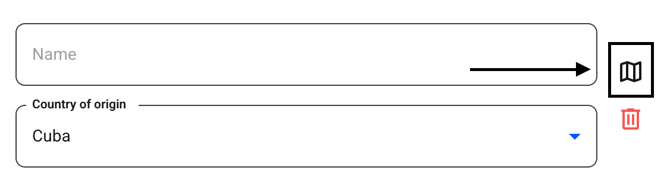
Now click on the small map symbol.
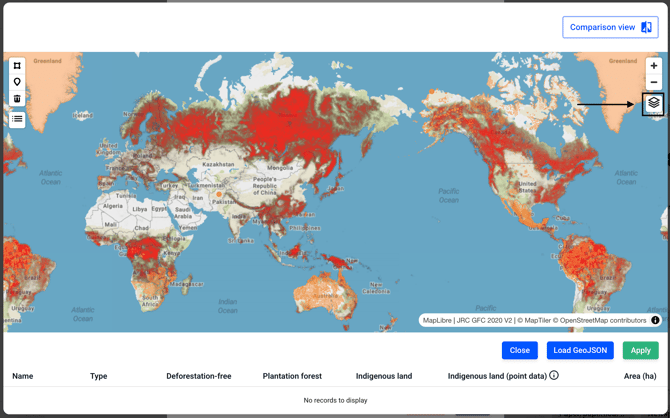
Now click on the icon in the top right-hand corner.
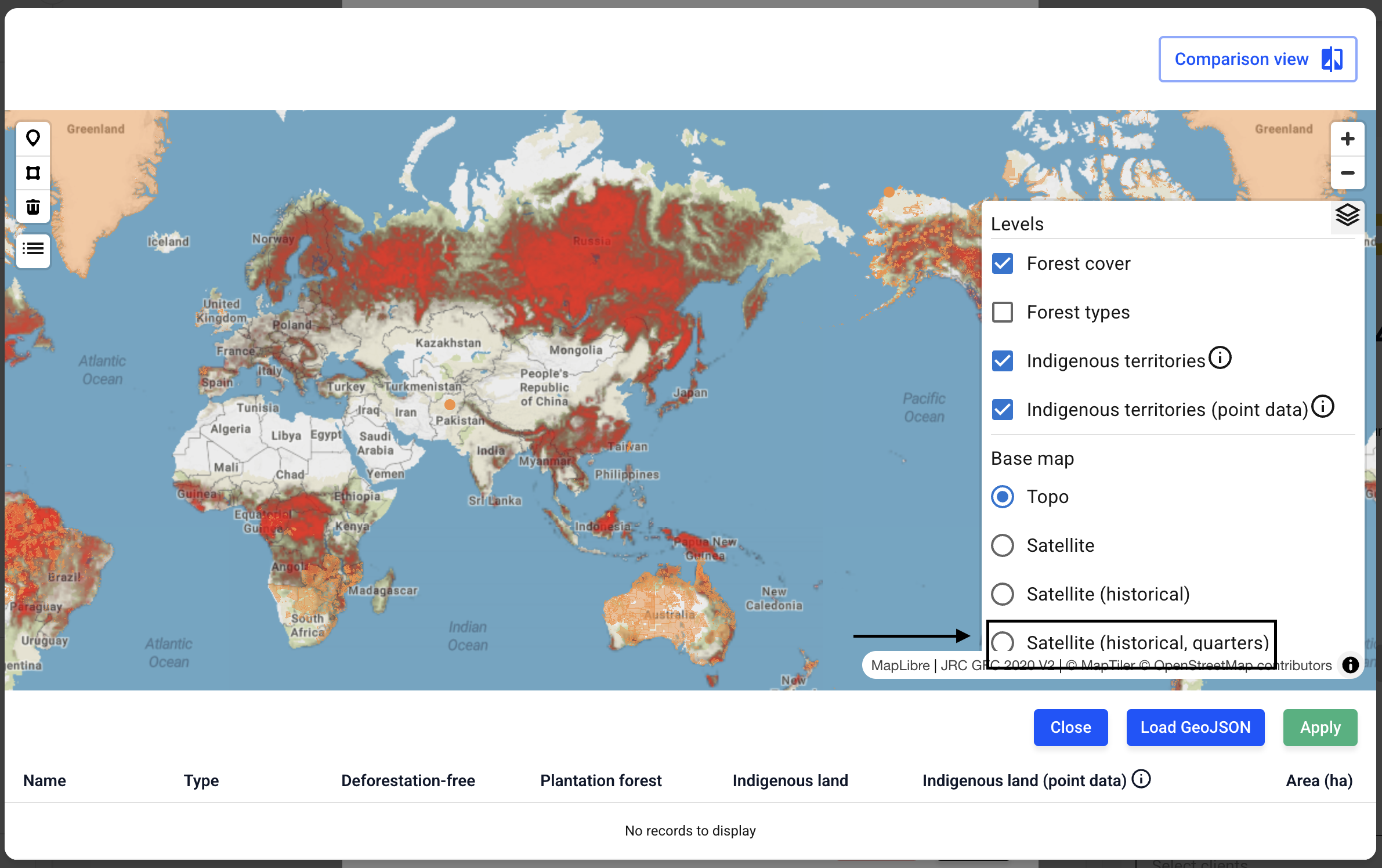
Now change the view to the satellite (historical, quarters) map.
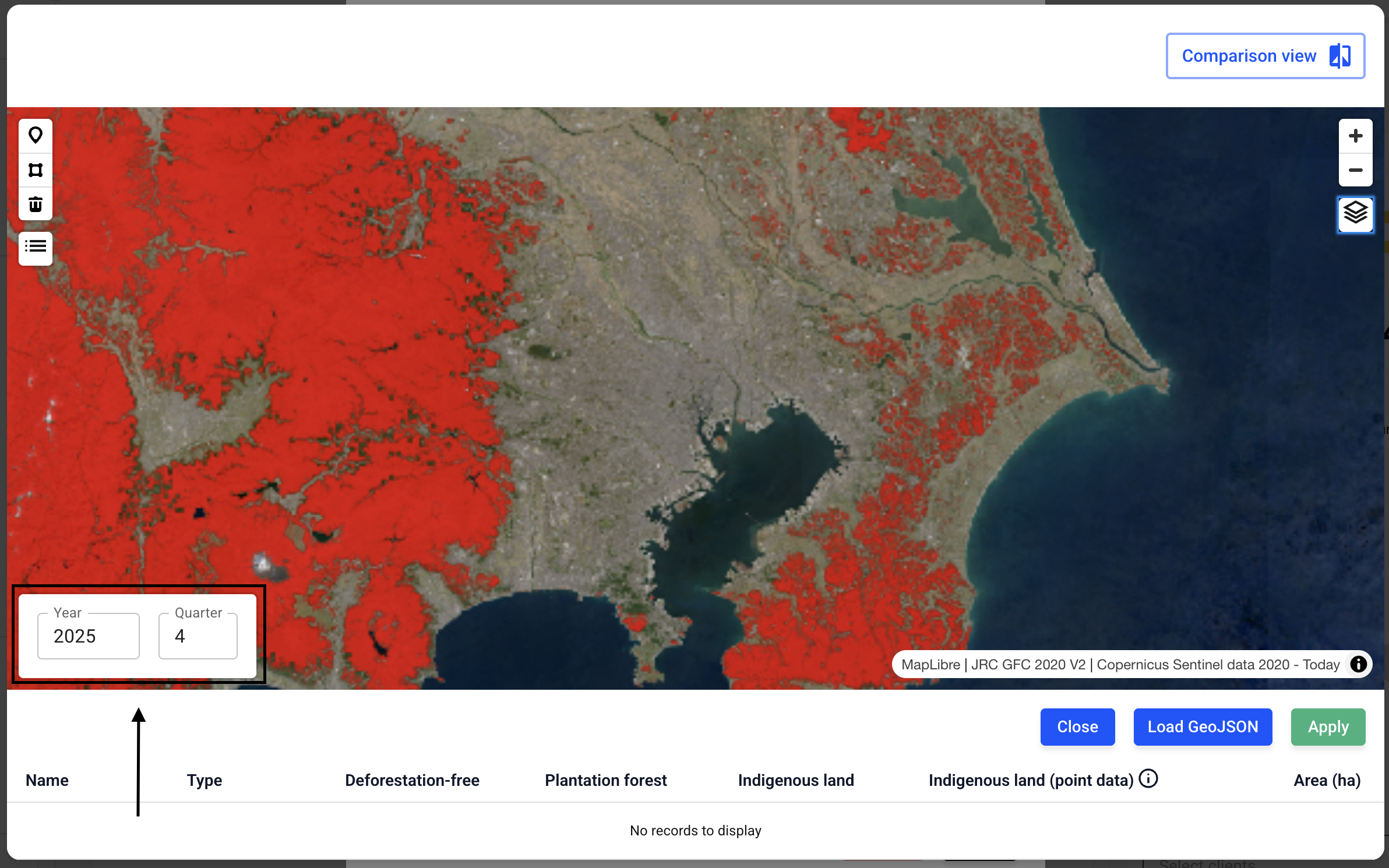
In the highlighted area at the bottom left, you can select the year and month for the historical, quarters view.