/Lawcode%20Logo%20(White).svg)
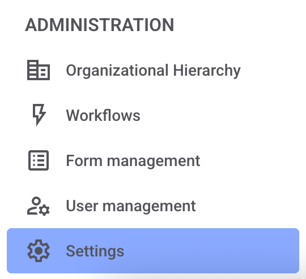
Click Settings in the administration area.
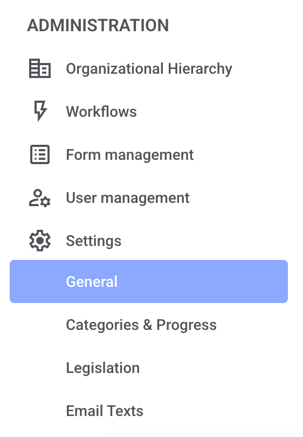
Now click on General.
Scroll down until you reach the report layout.
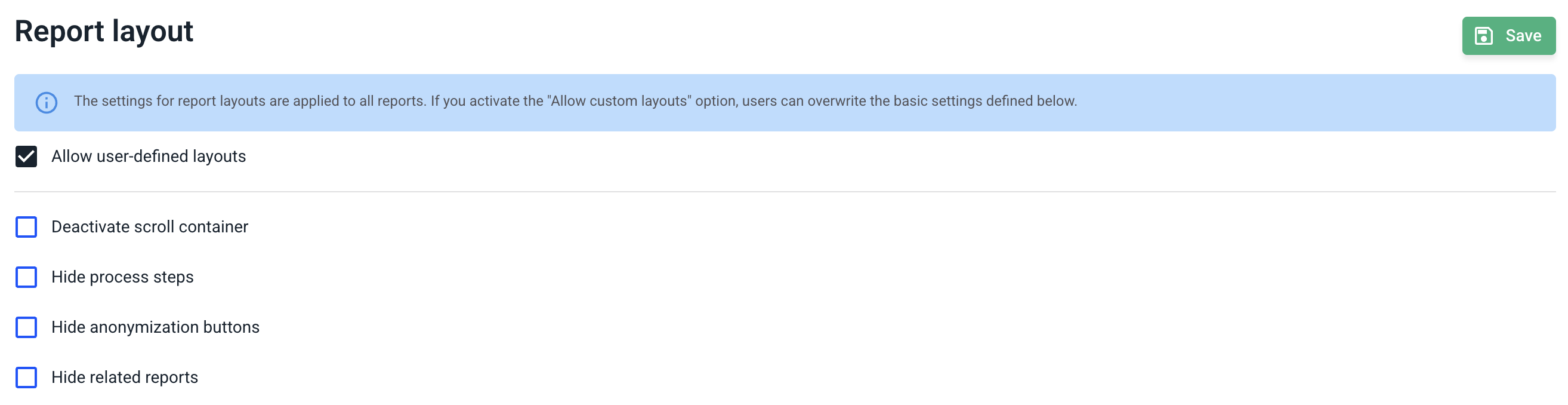
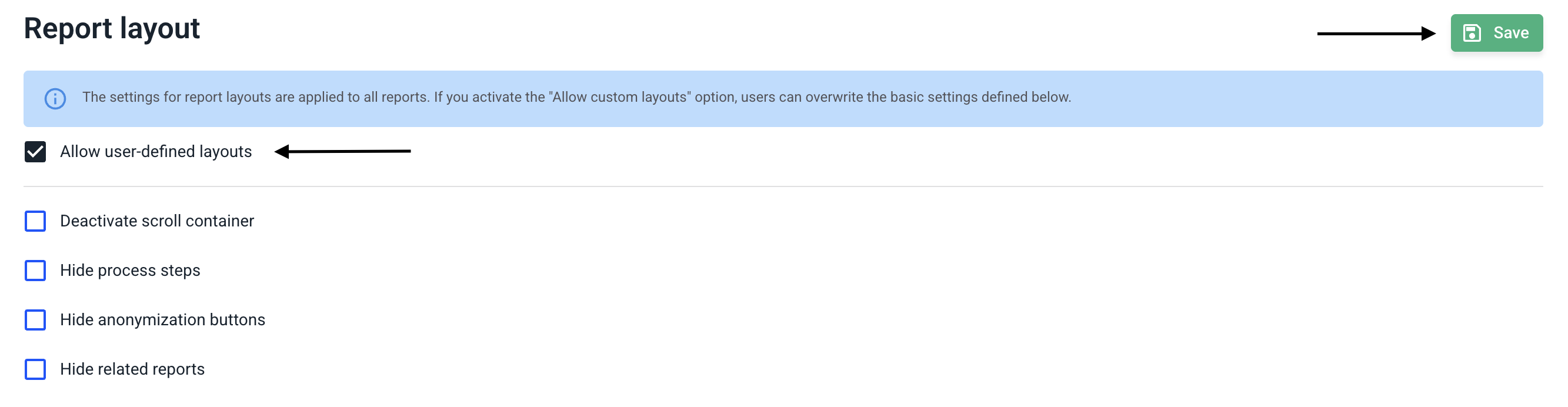
You can now use the checkbox for allow user-defined layouts to decide whether to enable or disable them. Check the box if you want to allow the layout and uncheck it if you want to disable the feature.
Then confirm the changes by clicking Save.