/Lawcode%20Logo%20(White).svg)
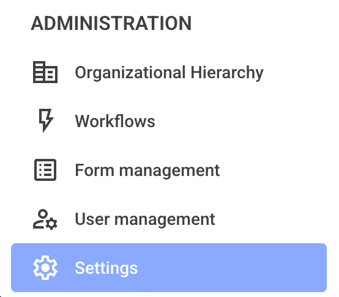
To delete your own template, first click on Settings in the administration area.
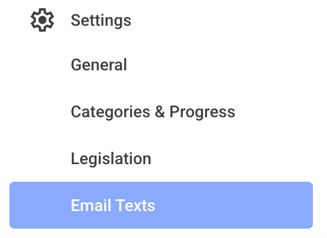
Now click on the Email Texts.
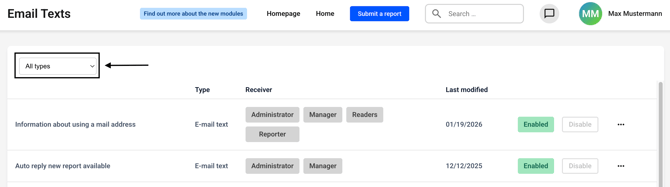
Now click on the All Types drop-down menu.
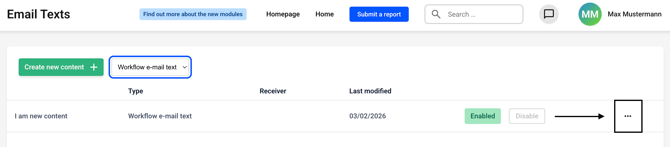
Select Workflow e-mail text from the list.
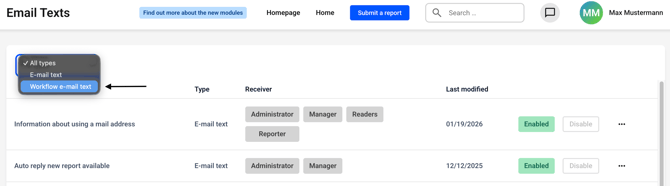
You will see an overview of all the templates you have created. Click on the three dots on the right-hand side of the template you want to delete.
Click Delete.
