/Lawcode%20Logo%20(White).svg)
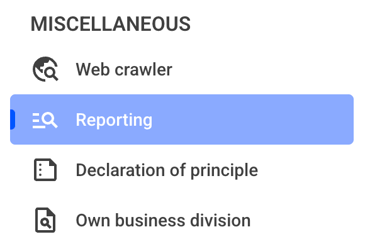
To delete a filter group, click on Reporting under Miscellaneous.
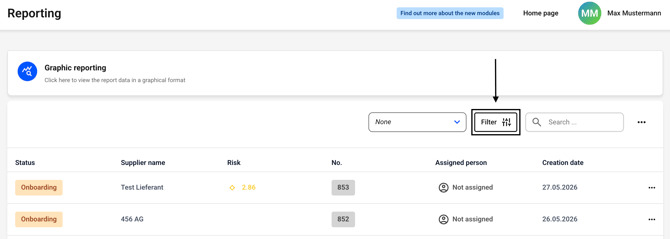
Now click the Filter button. Alternatively, you can first select a filter to the left of the button and then click the filter button.
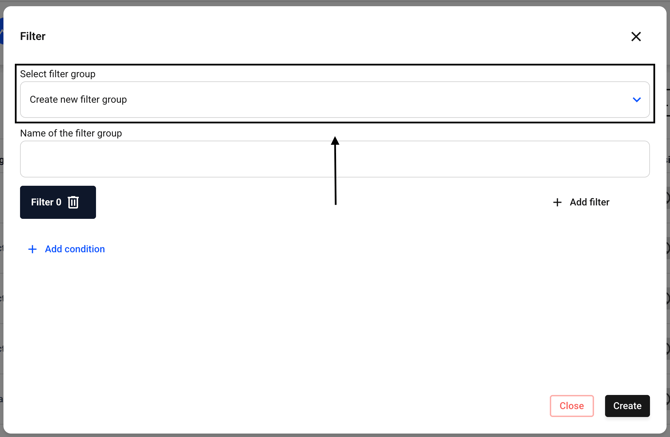
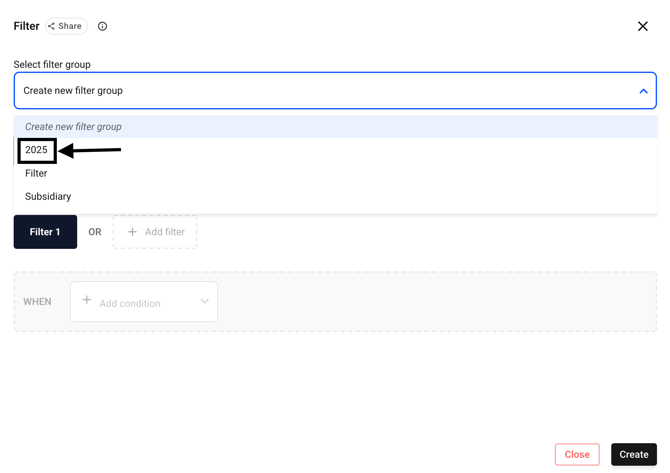
Now select the filter group you want to delete. To do this, click the drop-down menu next to Select Filter Group.
Now select the filter of your choice.
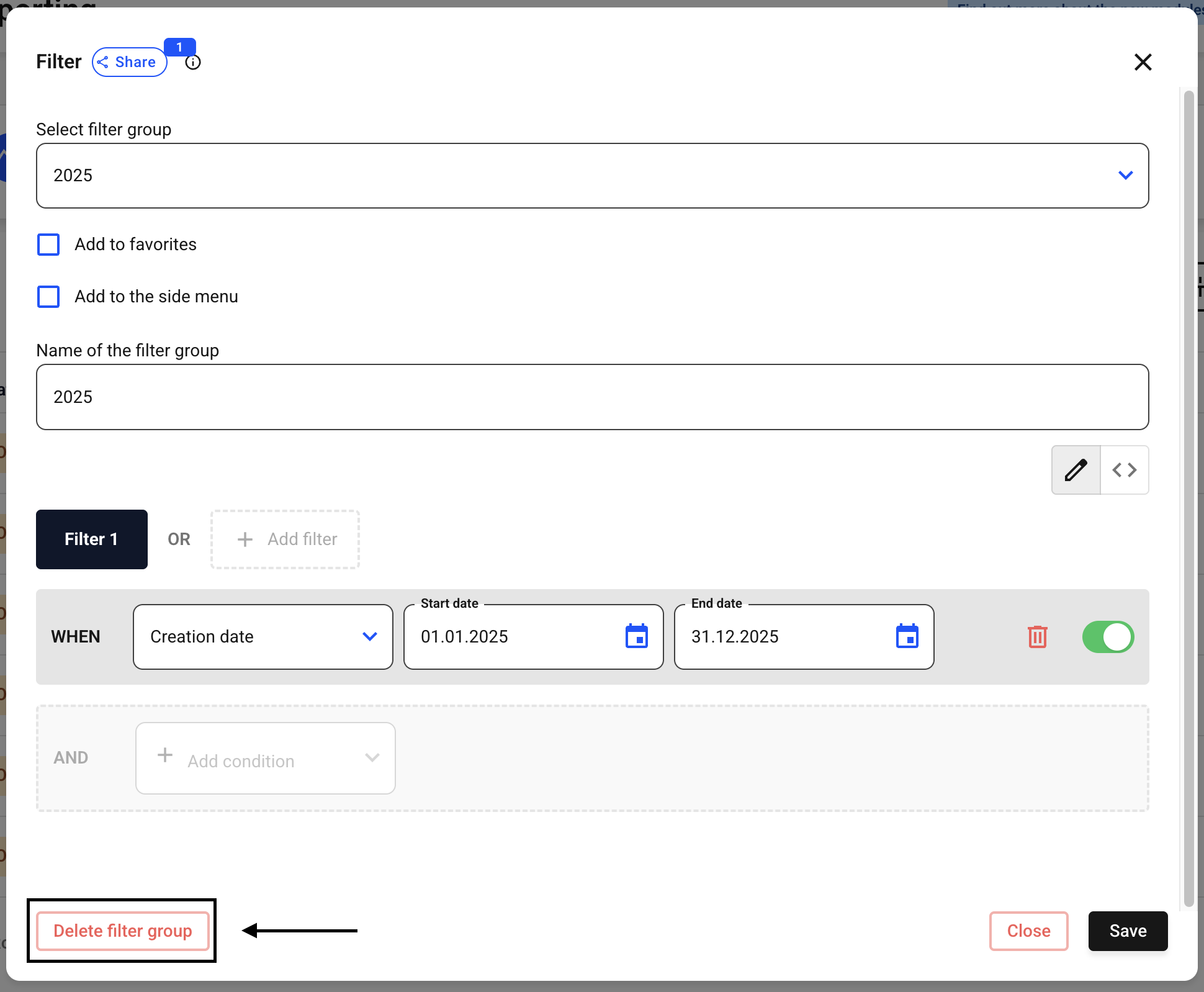
Now click Delete filter group.
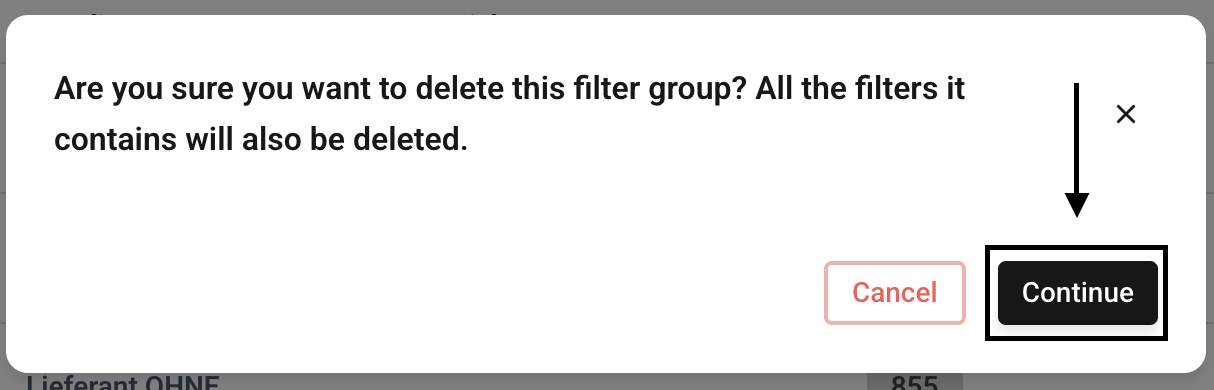
In the new dialog box, confirm the deletion by clicking Continue.