/Lawcode%20Logo%20(White).svg)
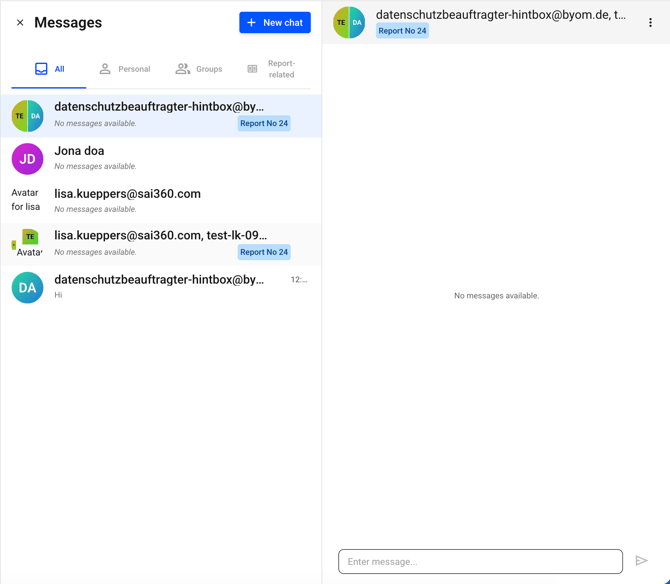
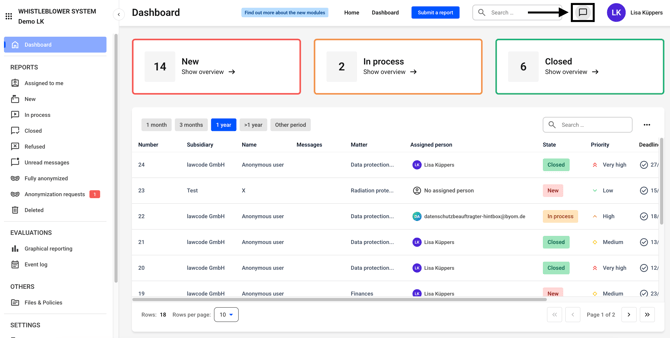
The chat function can be accessed from anywhere in the hintbox. To do so, click on the highlighted icon.
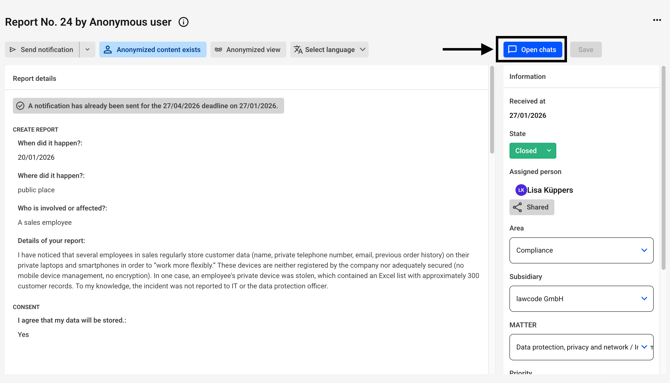
Alternatively, the chat can also be found on every report.
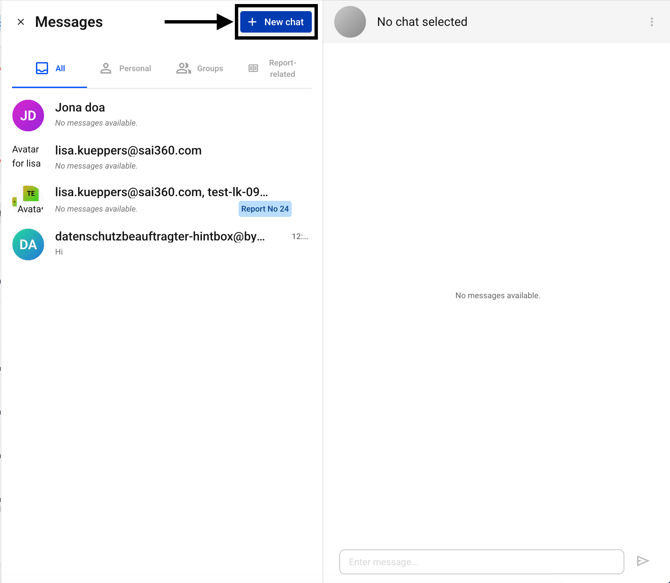
Click on the button New Chat.
There you can select the report and the participants. The Report field is NOT a mandatory field.
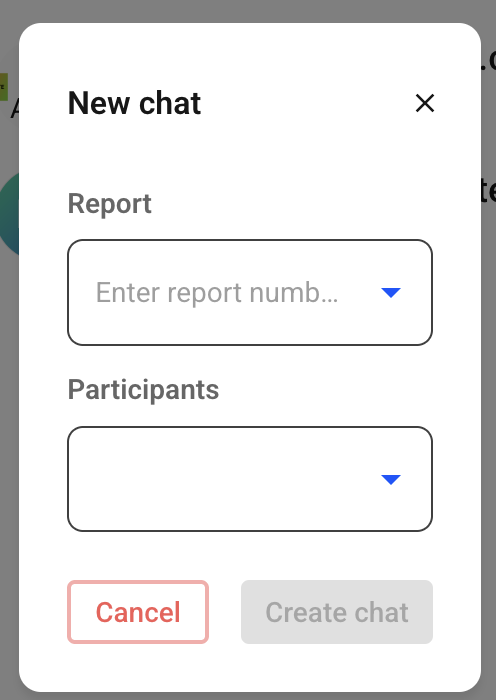
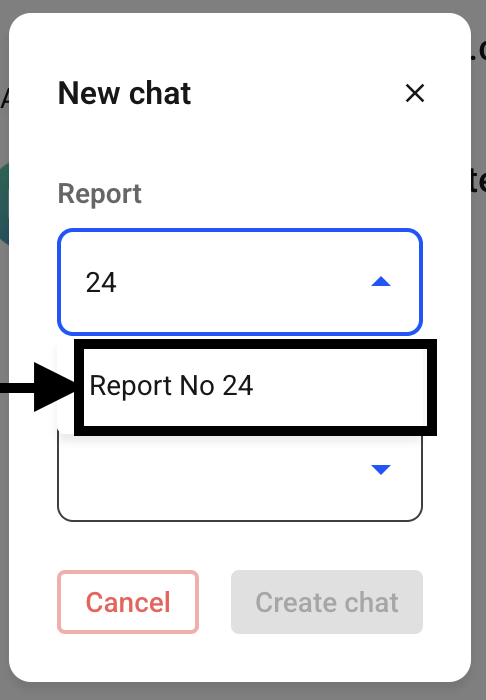
If you want to create a chat based on a report, you must enter the report number and then select the report.
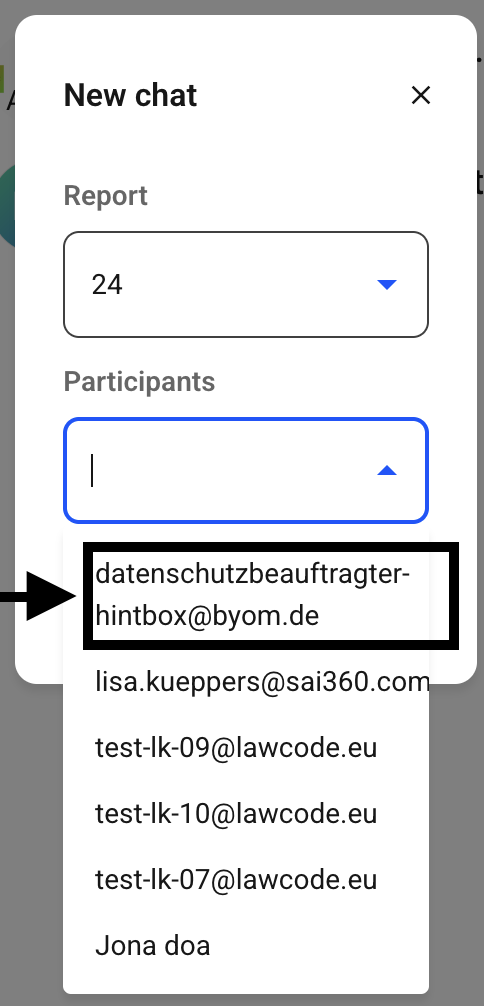
To create a chat, you must select the participants. If you select one participant, the chat is private; if you select multiple participants, it is a group chat.
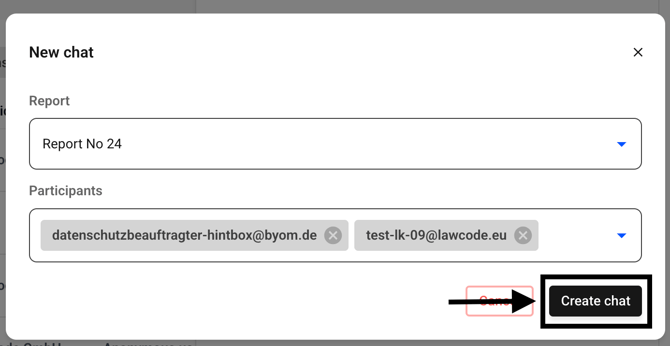
Then click on Create chat.
The chat will open and you can write messages.