/Lawcode%20Logo%20(White).svg)
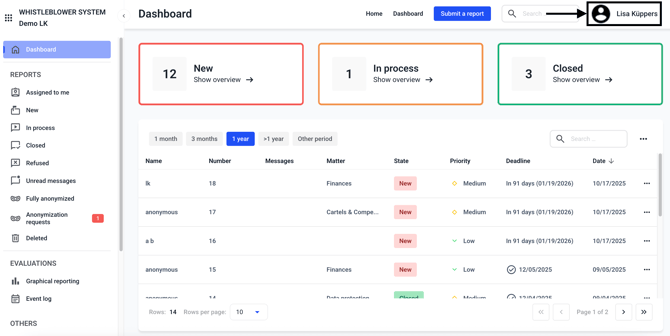
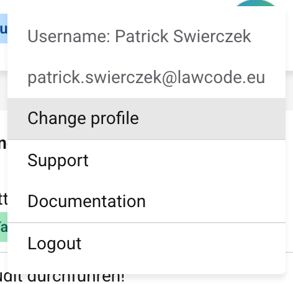
On the start page of your Hintbox, the Dashboard, you will find the black profile icon on the upper right side. Via this icon you can change and customize your own user profile.
You can make the following changes in your profile settings.
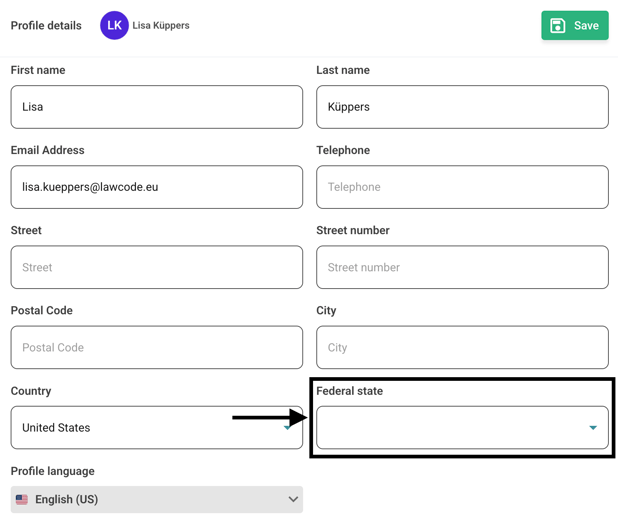
To enter a state, you must first select a country.
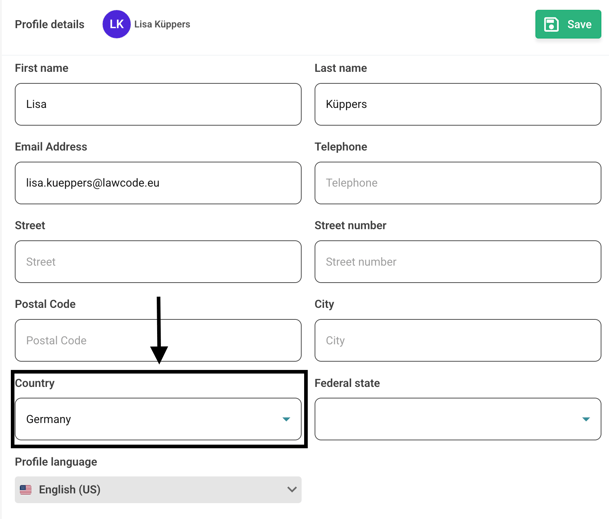
Then select a federal state.
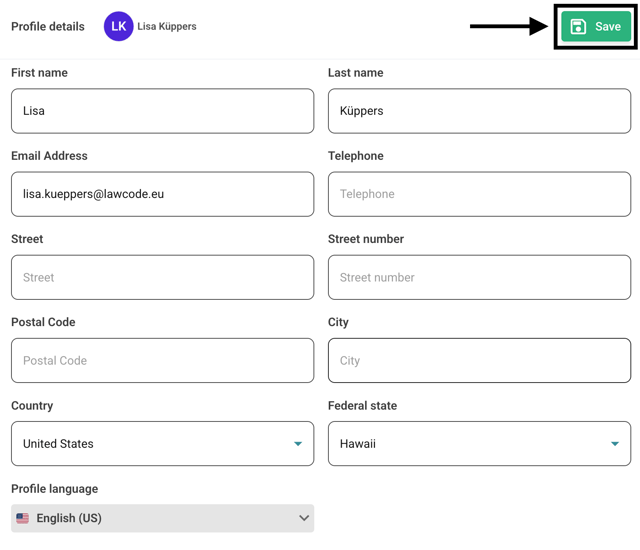
Confirm your changes by clicking Save.