/Lawcode%20Logo%20(White).svg)
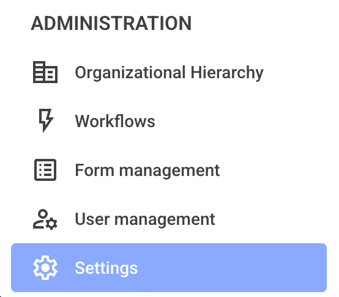
First, click on Settings in the administration area.
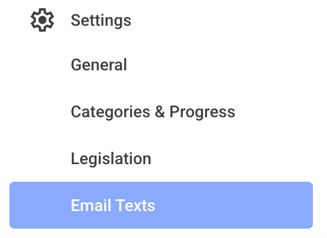
Now click on the Email Texts.
Now click on the All Types drop-down menu.
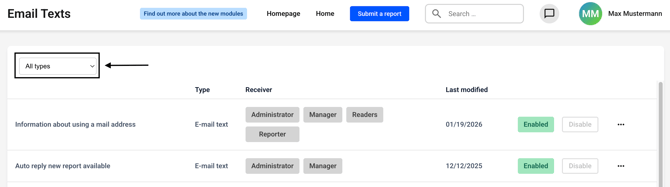
Select Workflow e-mail text from the list.
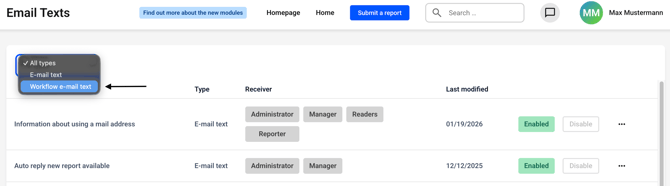
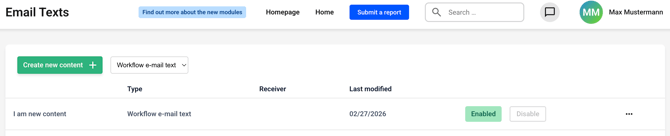
Now click on Create new content.

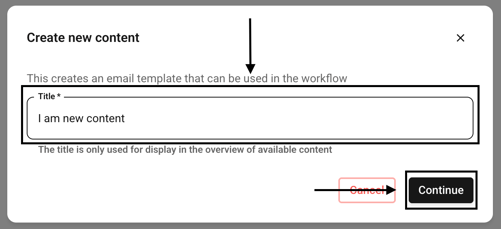
A new window will open. Enter a title for the template and confirm by clicking Continue.
Now edit the template according to your preferences and confirm the attachment by saving.
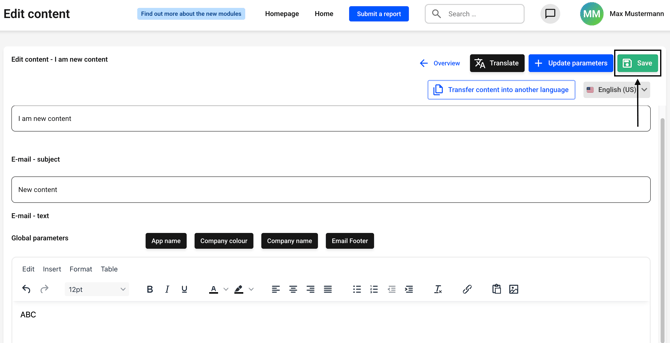
The new email template has been created.