/Lawcode%20Logo%20(White).svg)
To relate a report to another, open a report. Scroll down in the report until you reach the Related reports section.
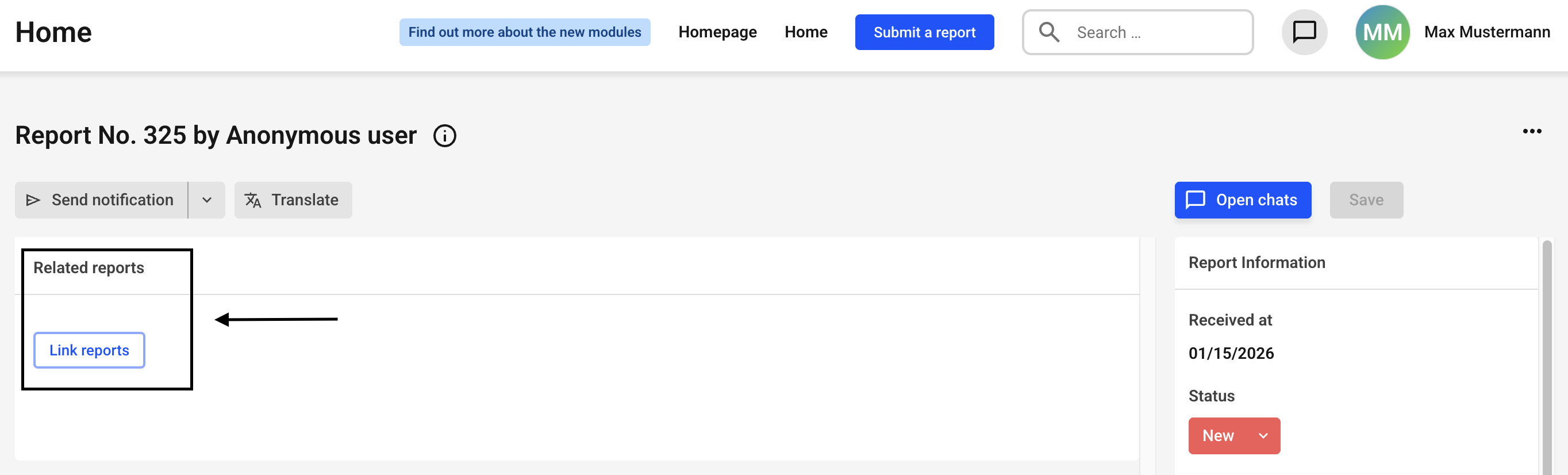
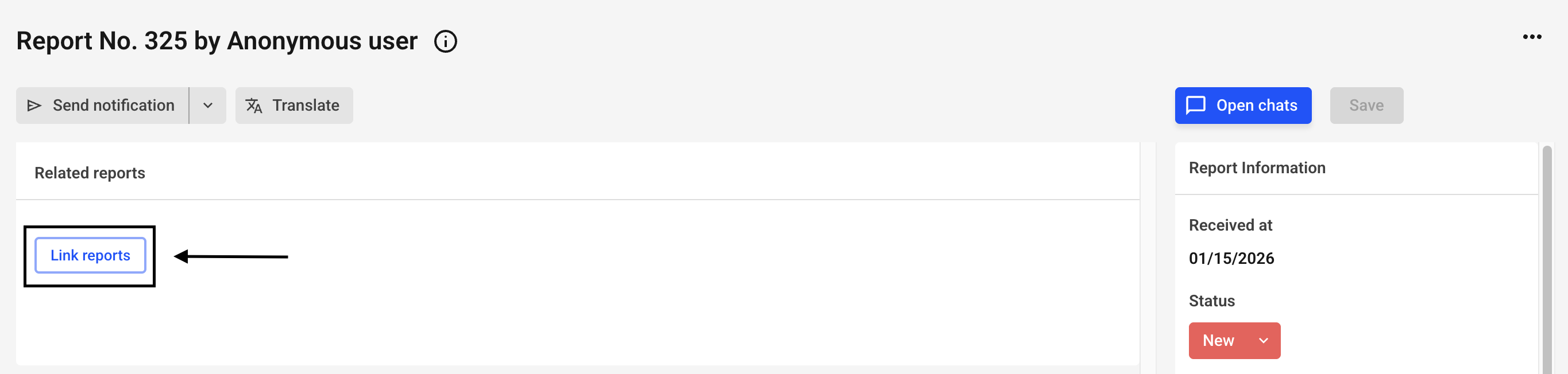
Click Link reports.
New fields are opening up.
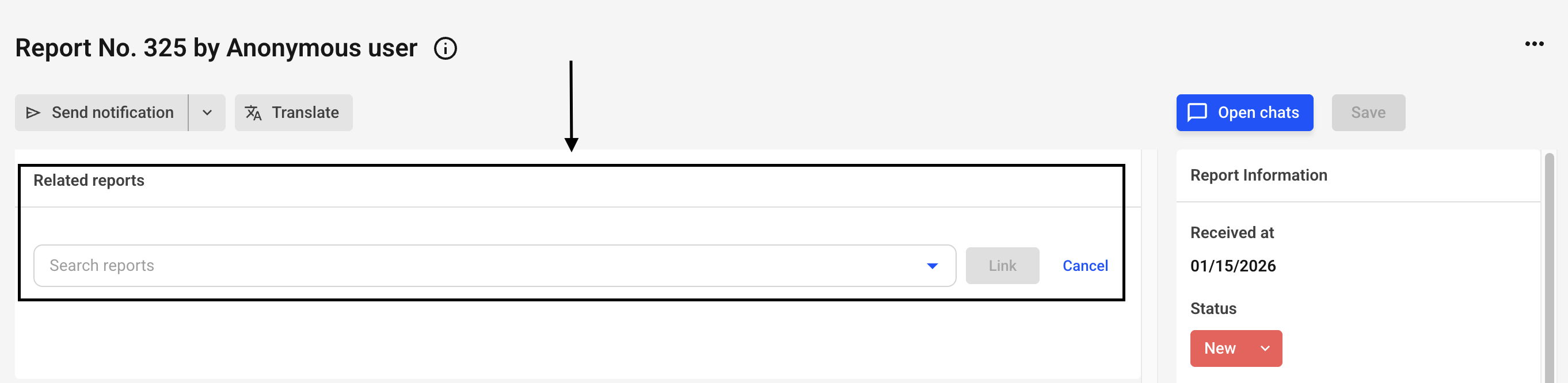
Click on the Search reports drop-down menu.
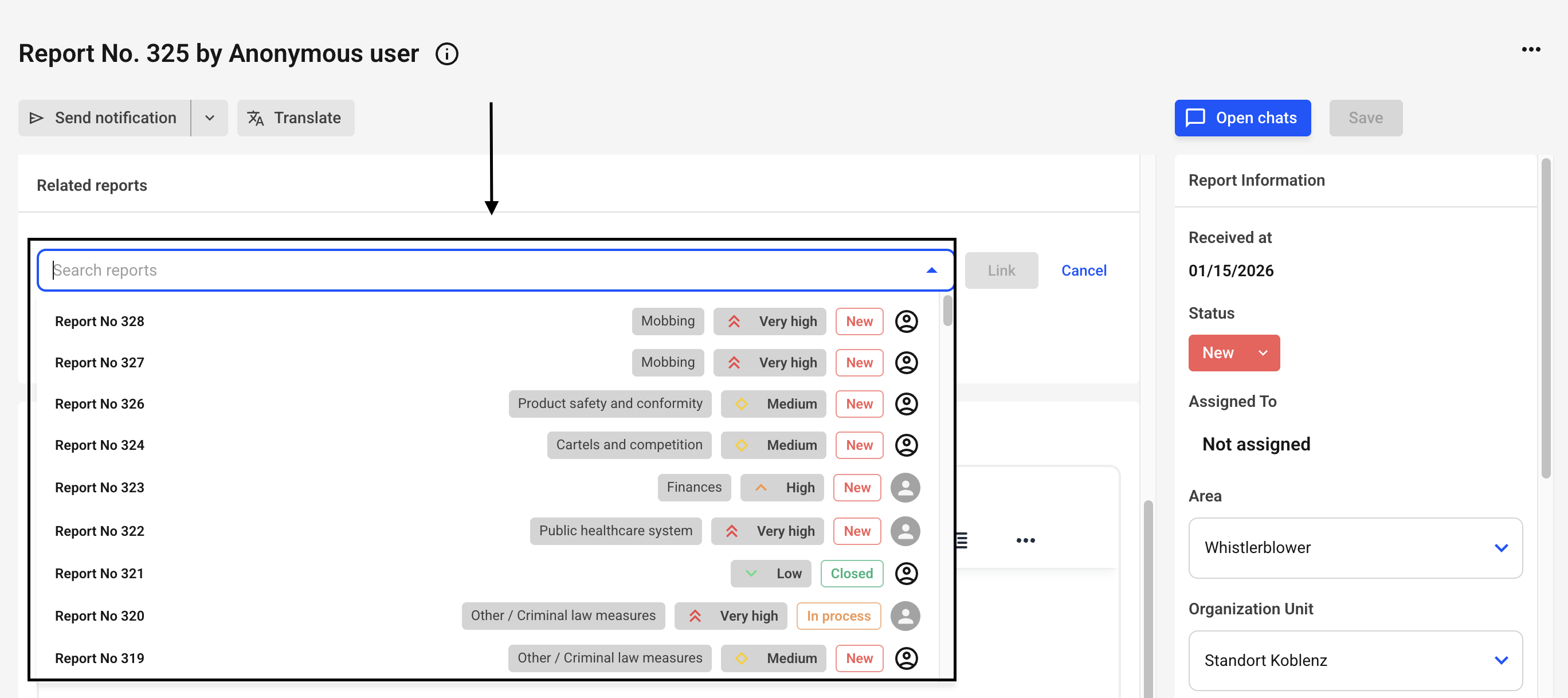
You can now select a report with a click of the mouse. Alternatively, you can enter a reference number in the search field. You can select one or more reports.
Once you have made your selection, confirm it by clicking on the link.
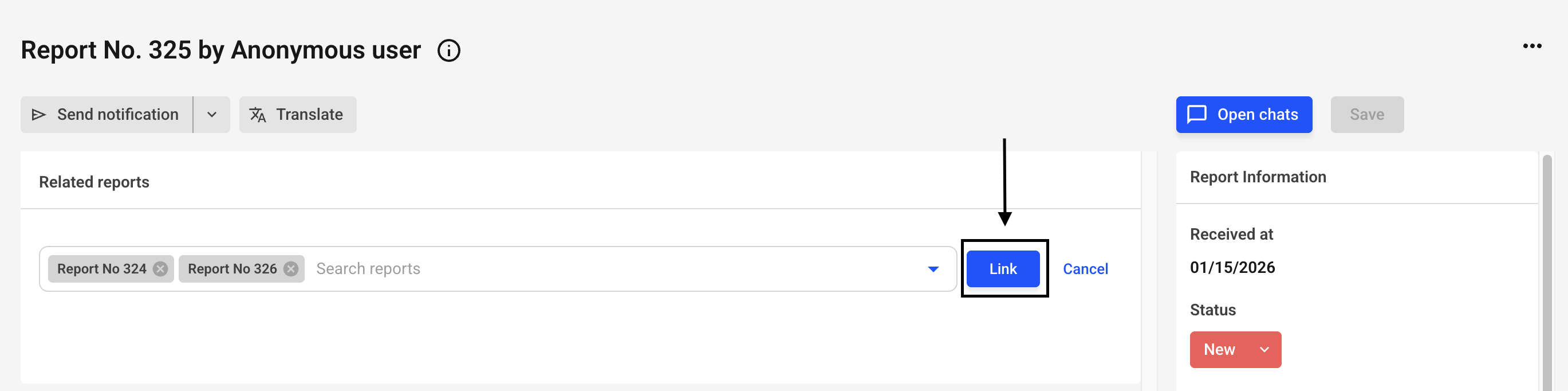
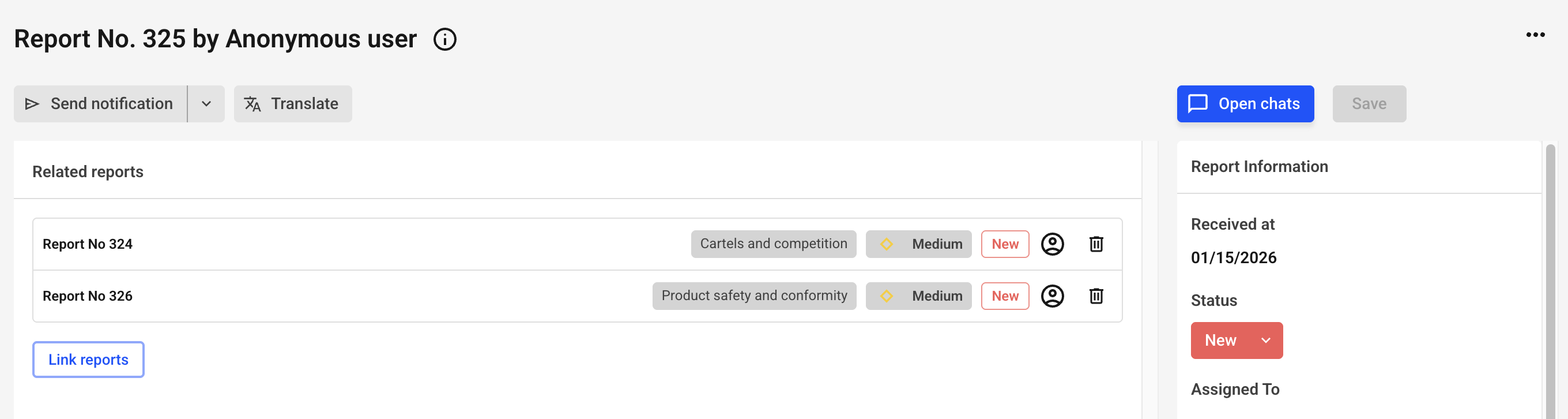
The reports are now related.