/Lawcode%20Logo%20(White).svg)
To delete a template for the consent dialog, first click on Settings in the Administration.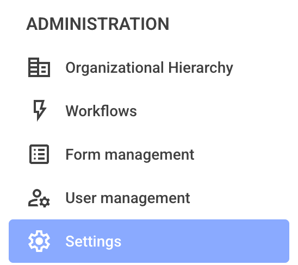
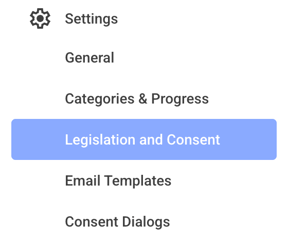
Click on Legislation and Consent now.
Now click the drop-down menu next to All types.

Select the text for the user consent text.

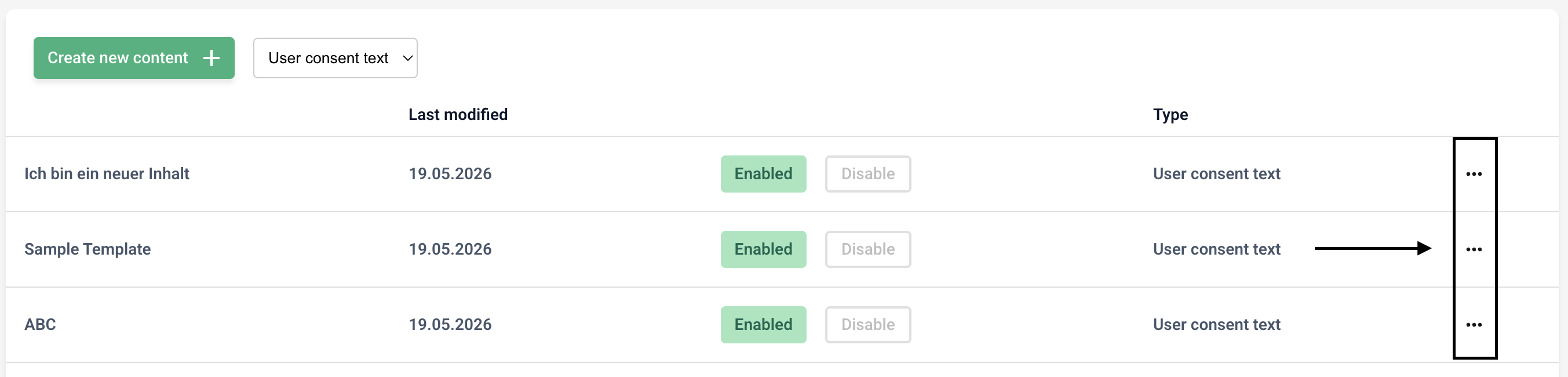
Now click the three dots on the right side of the template you've chosen.
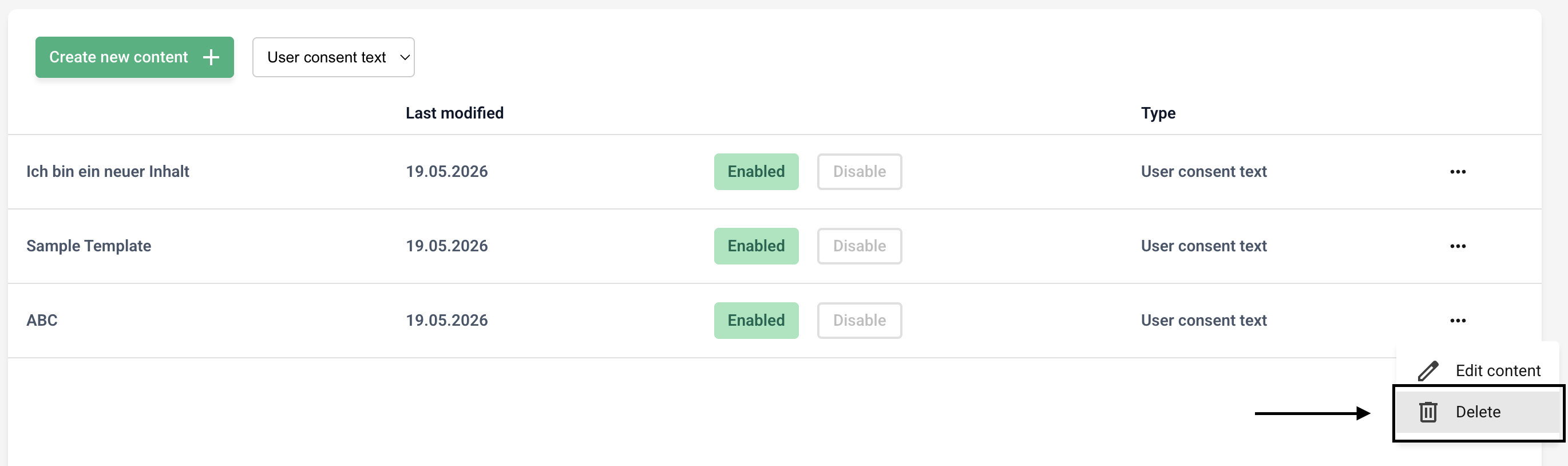
Click Delete. Please note that the template will be deleted immediately.