/Lawcode%20Logo%20(White).svg)
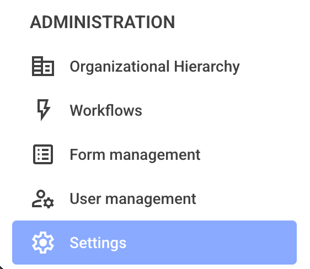
To insert a video into the legislation text, first click on Settings.
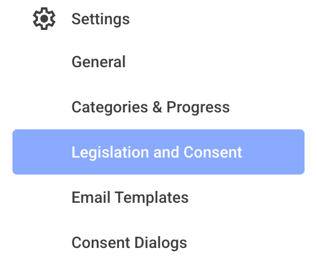
Click on Legislation and Consent.
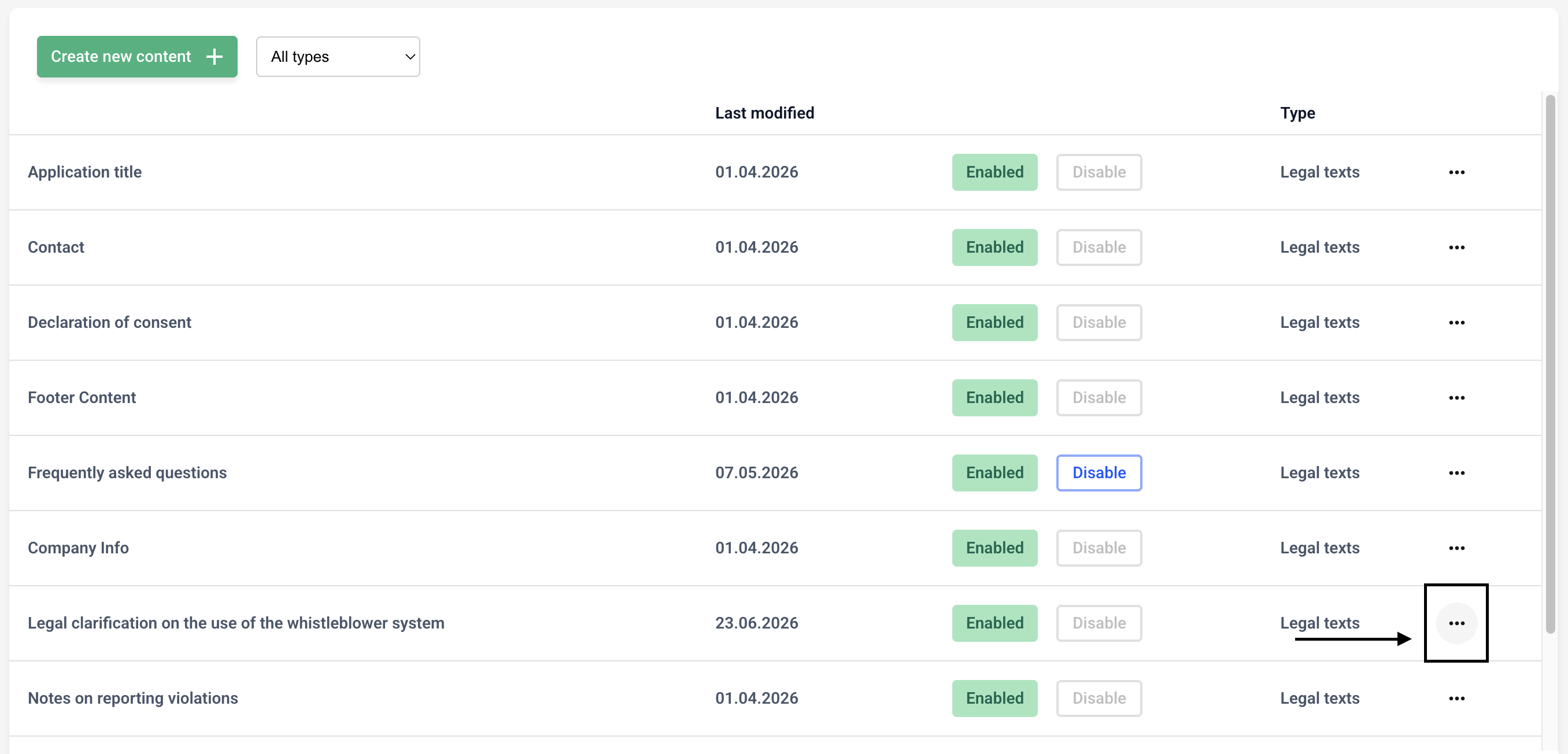
For example, in the Legal clarification on the use of the whistleblower system, click the three dots on the right-hand side.
Click Edit content.

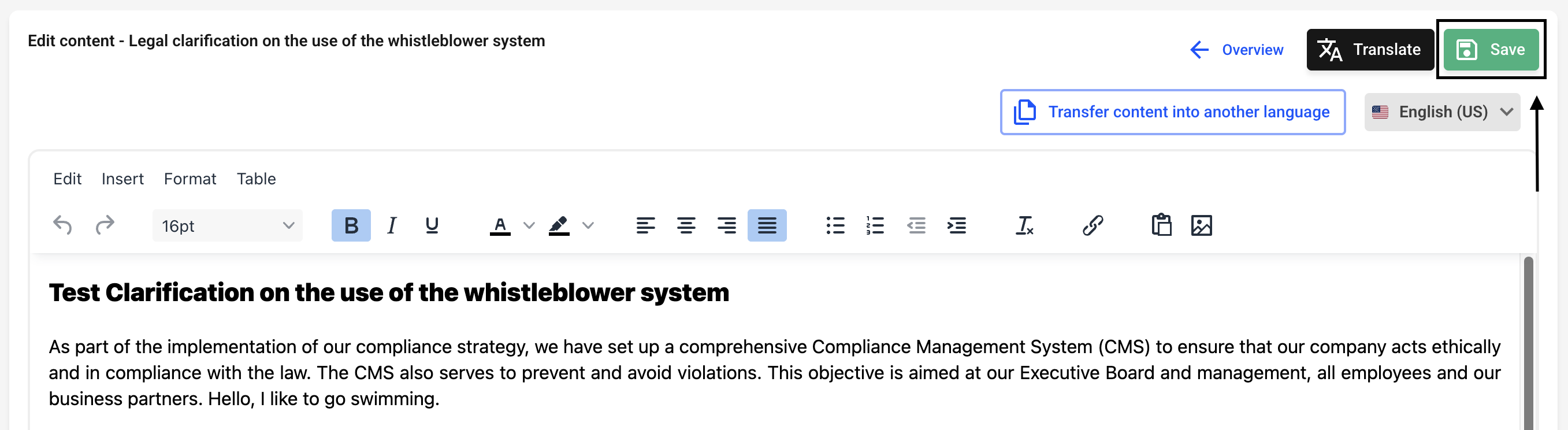
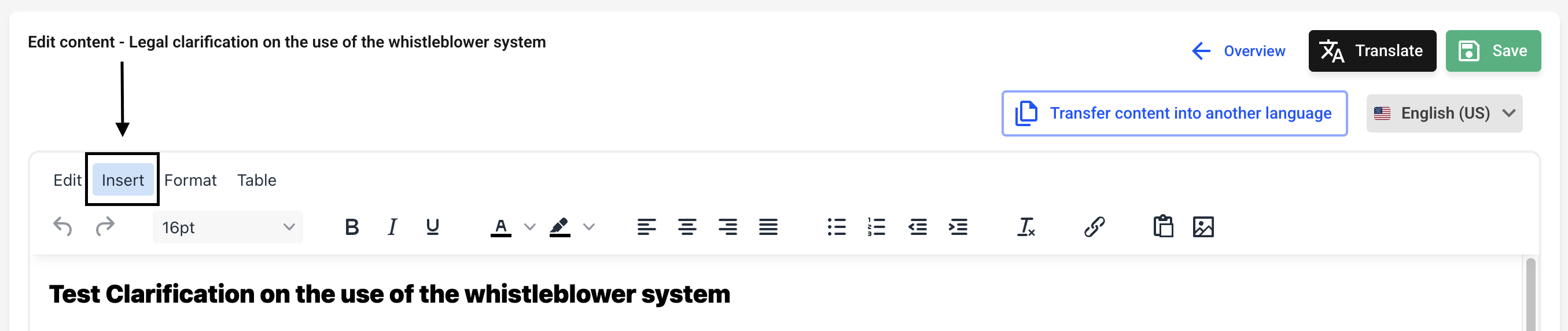
Click Insert.
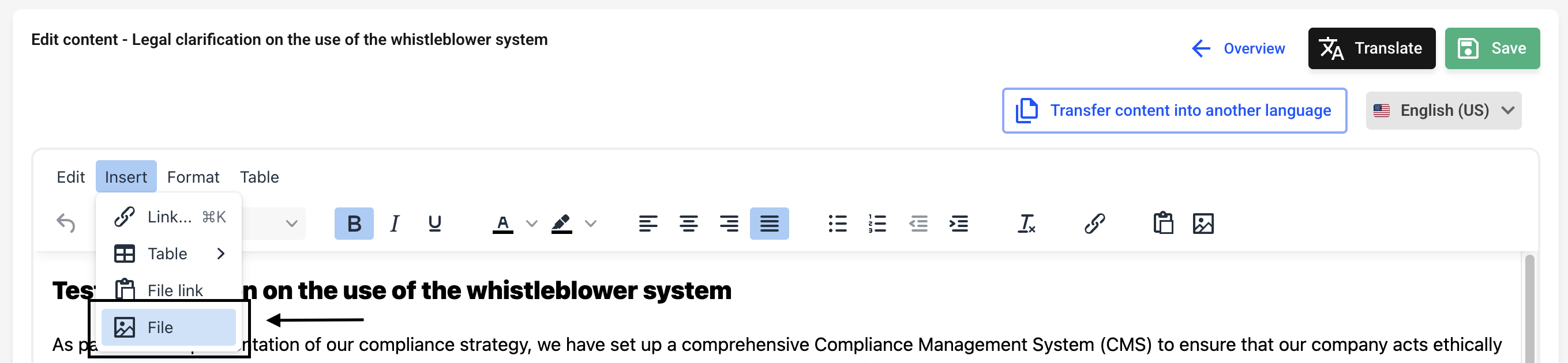
Click File.
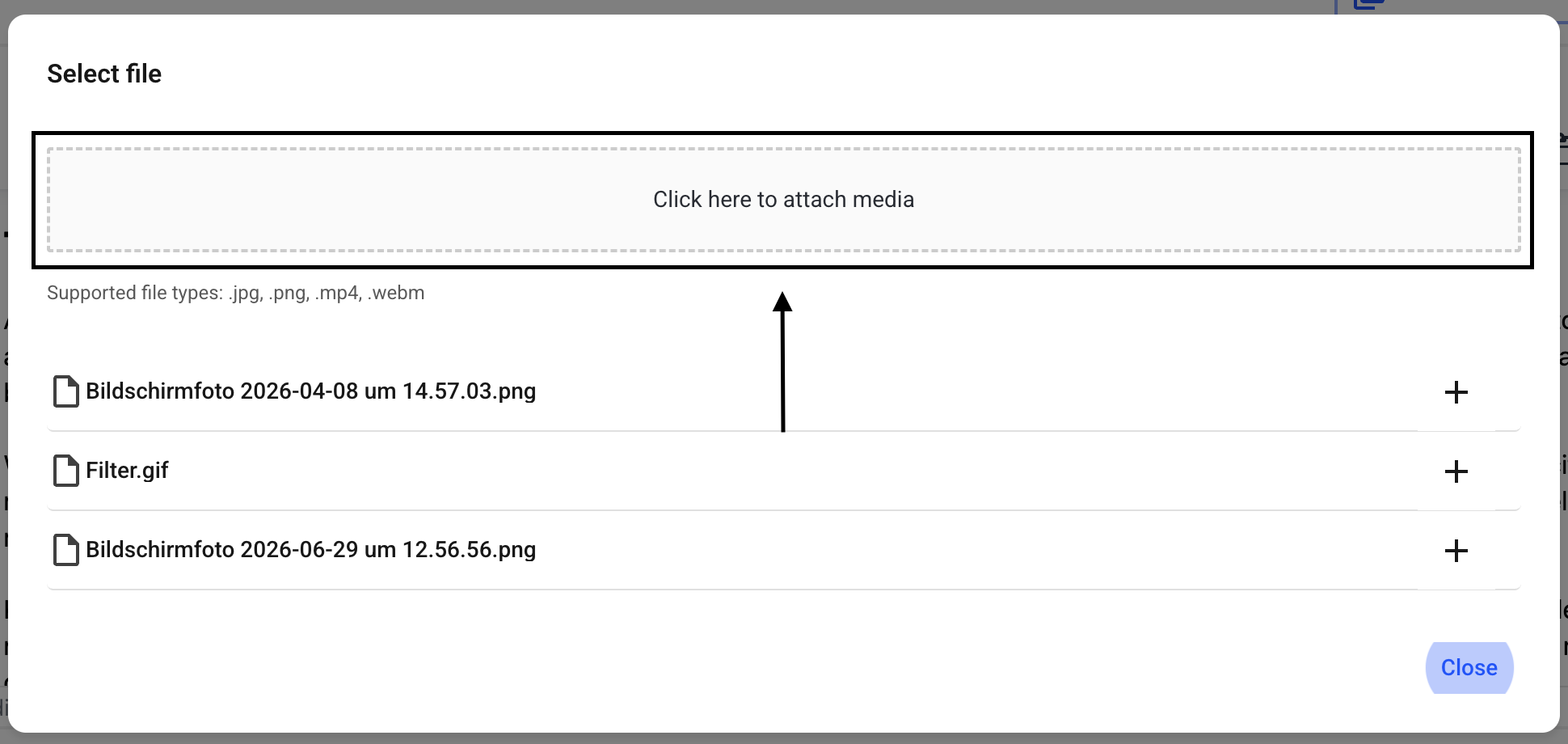
Now either drag and drop a file into the top field, or click on the field and select a file from the file browser.
Alternatively, you can reselect a file that has already been uploaded. The existing files are displayed below. You can add them using the plus sign on the right.
Once you've added the video, you can still move it around within the text. Then confirm your changes by clicking Save.