/Lawcode%20Logo%20(White).svg)
To remove a link to another report, open a report that has linked reports.
Scroll down the report until you reach the Related reports.
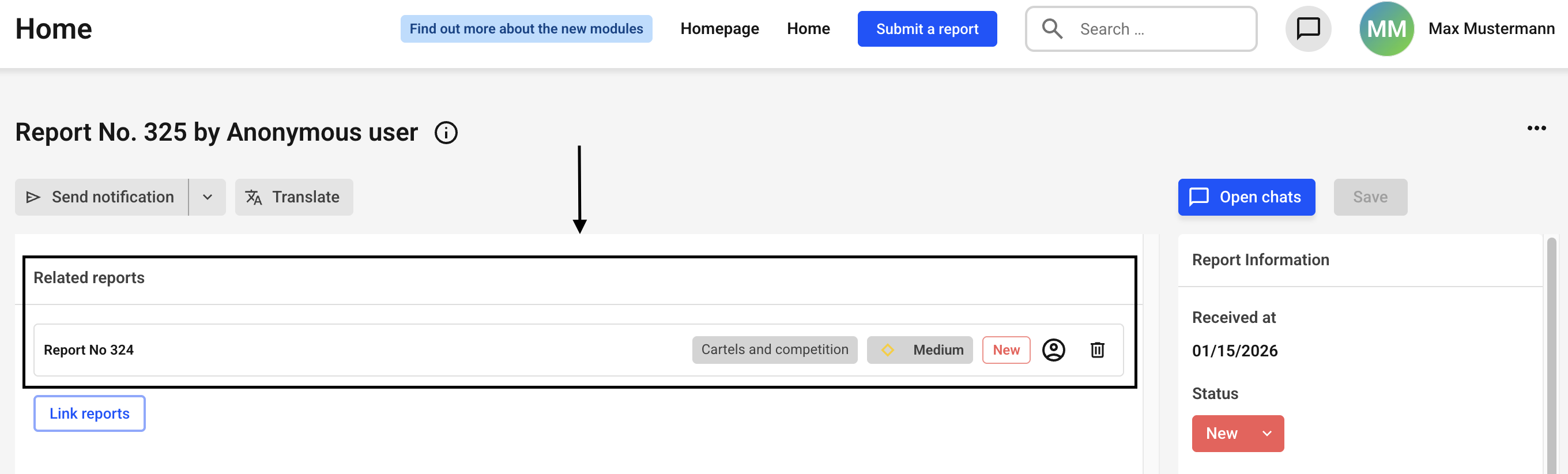
Click the trash can icon next to the report for which you want to remove the link.
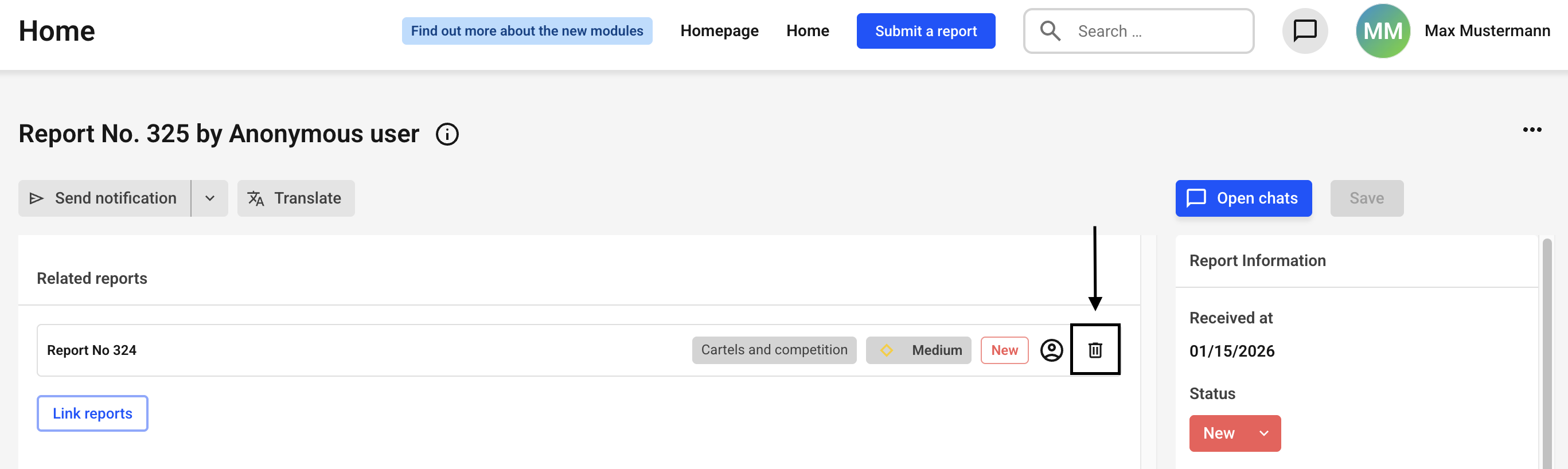
The link will be removed immediately without further inquiry.