/Lawcode%20Logo%20(White).svg)
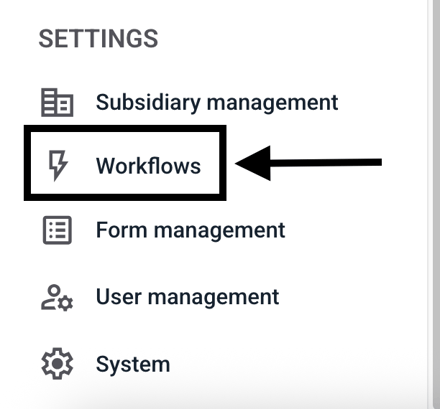
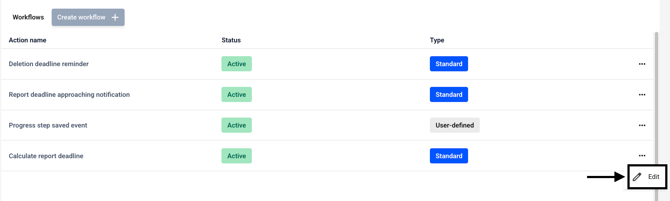
To change the 3-months deadline, first navigate to Workflows.
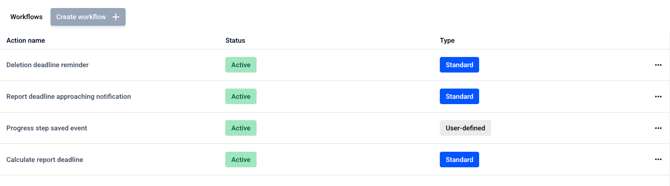
The following overview opens.
Under Calculate report deadline, click the three dots.
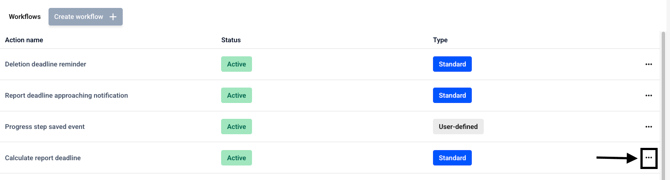
Then click Edit there.
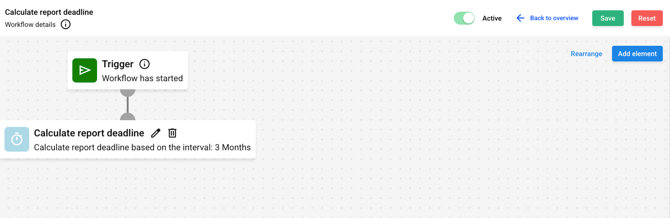
The workflow opens.
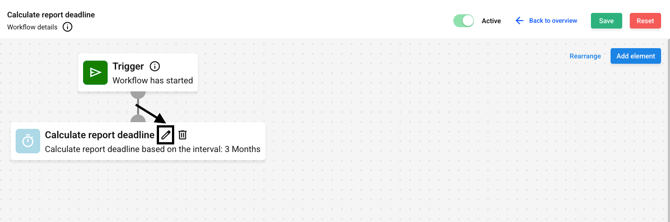
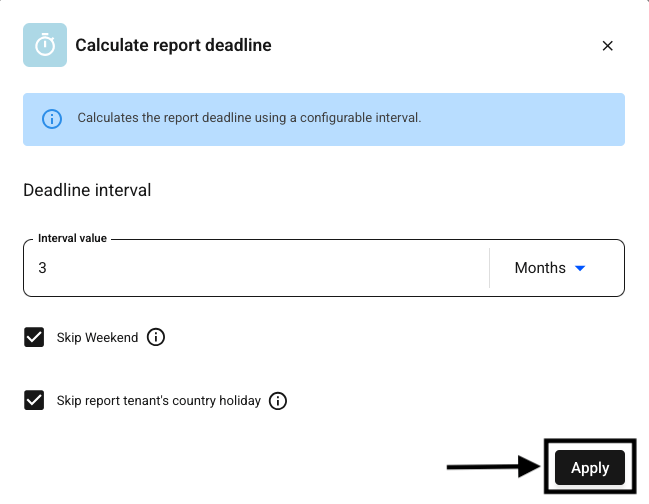
Click the edit icon next to Calculate the reporting period.
Here, you can change the interval value as desired.
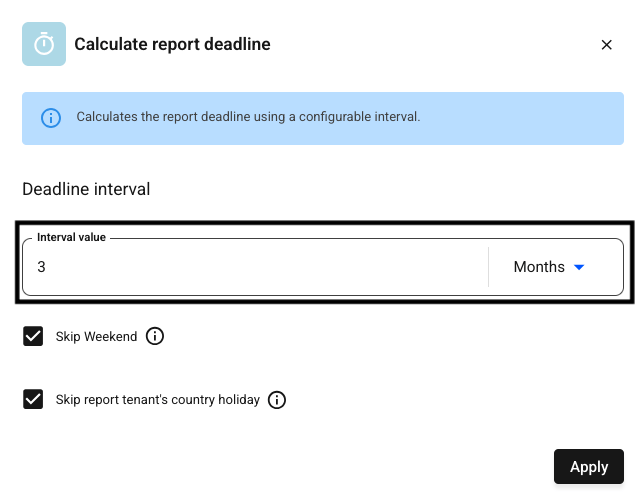
Save your changes by clicking Apply.
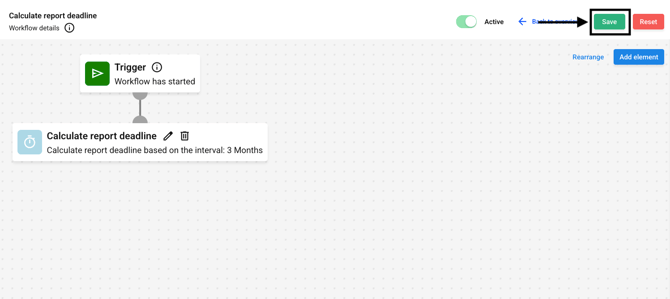
Save your changes.