/Lawcode%20Logo%20(White).svg)
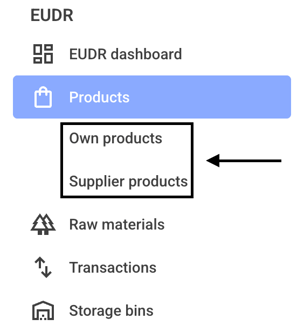
To undo the manual change to the risk, first click on Own products or Supplier products.
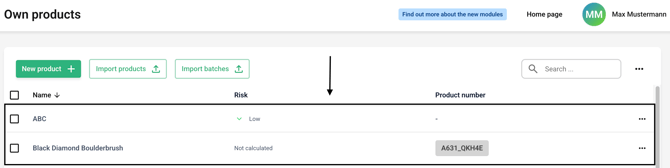
Now click on the line of the desired product.
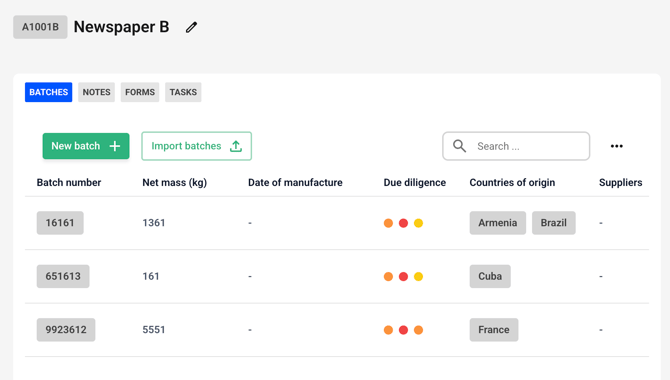
Go to the product's batch overview.
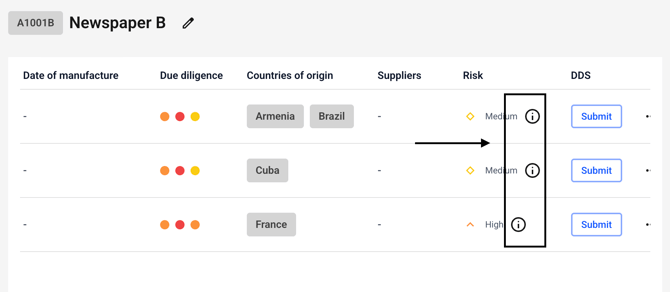
Now use the slider to scroll to the risk level.
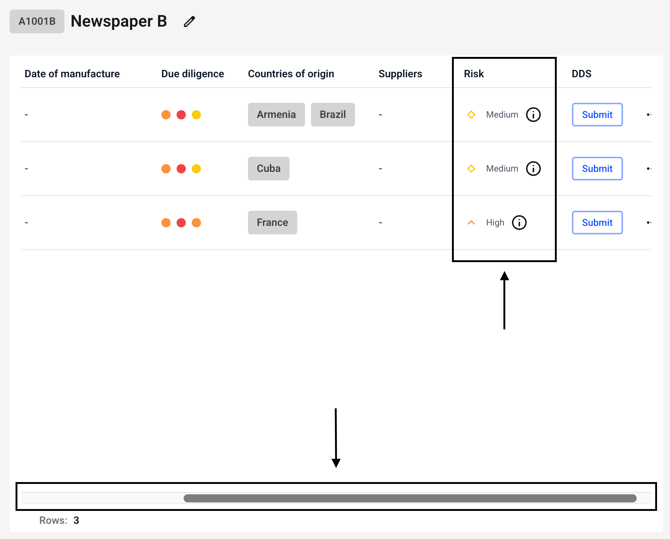
Now click on the small information icon next to the batch of your choice.
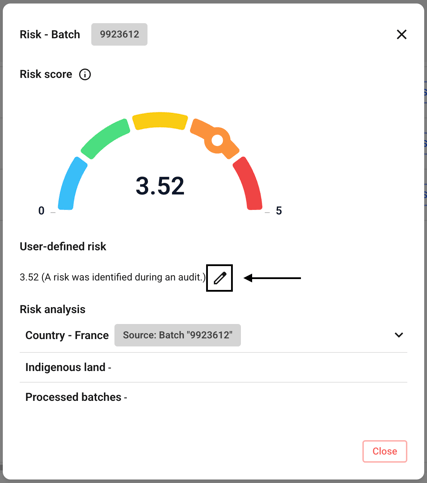
Now click the edit icon next to User-defined risk.
Click Delete now.
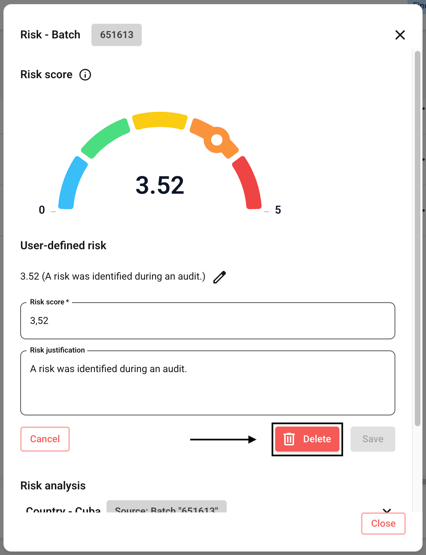
The risk is immediately reset to its original value.