/Lawcode%20Logo%20(White).svg)
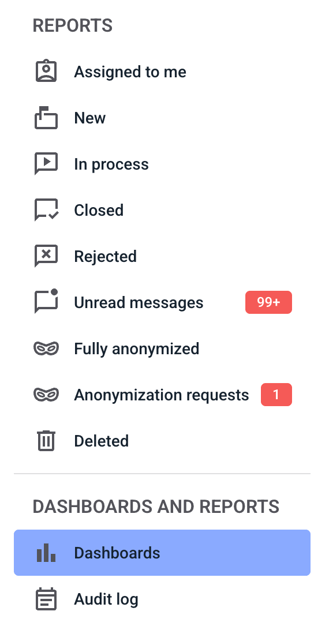
To delete a filter, click on dashboards.
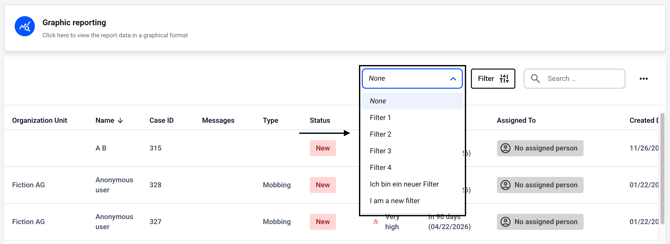
Now click on the drop-down menu next to the filter button. Select the filter group from which you want to delete a filter.
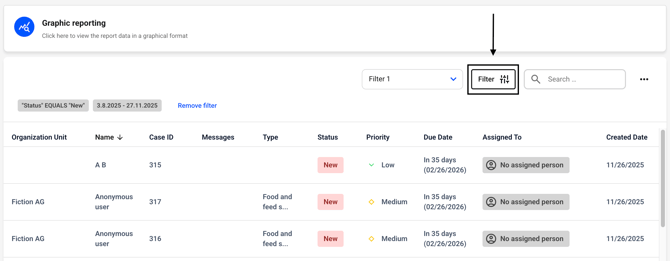
Now click on the filter button.
Click on the button for the filter you want to delete.
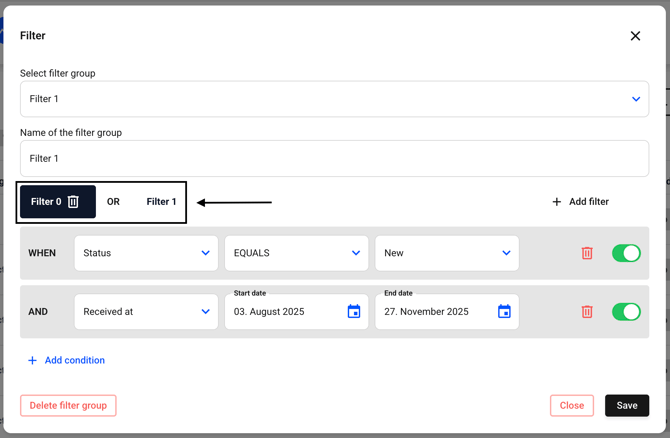
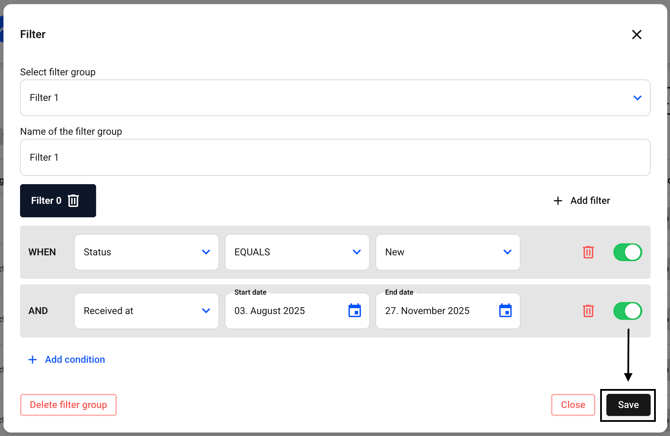
Now click on the trash can icon for the filter you want to delete.
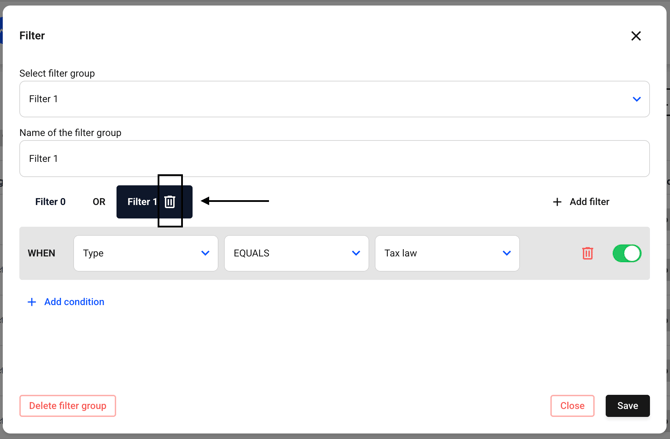
The filter will be deleted immediately. Now confirm the changes by clicking the Save button.