/Lawcode%20Logo%20(White).svg)
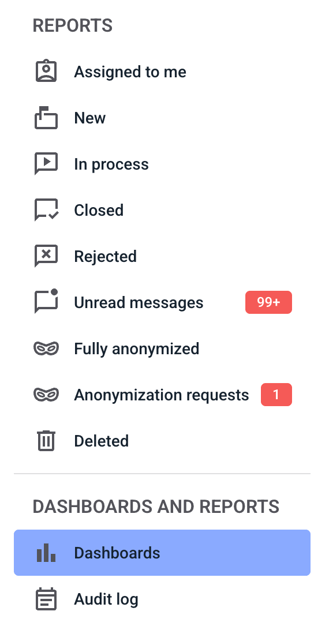
To change the name of a filter, click on dashboards.
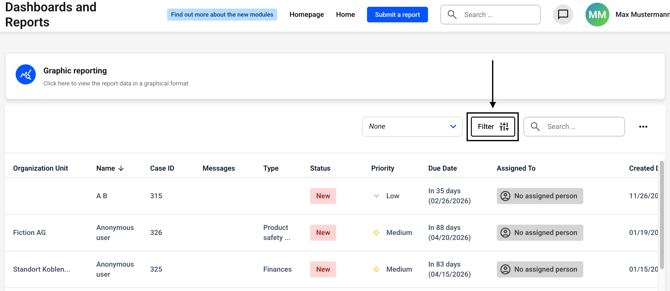
Now click on the filter button. Alternatively, you can first select a filter to the left of the button and then click on the filter button.
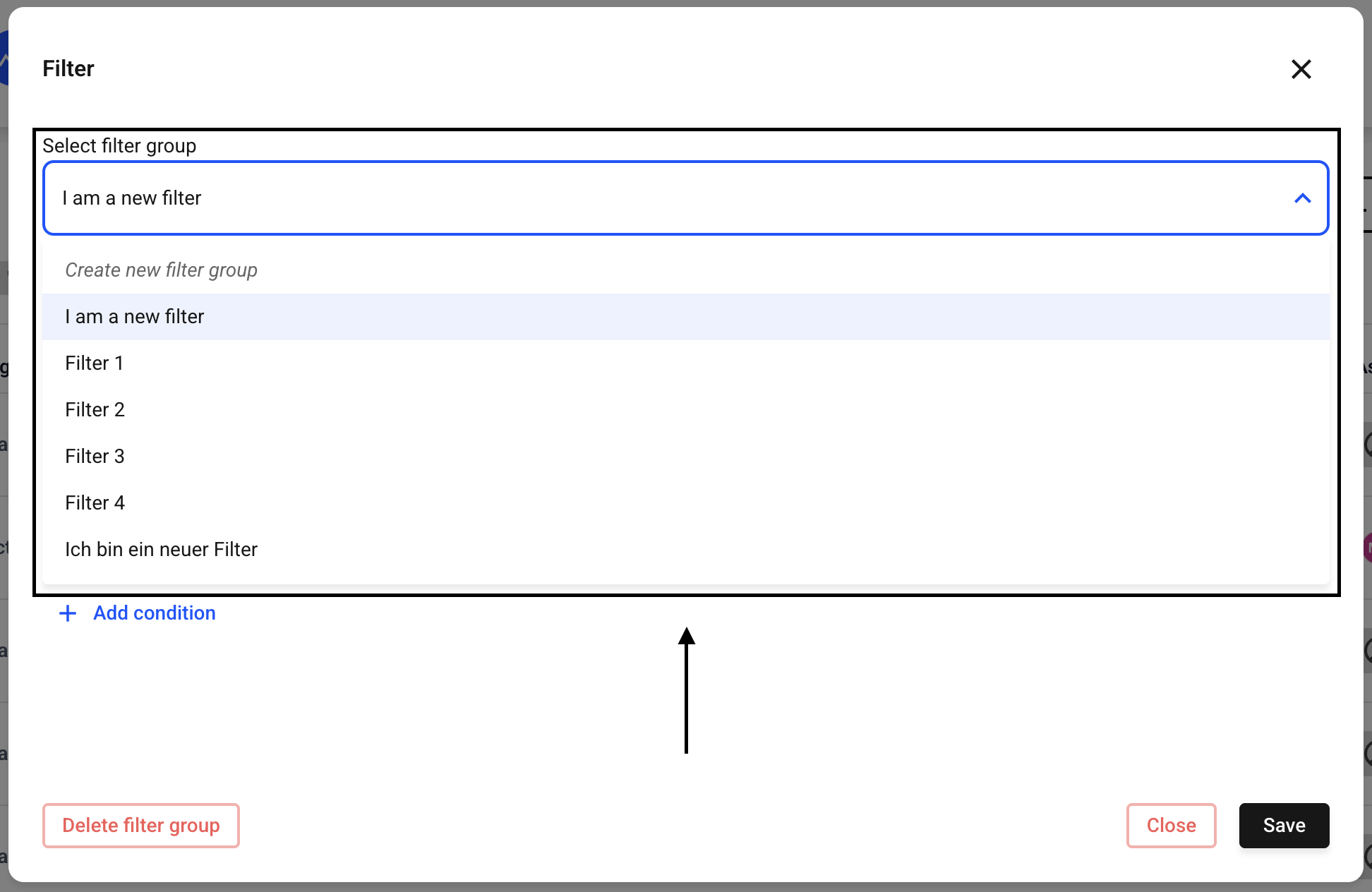
Now select the filter group for which you want to change the name. To do this, click on the drop-down menu under Select filter group.
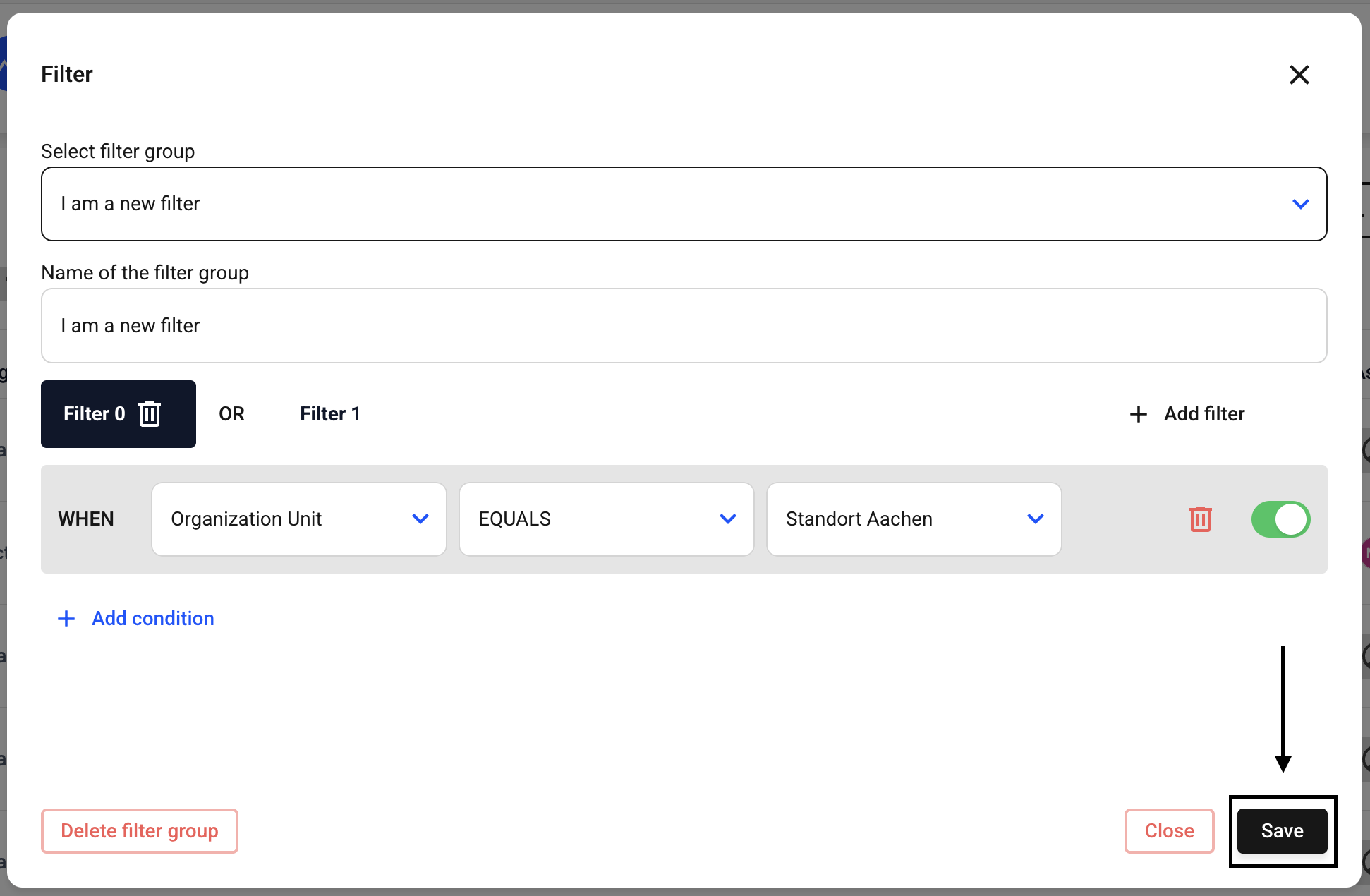
You can customize the name of the filter by editing the name of the filter group.
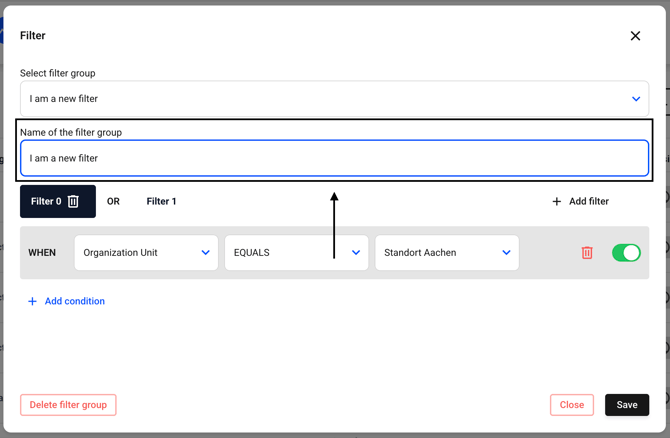
Confirm the changes by clicking Save.